Pause Ads. Power the Pause.
Turn pauses into revenue with interactive ads across CTV, mobile, and web.

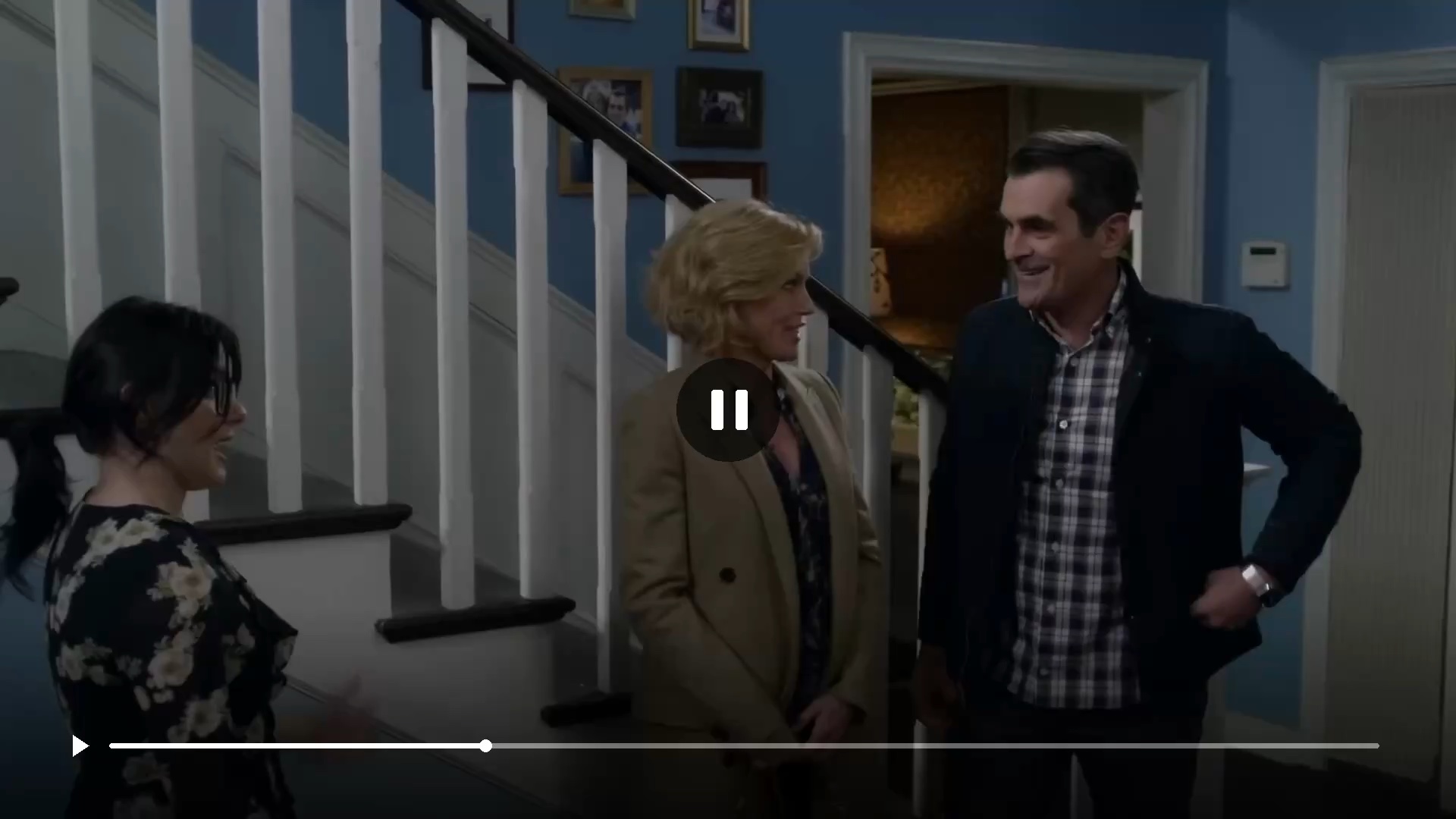
.svg)
Dynamic Content
Real-time data and messaging seamlessly integrated into ad content
.svg)
Full Interactivity
Engaging polls, leaderboards, and interactive elements
.svg)
High-Res Graphics
High-resolution imagery with clear branding, subtle motion, and readable calls to action
Pause ads create an advertising opportunity when viewers choose to pause, without adding a commercial break. Industry research reports the lifts below. Findings come from separate third-party pause-ad studies, not StreamLayer campaigns; results vary by campaign.
+33%
Brand engagement vs. video ads alone
+34%
Unaided ad recall vs. traditional addressable advertising
+43%
Ad memorability vs. standard ads
Three distinct styles to make an impression.
.webp)
.svg)
Full screen
Give your brand the screen, with a clear offer and an easy next step.
.svg)
Overlay
Place your creative over part of the paused scene.
.webp)
.webp)
.svg)
Side bar
Present your ad beside the resized, paused program.
.svg)
Simple or sophisticated.
Your choice.


Your brand. Center stage.
- High-impact visual with full creative control
- Logo placement for instant brand recognition
- Interactive buttons for a clear next step
- Delivered through the StreamLayer SDK

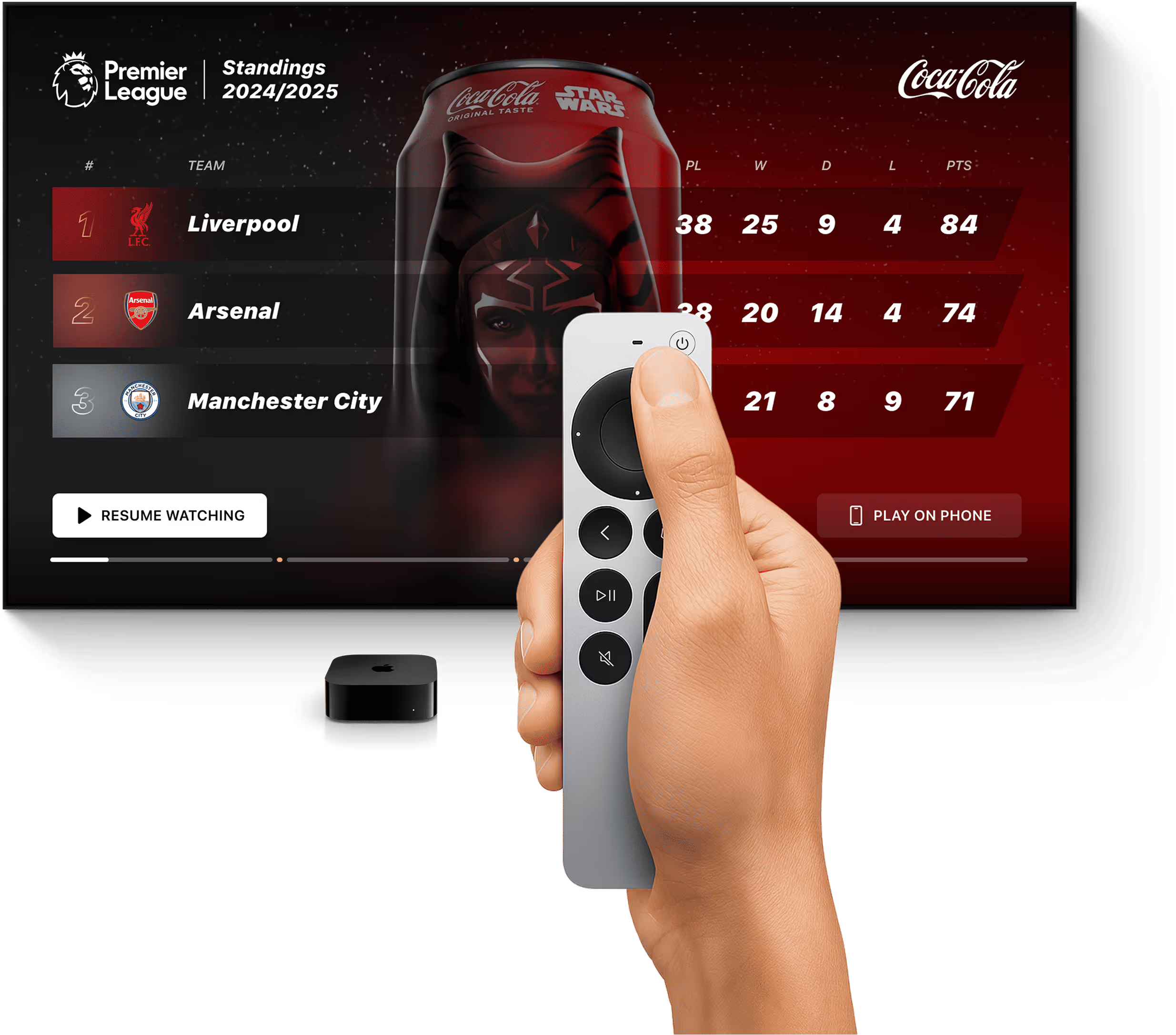
Data-enabled. Synced to the moment.
Live stats.
Synced to the pause.
- Score and game state.
- Stats leaders.
- League standings
.webp)
Program-related trivia to keep viewers engaged.
- One-selection gameplay.
- Smart, contextual content.
- Quick load times and an endless variety.
.webp)
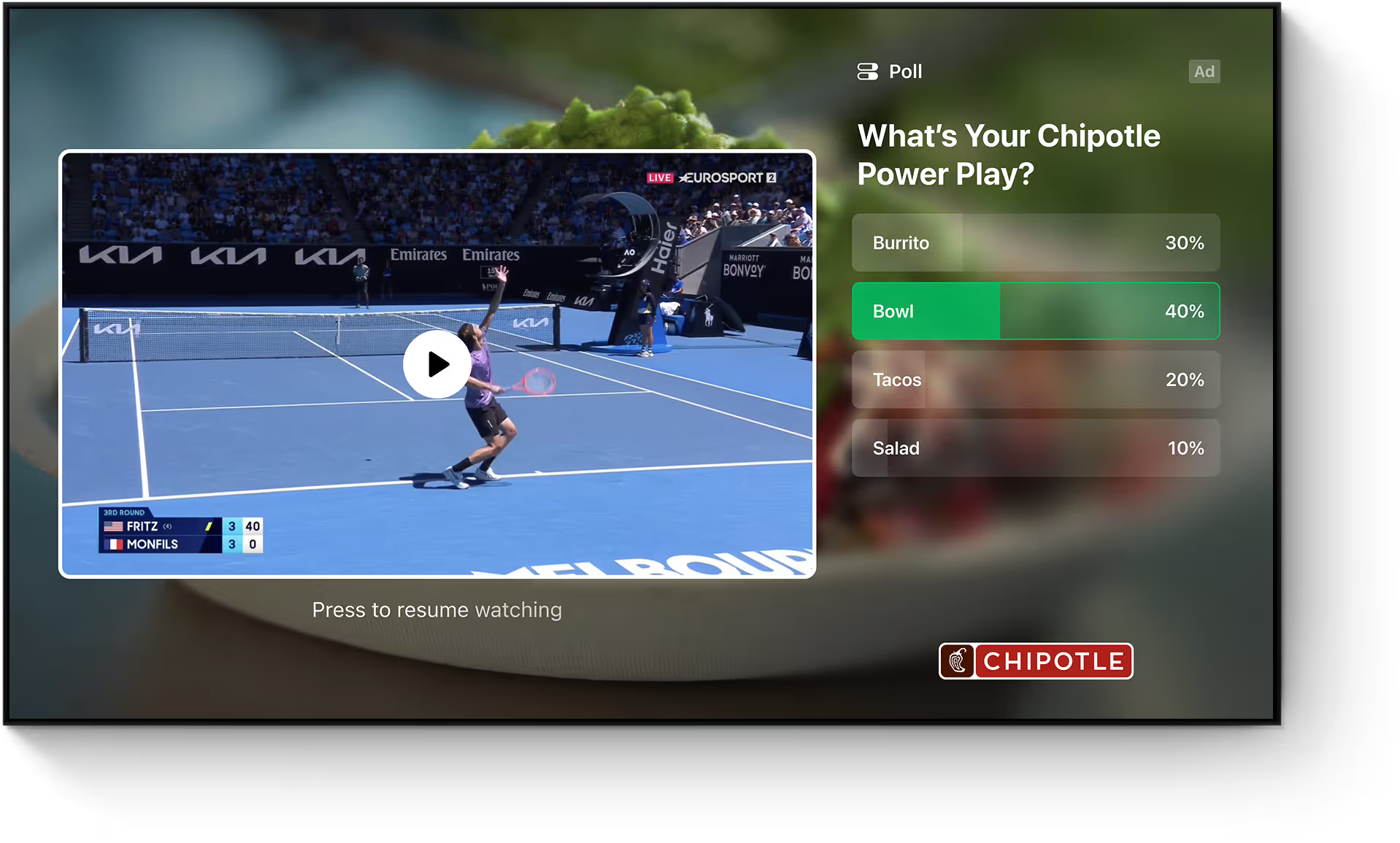
Ask the audience. Share the sentiment.
- One-tap interaction for instant engagement
- Live results displayed in real-time
- Questions tailored to the moment.
.webp)
From pause to purchase.
- Buy without breaking the experience.
- Can sync to real-time inventory.
- Interactive shopping flows and optional QR codes.
.webp)
Pause Ad+ Lineup:
Elevated with
Moment Intelligence
.webp)
.webp)
.webp)
.webp)
.webp)
.webp)
.webp)
.webp)
.webp)
.webp)
.webp)
Why use StreamLayer Pause Ads+?
Bring context and character to your creative, with publisher controls for when and how ads appear.
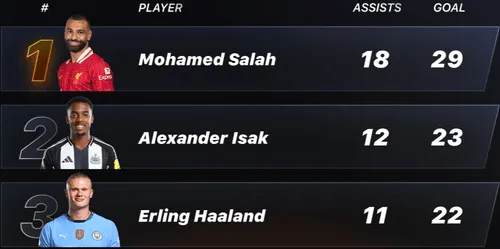
Game State Integration
Connect creative to the score, game period, key players, and league standings.
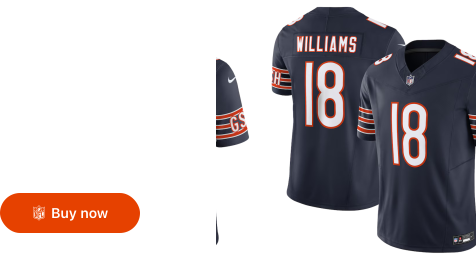
Give viewers a next step.
Let viewers shop or send a link to their email or phone with interactive buttons.
A little motion. More dimension.
Steam rising from coffee. Condensation rolling down a cold can. Subtle motion brings your creative to life.
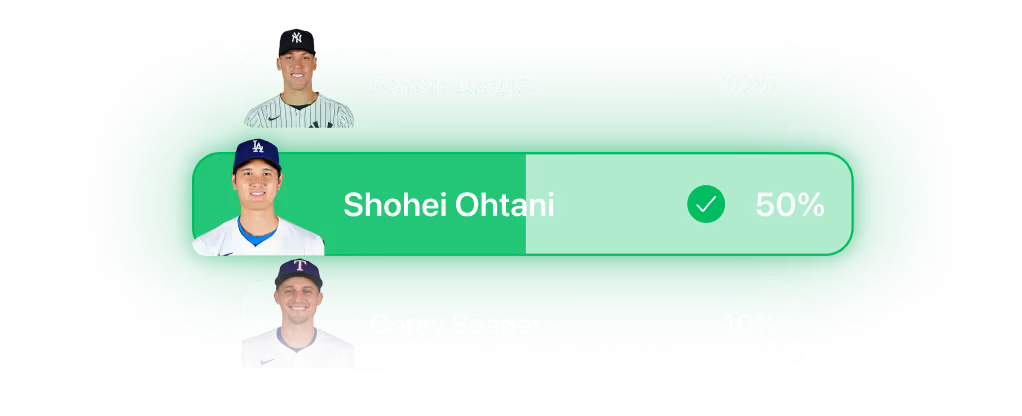
Invite a response.
Give viewers a way to participate through polls, forms, and interactive controls.
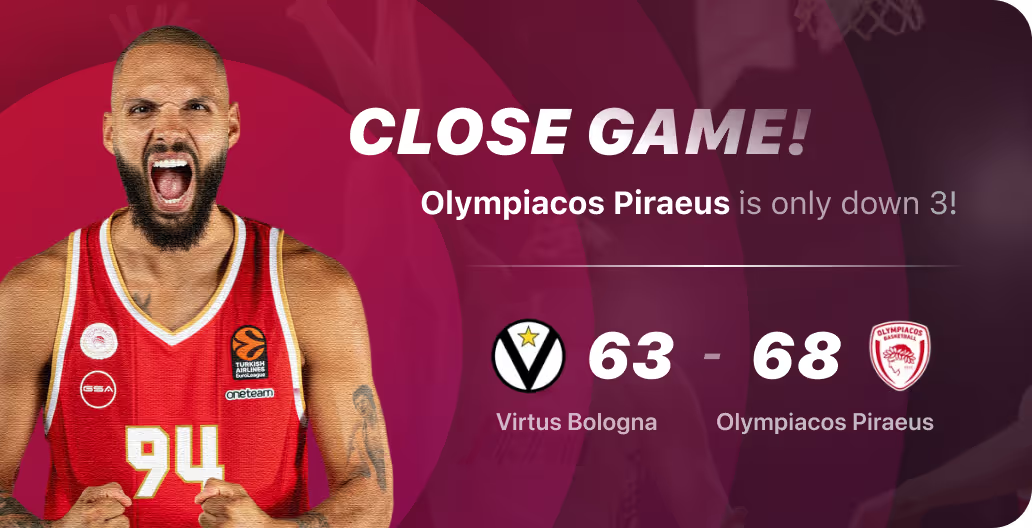
Keep creative relevant.
Update text and visuals as the game and player performance change.
Publisher-controlled timing
Set eligibility and delay. Clear the ad when playback resumes.
For every major platform.
.svg)
.svg)

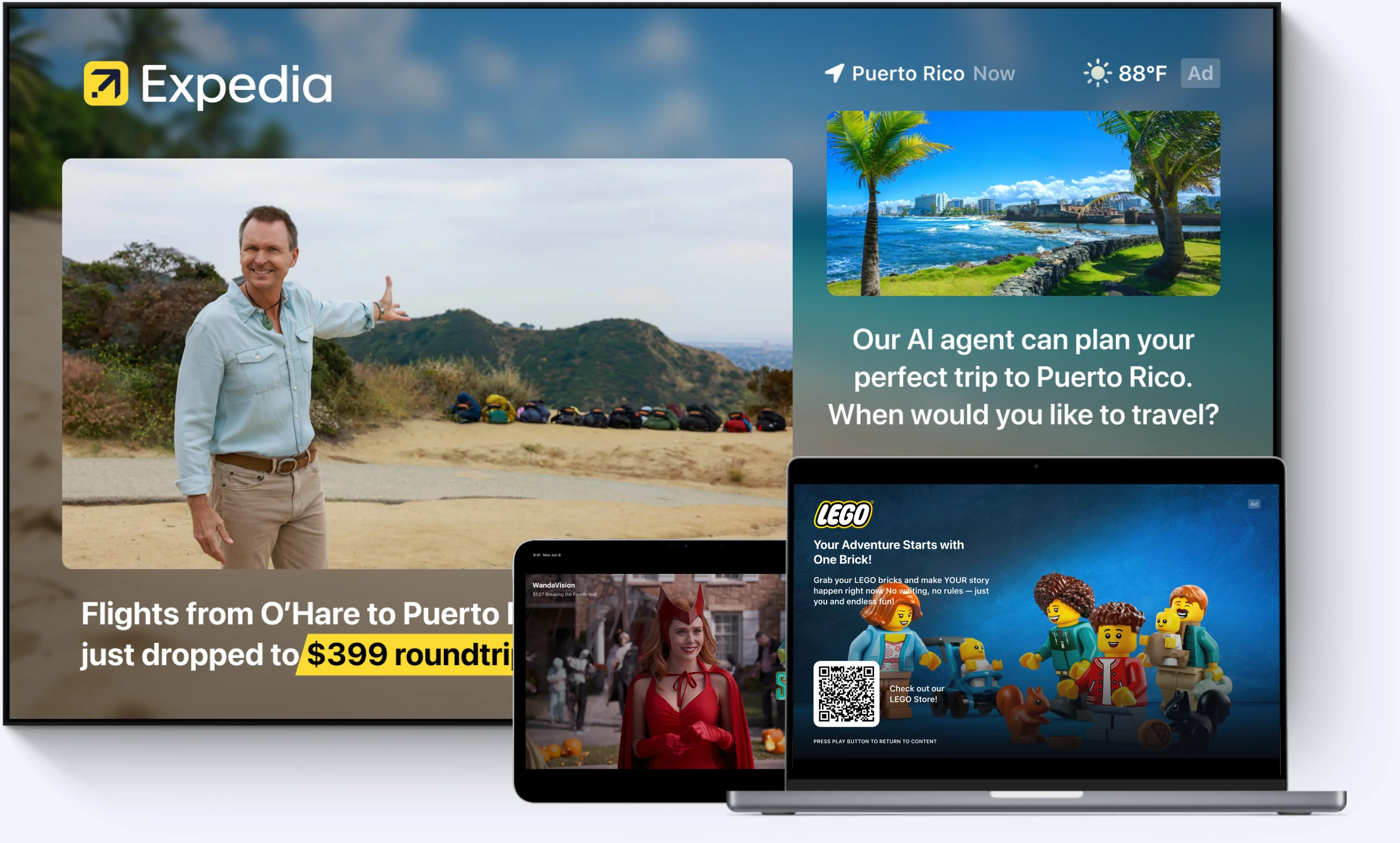















How pause ads work
The viewer pauses. StreamLayer presents an interactive ad after a publisher-defined delay of 1 to 5 seconds. Still imagery or subtle, silent motion showcases the creative. The ad closes when playback resumes. StreamLayer can enhance each ad with content related to the underlying program, including dynamic titles, contextual polls and trivia, and live stats during sporting events.
%20(1)%20(1).webp)
Choose the experience.
Match the creative and interaction to your advertiser’s objective, content, and supported devices.
Measure delivered impressions and viewer interactions separately to see how each experience performs.
Ready for your ad stack.
.svg)
Programmatic
Connect eligible pause inventory to your configured supply partners. The SSP and DSP handle the auction; the StreamLayer SDK renders supported creative in the app.
.svg)
Private marketplaces
Package pause inventory for selected buyers through agreed deals. Confirm creative requirements, eligible devices, and the supported supply path before launch.
.svg)
Direct sold
Create sponsor pause experiences with configured creative, targeting, and delivery. Agree on eligible inventory and measurement with the advertiser.
Experience it yourself
See StreamLayer Pause Ads across CTV, mobile, and web. Review the layouts, actions, and integration requirements for your target devices.
Built for your streaming app.
StreamLayer Pause Ads combine server-side orchestration with a client SDK. Your app supplies pause and resume signals, controls the placement, and closes the ad when playback resumes.
Keep your existing stack.
StreamLayer SGAI works alongside your video delivery and monetization systems. The SDK renders the pause experience without stitching an ad into the video stream. Confirm supported devices, creative, and delivery paths for your integration.
Explore the integration →Control the experience.
Define eligible pauses, timing, frequency, and placement behavior. Plan for no fill, late creative, resume, and app backgrounding. Side Bar layouts may require your app to manage the video’s size and position.
Read the implementation checklist →Plan your pause ad program.
What are pause ads?
A practical guide to the format, viewer experience, and publisher setup.
Read the guide →Examples and creative specs
Compare layouts, plan interactive actions, and prepare creative for CTV.
Explore creative →Programmatic pause ads
Understand publisher integration, buying paths, and partner responsibilities.
See how delivery works →Measurement and revenue
Define pilot metrics, model revenue, and separate exposure from attention.
Build a measurement plan →Pause Ads FAQ
What are pause ads?
Pause ads appear while a viewer has paused a video. StreamLayer displays them after a publisher-defined delay and closes them when playback resumes. They can combine still images or silent motion with interactive actions.
How do pause ads differ from standard CTV ad breaks?
A conventional ad break replaces the program with video advertising. A pause ad appears after a viewer chooses to pause. Being on screen does not establish that the viewer is watching, so attention and engagement should be measured separately.
How should pause-ad performance be measured?
Measure eligible pauses, rendered impressions, exposure duration, interactions, and attributable conversions. Compare results with a defined baseline and report the device, audience, creative, and measurement method. Industry research is useful context, but it is not a guarantee of StreamLayer campaign results.
Which formats and platforms does StreamLayer support?
StreamLayer supports full-screen, sidebar and overlay pause ads across CTV, mobile and web. Available formats and interactive actions depend on the device and integration.
Are pause ads interactive?
Yes. StreamLayer Pause Ads can include interactive buttons, send-to-email and send-to-phone actions, QR codes, polls, trivia, contextual sports data, and shoppable experiences. The StreamLayer SDK renders these elements inside the app. Available actions depend on the device and integration.
How do StreamLayer pause ads work in my app?
Your app integrates the StreamLayer SDK and supplies pause and resume signals. The SDK displays the ad inside the app, alongside your existing ad-serving setup. Timing, creative and measurement are configured and tested for your target devices.
Can pause ads be bought programmatically?
Pause inventory can be offered through configured programmatic, private marketplace, or direct-sold workflows. Availability depends on the publisher, supply connection, eligible devices, and buyer setup. Confirm those requirements before planning a campaign.