Break free from traditional ad breaks.

Break free from
traditional ad breaks.
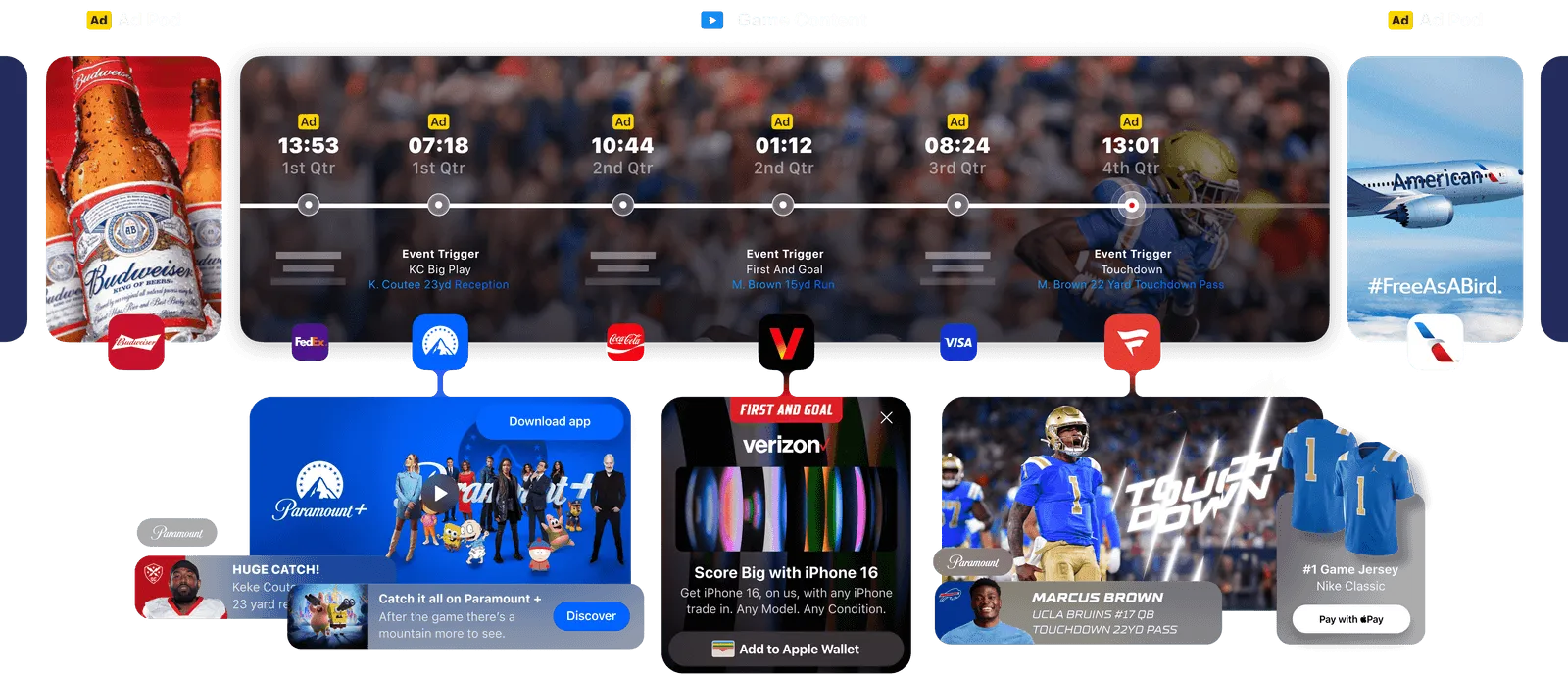
Interactive ads at the right moments. While the action continues.










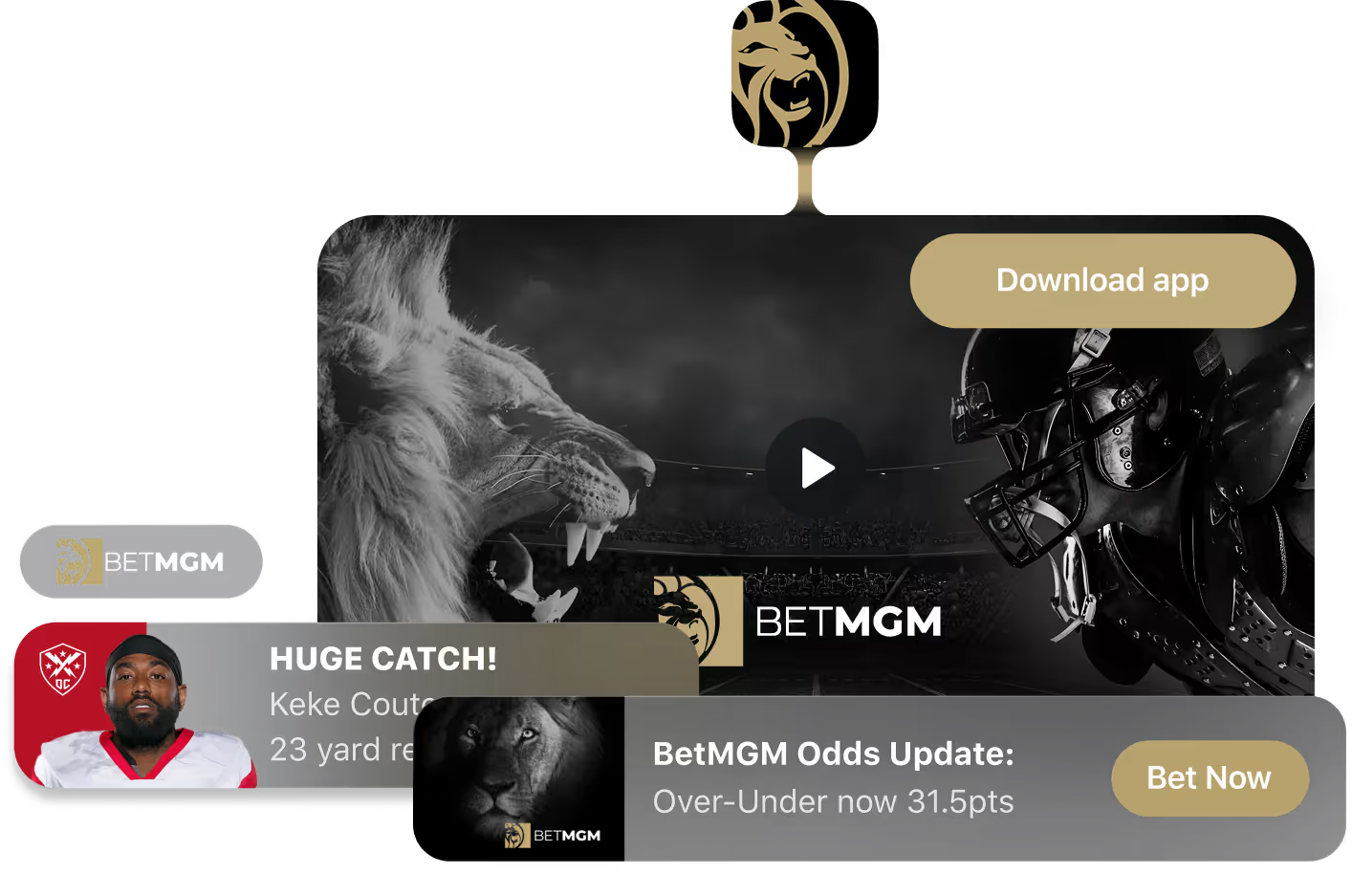

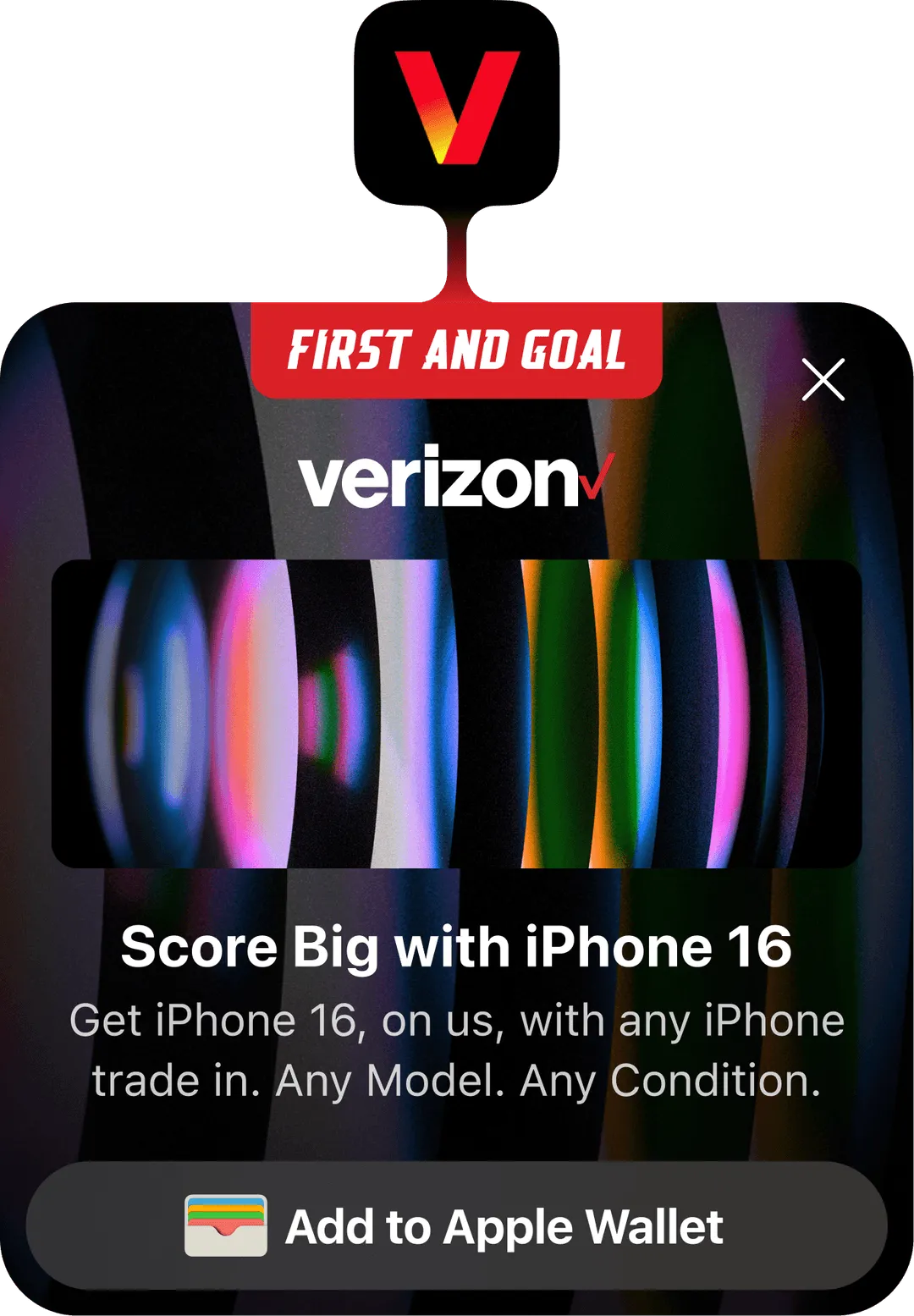

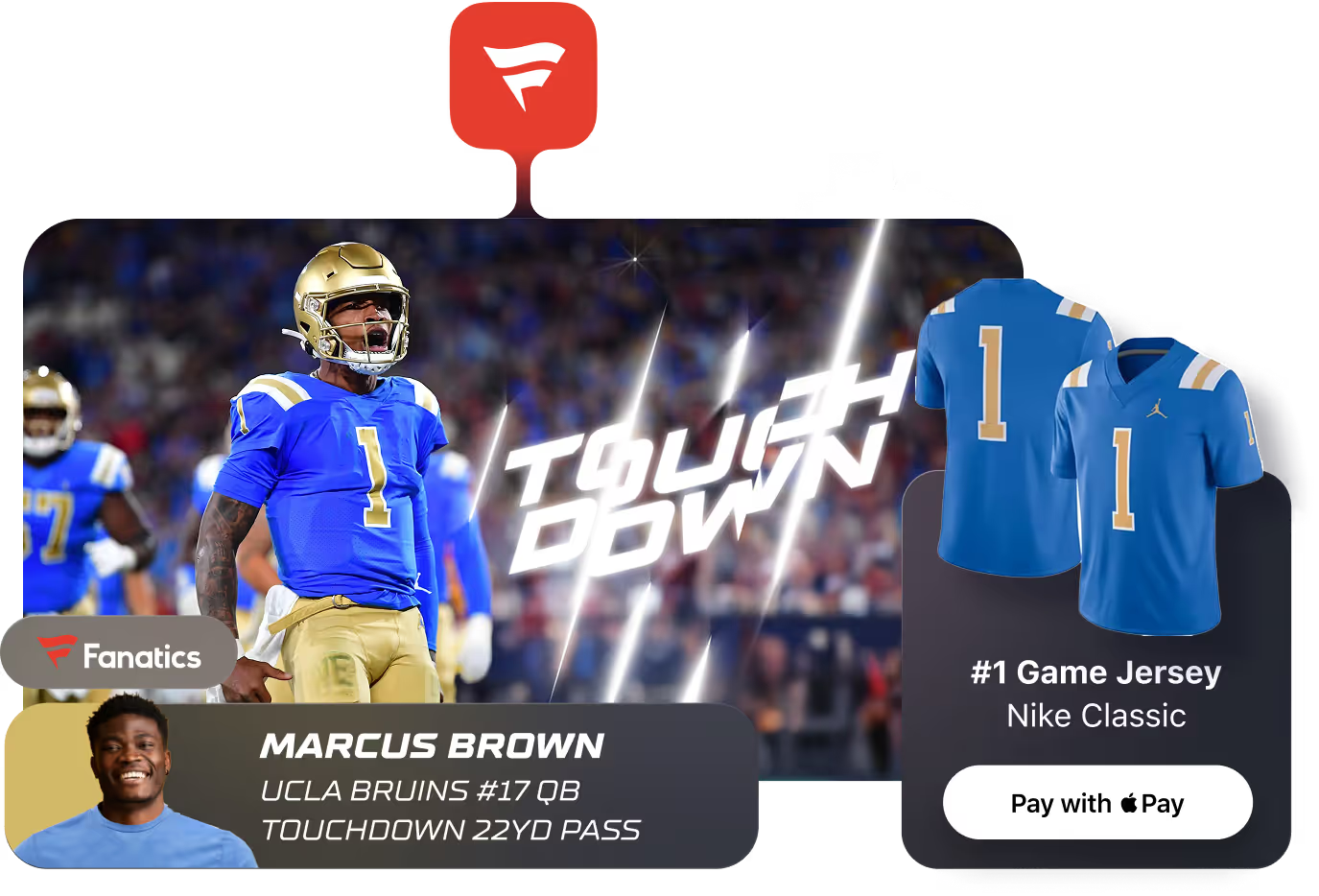
StreamLayer Ads transforms game action into moments you can monetize.

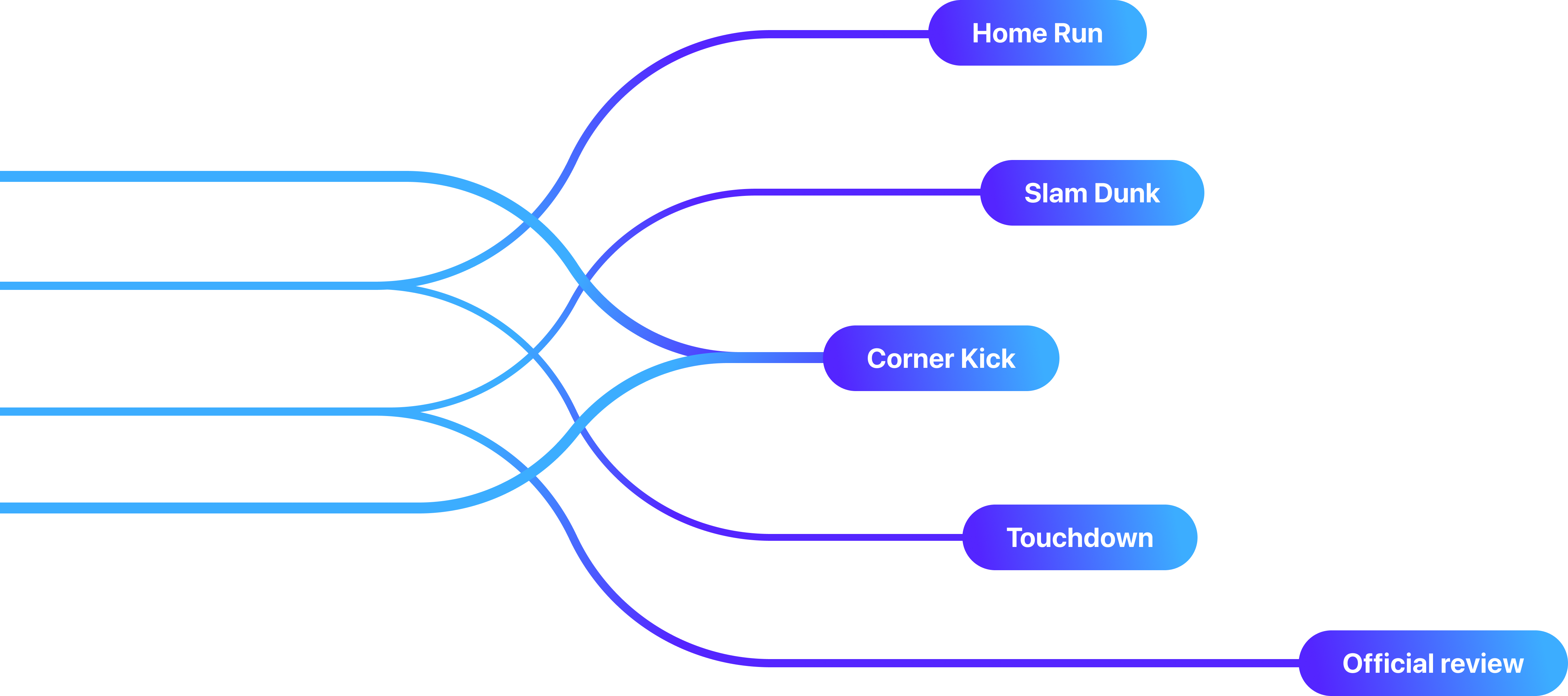
What are StreamLayer Moment Ads?
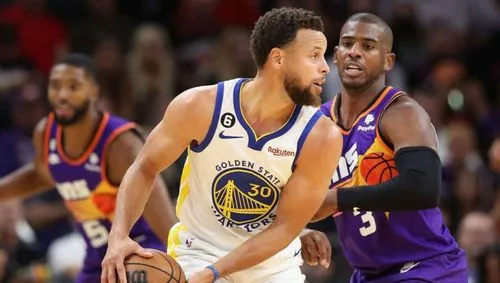
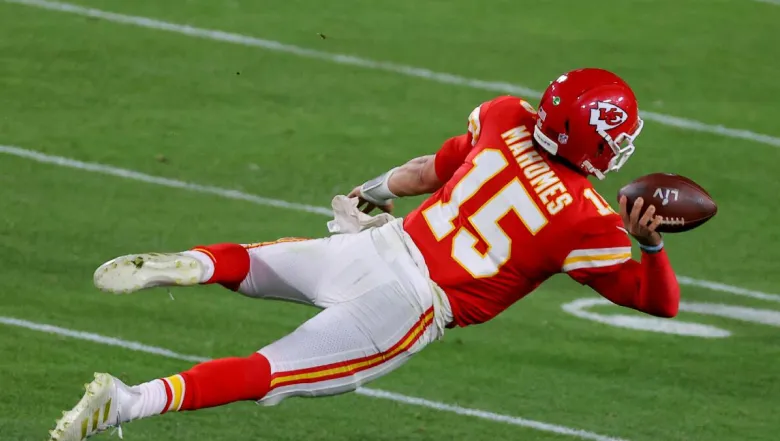
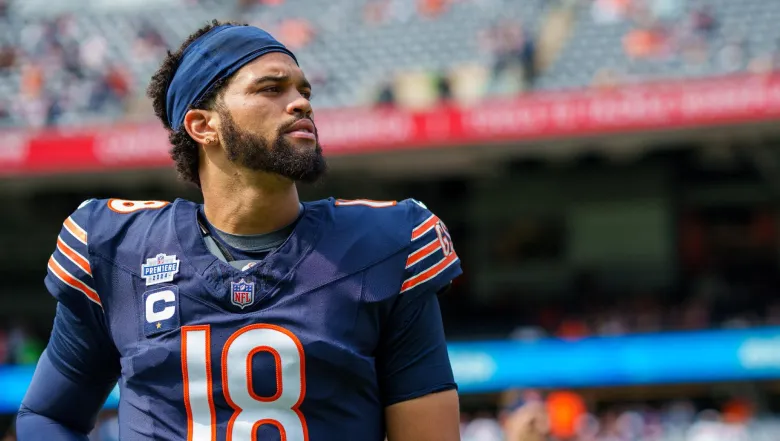
StreamLayer Moment Ads are interactive nonlinear ads, activated selectively at relevant moments in live and on-demand video while programming continues. The approach is also known as key moment advertising or moment-based advertising: ad delivery is tied to specific events in the content rather than to scheduled commercial breaks. In live sports, that can mean a big play, a milestone, or a lull in the action.
- Home Run
- Slam Dunk
- Corner Kick
- Touchdown
- Official review

Server-side orchestration guides interactive ads rendered by the StreamLayer SDK. Live data and publisher rules determine when ads appear, while the underlying video stream stays unchanged.
Messaging that
meets the moment.
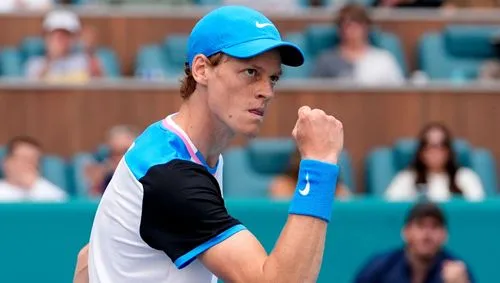
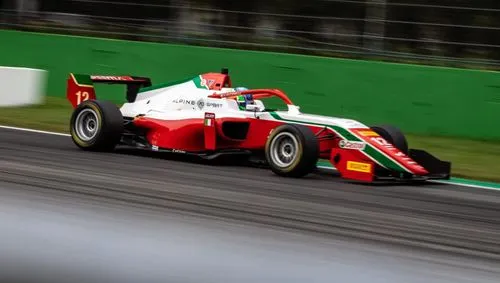
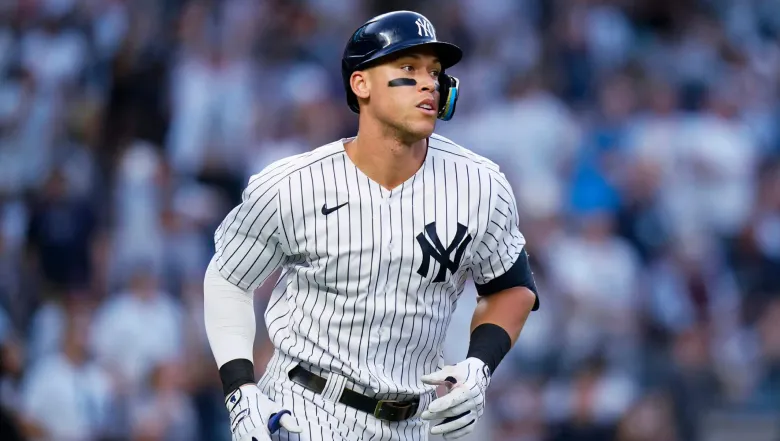
Celebrate a big play with a relevant offer. Bring a lull to life with trivia or a sponsored insight. Connect your brand to what viewers are watching, with messaging shaped by the moment.















.svg)


A format to fit the moment.
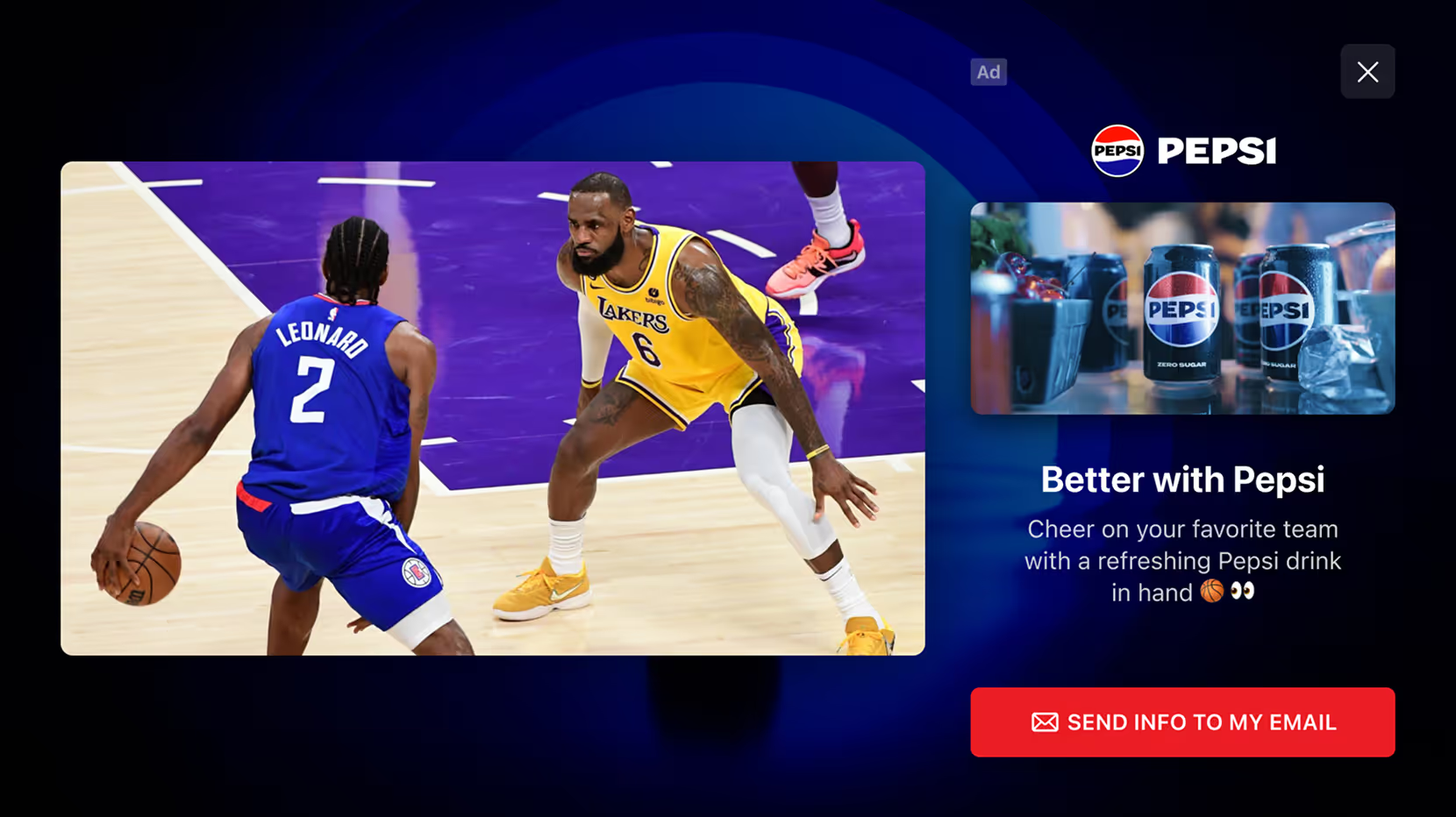
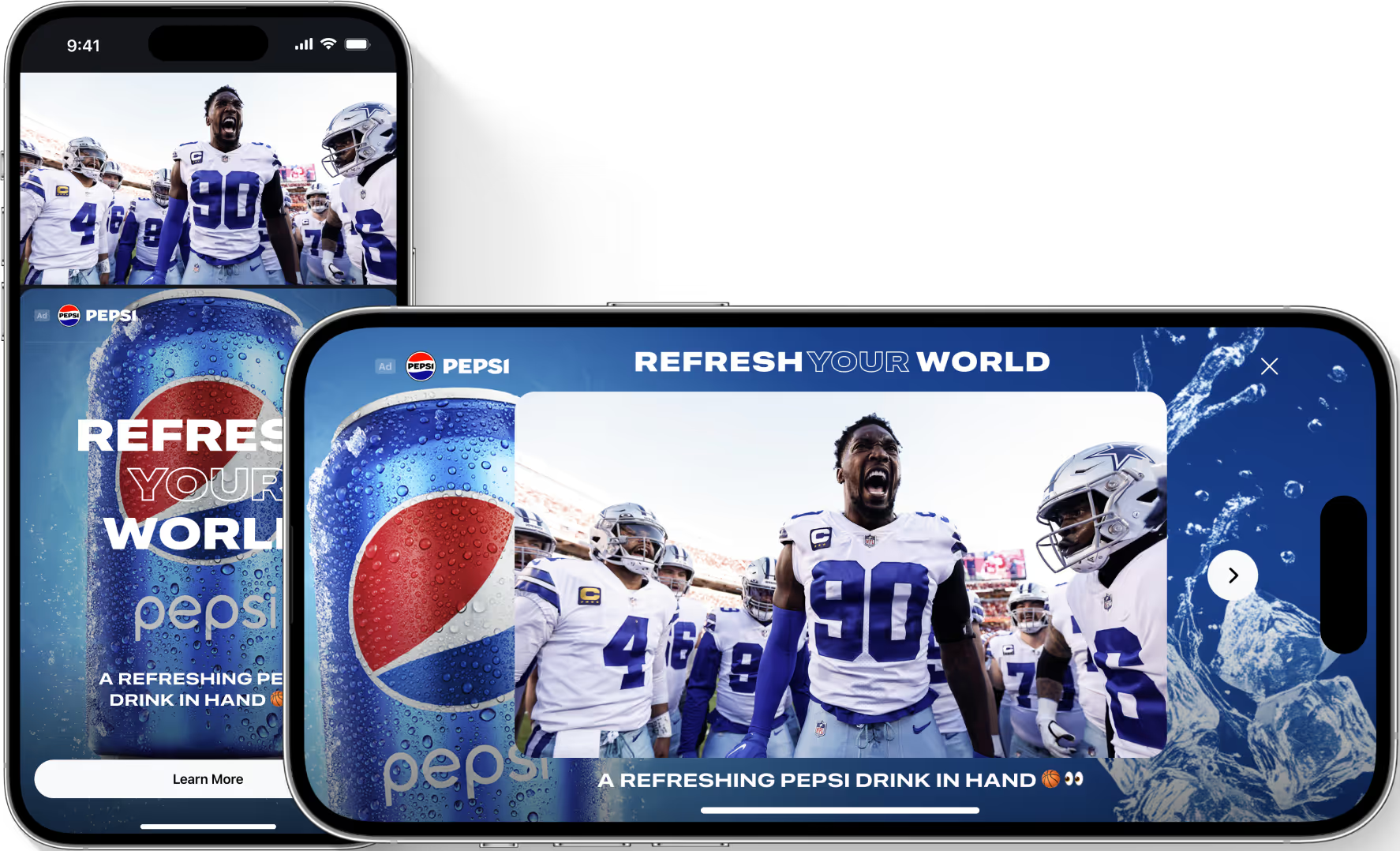
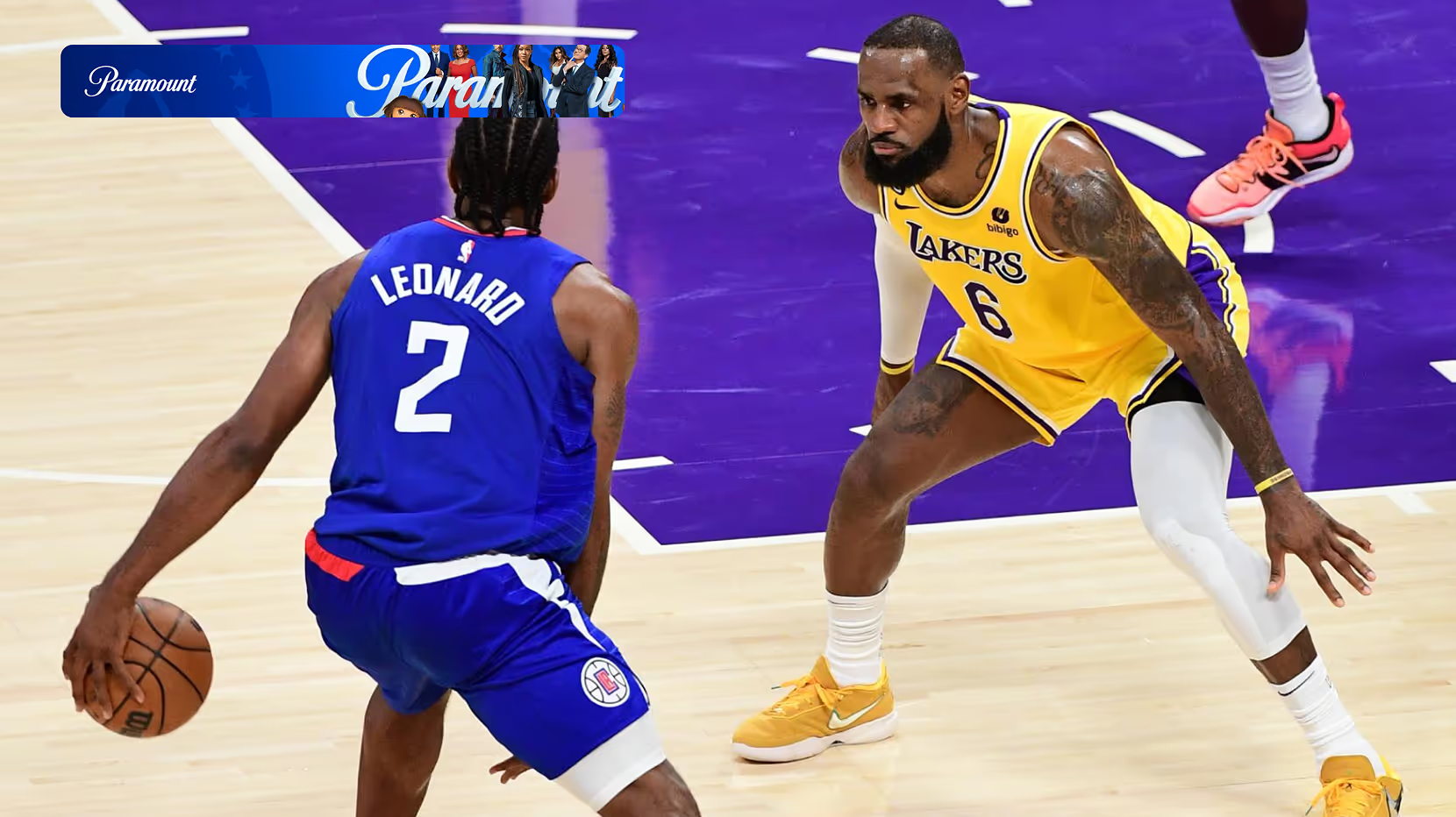
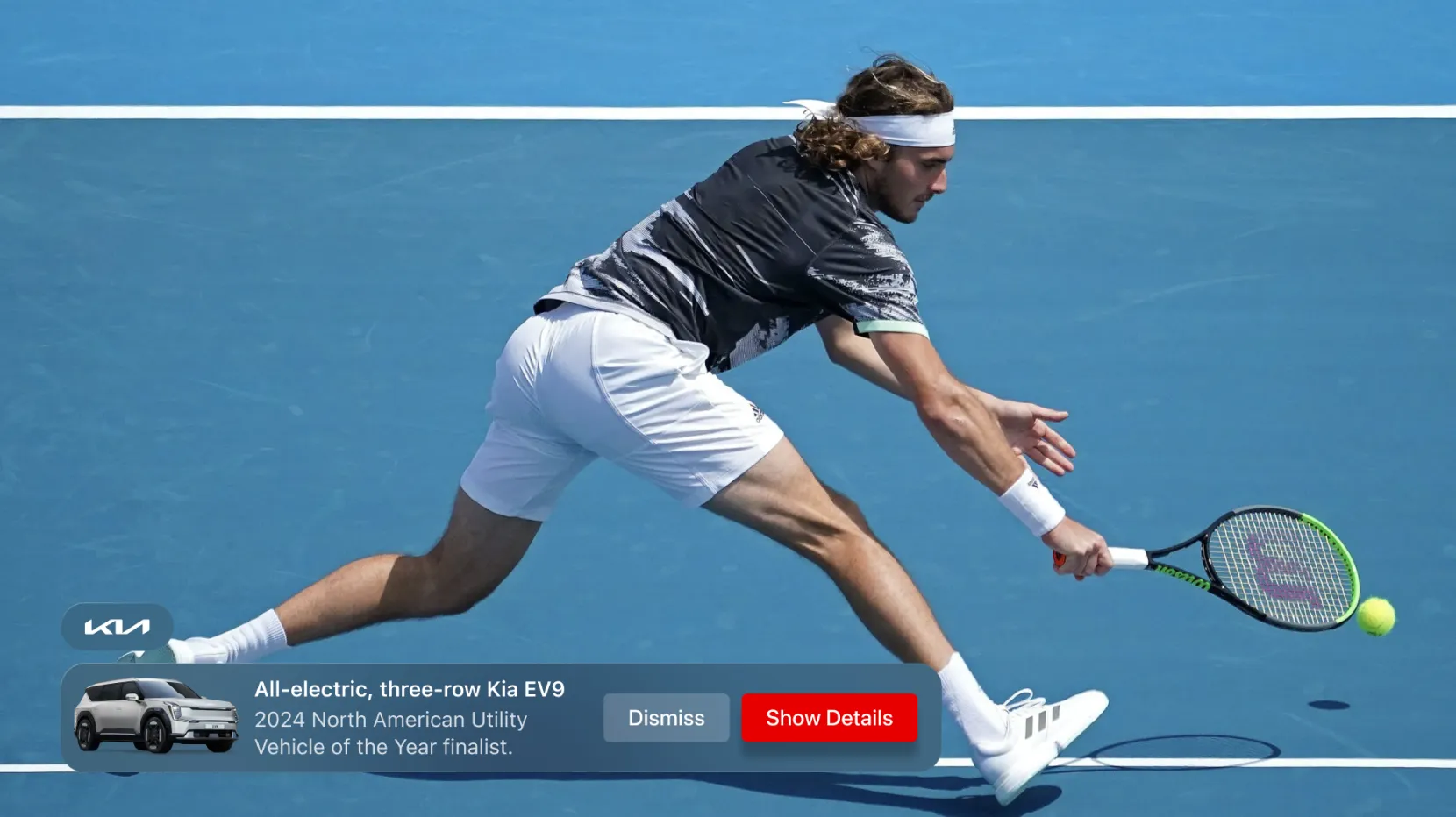
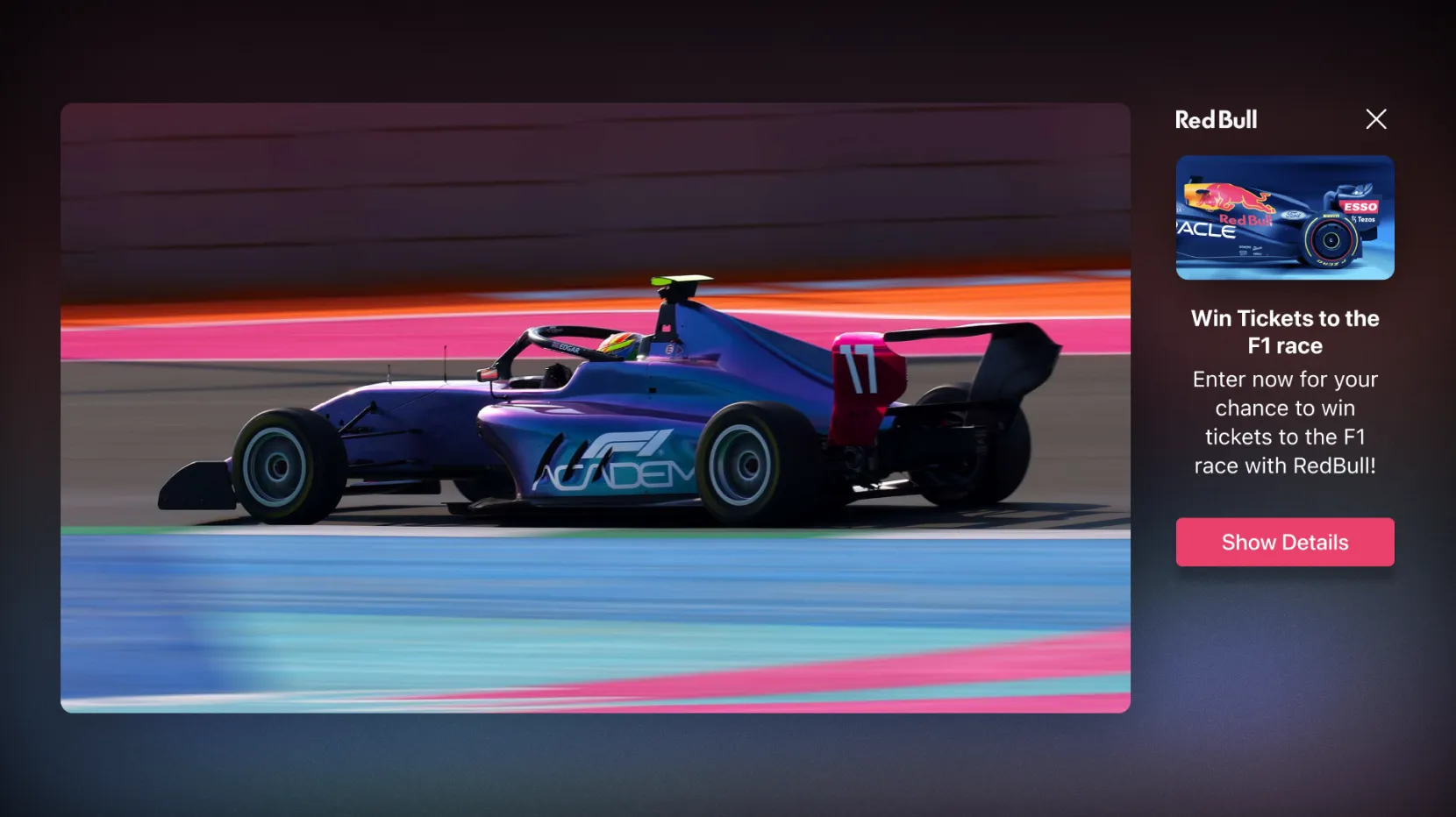
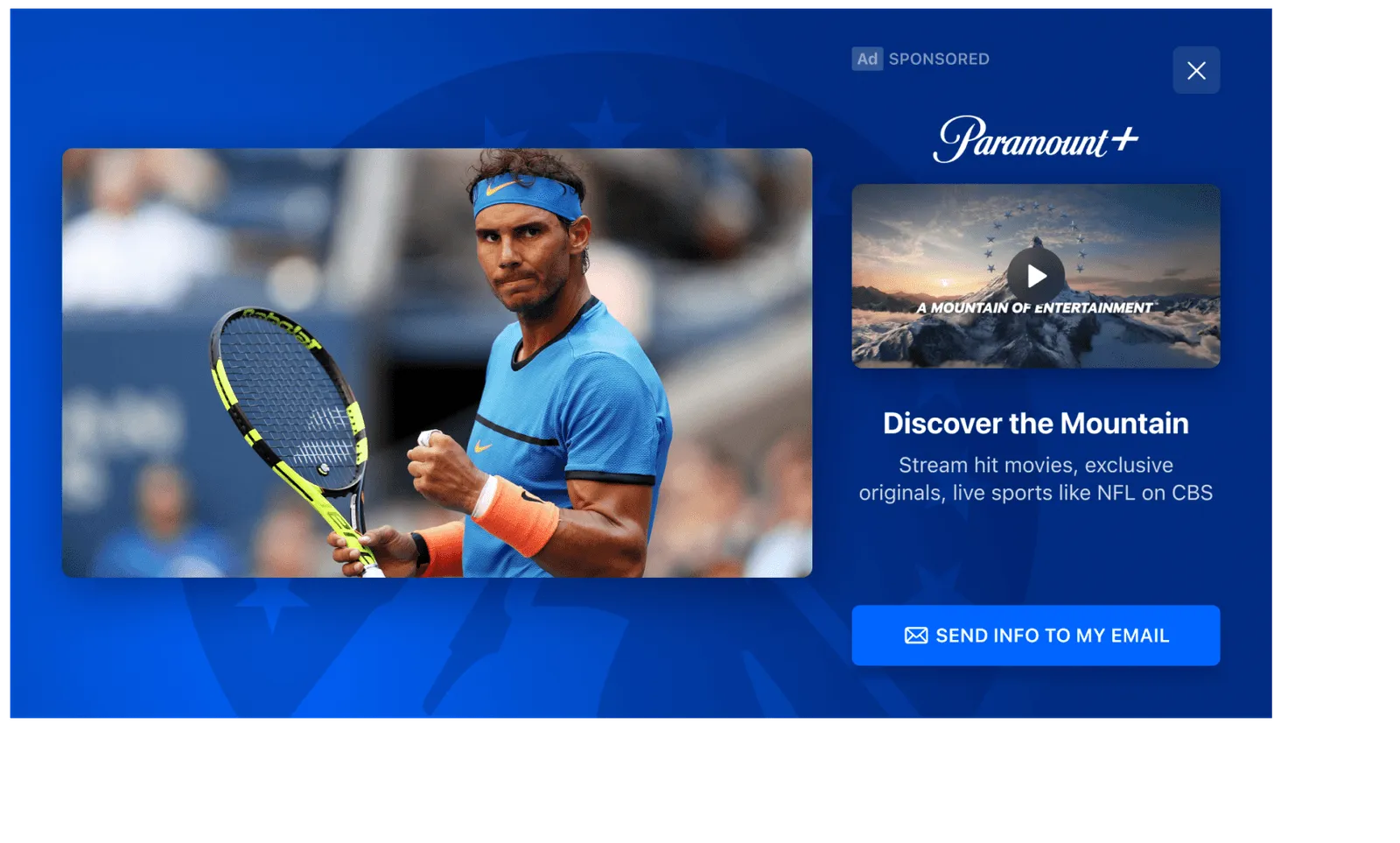
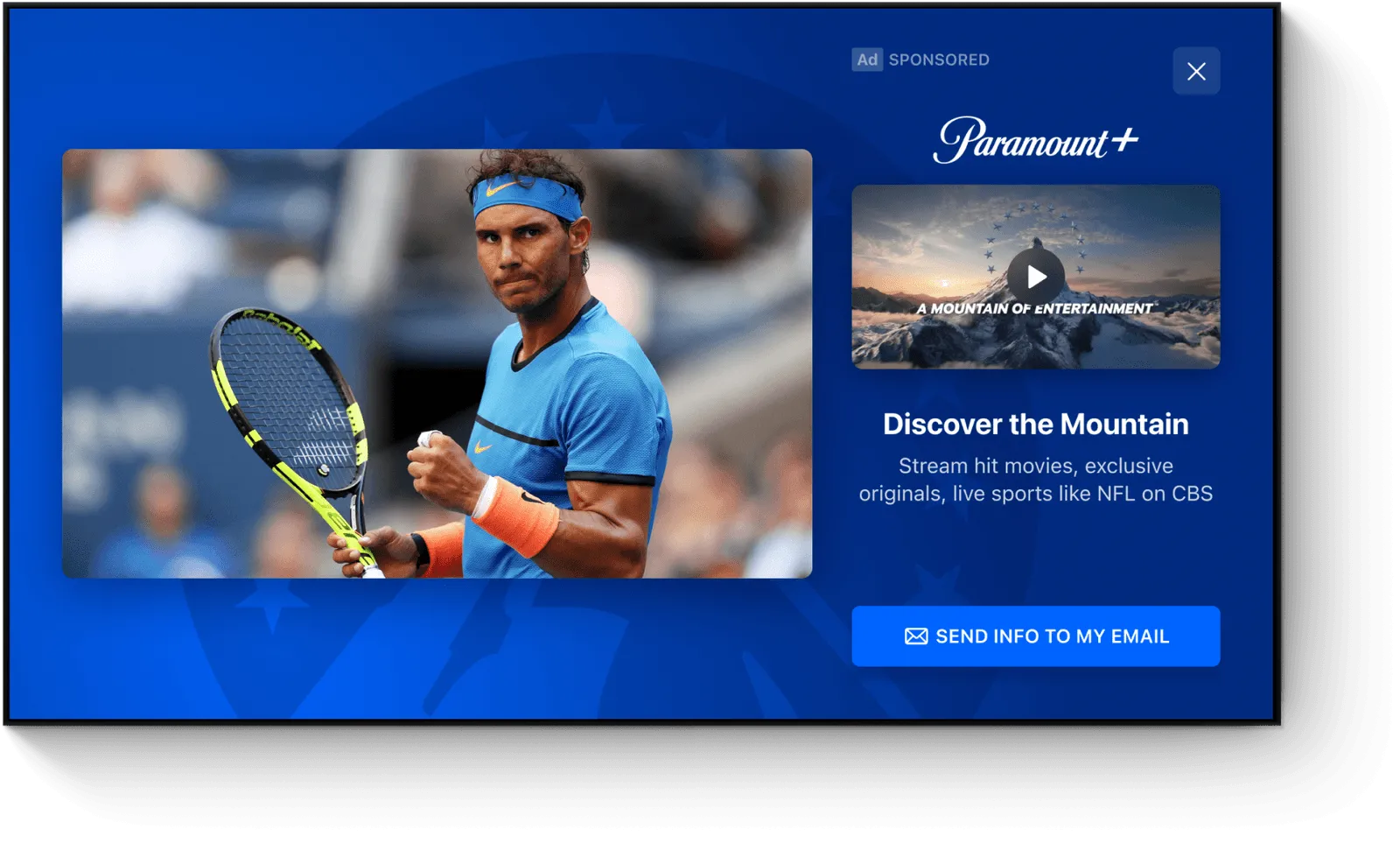
Choose how your brand appears alongside the action, from a lower third to an L-Bar or side-by-side video. Match the format to the content, the device, and the attention the moment calls for.
%20(1)%20(1).png)
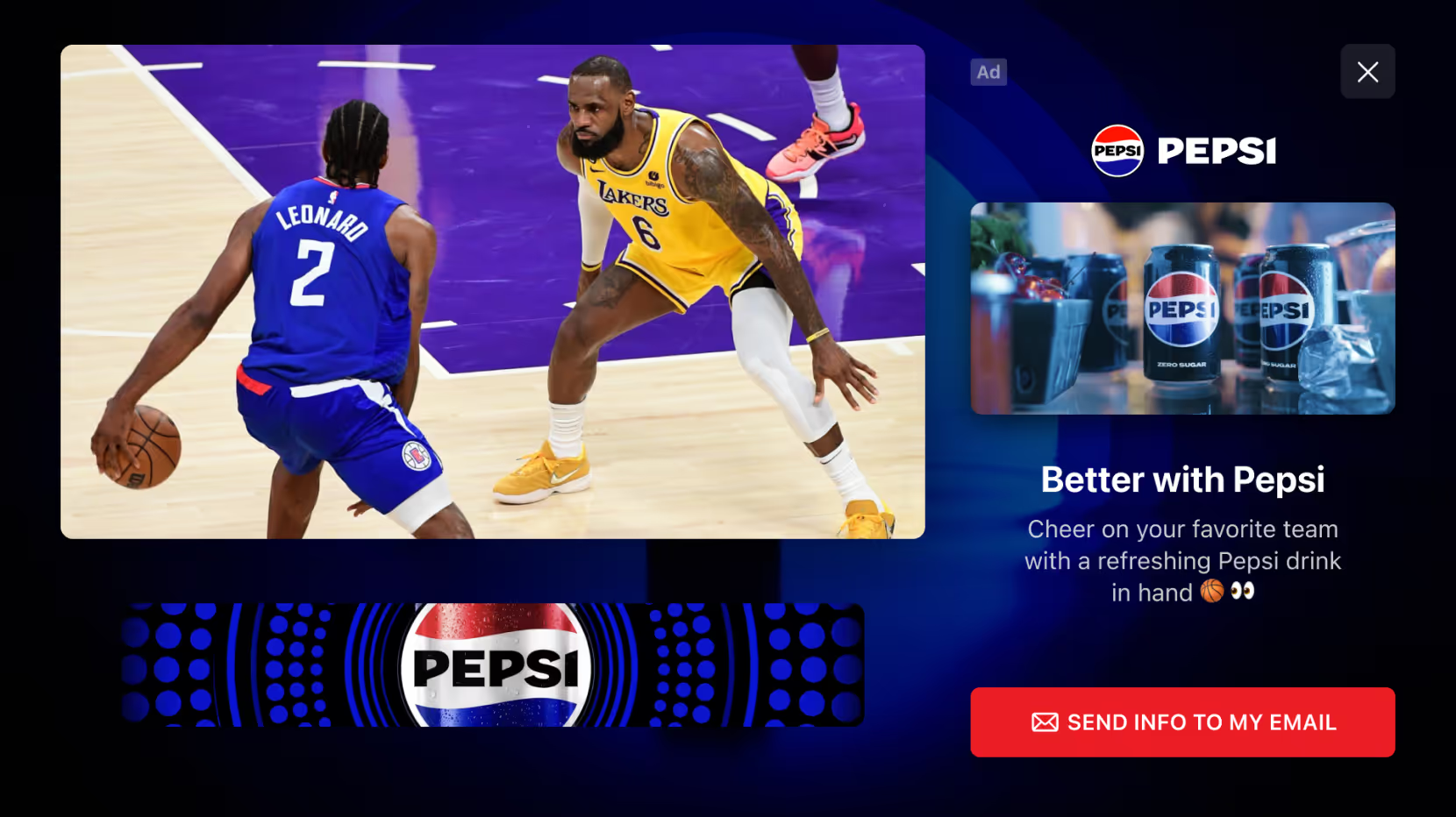
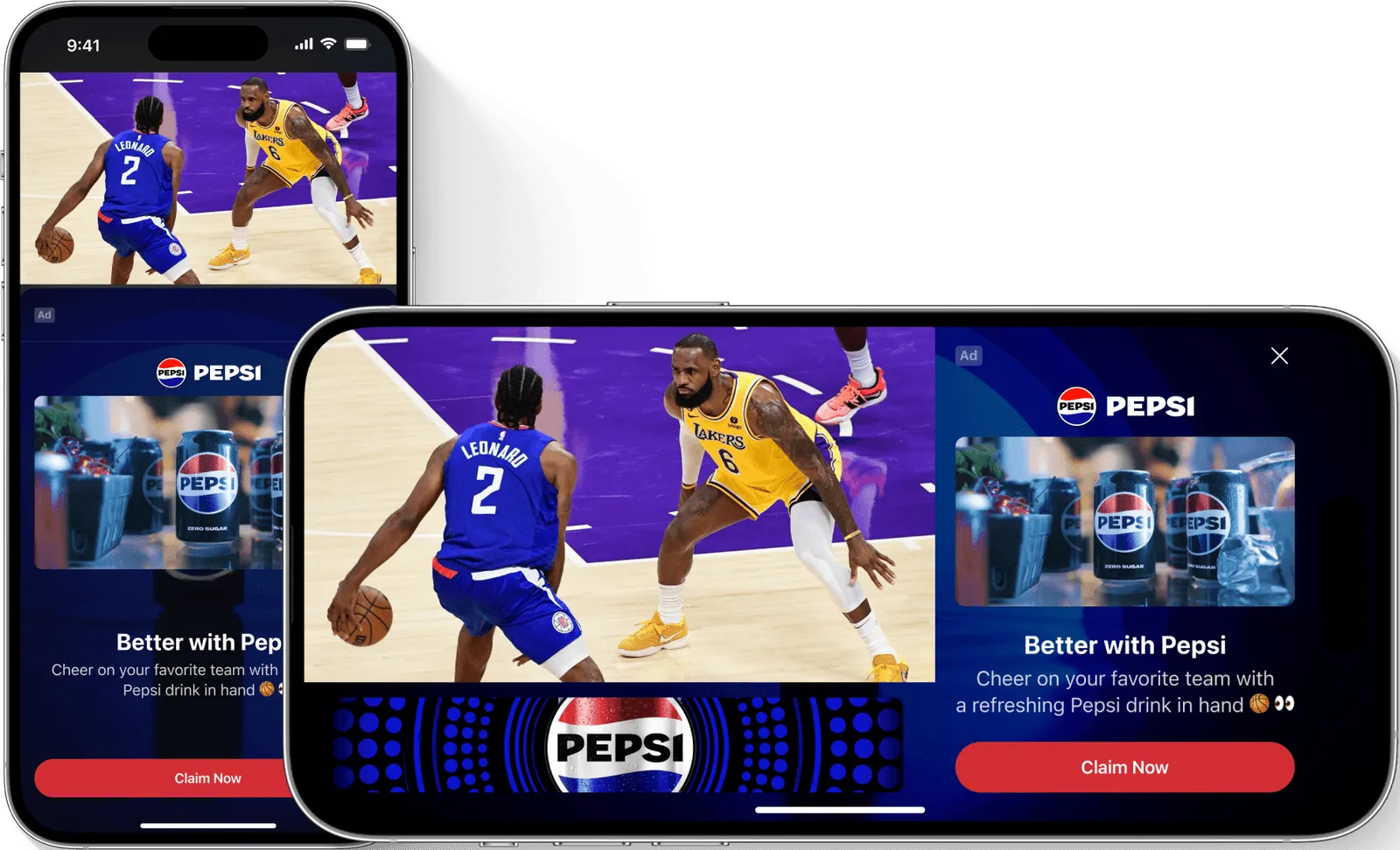
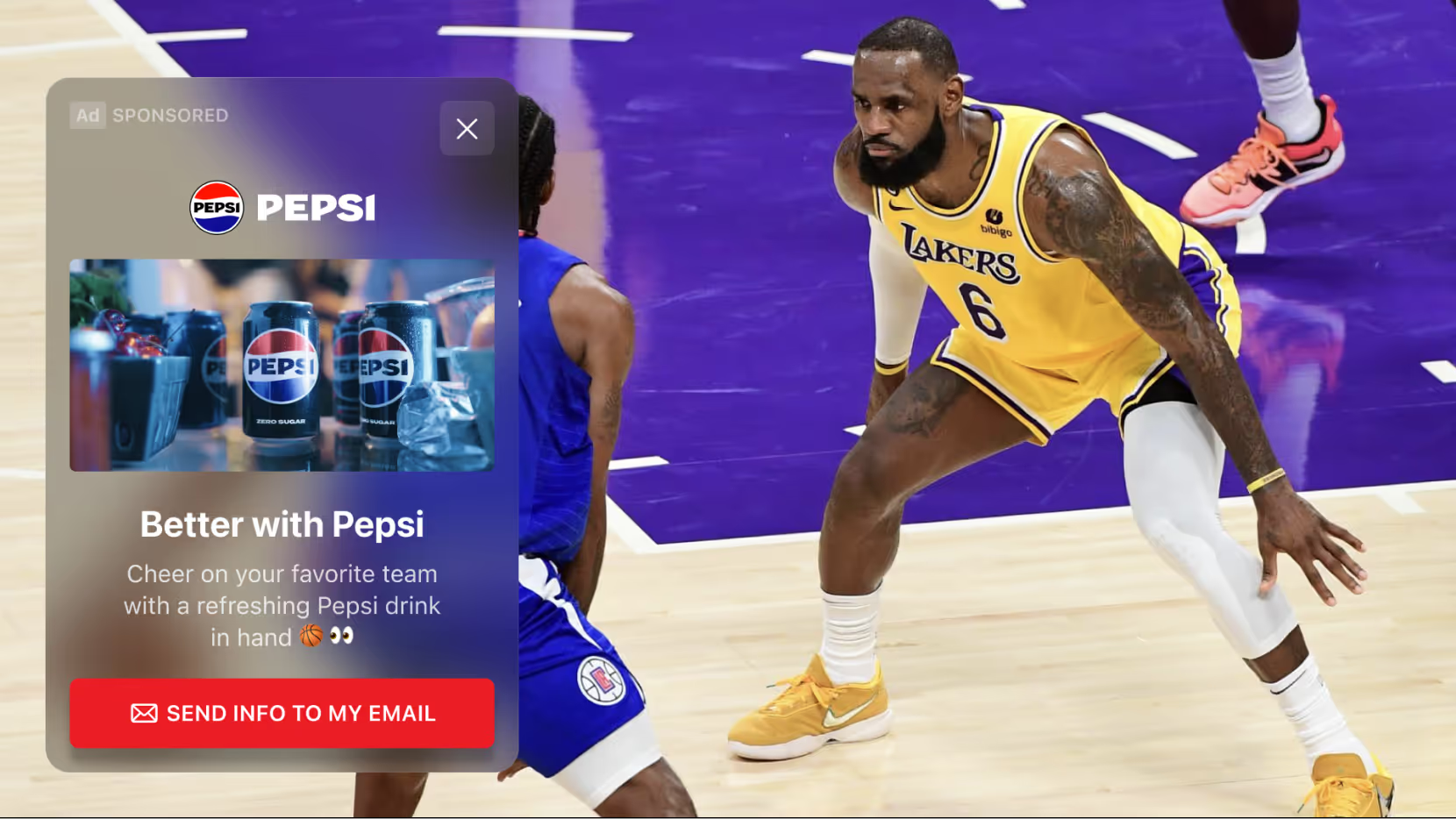
%20(1)%20(1).png)
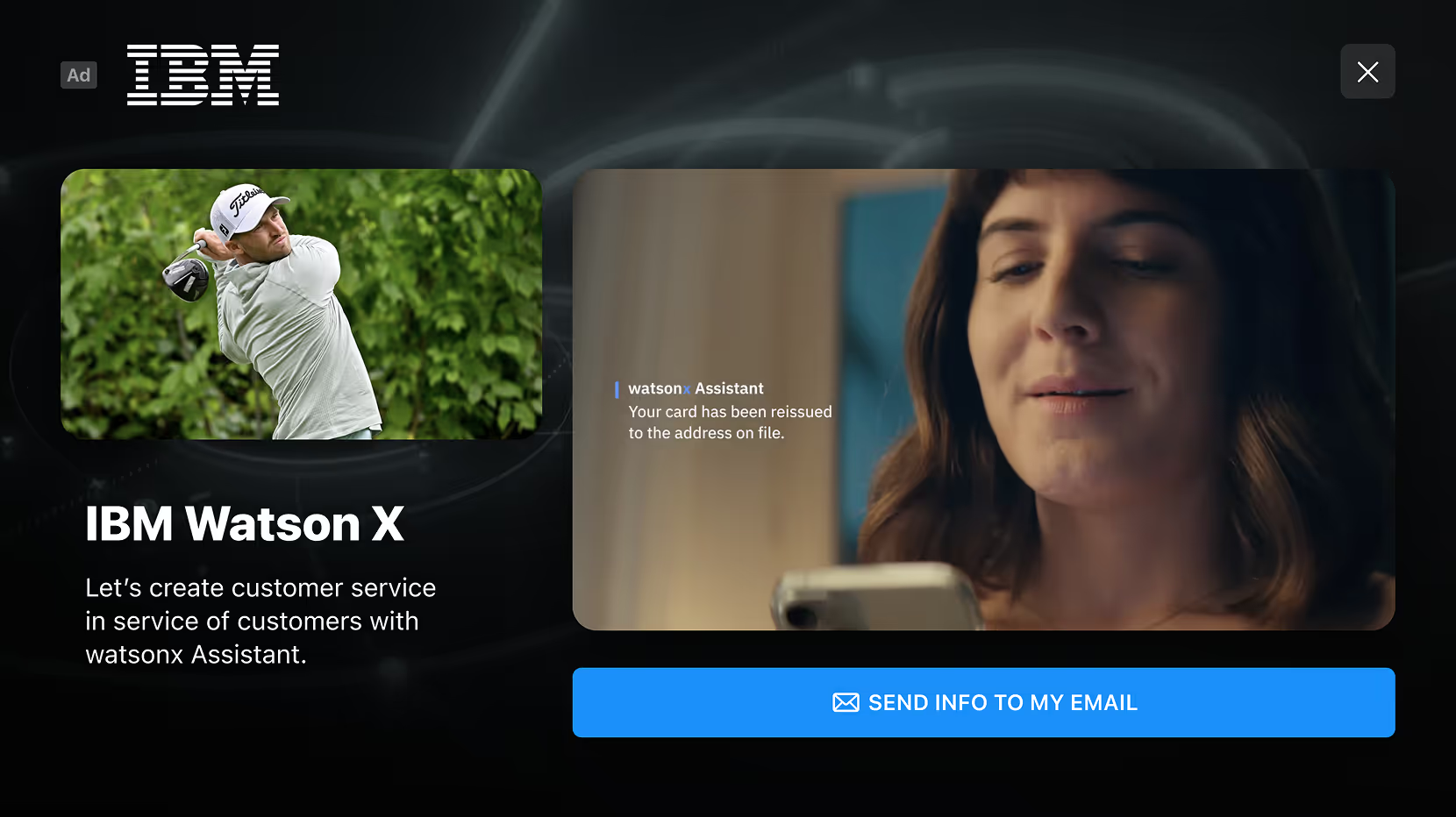
%20(1)%20(1)%20(1).png)
An invitation to interact.
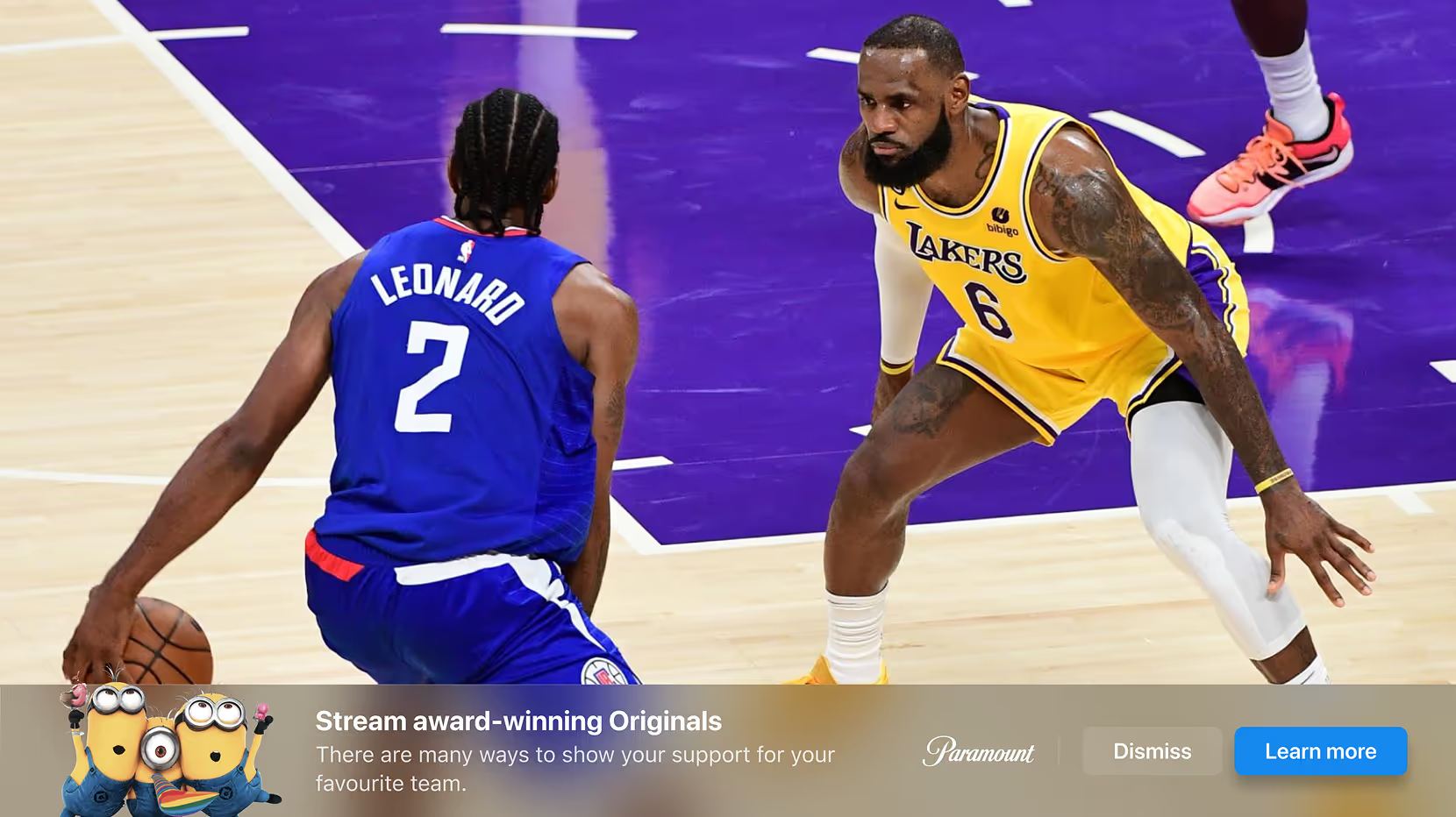
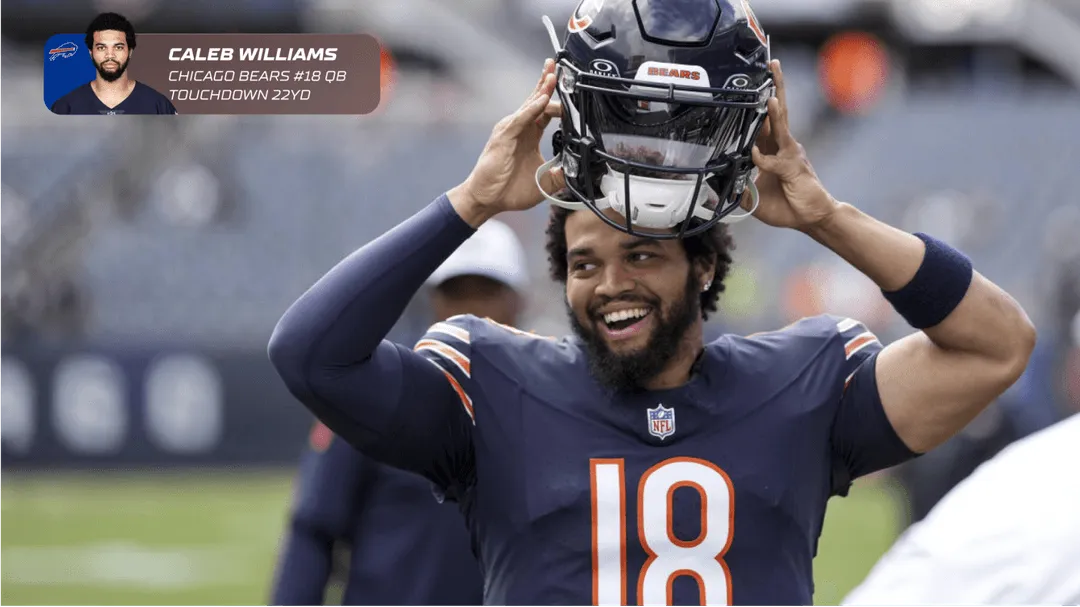
Introduce an offer, a question, or a relevant stat with an animated notification. Choose the presentation that suits the content and gives viewers a clear way to engage.

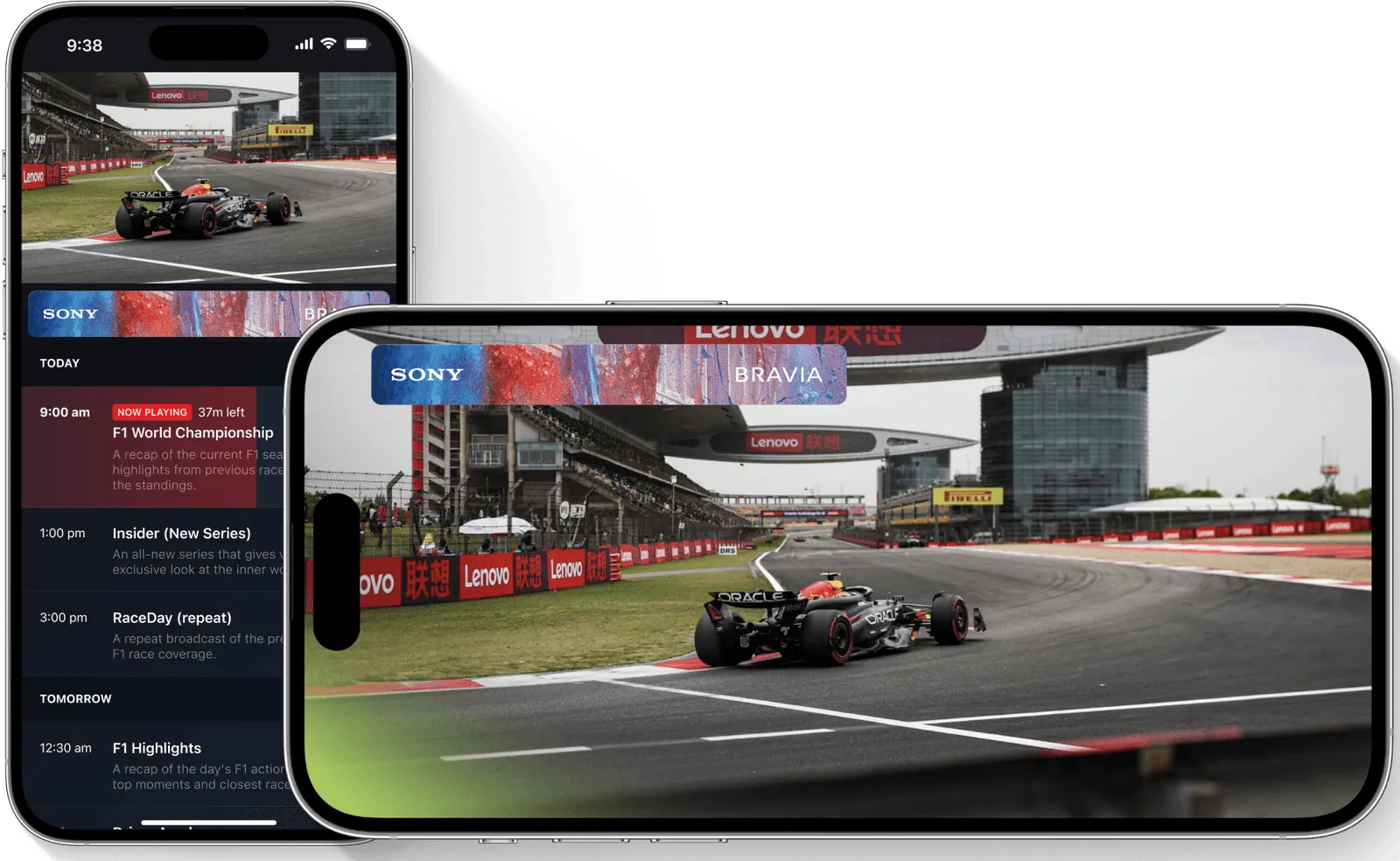
Across CTV, mobile, and web.
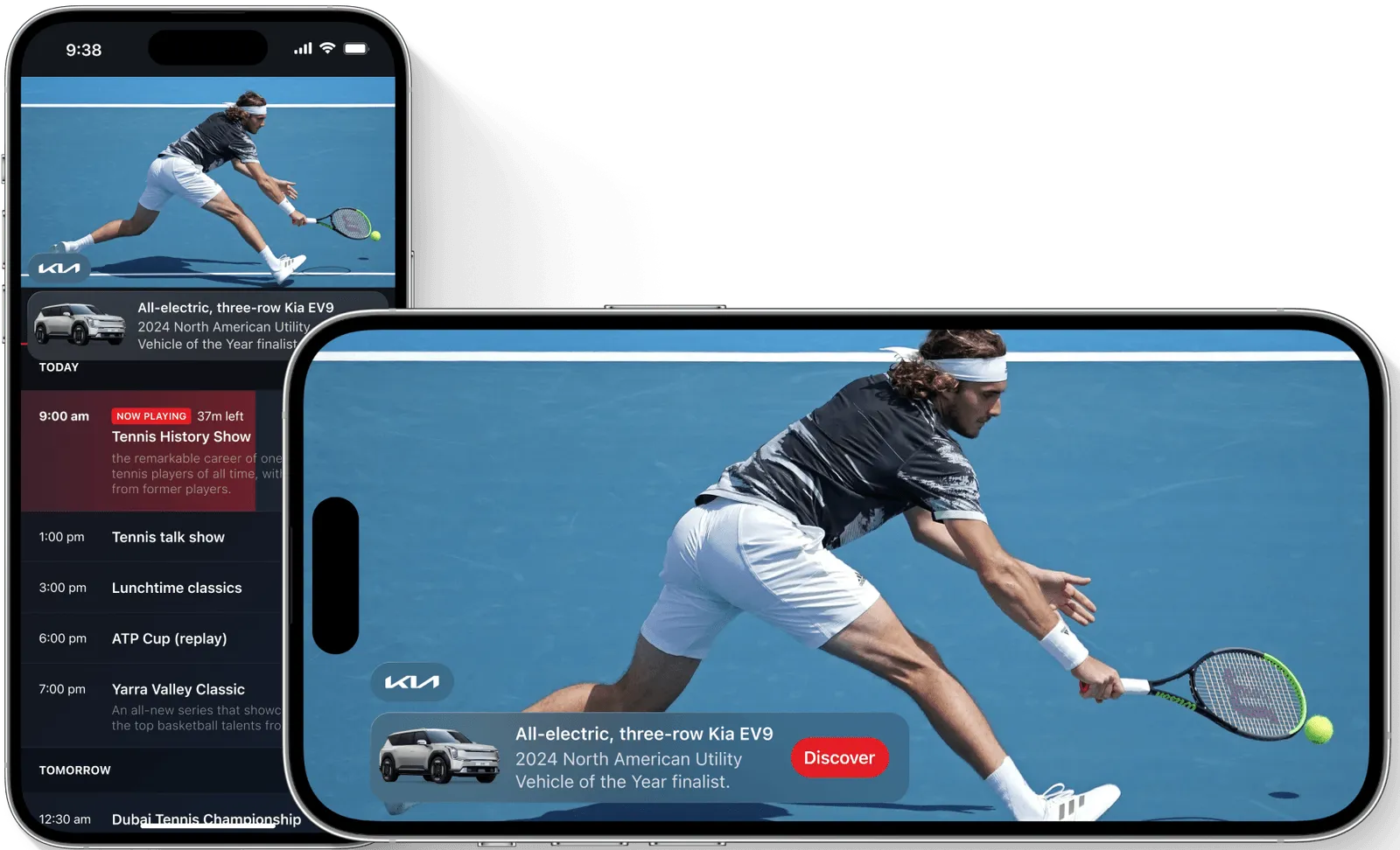
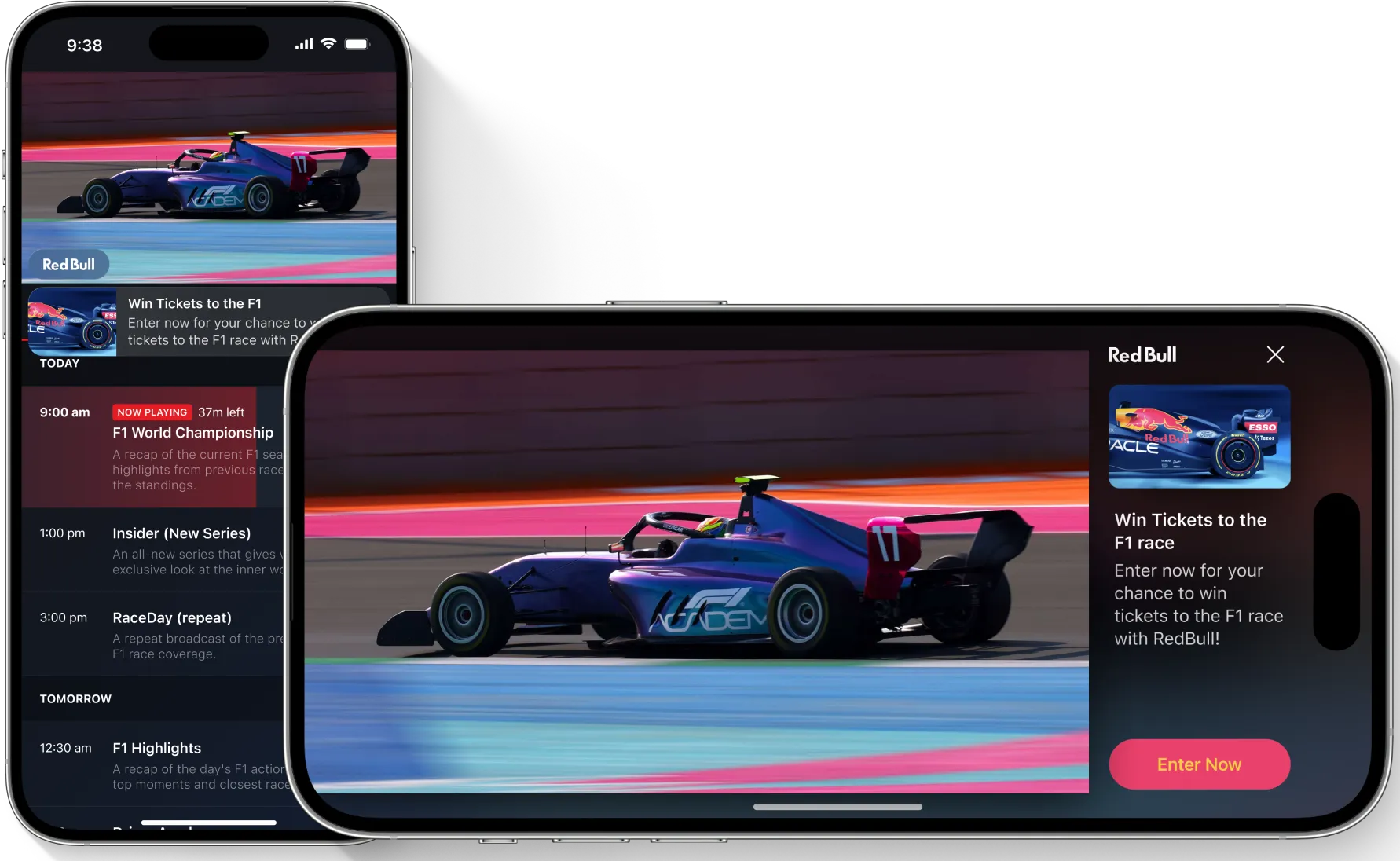
Bring interactive advertising to the screens your audience uses, with StreamLayer SDKs for supported platforms.










.avif)
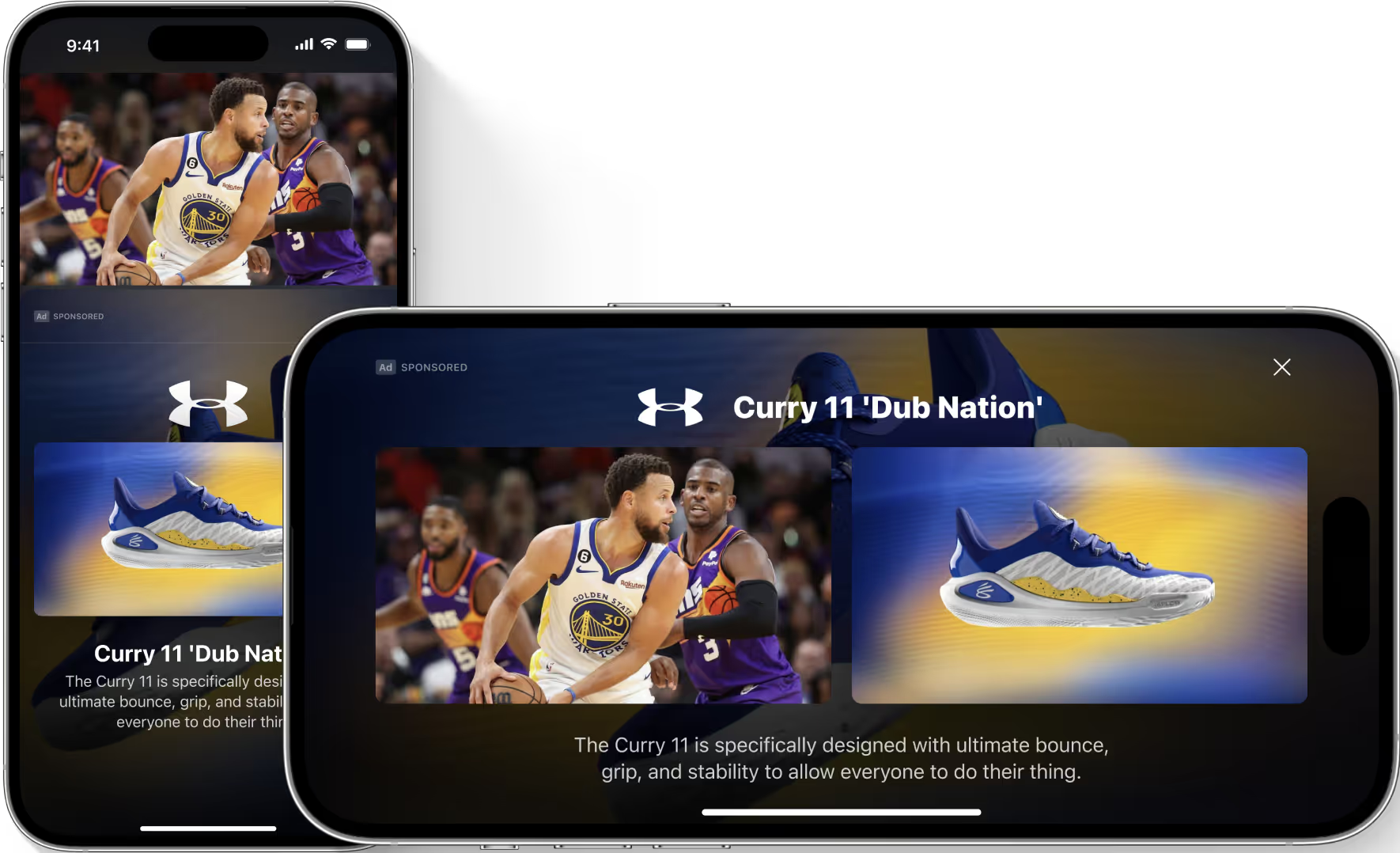
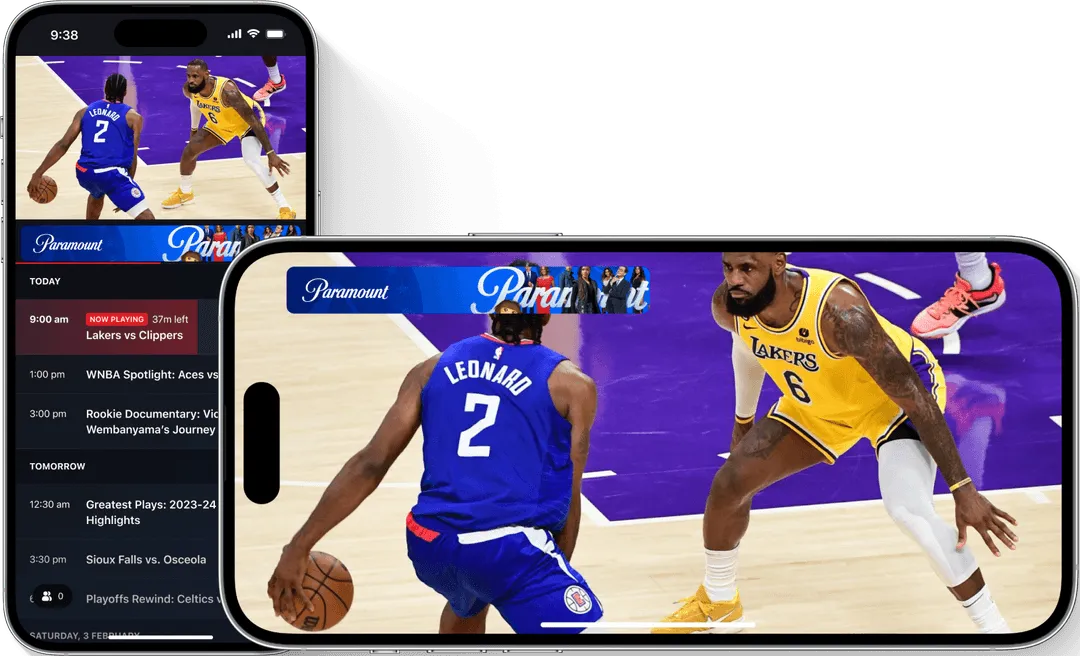
Layouts and interactions adapt to the viewing experience, from the television to the phone.
Right moment. Your rules.
Live event signals identify advertising opportunities. You set the rules for when ads can appear, how often they run, and when to hold them back.
The moment matters.
You stay in control.
Live event signals identify advertising opportunities. You set the rules for when ads can appear, how often they run, and when to hold them back.
%20(1).png)

.avif)
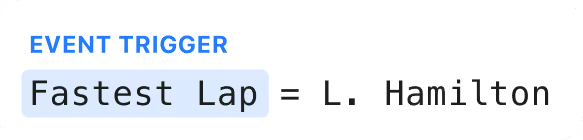





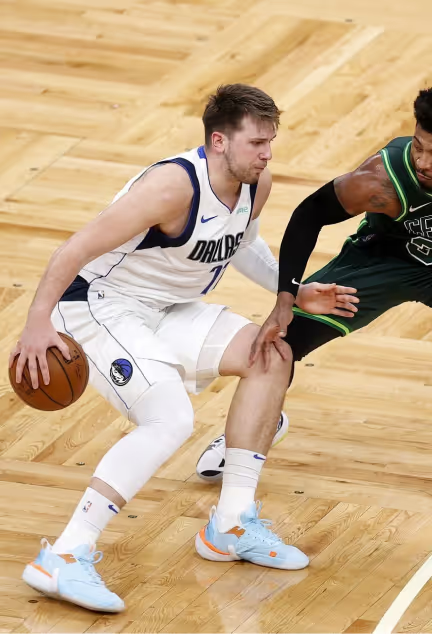

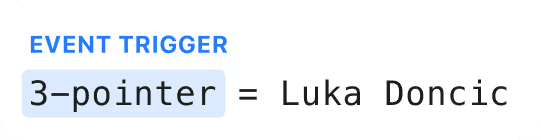
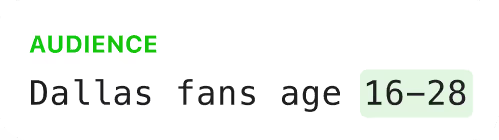



Relevant timing
Use live data and configured triggers to connect advertising to the game, from a scoring play to a quieter stretch.

Contextual content
Connect brand messaging to the teams, players, and events on screen with live data and contextual creative.

Built for interaction
Give viewers a way to respond, from answering a branded poll to scanning a QR code or exploring a product.
Explore the Ads lineup.
Choose from brand creative, live insights, shopping, polls, trivia, and video formats to suit the moment.
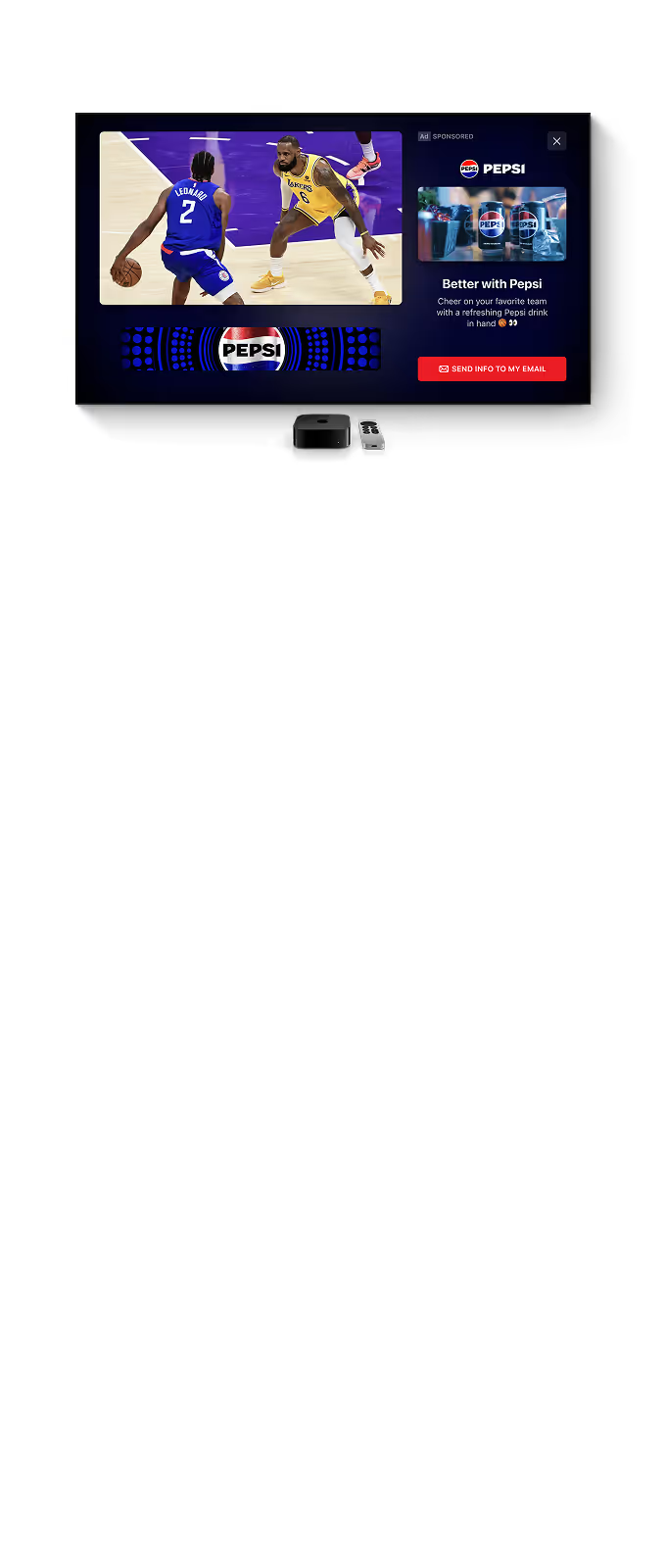
Standard Ad
Combine brand creative, a headline, and a clear call to action in an interactive ad.
Image or Video
Media support
Sponsor logo
2:1, 1:1 and 1:2 IAB image or video support
Custom title and text
Custom background
Custom notification support
Event triggers support
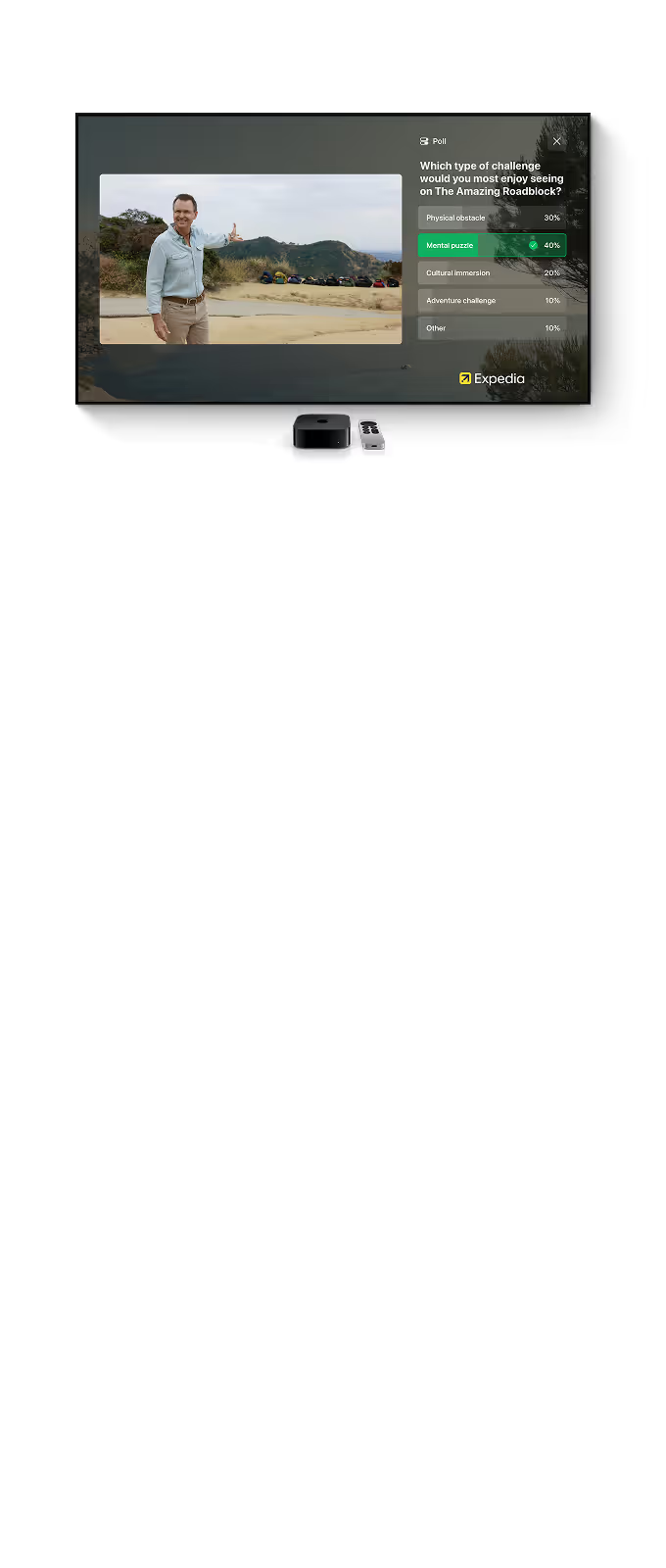
Poll Ad
Ask a branded question and let viewers vote. Follow their response with an optional ad.
Image or Video
Media support
Sponsor logo
2:1, 1:1 and 1:2 IAB image or video support
Custom Trivia questions
Custom background
Custom notification support
Event triggers support
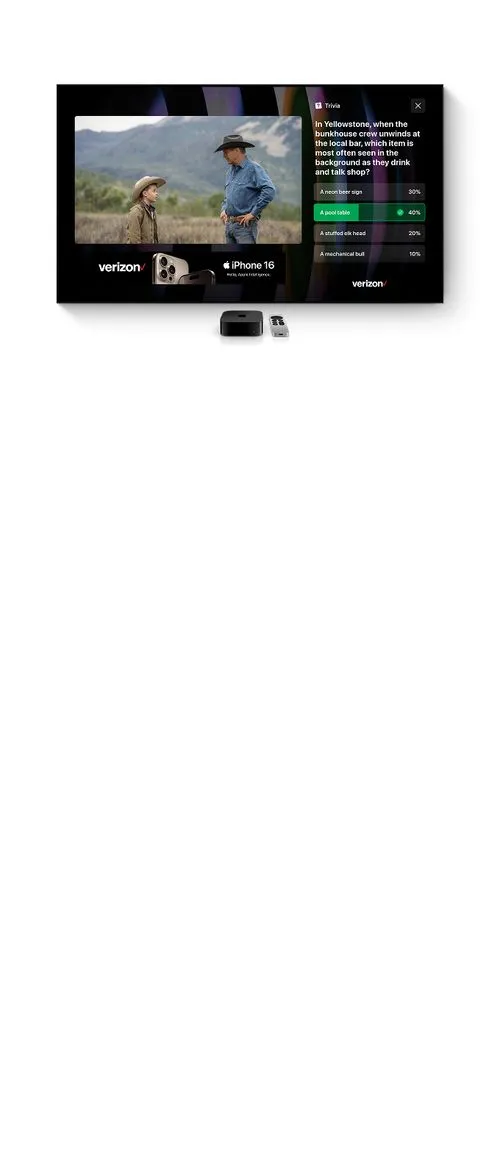
Trivia Ad
Test viewers’ knowledge with a branded question. Follow their answer with an optional ad.
Image or Video
Media support
Image or video support
Play fullscreen with sound on demand
Custom title and text
Custom notification support
Event triggers support
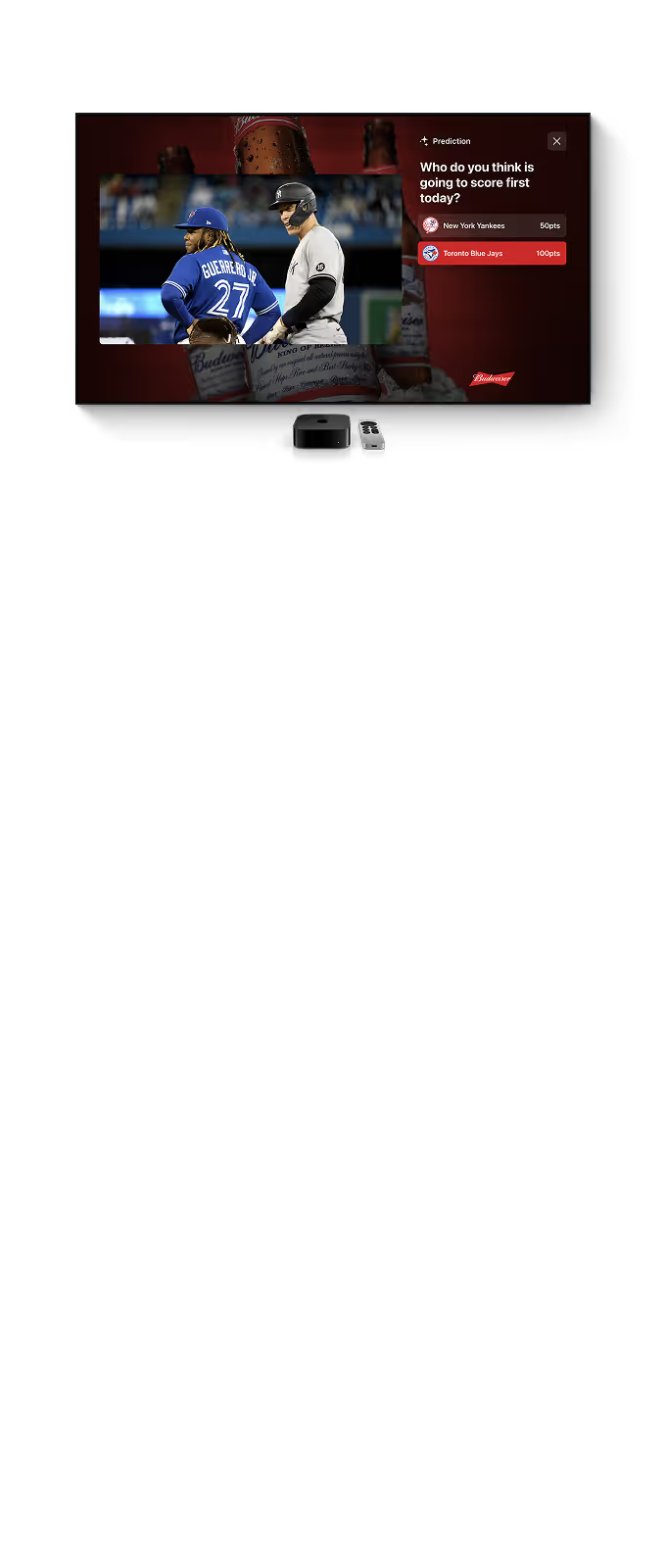
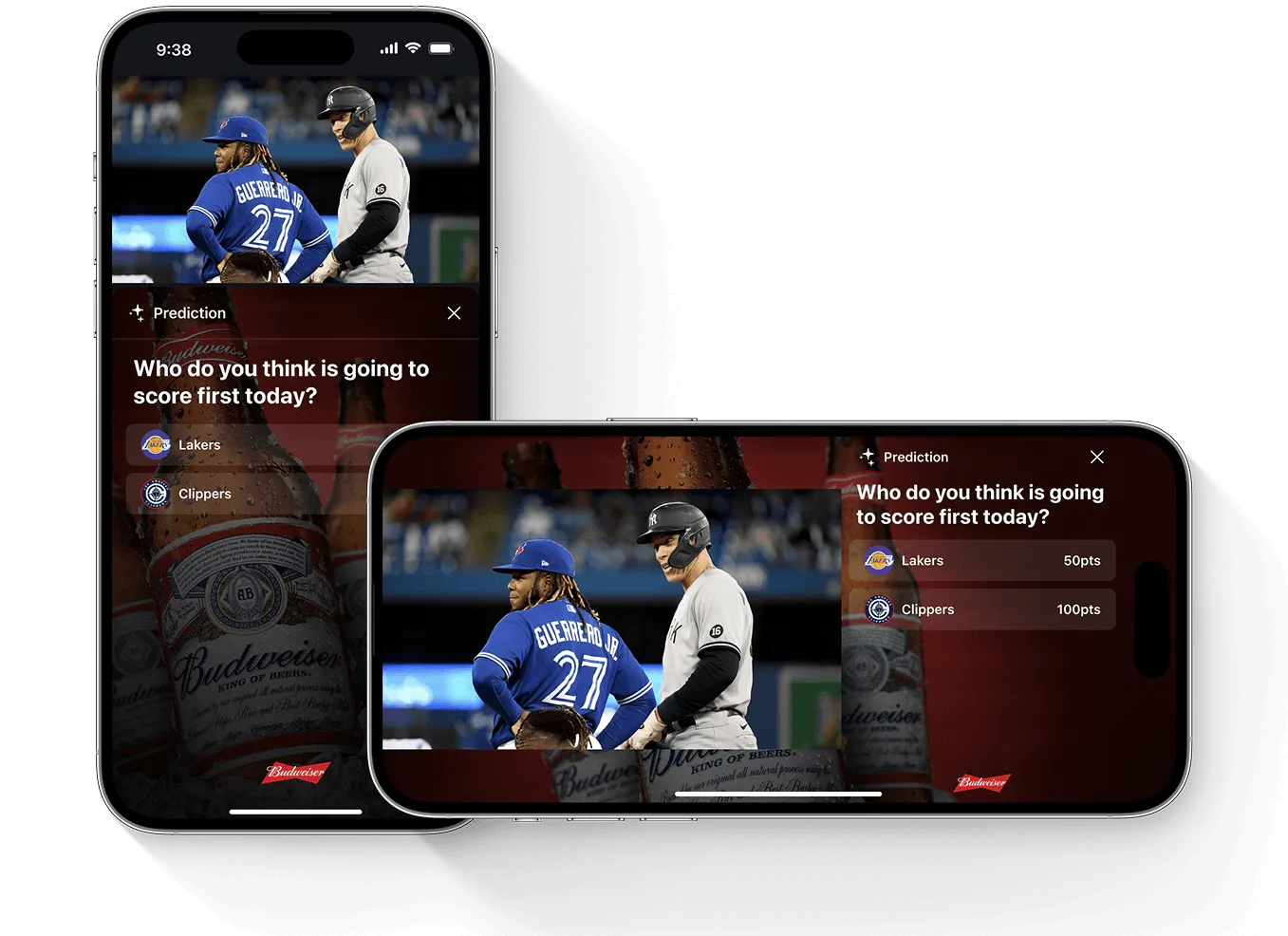
Prediction
Invite viewers to predict what happens next, then reveal the result.
Image or Video
Media support
Sponsor logo
2:1, 1:1 and 1:2 IAB image or video support
Custom Prediction questions with prediction results
Custom background
Custom notification support
Event triggers
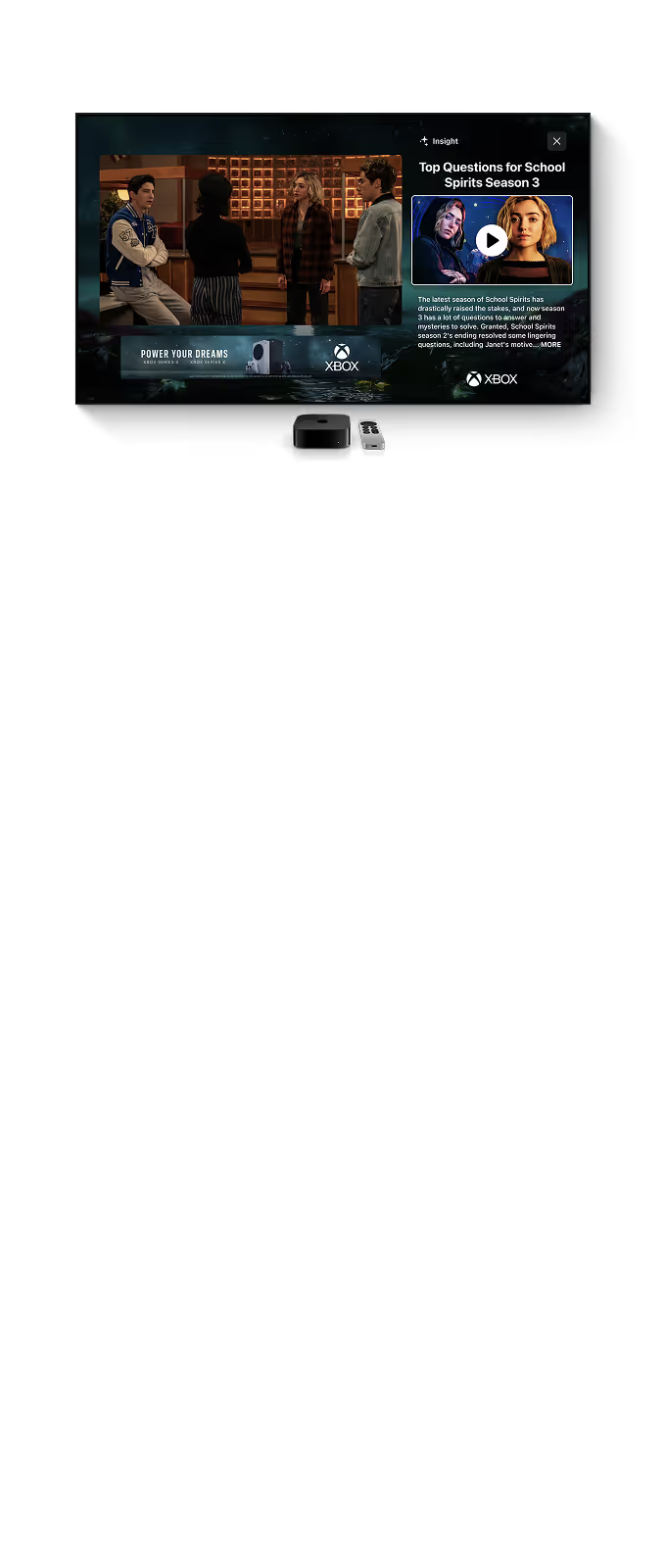
Insight Ad
Connect your brand to a relevant stat or fact, with an image or video and a call to action.
Image or Video
Media support
Sponsor logo
2:1, 1:1 and 1:2 IAB image or video support
Custom Insight title and text
Custom background
Custom notification support
Event triggers support
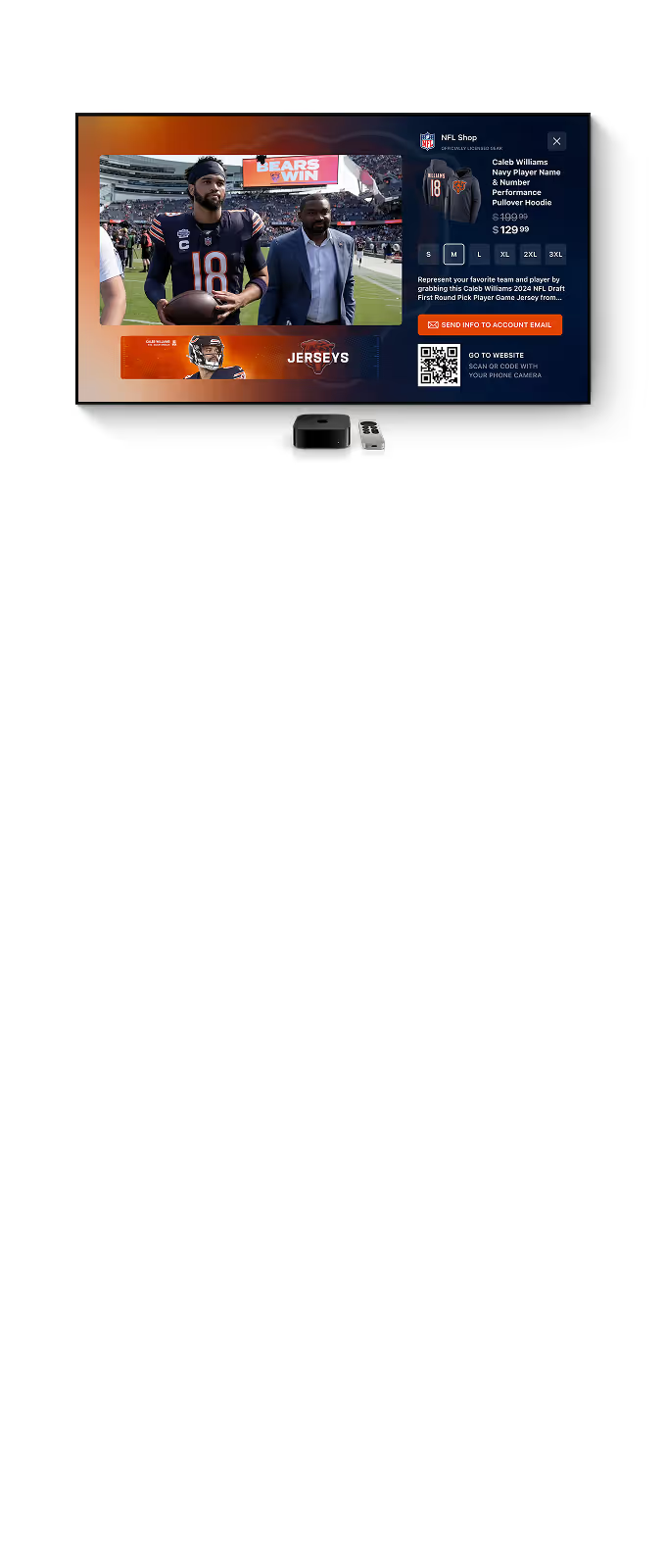
Shoppable Ad
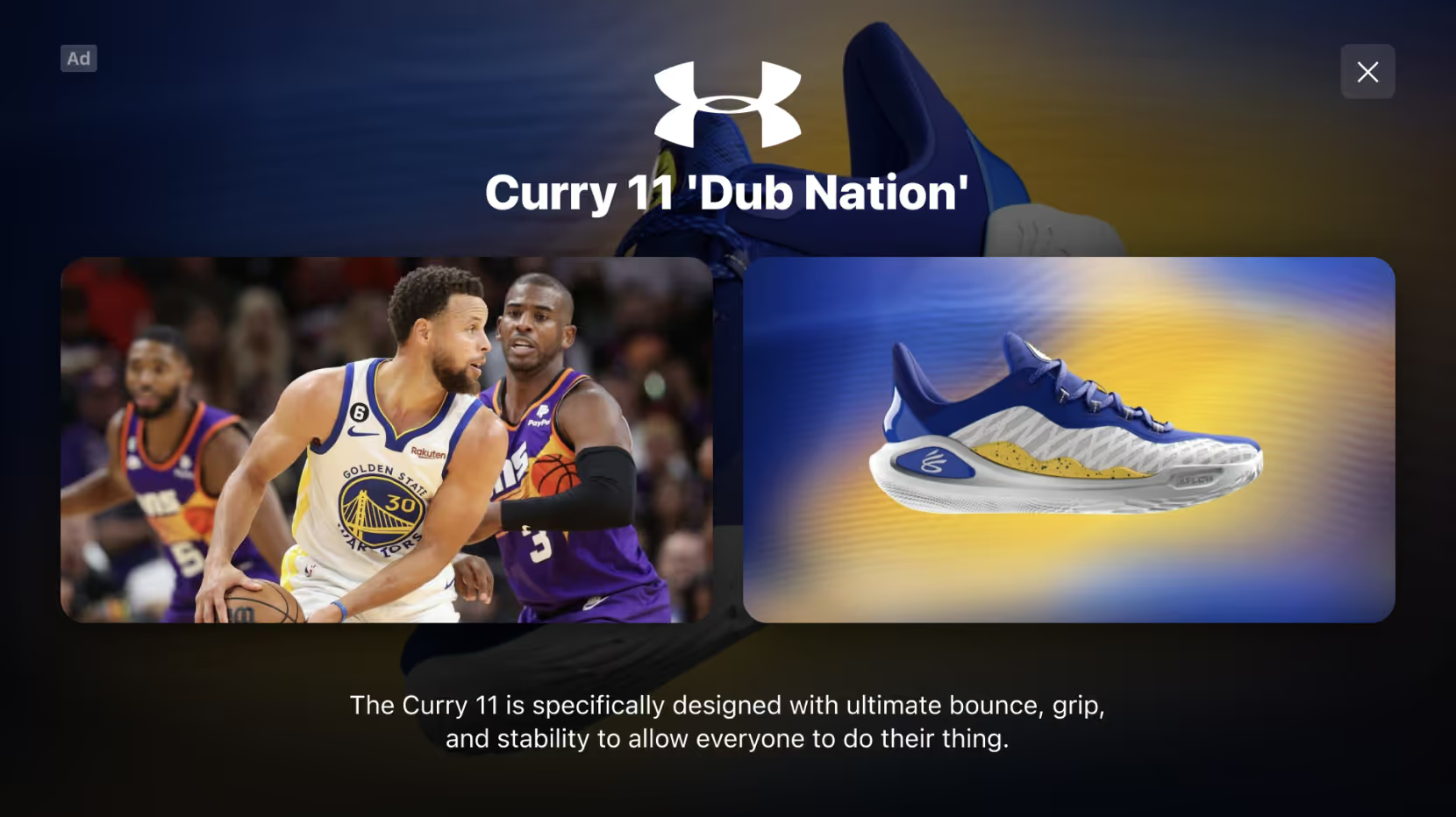
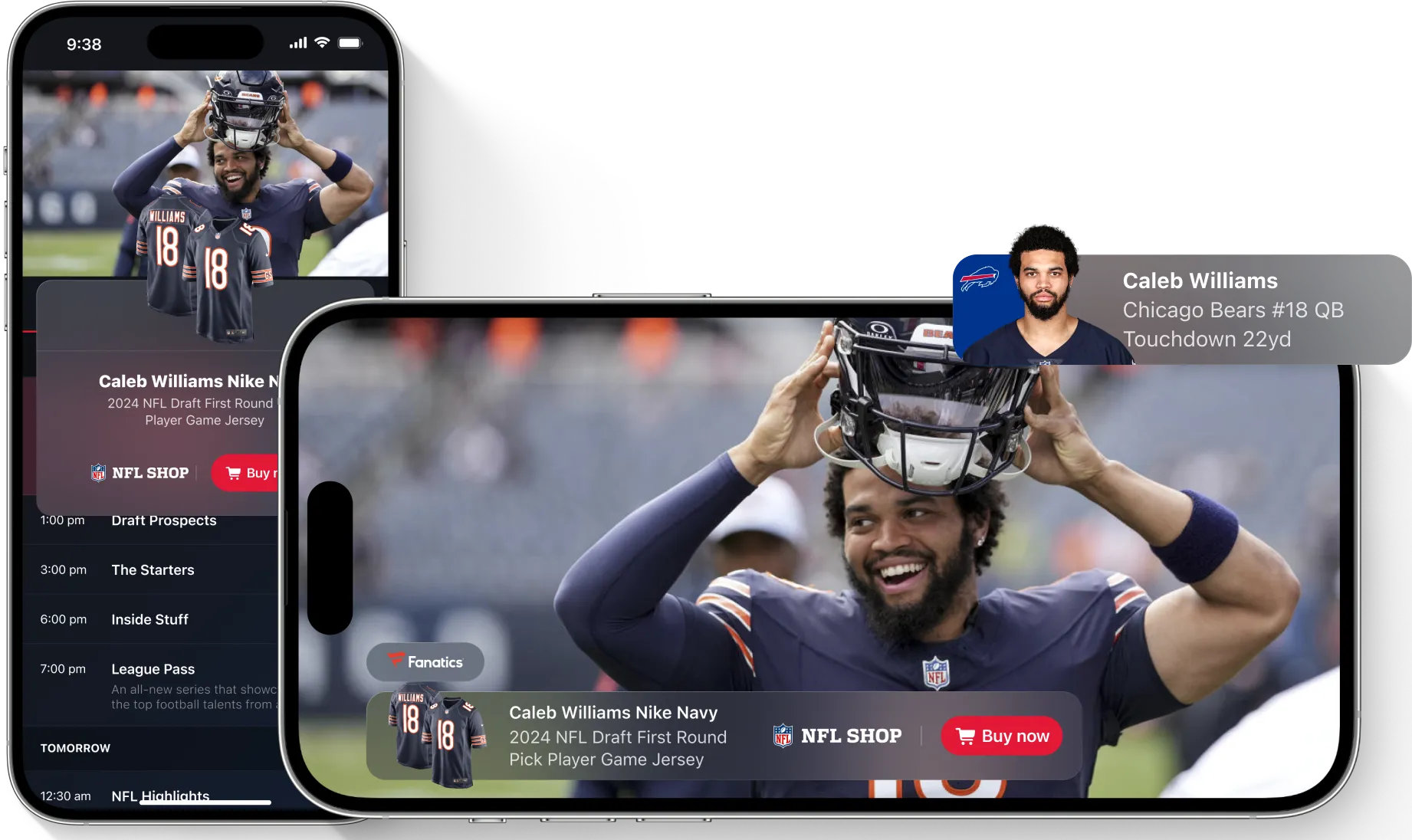
Feature products with images, descriptions, and a path to purchase.
Image
Media support
Sponsor logo
Product image and description
Checkout feature
Custom background
Custom notification support
Event triggers support
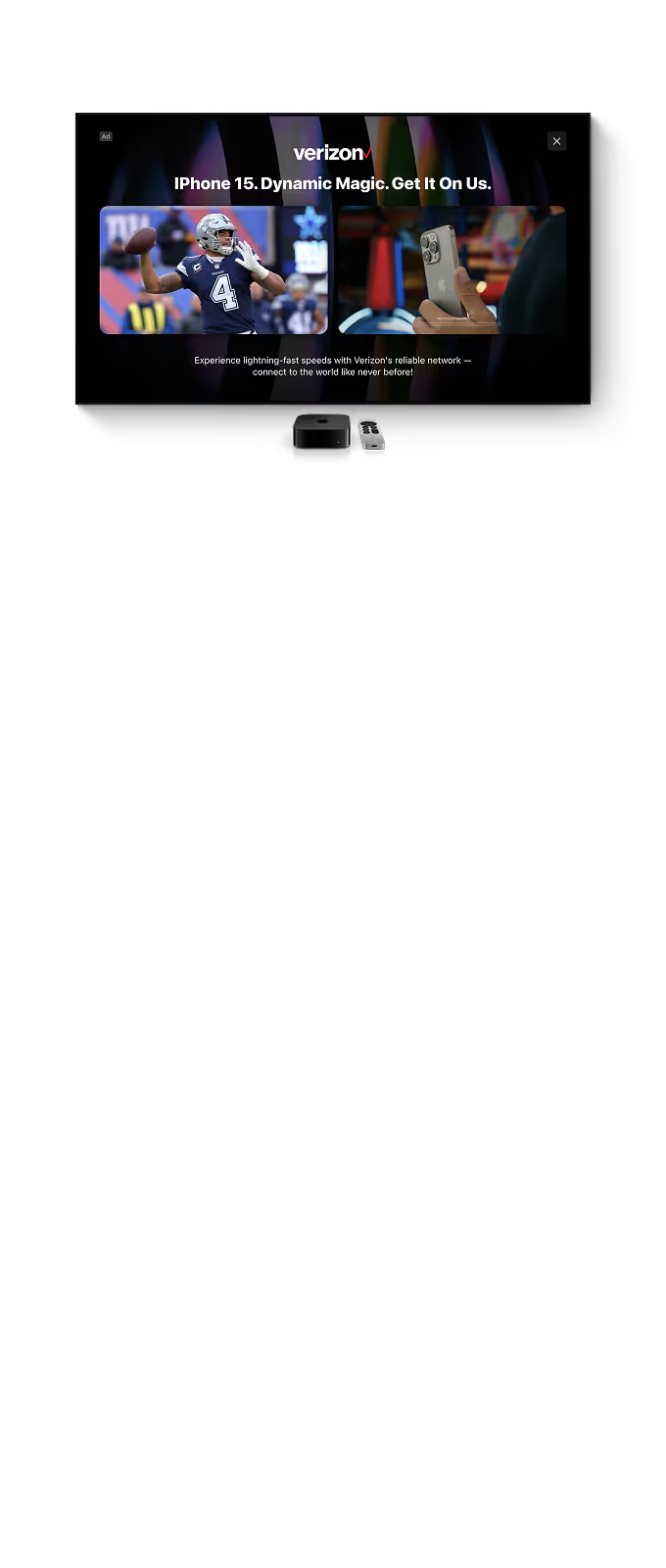
Side by Side
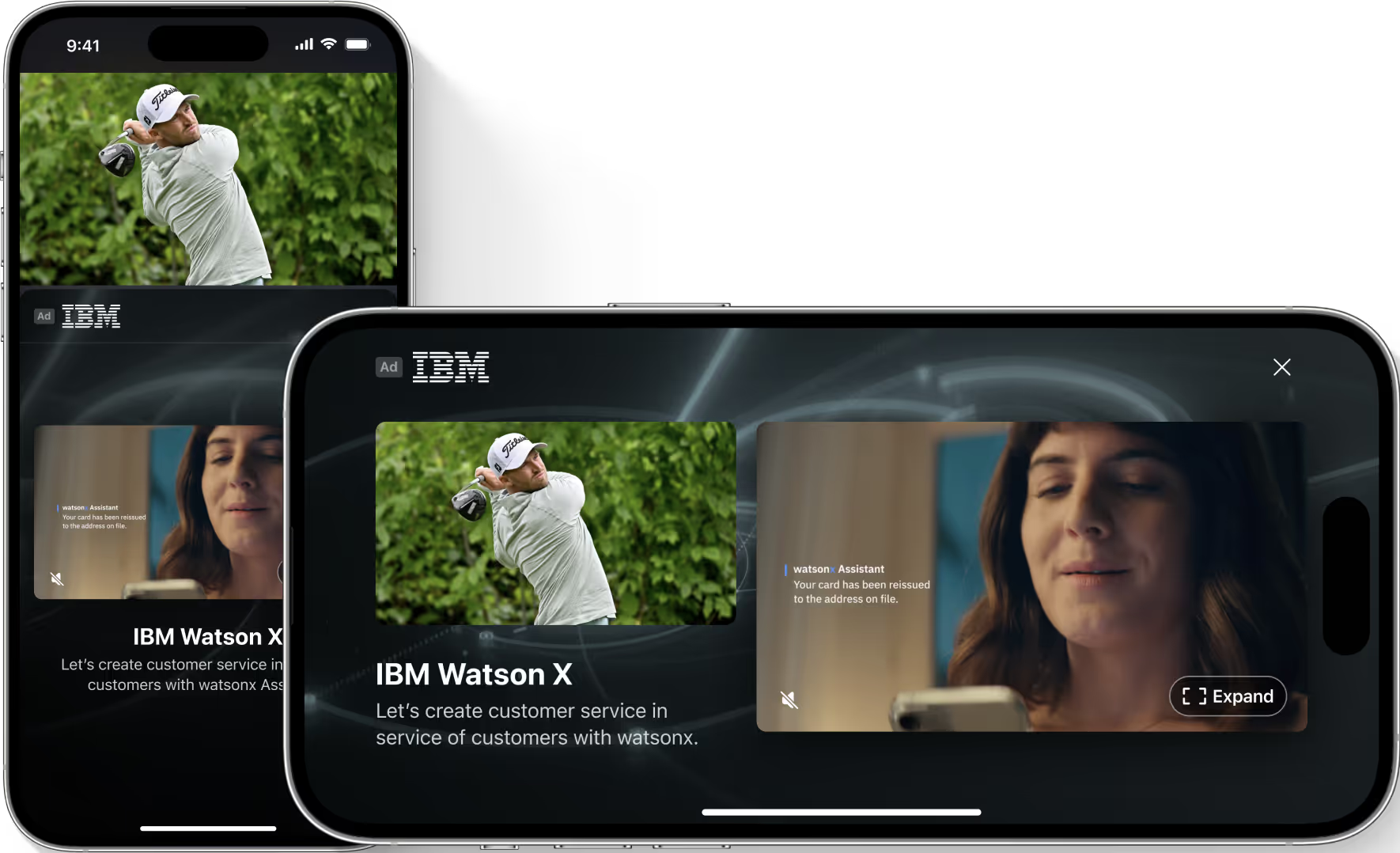
Play a video ad beside the live content. Supports 16:9 creative up to 30 seconds.
Video
Media support
Sponsor logo
Custom background
Video up to 30 seconds
Full screen video with sound
Custom title and description
Event triggers support
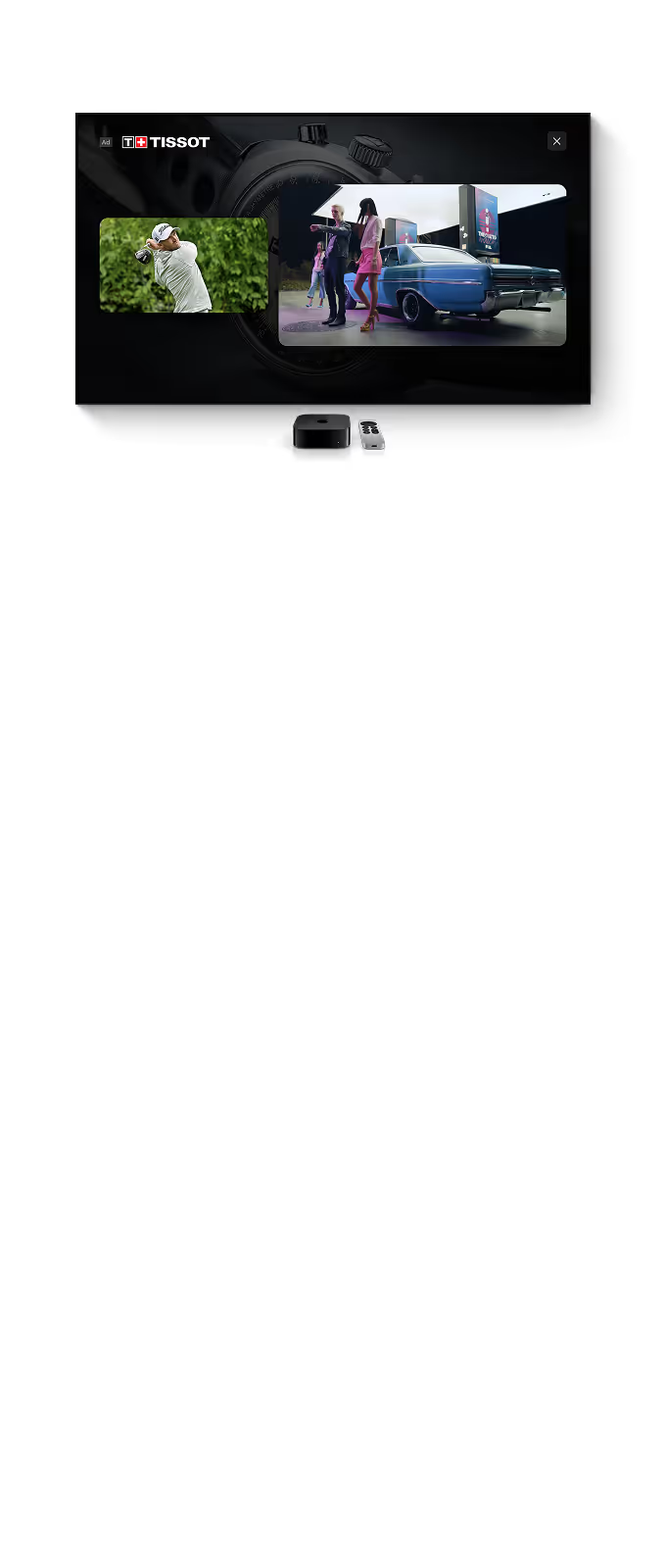
Picture in Picture
Give the ad the larger canvas while live content remains visible in a smaller window. Supports 16:9 creative up to 30 seconds.
Video
Media support
Sponsor logo
Custom background
Video up to 30 seconds
Full screen video with sound
Custom title and description
Event triggers support
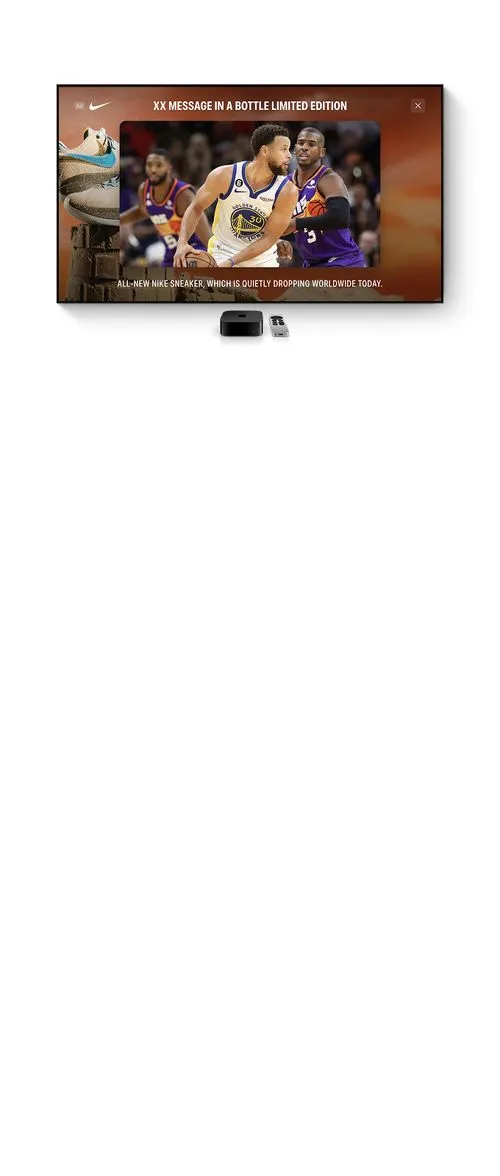
Sponsor Frame
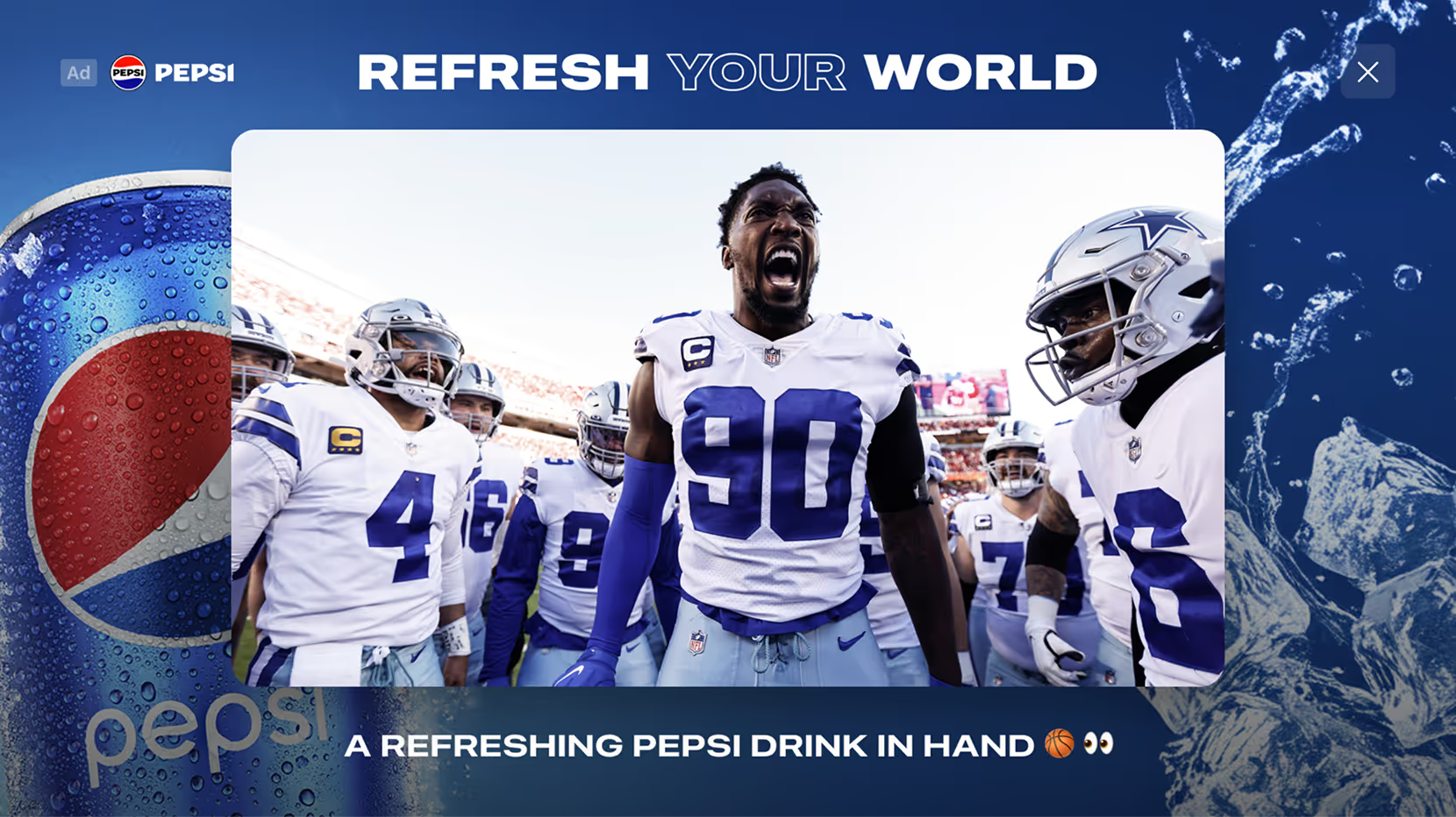
Surround the live video with a branded background, with an optional logo and message.

Dynamic Background
Media support
Sponsor logo
Custom background
Video background support
Title and description (optional)
Event triggers support
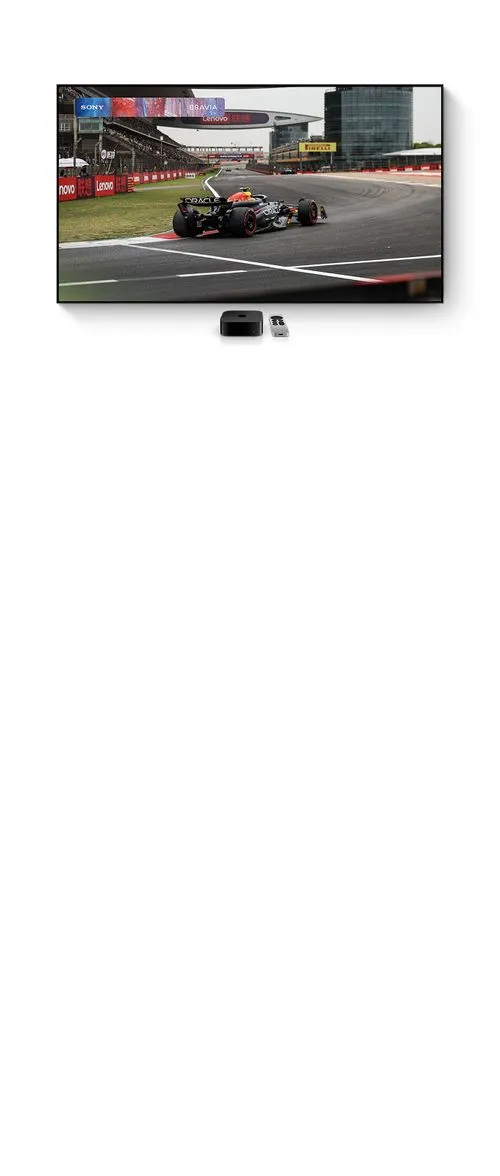
Video Banner
Present a silent video banner over part of the live picture, for up to 30 seconds.
Video
Media support
Video up to 30 seconds
Play without sound
Event triggers support
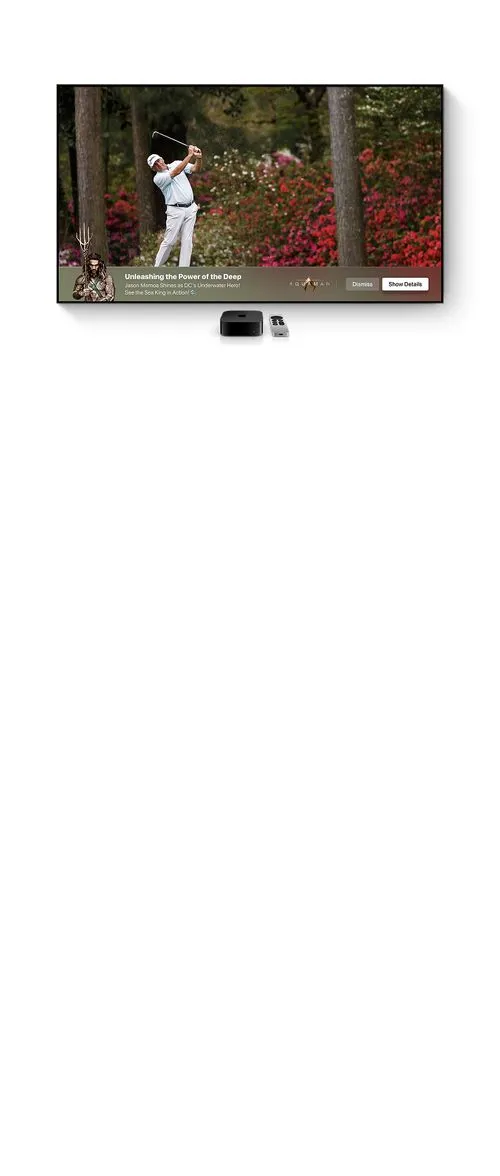
Lower-Third
Place your logo, message, and call to action along the bottom of the video.
Image
Media support
Sponsor logo
Image overflow support
Custom title and text
Custom button design
Event triggers support
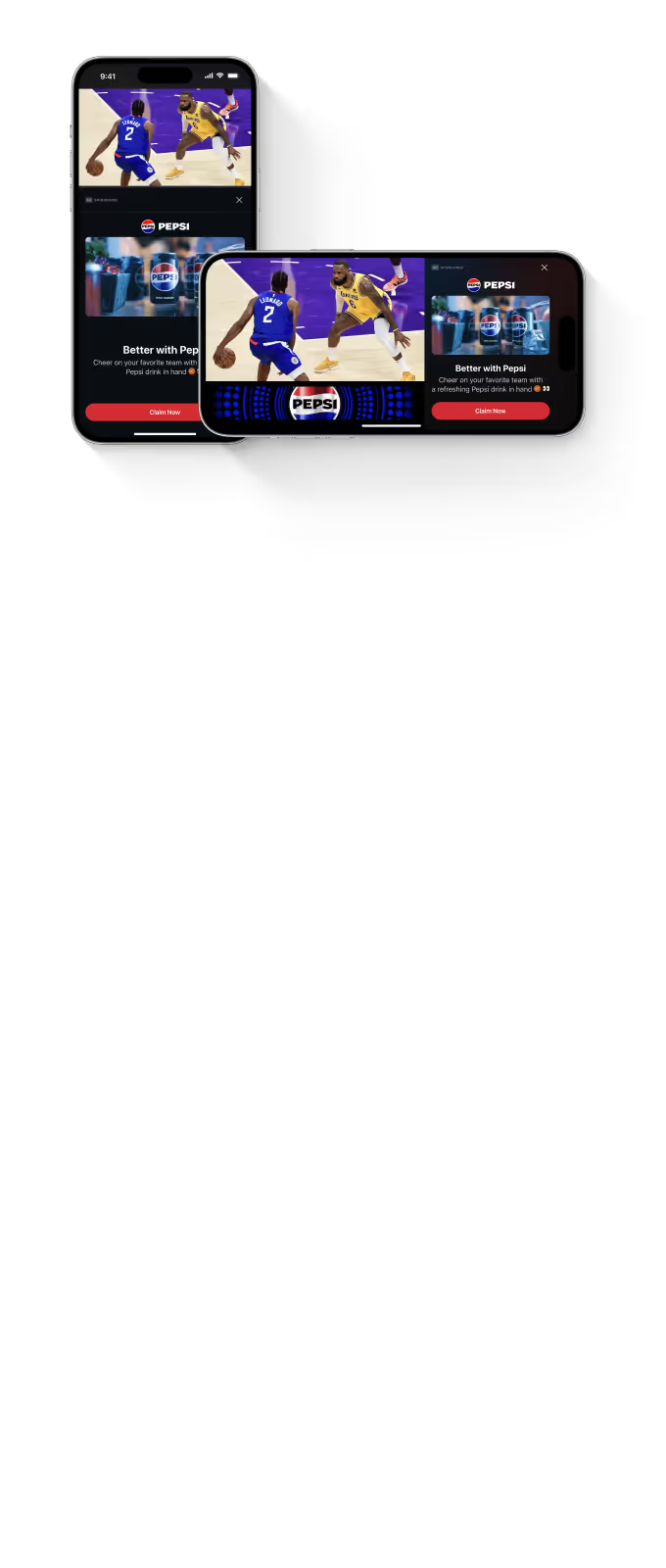
Standard Ad
Combine brand creative, a headline, and a clear call to action in an interactive ad.
Image or Video
Media support
Sponsor logo
2:1, 1:1 and 1:2 IAB image or video support
Custom title and text
Custom background
Custom notification support
Event triggers support
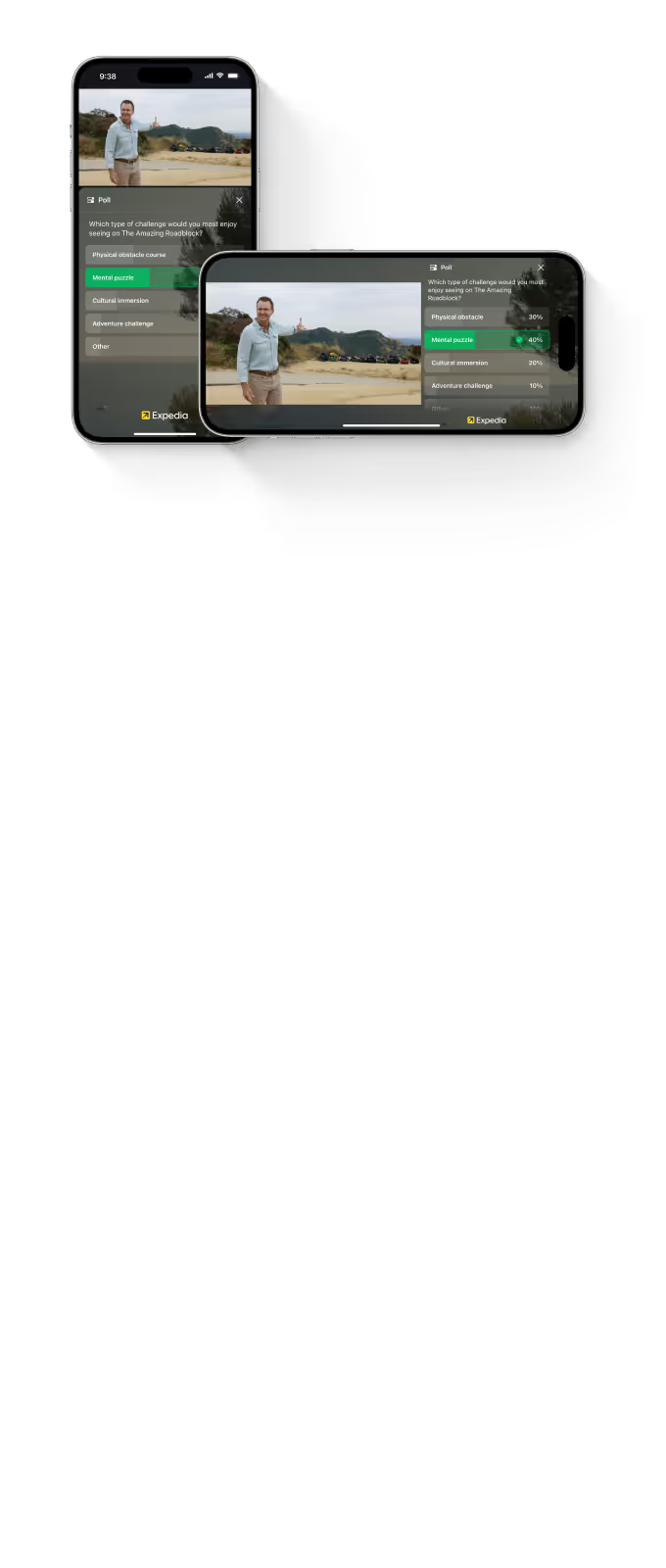
Poll Ad
Ask a branded question and let viewers vote. Follow their response with an optional ad.
Image or Video
Media support
Sponsor logo
2:1, 1:1 and 1:2 IAB image or video support
Custom Trivia questions
Custom background
Custom notification support
Event triggers support
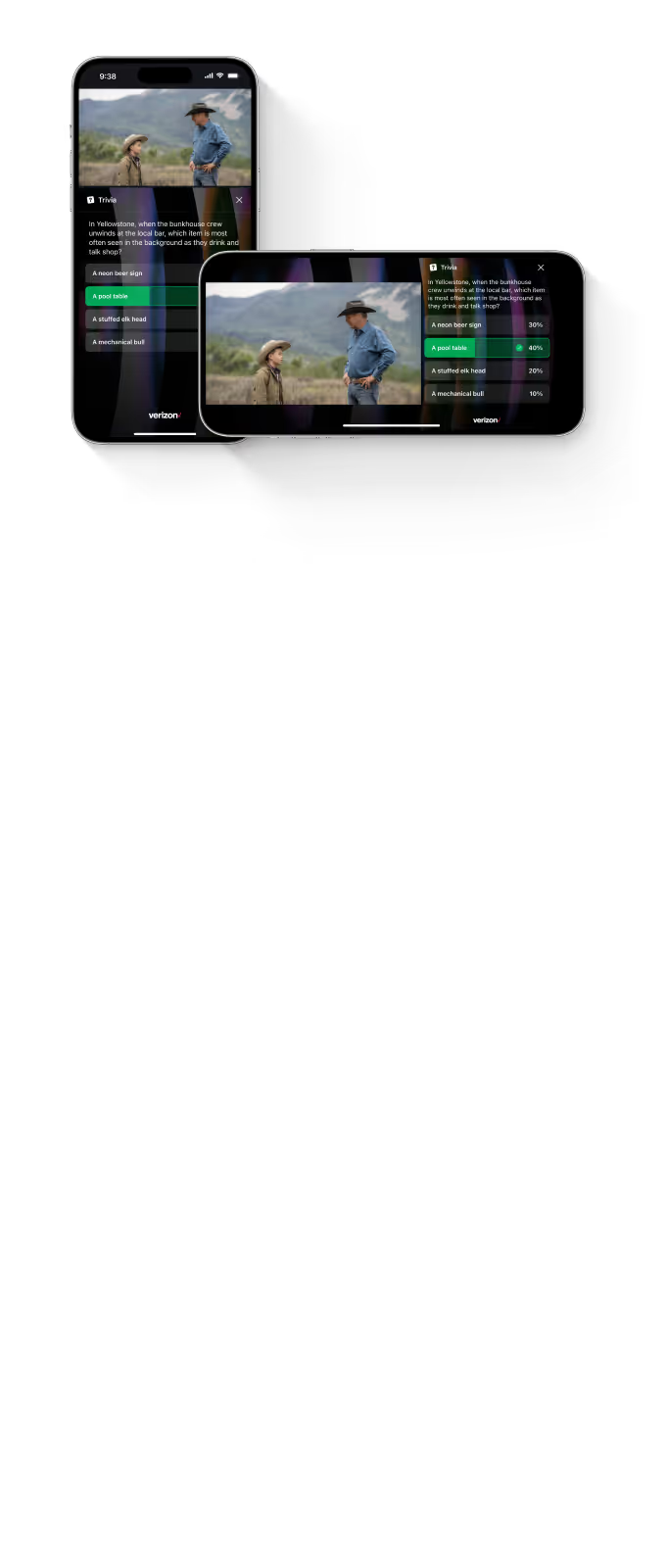
Trivia Ad
Test viewers’ knowledge with a branded question. Follow their answer with an optional ad.
Image or Video
Media support
Image or video support
Play fullscreen with sound on demand
Custom title and text
Custom notification support
Event triggers support
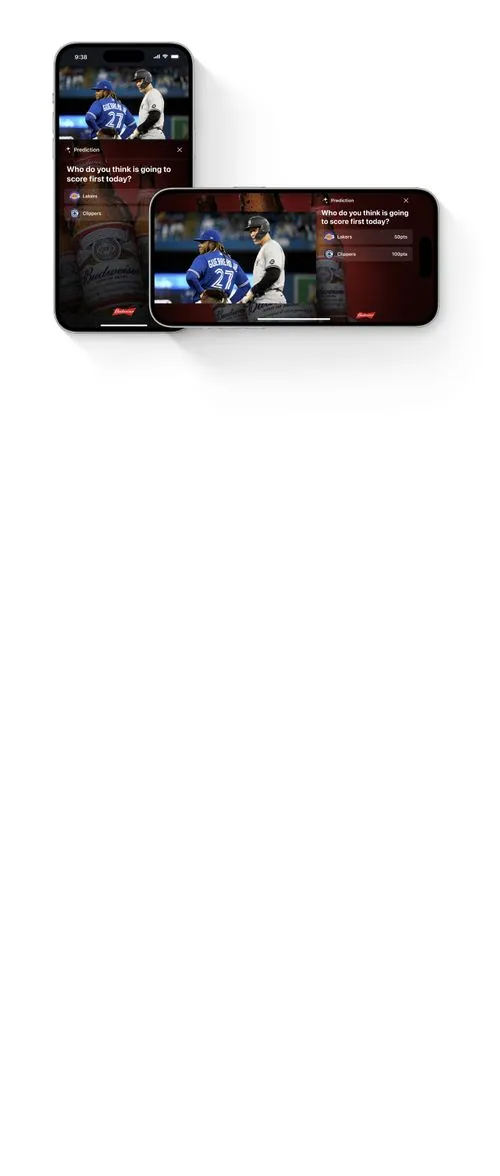
Prediction Ad
Invite viewers to predict what happens next, then reveal the result.
Image or Video
Media support
Sponsor logo
2:1, 1:1 and 1:2 IAB image or video support
Custom Prediction questions with prediction results
Custom background
Custom notification support
Event triggers support

Insight Ad
Connect your brand to a relevant stat or fact, with an image or video and a call to action.
Image or Video
Media support
Sponsor logo
2:1, 1:1 and 1:2 IAB image or video support
Custom Insight title and text
Custom background
Custom notification support
Event triggers support
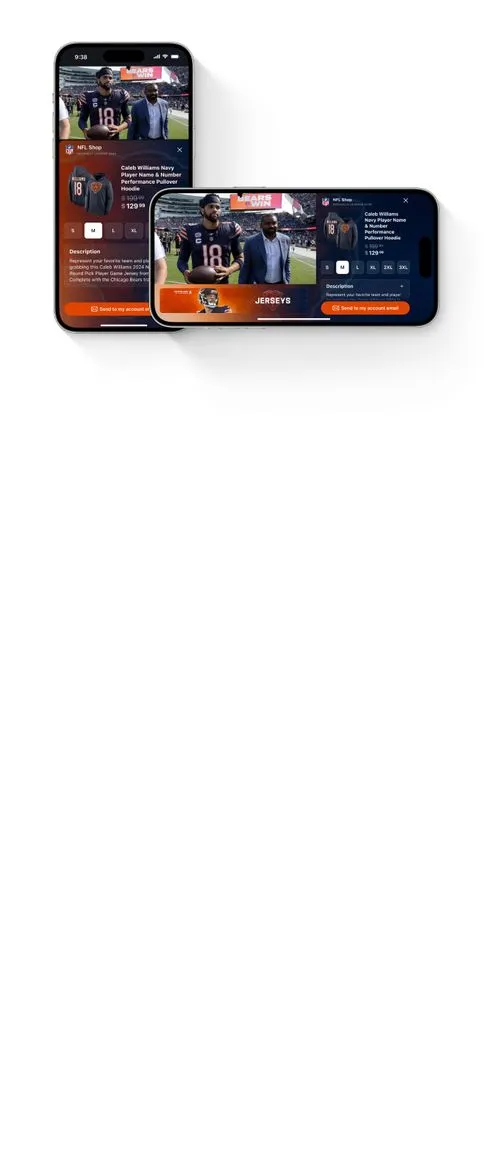
Shoppable Ad
Feature products with images, descriptions, and a path to purchase.
Image
Media support
Sponsor logo
Product image and description
Checkout feature
Custom background
Custom notification support
Event triggers support
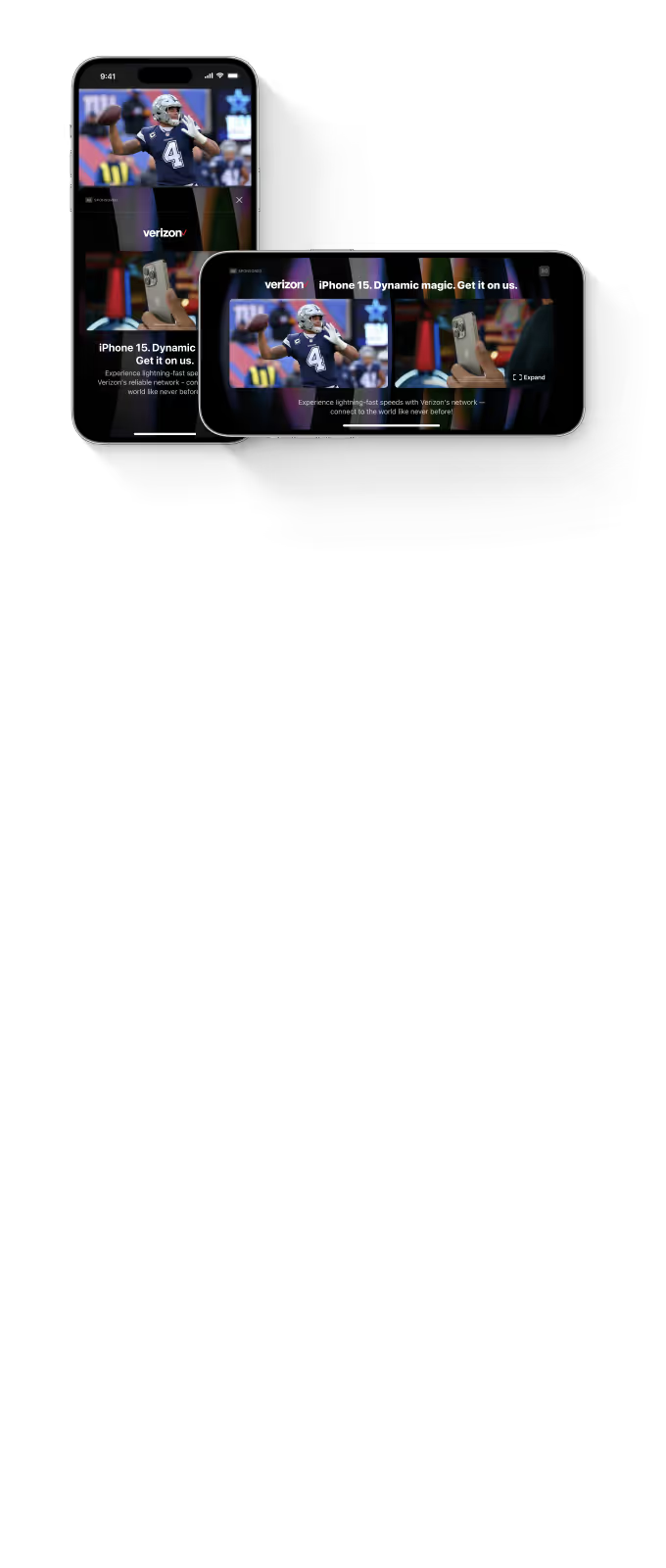
Side by Side
Play a video ad beside the live content. Supports 16:9 creative up to 30 seconds.
Video
Media support
Sponsor logo
Custom background
Video up to 30 seconds
Full screen video with sound
Custom title and description
Event triggers support
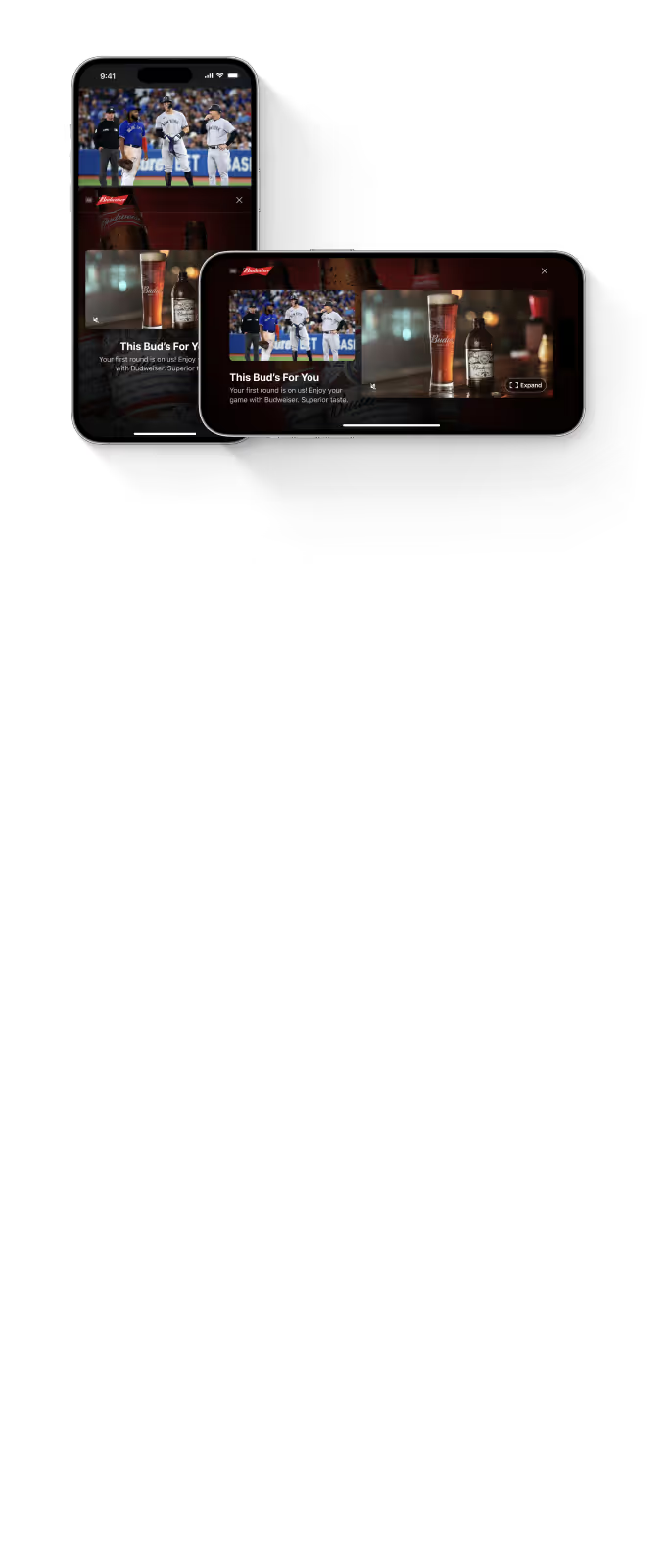
Picture in Picture
Give the ad the larger canvas while live content remains visible in a smaller window. Supports 16:9 creative up to 30 seconds.
Video
Media support
Sponsor logo
Custom background
Video up to 30 seconds
Full screen video with sound
Custom title and description
Event triggers support
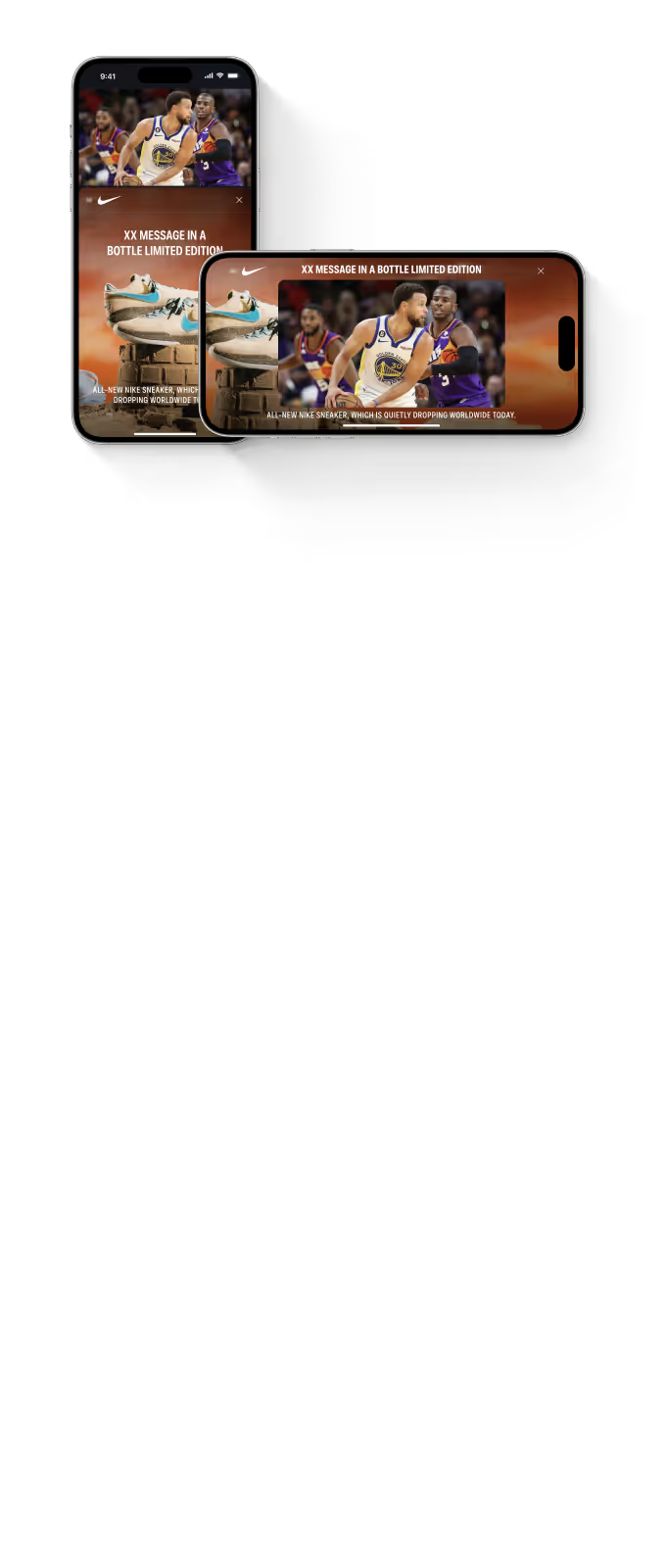
Sponsor Frame
Surround the live video with a branded background, with an optional logo and message.
Dynamic Background
Media support
Sponsor logo
Custom background
Video background support
Title and description (optional)
Event triggers support

Video Banner
Present a silent video banner over part of the live picture, for up to 30 seconds.
Video
Media support
Video up to 30 seconds
Play without sound
Event triggers support
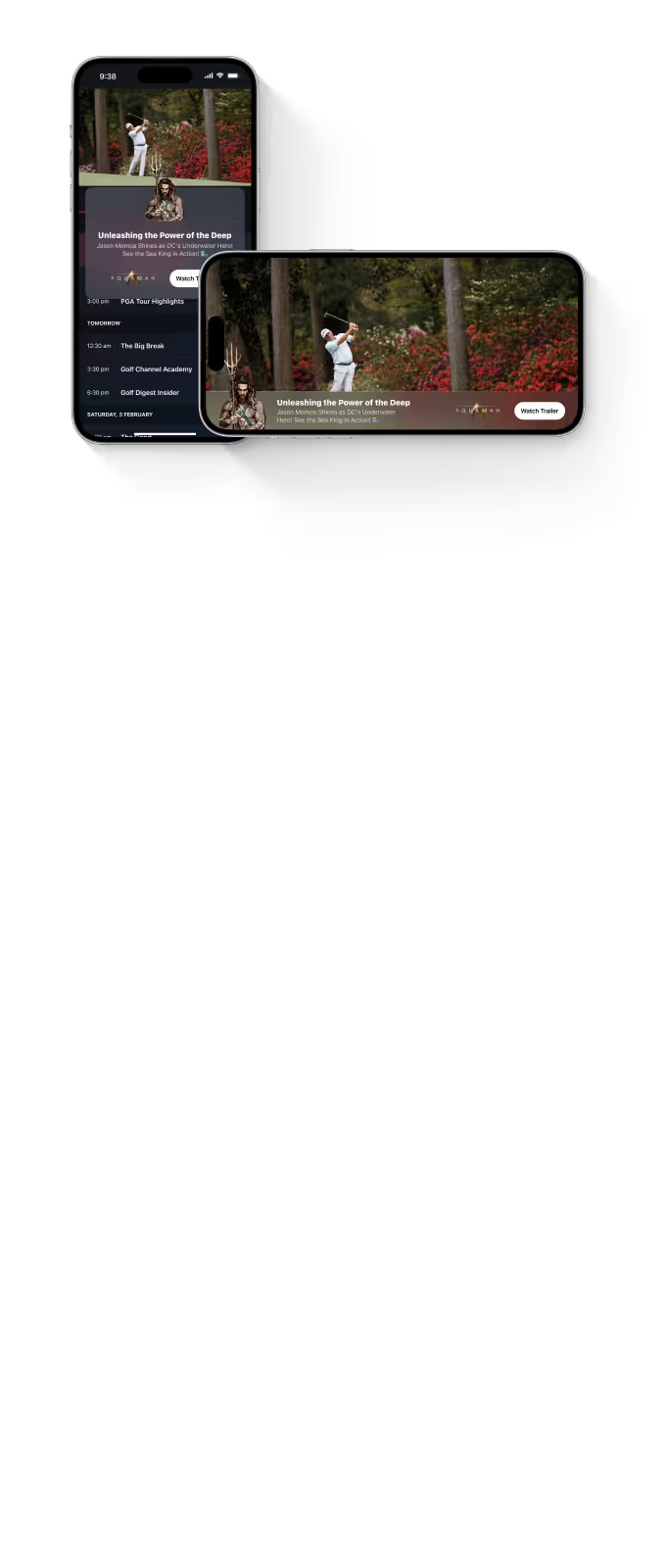
Lower-Third
Place your logo, message, and call to action along the bottom of the video.
Image
Media support
Sponsor logo
Image overflow support
Custom title and text
Custom button design
Event triggers support
Brand stories. Live insights. Shopping.
Build an ad around what you want viewers to do: explore an offer, discover a relevant stat, or shop a featured product.
Standard Ad
Combine brand creative, a headline, and a clear call to action in an interactive ad.
Image or Video
.svg)
Features
2:1, 1:1 and 1:2 IAB image or video support
Custom title and text
Custom background
Custom notification support
Event triggers support
.webp)
Insight Ad
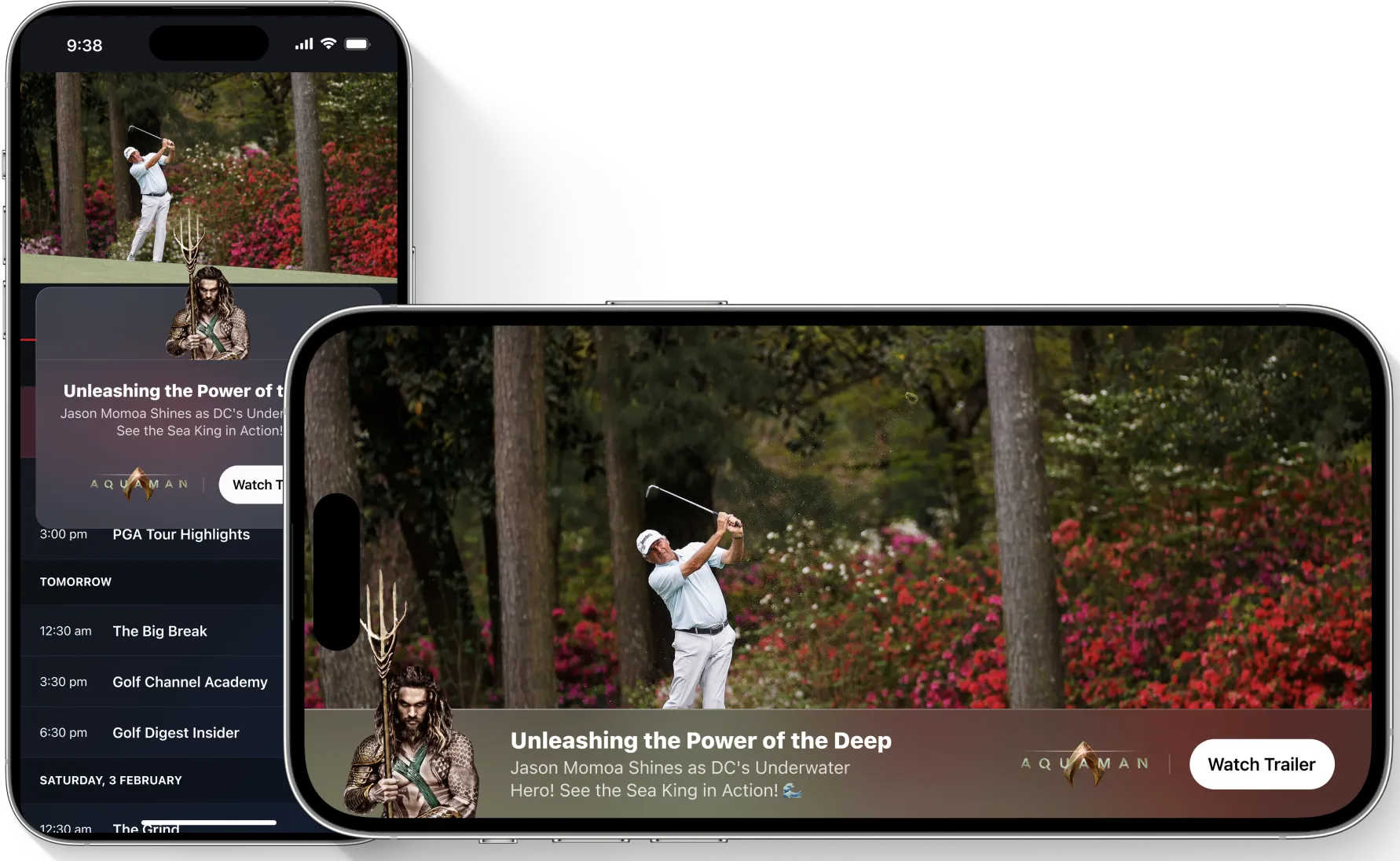
Connect your brand to a relevant stat or fact, with an image or video and a call to action.
Image or Video
Features
2:1, 1:1 and 1:2 IAB image or video support
Custom Insight title and text
Custom background
Custom notification support
Event triggers support
.webp)
Shoppable Ad
Feature products with images, descriptions, and a path to purchase.
Image or Video
Features
Product image and description
Checkout feature
Custom background
Custom notification support
Event triggers support
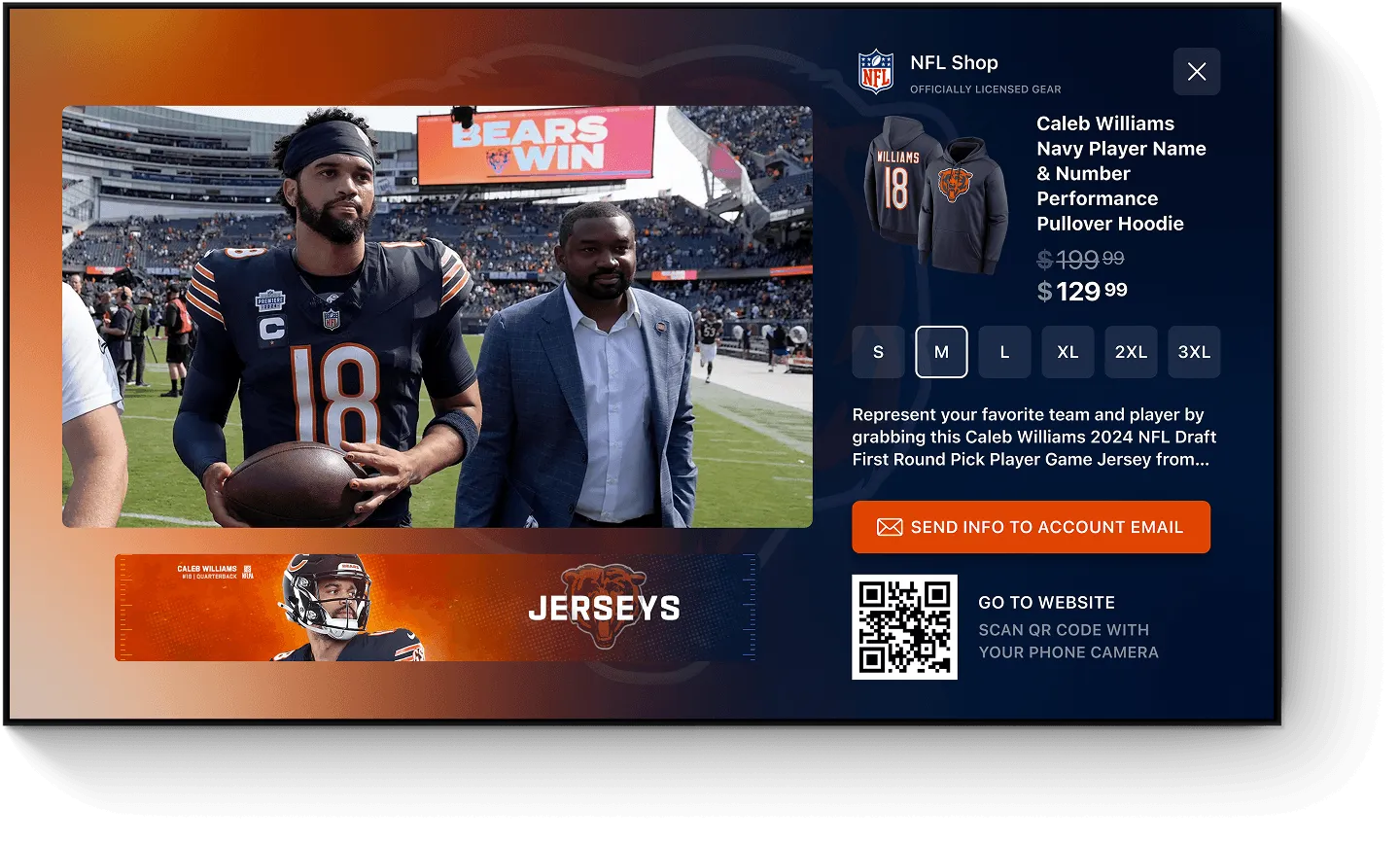
Standard Ad
Combine brand creative, a headline, and a clear call to action in an interactive ad.
Image or Video
Features
2:1, 1:1 and 1:2 IAB image or video support
Custom title and text
Custom background
Custom notification support
Event triggers support
.webp)
Insight Ad
Connect your brand to a relevant stat or fact, with an image or video and a call to action.
Image or Video
Features
2:1, 1:1 and 1:2 IAB image or video support
Custom Insight title and text
Custom background
Custom notification support
Event triggers support
.webp)
Shoppable Ad
Feature products with images, descriptions, and a path to purchase.
Image or Video
Features
Product image and description
Checkout feature
Custom background
Custom notification support
Event triggers support
.webp)
Turn viewers into participants.
Invite viewers to answer a poll, test their knowledge, or predict what happens next, with your brand part of the experience.
Poll Ad
Ask a branded question and let viewers vote. Follow their response with an optional ad.
Image or Video
Features
2:1, 1:1 and 1:2 IAB image or video support
Custom Poll questions
Custom background
Custom notification support
Event triggers support
.webp)
Trivia Ad
Test viewers’ knowledge with a branded question. Follow their answer with an optional ad.
Image or Video
Features
2:1, 1:1 and 1:2 IAB image or video support
Custom Trivia questions
Custom background
Custom notification support
Event triggers support
.webp)
Prediction Ad
Invite viewers to predict what happens next, then reveal the result.
Image or Video
Features
2:1, 1:1 and 1:2 IAB image or video support
Custom Prediction questions with results
Custom background
Custom notification support
Event triggers support
.webp)
Poll Ad
Ask a branded question and let viewers vote. Follow their response with an optional ad.
Image or Video
Features
2:1, 1:1 and 1:2 IAB image or video support
Custom Poll questions
Custom background
Custom notification support
Event triggers support
.webp)
Trivia Ad
Test viewers’ knowledge with a branded question. Follow their answer with an optional ad.
Image or Video
Features
2:1, 1:1 and 1:2 IAB image or video support
Custom Trivia questions
Custom background
Custom notification support
Event triggers support
.webp)
Prediction Ad
Invite viewers to predict what happens next, then reveal the result.
Image or Video
Features
2:1, 1:1 and 1:2 IAB image or video support
Custom Prediction questions with results
Custom background
Custom notification support
Event triggers support
A lighter touch.
A clear presence.
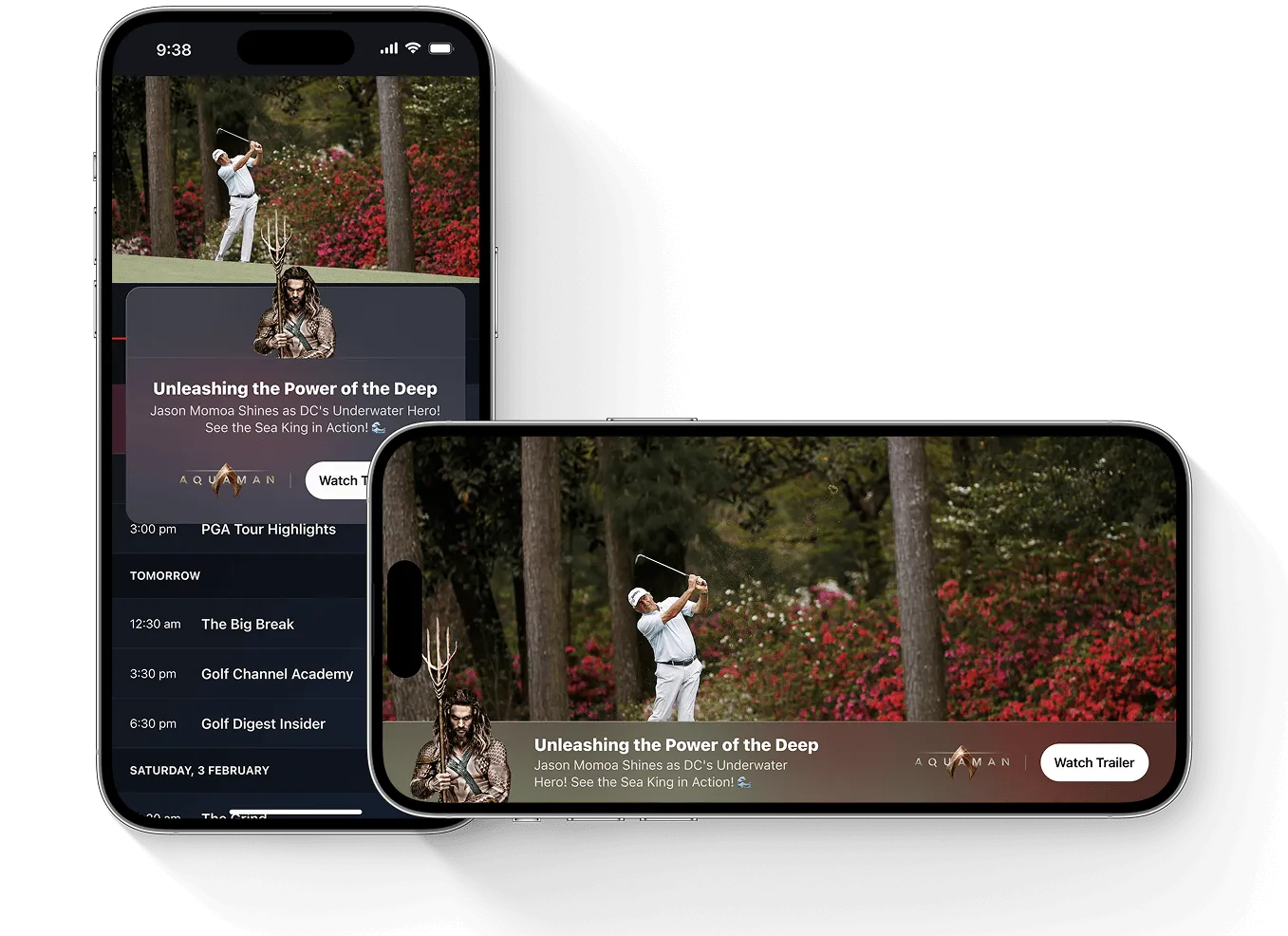
Lower thirds and silent video banners give your brand space on screen while keeping the live content prominent.
Lower-Third
Place your logo, message, and call to action along the bottom of the video.
Image

Features
Image overflow support
Custom title and text
Custom button design
Event triggers support
.webp)
Video Banner
Present a silent video banner over part of the live picture, for up to 30 seconds.
Image
Features
Play without sound
Event triggers support
.webp)
Lower-Third
Place your logo, message, and call to action along the bottom of the video.
Image
Features
Image overflow support
Custom title and text
Custom button design
Event triggers support
Video Banner
Present a silent video banner over part of the live picture, for up to 30 seconds.
Image
Features
Play without sound
Event triggers support
.webp)
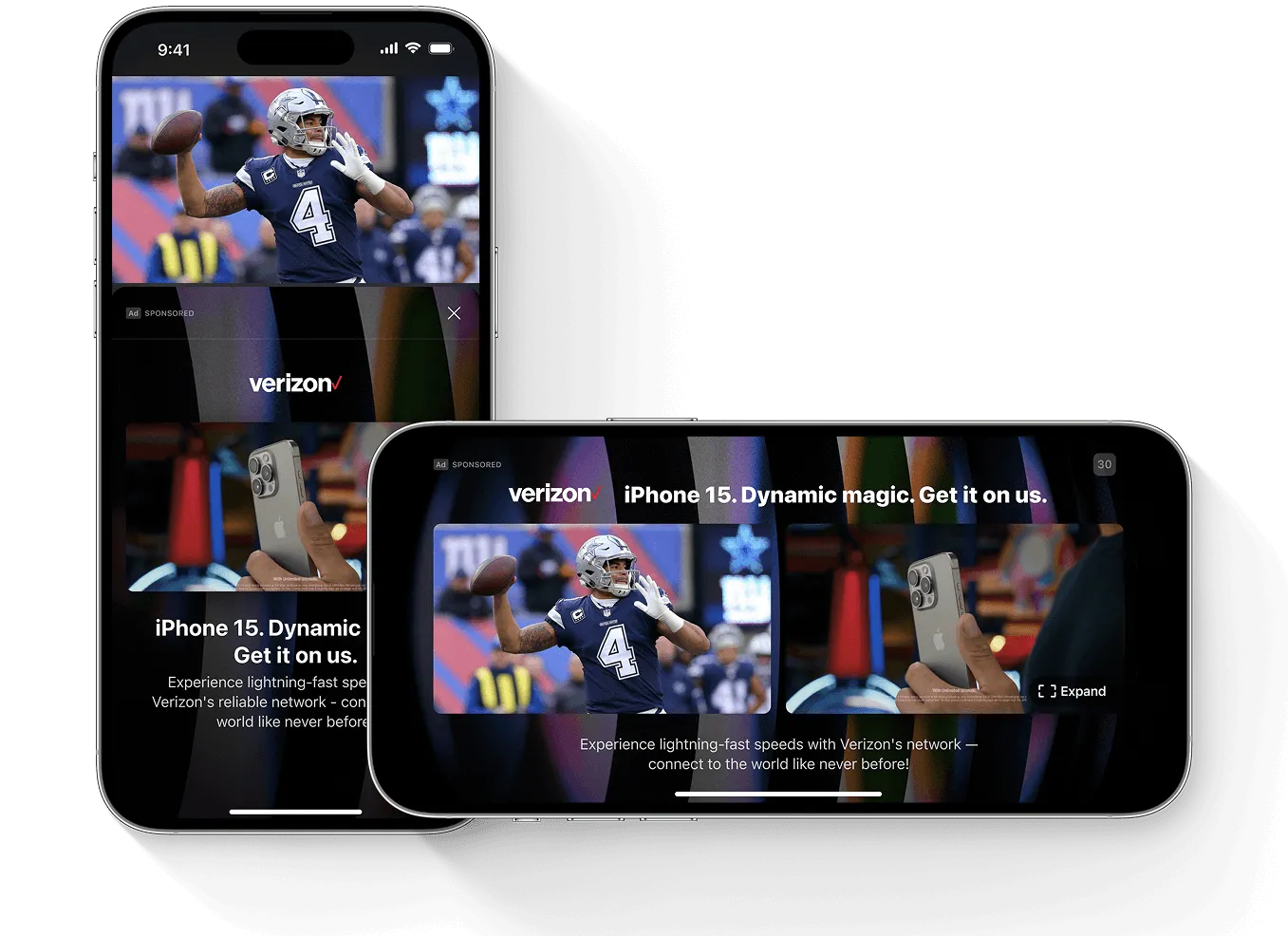
When the moment calls for more.
Give creative more room with side-by-side and picture-in-picture layouts that keep live video visible, or surround the action with a sponsor frame.
Side by Side
Play a video ad beside the live content. Supports 16:9 creative up to 30 seconds.
Video
.svg)
Features
Custom background
Video up to 30 seconds
Full screen video with sound
Custom title and description
Event triggers support
.webp)
Picture in Picture
Give the ad the larger canvas while live content remains visible in a smaller window. Supports 16:9 creative up to 30 seconds.
Video
Features
Custom background
Video up to 30 seconds
Full screen video with sound
Custom title and description
Event triggers support
.webp)
Sponsor Frame
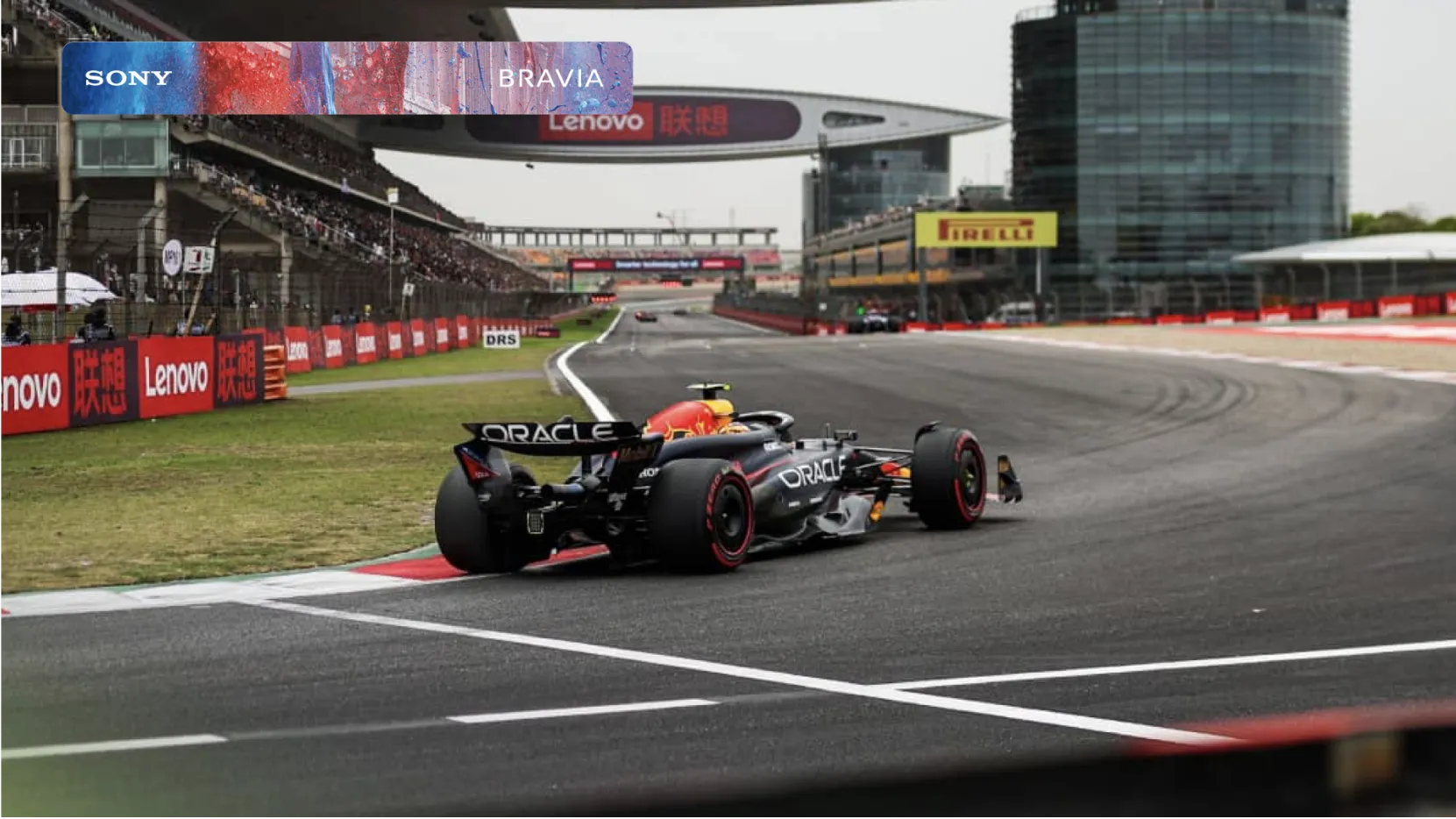
Surround the live video with a branded background, with an optional logo and message.
Dynamic Background
.svg)
Features
Custom background
Video background support
Title and description (optional)
Event triggers support
.webp)
Side by Side
Play a video ad beside the live content. Supports 16:9 creative up to 30 seconds.
Video
Features
Custom background
Video up to 30 seconds
Full screen video with sound
Custom title and description
Event triggers support
Picture in Picture
Give the ad the larger canvas while live content remains visible in a smaller window. Supports 16:9 creative up to 30 seconds.
Video
Features
Custom background
Video up to 30 seconds
Full screen video with sound
Custom title and description
Event triggers support
.webp)
Sponsor Frame
Surround the live video with a branded background, with an optional logo and message.
Dynamic Background
Features
Custom background
Video background support
Title and description (optional)
Event triggers support
.webp)


More revenue opportunities
Create additional ad inventory alongside live programming, with activation governed by your rules.
.webp)

Live content stays visible
Place advertising beside or around the video, or use a smaller overlay suited to the moment.


A clear next step
Let viewers scan, tap, or select to explore an offer, answer a question, or shop.

More inventory. Working with your ad stack.
Add interactive Moment Ads alongside your existing SSAI and ad-serving workflows. Support programmatic demand and direct-sold campaigns through StreamLayer SGAI.
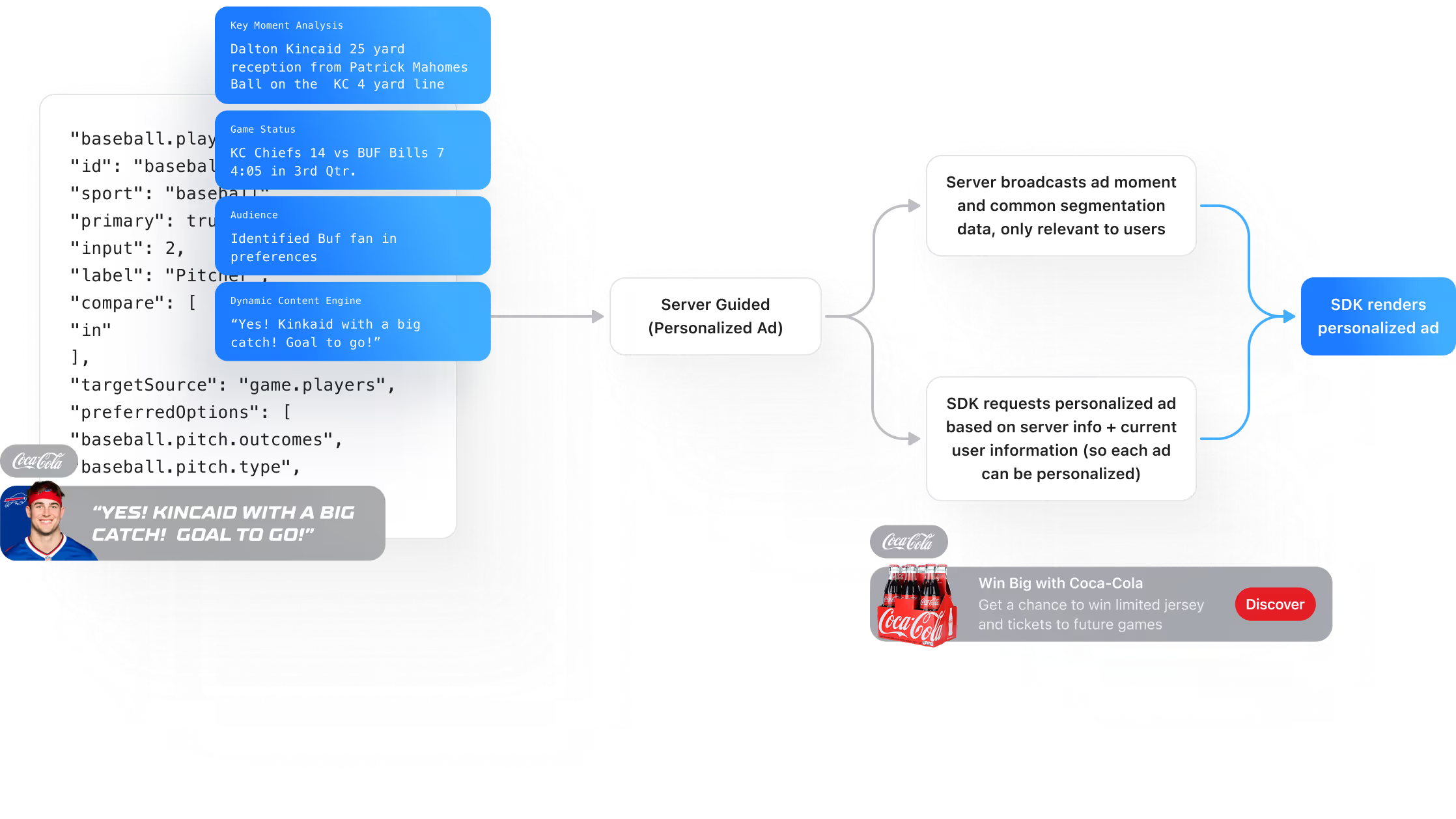
Server-guided. SDK-rendered. StreamLayer SGAI coordinates ad delivery on the server and renders the experience through the client SDK. It adds interactive placements without stitching ads into the underlying video stream.


From live signal to relevant ad.
Use live stats, configured timing, and supported ad markers to activate advertising experiences. Publisher rules determine which opportunities are eligible.
Event triggers
Connect an ad to a score, a player milestone, or another configured event through StreamLayer’s Trigger Engine.
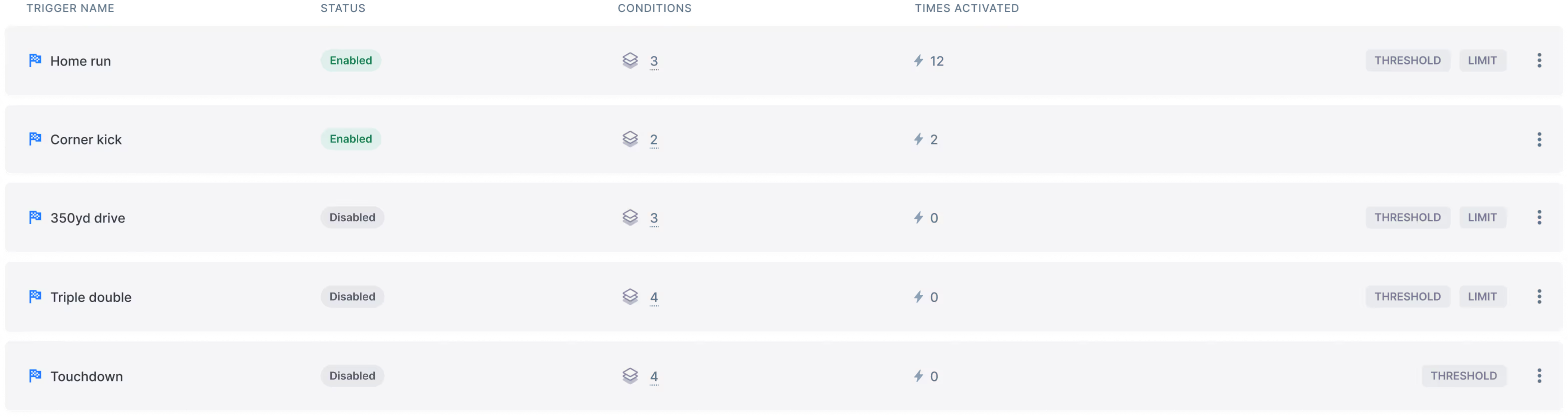

Audience relevance
Use available audience segments and preferences to make offers more relevant to the viewer.
VAST
Use supported VAST integrations to request and deliver ad creative through your configured ad system.
SIMID
We can use SIMID to deliver dynamic, interactive ads that integrate with real-time game events, boosting viewer engagement and enhancing advertiser impact.
SCTE-35
Use supported SCTE-35 signals to coordinate activations with marked breaks and protect scheduled ad inventory.
Key features at a glance.

Control when ads appear
Set timing, frequency, and suppression rules to protect the viewing experience and existing ad inventory.

Keep your video workflow
StreamLayer renders interactive ads through the SDK, alongside your existing video delivery and stitching systems.

See how viewers respond
Review ad performance and viewer interactions to understand results and inform future campaigns.
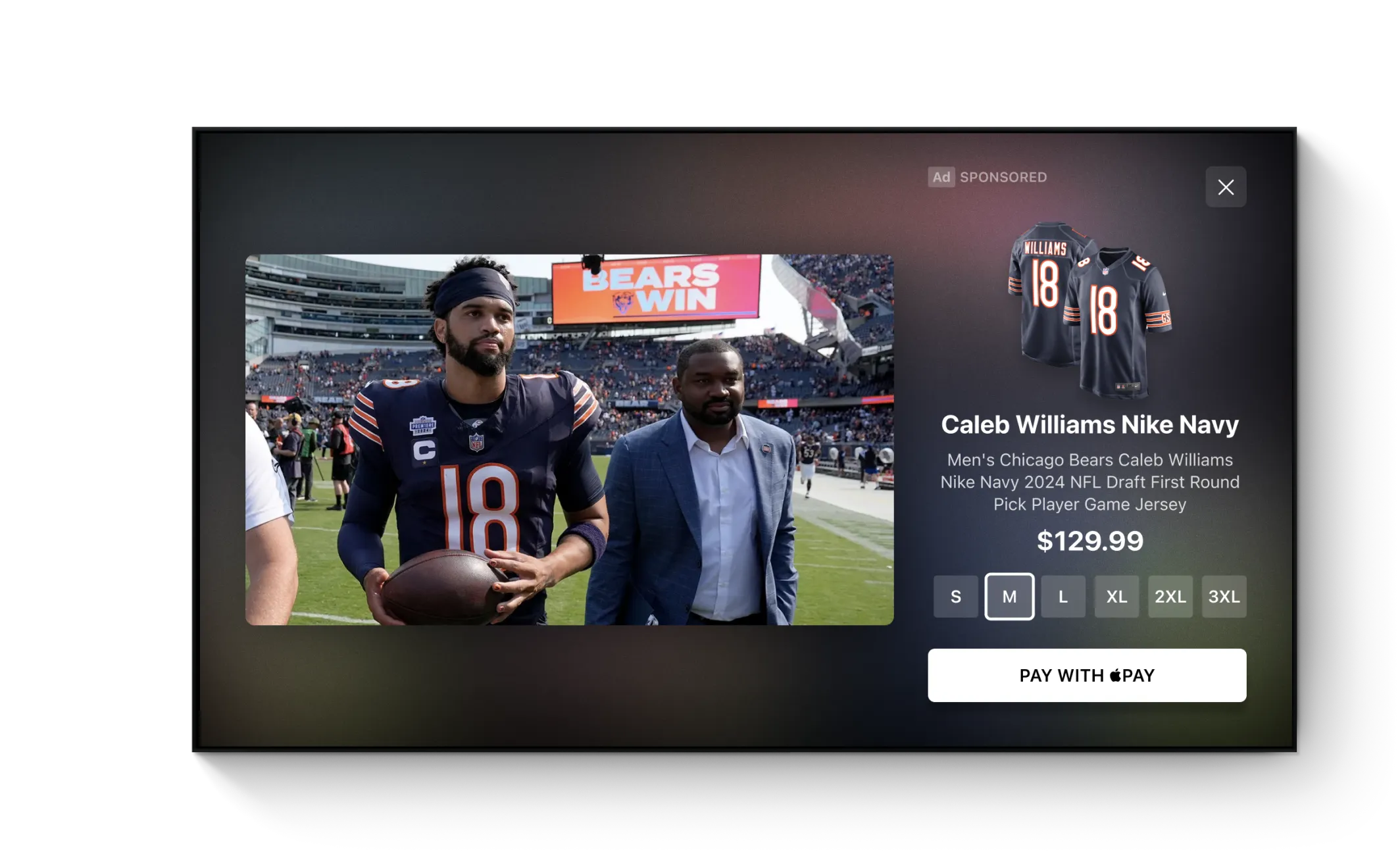
Bring the right product
into view.
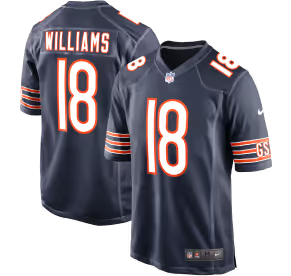
Connect a live moment to relevant merchandise. Shoppable Ads let viewers explore featured products and purchase through the configured shopping experience.




Bring Moment Ads
into your app.
Integrate the StreamLayer SDK to render interactive ads alongside your video player. StreamLayer SGAI coordinates delivery while your app controls the player and surrounding layout.
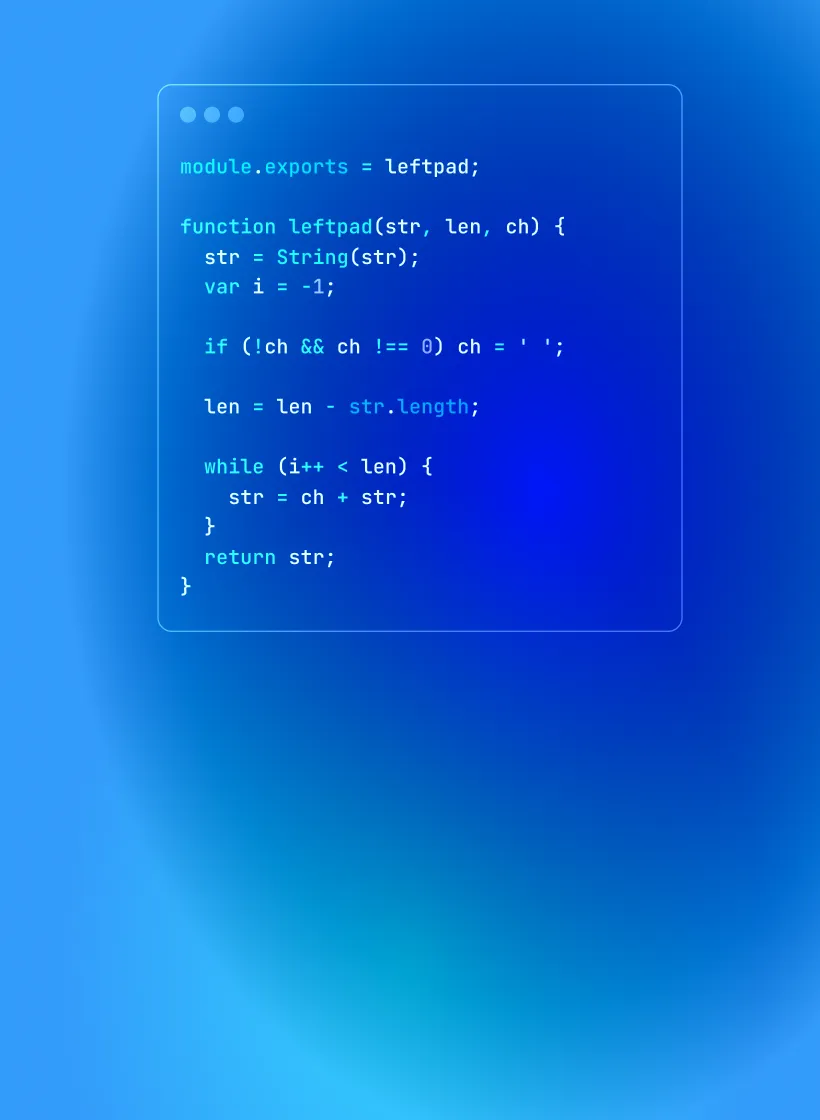
Connected to the event
Link your app’s event and stream identifiers to StreamLayer so configured advertising experiences reach the relevant broadcast.

Built to work alongside
your stack
Add interactive advertising while retaining your existing video delivery and monetization workflows.
Moment Ads FAQ
What are Moment Ads?
StreamLayer Moment Ads are interactive nonlinear ads that appear alongside live and on-demand video. In live sports, they can connect to a big play, a milestone, or a lull suited to trivia or a sponsored insight. Publisher rules govern when they appear.
How are Moment Ads different from standard ad breaks?
Standard ad breaks replace the program with advertising for a scheduled period. Moment Ads create additional placements alongside the content. They can add inventory without adding another conventional ad break, while publisher controls manage frequency and presentation.
What ad formats do Moment Ads support?
Formats include sidebars, L-Bars, overlays, lower thirds, video banners, sponsor frames, picture-in-picture, and side-by-side video. Experiences can include brand creative, polls, trivia, predictions, insights, and shopping. Available formats depend on the device and integration.
How does StreamLayer SGAI enable Moment Ads?
StreamLayer SGAI uses server-side orchestration to guide ad delivery and a client SDK to render the interactive experience. It works alongside existing video delivery systems without modifying or stitching the underlying stream.
What signals can trigger Moment Ads?
Configured triggers can use live sports data, scheduled timing, elapsed time, and supported ad markers. For example, a player milestone can trigger a sponsored insight. Publisher rules determine whether an opportunity is eligible for activation.
How should publishers measure Moment Ads?
Assess the additional revenue and inventory alongside viewer interactions, ad frequency, and the viewing experience. Results depend on the audience, demand, creative, formats, and activation settings.
How do Moment Ads integrate with existing ad stacks?
The StreamLayer SDK integrates into the streaming app and renders the ad experience. StreamLayer works alongside existing SSAI, ad servers, and supported programmatic integrations, as well as direct-sold workflows. Integration scope depends on the player, devices, and ad stack.