How StreamLayer SGAI Works
What your team connects. What StreamLayer handles.
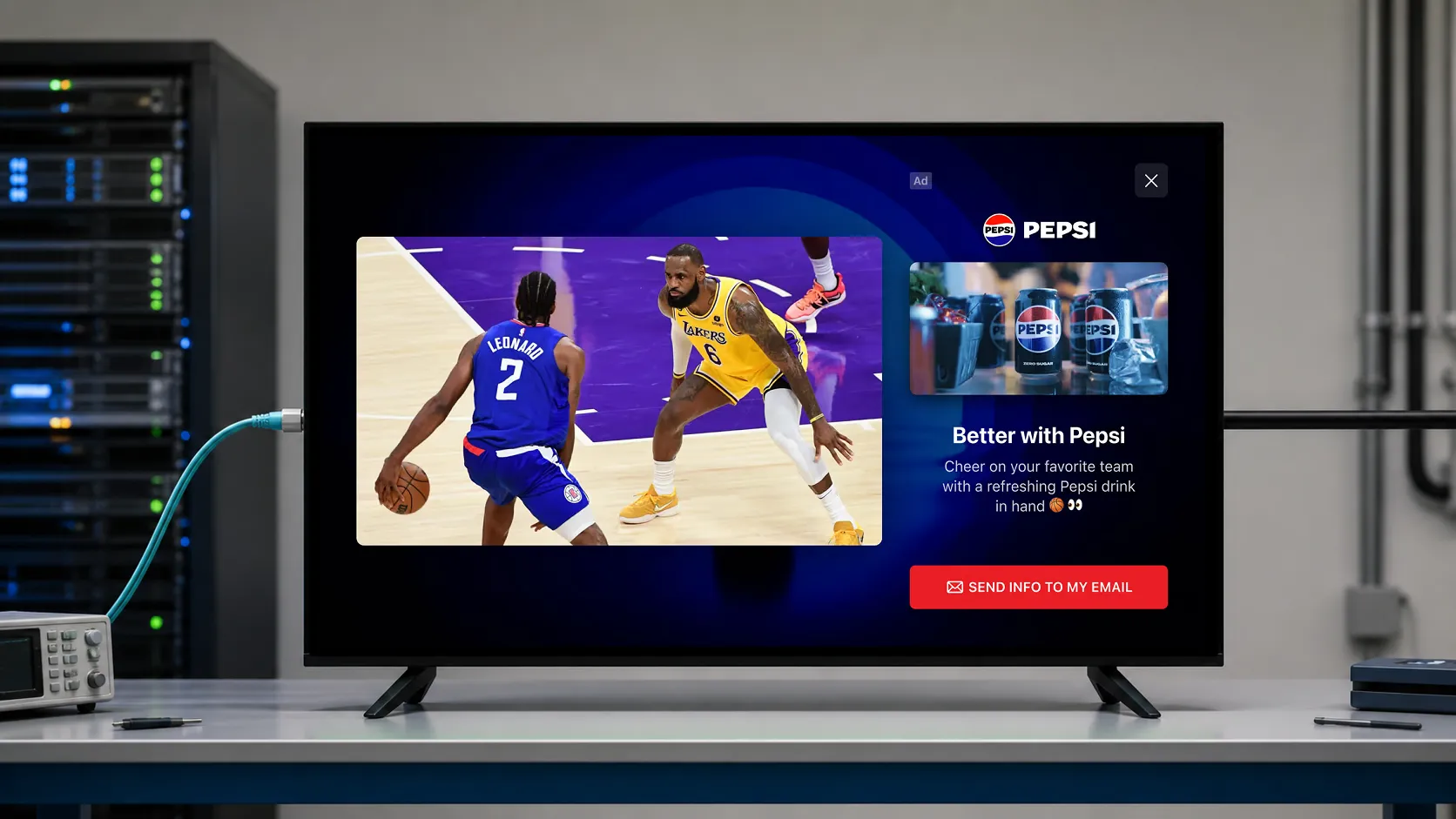
StreamLayer SGAI combines server-side coordination with an SDK in your streaming app. Your app supplies the signals and controls playback and layout. StreamLayer coordinates eligible ad experiences and renders them in the app, without modifying the underlying video stream.
In this guide: How the platform works · What your app integrates · What stays in your existing systems · Control activation and closing · Agree on the first launch
How the platform works
SGAI stands for server-guided ad insertion. Three parts connect a configured opportunity to the advertising experience in your app:
- StreamLayer Studio: Your team configures advertising experiences and triggers, manages events, and reviews activity and results.
- StreamLayer services: Server-side logic coordinates signals, publisher rules, and ad delivery. The Trigger Engine routes eligible activations, including those informed by live data or Moment Intelligence.
- The StreamLayer SDK: Software in your app presents the ad, responds to viewer input, and coordinates with the app's playback and layout behavior.
What your app integrates
Your engineering team integrates the StreamLayer software development kit, or SDK, and connects the signals required for the chosen product.
| Product and example | Signals to connect | App responsibilities |
|---|---|---|
| Live Moment Ads A food delivery offer in a Side Bar during a sports timeout. | Event identifiers and configured triggers, including relevant live-data signals. | Provide the placement and coordinate layout while programming continues. These nonlinear ads appear outside a conventional ad break. |
| Pause Ads An offer, shopping experience, or game information during a viewer pause. | Pause and resume signals. | Provide the ad area, handle any player resizing, and close the experience on resume. Still imagery or subtle, silent motion keeps the scene feeling paused. |
| Interactive SSAI A synchronized banner that lets viewers explore a product or send an offer to their phone. | Timed metadata for the existing SSAI ad. | Coordinate the companion with the ad and provide its placement. The SSAI provider continues delivering the video ad. |
Your app also provides the space where StreamLayer appears. An overlay can sit over the picture, beside it, or around it. For a Side Bar or L-Bar that reduces the video, your app controls the player's size and position and restores the normal layout when the experience ends.
Plan the integration for the selected platforms: CTV, web, and mobile.
What stays in your existing systems
StreamLayer supports creative managed directly in Studio and delivery through configured advertising partners. A direct-sold sponsorship and a programmatic campaign can use different delivery paths, so the integration defines which system selects the ad, supplies the creative, and records delivery.
Your existing ad server and buying partners retain their roles. In a programmatic workflow, the supply-side platform connects inventory to demand-side buyers; StreamLayer coordinates and presents its interactive experience within that agreed workflow.
StreamLayer adds experiences in the app without replacing your video delivery or production workflow. Agree on the buying path and reporting responsibilities for each inventory package.
Control activation and closing
Publisher controls govern which opportunities become ads. Your team defines eligible content, timing, frequency, placements, and closing behavior. A moment in the game is a potential opportunity; your rules determine whether an ad should appear.
StreamLayer Studio gives your operations team a place to configure experiences before an event, manage activity while it is live, and review results afterward. Clear closing rules protect the transition back to normal viewing, whether a viewer resumes playback or a timed placement ends.
Agree on the first launch
- Choose the advertising product, placement, devices, and campaign or sponsorship.
- Assign ownership of app signals, layout changes, closing behavior, and the buying path.
- Approve creative assets, viewer actions, and destinations.
- Define measurement events and launch criteria before testing.
Evaluate both the advertising result and the viewing experience. Review delivered impressions and interactions alongside playback behavior, correct closing, and net revenue. Use those findings to decide which formats and devices to expand next.
Explore StreamLayer SGAI, or talk with us about your app to map the experience you want to offer to the integration it needs.