Lower Third Ads: Sponsored Graphics for Live Sports Streams
How sponsored lower third graphics work in live sports streams, and how SDK-rendered lower thirds differ from banners and burned-in graphics.
A lower third ad is a sponsored graphic that appears in the lower part of the screen during live programming, following the broadcast convention used for names and scores. It runs for a short, timed window tied to a moment in the event. It often carries live data, such as a score, a stat or betting odds.
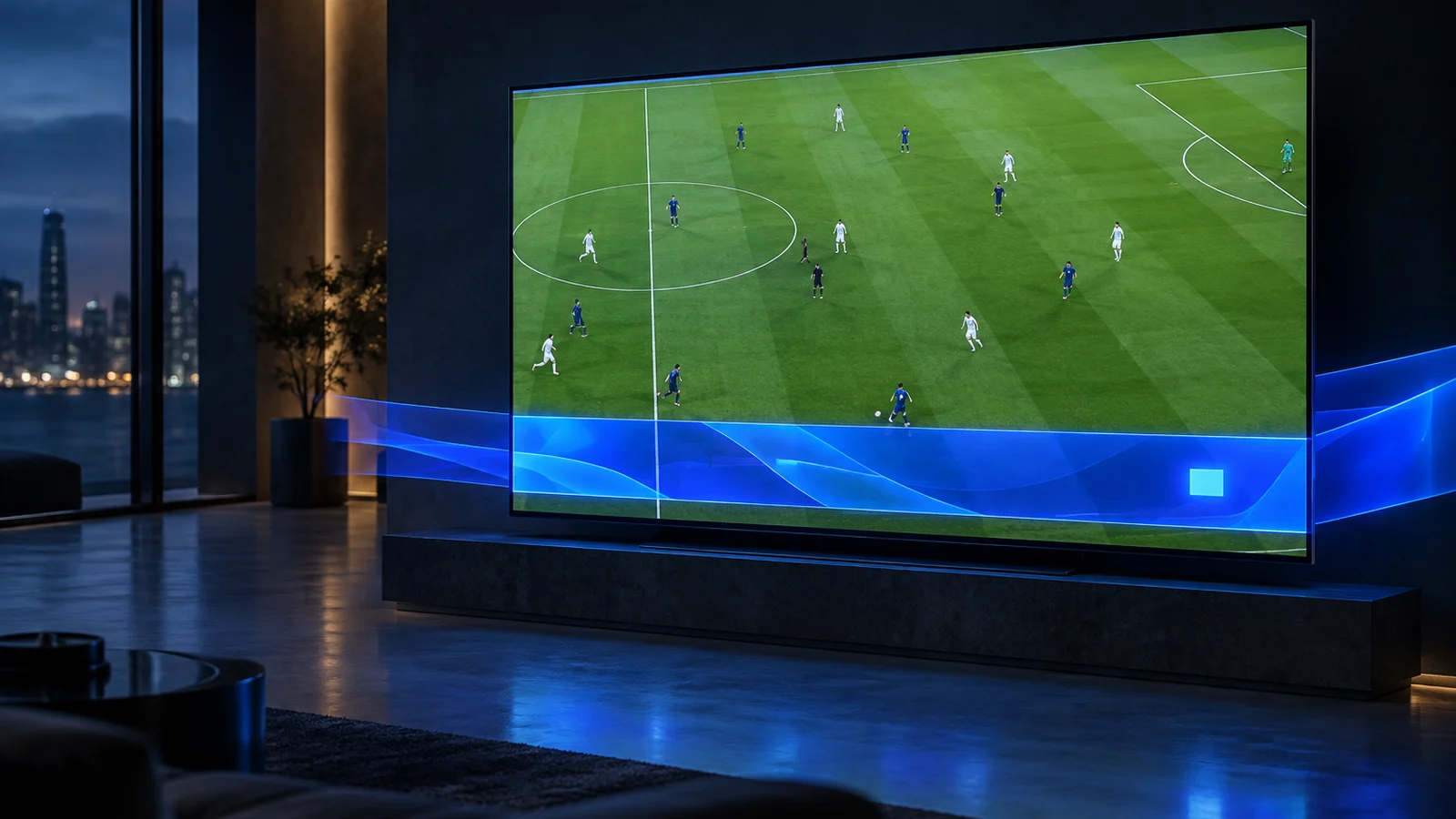
What is a lower third in broadcasting?
A lower third is an on-screen graphic in the lower area of the frame. Broadcasters use it for names, titles, scores and updates, and sponsors often attach a brand to it.
A common reference definition calls it "a graphic overlay placed in the title-safe lower area of the screen, though not necessarily the entire lower third of it," as Wikipedia summarizes. The same entry notes that lower thirds increasingly include elements such as sports scores.
In the IAB Tech Lab CTV Ad Portfolio, this placement falls under overlay ads. One of the two overlay variations it defines appears "covering the lower third of the screen." For the wider category, see CTV overlay ads.
How is a lower third ad different from a banner ad?
A banner is a strip across the bottom of the screen, placed over an ad or over content. A lower third is a timed, broadcast-style graphic tied to a specific live moment.
The difference is intent and timing. A CTV banner ad is defined by where it sits, for example over a stitched video ad, as with the Interactive SSAI Bottom Banner Overlay. A lower third appears because something happened in the event. A goal, a stat milestone or a change in odds is a typical cue. It then gets out of the way.
A lower third also borrows the visual language of the broadcast. Viewers read it as part of the coverage, with a sponsor attached, rather than as a separate ad placement.
How does a streamed lower third ad differ from a burned-in broadcast graphic?
A burned-in lower third is part of the video, so every viewer sees the same thing and nobody can act on it. An SDK-rendered lower third is drawn in the app, per viewer, on top of an unmodified stream.
- Burned-in. The graphics system composites the lower third into the program feed. It reaches every downstream viewer identically, and it cannot be clicked or changed per viewer after encoding.
- SDK-rendered. With StreamLayer SGAI, server-side services decide what to show and the StreamLayer SDK renders it in the publisher's app. The video stream is not modified.
Because decisioning and rendering are separate, each viewer can in principle receive a different creative, offer or CTA, based on targeting, geography or first-party data. The unit can also be interactive, with a CTA, a QR code or send-to-phone.
The two approaches can coexist. A broadcaster can keep its own editorial graphics in the feed and sell the sponsored lower third as a separate, SDK-rendered unit.
How are lower third ads triggered during live sports?
In Moment Ads, Lower Third is an ad unit that can be activated automatically or manually. Both routes run while the programming continues.
Automatic activation. The Trigger Engine uses live data, contextual triggers and publisher rules. Moment Intelligence identifies advertising opportunities from live game context and live data. An identified moment does not trigger an ad by itself. Publisher rules decide which moments become ads.
Manual activation. Operators can fire a unit from StreamLayer Studio. It can also be activated through API-connected control-room or graphics workflows. That lets a production team call a sponsored lower third the way it calls any other graphic.
What can a lower third ad show?
The typical lower third ad pairs a sponsor mark with one piece of live information. Keep it short enough to read at a glance.
- Live data. Moment Ads can carry scores, stats and live odds.
- Actions. Moment Ads support QR codes, CTAs, send-to-phone and commerce.
- Dynamic creative. The sponsor message can change with the game state or the viewer.
Where a lower third is too small for the message, other Moment Ads units and formats give more space. A squeezeback resizes the video instead of covering it.
How do publishers keep lower third ads from getting in the way?
Set rules for timing, placement and frequency before the event. Then let the rules, or the control room, decide when a unit runs.
Moment Ads give publishers controls for eligibility, timing, pacing, placement and closing. Keep the unit clear of the score bug, the clock, closed captions and the broadcaster's own graphics. Close it before critical action, and space units out so they do not crowd the coverage.
For how lower thirds fit with the other formats, see the nonlinear ads hub.
Frequently asked questions
Is a lower third ad a type of overlay?
Yes. The IAB Tech Lab CTV Ad Portfolio lists an overlay variation that covers the lower third of the screen. What sets a lower third ad apart is its broadcast style and its link to a live moment.
Does a lower third ad interrupt the game?
No. The programming keeps playing and the unit covers only a small part of the frame. It runs for a timed window and then closes.
Can the production team trigger sponsored lower thirds?
Yes. In Moment Ads, operators can activate units manually from StreamLayer Studio or through API-connected control-room or graphics workflows. Automatic activation through the Trigger Engine and publisher rules is also available.
Can a lower third ad show live scores or odds?
Yes. Moment Ads can carry live data such as scores, stats and live odds. The publisher decides which data sources and markets are appropriate for each event and audience.
To plan sponsored lower thirds for live events, talk to StreamLayer.