Squeezeback Ads: L-Bar, Side-Bar and Frame Formats
What squeezeback ads are, how L-bar, side-bar and frame layouts work in streaming apps, and where they run in live sports and SSAI breaks.
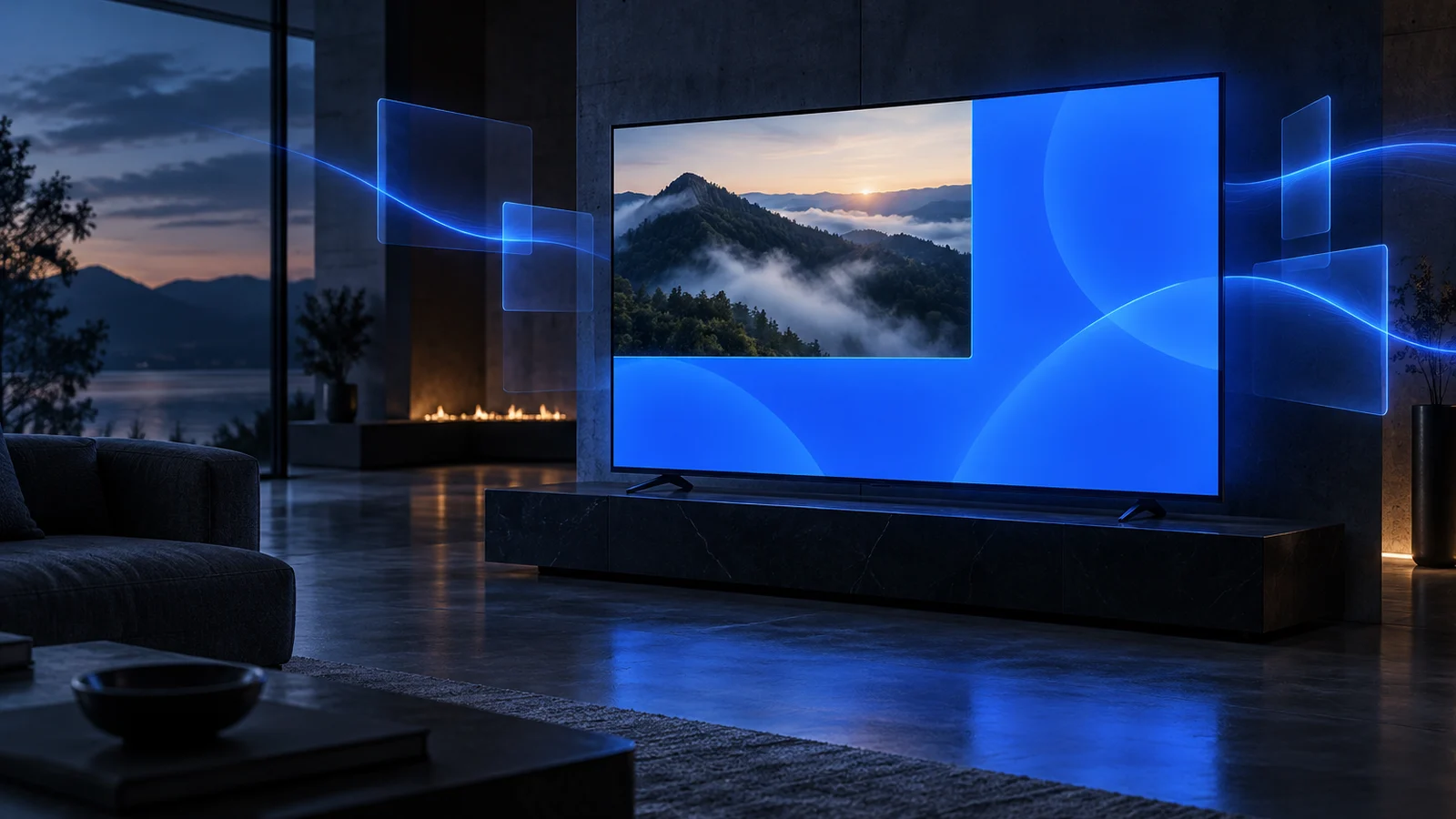
A squeezeback ad, also written squeeze-back, shrinks the program video to open space for an ad beside or around it. None of the content is covered. The three common types are the L-bar, the side-bar and the frame. In a streaming app, the host app resizes the player and a client SDK renders the creative in the freed space.
What is a squeezeback ad?
A squeezeback is a nonlinear ad that resizes the content instead of covering it. The IAB Tech Lab CTV Ad Portfolio defines it as an ad in which "the program content is resized to allow for placement of an ad on the screen." It adds: "In a squeezeback, none of the content is covered by the ad, instead it shares screen space with the ad."
The portfolio was released in December 2025 as one of six core CTV formats. Its definitions and its OpenRTB format signaling were finalized on July 22, 2026, so squeezeback inventory can be identified in bid requests (PPC Land).
The IAB lists several squeezeback layouts: L-shaped left, L-shaped right, a frame around the original content, and double-box variants. StreamLayer covers the L-bar, side-bar and frame types on this page. Program and ad shown in two boxes is covered separately as Double Box. A creative that sits on top of a full-size picture is an overlay, not a squeezeback.
How do squeezeback ads work in a streaming app?
The host app resizes its own player, and the StreamLayer SDK draws the ad in the space around it. The video stream itself does not change.
With StreamLayer SGAI, a squeezeback runs in five steps.
- StreamLayer's server services decide that a unit should run. The trigger can be a publisher rule, live data, a manual activation in StreamLayer Studio or a timed metadata marker.
- The StreamLayer SDK in the app receives the decision and the creative.
- The host app resizes the video to the L-bar, side-bar or frame layout. The host app owns the player, so it controls the layout.
- The SDK renders the creative in the freed space, including any logo, CTA, QR code or live data.
- When the closing rule is met, the SDK removes the creative and the host app restores the full-screen video.
Nothing is stitched into the stream. StreamLayer works alongside existing SSAI, ad servers and players rather than replacing them. Because decisioning happens on the server and rendering happens on the device, each viewer can in principle see a different creative, offer or CTA.
The alternative is to composite the squeezeback upstream into the video feed, as broadcast control rooms do. That keeps the client simple. However, every viewer then sees the same creative, and the unit cannot respond to a remote or a tap.
What are L-bar ads in live sports?
An L-bar ad scales the live video toward one corner and fills the L-shaped space along one side and the bottom. The IAB lists left and right versions of this "L Shaped Squeeze Back."
The layout comes from television graphics, where information sits beside and below the picture. It suits live sports because the band is wide enough for a sponsor message and a line of live data at once. In StreamLayer, L-Bar is a presentation format in Moment Ads during live programming. It is also a squeezeback layout in Interactive SSAI, where it wraps a stitched video spot.
Run L-bars during stoppages and lulls, and close them before play resumes. Check that the score, clock and other broadcast graphics stay legible in the smaller picture. On phones, a reduced picture is small, so consider a different layout for mobile.
What are side-bar ads on CTV and streaming?
A side-bar ad shrinks the video and places a single vertical panel on one side of the screen. It is the simplest squeezeback to lay out, because only one edge of the picture moves.
A vertical panel suits a stacked design: a logo, a short message, a CTA button and a QR code. StreamLayer uses Side-Bar in three products.
- Moment Ads. A Side-Bar presentation format during live programming.
- Interactive SSAI. A Side-Bar squeezeback around a stitched video ad, triggered by timed metadata markers.
- Pause Ads. A Side-Bar layout that resizes the paused frame and shows the ad beside it. It closes when playback resumes.
What is a frame ad on CTV?
A frame ad resizes the video and surrounds it with creative on more than one side. The IAB describes it as a "Squeeze Back putting a frame around the original content."
Because the creative borders the picture, a frame reads as a sponsored presentation of the program rather than a separate panel. It suits a sponsor who wants a strong branded look around a segment, such as a replay or a studio break. In StreamLayer, Frame is a presentation format in Moment Ads. As with any squeezeback, the host app resizes the player and the SDK renders the frame on the device.
What can a squeezeback show, and how do viewers interact with it?
A device-rendered squeezeback can carry live data and respond to the viewer. A graphic composited into the feed can do neither per viewer.
Moment Ads support live data such as scores, stats and live odds. Unit types include Insight, Prediction, Trivia, Poll, Shoppable and Standard Interactive. In Interactive SSAI, the Live Data unit knows which stitched ad is playing and which event is on. It can show synchronized data, such as odds for preselected markets. The layer can also be personalized by loyalty status, segment, geography or existing-customer status, while the stitched video stays the same for everyone.
On a TV, viewers act in three ways.
- Remote. A CTA button takes focus and responds to the select button. Polls and trivia can be answered without leaving the stream.
- QR code. The viewer scans a code to open an offer, a sign-up or a store page on a phone.
- Send to phone. The viewer requests a link and follows it later.
On mobile and web, viewers tap the unit directly. On every screen, the viewer should keep control of playback.
What controls do publishers have over squeezeback ads?
Publishers set the rules that decide when a squeezeback runs, how often, and when it closes. An identified moment does not trigger an ad by itself.
Moment Intelligence identifies advertising opportunities from live game context and live data. Publisher rules then control eligibility, timing, pacing, placement and closing. Operators can also activate units manually from StreamLayer Studio or through API-connected control-room workflows. Before launch, check these points.
- Player resizing. Confirm the player resizes smoothly on every target device and that captions stay readable.
- Device coverage. StreamLayer SDKs cover iOS, Android, React Native, web, tvOS, Android TV and Google TV, Roku, Samsung Tizen, LG webOS, Hisense VIDAA, Xbox, Amazon Fire TV and Vizio.
- Programmatic signaling. Describe the inventory with the IAB squeezeback format if you sell it programmatically.
For how squeezebacks fit with other formats, see nonlinear ads.
Frequently asked questions
Is an L-bar a type of squeezeback?
Yes. L-bar, side-bar and frame ads are all squeezebacks, because each resizes the video instead of covering it. They differ in where the creative sits: an L-shaped band, a single vertical panel, or a border around the picture.
Does a squeezeback modify the video stream?
Not with StreamLayer. The host app resizes the player and the StreamLayer SDK renders the creative on the device. Nothing is stitched into the stream, and the underlying video is not modified.
Can a squeezeback run during an SSAI ad break?
Yes. With Interactive SSAI, the SSAI provider keeps stitching and delivering the spot. Timed metadata markers then trigger a Side-Bar or L-Bar layout around it.
How is a squeezeback different from an overlay?
An overlay sits on top of the full-size video and covers part of it. A squeezeback resizes the video so the whole picture stays visible, only smaller.
Which devices can show StreamLayer squeezeback ads?
StreamLayer SDKs cover mobile, web and the major CTV platforms, including tvOS, Android TV, Roku, Samsung Tizen, LG webOS, Hisense VIDAA, Xbox, Amazon Fire TV and Vizio. Additional platforms, including PlayStation and TitanOS, can be added on request.
If you are planning L-bar, side-bar or frame inventory for live sports or stitched breaks, talk to StreamLayer about layouts, devices and rules.