Pause Ad Measurement and Revenue
Measure delivery, viewer response, and revenue after costs.
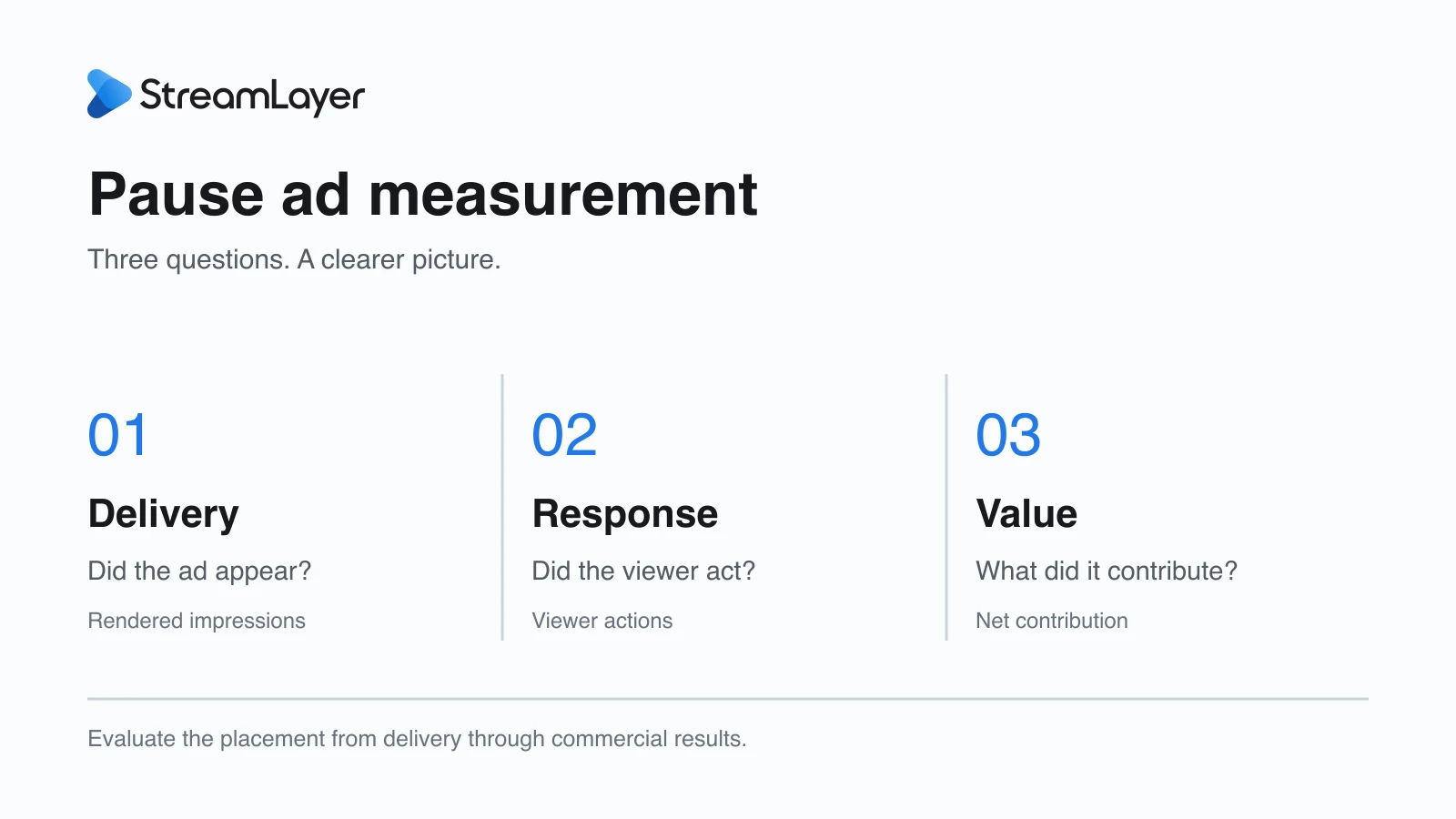
Evaluate pause ads on three questions: Did the ad reach the screen? Did viewers respond? What did the placement earn after costs? Review those results alongside playback and resume behavior before deciding what to expand. For how the format works, see our pause ads guide for CTV publishers.
In this guide: Start with what reached the screen · Understand what viewers chose to do · Turn delivery into a commercial picture · Keep the viewing experience in the scorecard · Use the results to improve your deployment
Start with what reached the screen
An eligible pause is the starting point. It becomes a delivered impression only when the ad actually appears under your agreed measurement rules. A viewer may resume before the creative arrives, an ad request may return no fill, or an asset may fail to load.
| Event | Counting rule | Reporting source to agree |
|---|---|---|
| Eligible pause | A pause meeting the content, device, timing, and frequency rules. Agree on session boundaries and deduplication. | Publisher app and eligibility records. |
| Ad request | A request under the agreed policy; identify retries separately. | Requesting system and ad-server or supply records. |
| Ready creative | Valid assets loaded while the viewer is still paused. | App or SDK readiness events, where instrumented. |
| Rendered impression | An ad displayed under the agreed rendering and counting rules. | App-side render event reconciled with ad-server and supply reports. |
| Exposure duration | Time on screen until resume, close, or a relevant app-state change. | Agreed render and end-event timestamps. |
Agree on these definitions and confirm the reporting sources available for your deployment.
These stages help your team locate the next improvement. If many viewers resume before an ad appears, review the pause delay and creative readiness. If delivery works but requests often receive no ad, review the supply and demand path with your advertising partners.
Understand what viewers chose to do
A pause ad can invite viewers to explore an offer, scan a QR code, select a product, or send an offer to their phone. Measure each action separately so you can see which experience is useful.
Define both the action and its denominator. A QR scan rate, for example, can mean unique scans divided by rendered impressions. Report unique and total actions separately, and account for viewers who use more than one interaction in the same session.
Visits, leads, and purchases add another layer. Connect destination tracking and agree on consent and attribution rules before treating them as campaign outcomes. A scan records interest; a completed purchase requires its own evidence. Brand recall and attention also need an appropriate study beyond delivery logs.
Turn delivery into a commercial picture
For campaigns priced per thousand impressions, or CPM, revenue depends on billable delivery and the price actually achieved. A simple planning model is:
Estimated billable impressions = eligible pauses × render rate × billable share of renders.
Gross media revenue = billable impressions ÷ 1,000 × realized CPM.
Here, render rate means rendered ads divided by eligible pauses. It already reflects no fill, early resumes, and delivery failures, so a separate fill-rate multiplier would count those losses twice.
Worked example: hypothetical inputs
This example explains the calculation. It is not a StreamLayer result or a market benchmark.
| Input or result | Value |
|---|---|
| Eligible pauses | 100,000 |
| Assumed render rate | 60% |
| Assumed billable share of renders | 100% |
| Estimated billable impressions | 100,000 × 60% × 100% = 60,000 |
| Assumed realized CPM | $20 |
| Estimated gross media revenue | 60,000 ÷ 1,000 × $20 = $1,200 |
Then apply your actual supply fees, platform charges, creative costs, and operating costs. Net contribution gives your team a more useful basis for deciding whether to expand the placement.
Keep the viewing experience in the scorecard
The ad should close when the viewer resumes, restore any resized player layout, and preserve normal remote navigation. Review those behaviors alongside playback errors, session exits, and viewer feedback.
Compare the placement’s performance with an agreed baseline. Where practical, use a comparable group without the placement to help distinguish its effect from changes in audience or programming. Keep device mix and campaign conditions comparable, and identify observational comparisons as such.
The same discipline applies to revenue. A pause campaign can generate sales while also drawing budget from another placement. Account for that movement when assessing how much revenue is incremental.
Use the results to improve your deployment
Before launch, your product, advertising, and engineering teams should agree on the audience, placement rules, creative, measurement definitions, and criteria for expansion. Reconcile app-side delivery with the ad server and supply reports so everyone is evaluating the same campaign.
Complete this scorecard with your deployment team. Set thresholds and targets before launch; the blank fields are intentionally publisher-defined.
| Metric | Agreed definition and target | Baseline | Result | Decision |
|---|---|---|---|---|
| Eligible pauses and render rate | ||||
| Billable impressions | ||||
| Unique and total viewer actions | ||||
| Verified downstream outcomes | ||||
| Gross revenue and net contribution | ||||
| Incremental revenue | ||||
| Resume, layout, and playback quality |
The final report should connect the operating conditions to the outcomes: what ran, who could see it, what reached the screen, what viewers did, and what the publisher earned after costs. Include the baseline and known measurement limits.
That gives you a practical choice: refine creative, improve delivery, adjust eligibility, or extend a successful placement to more of your audience.
Explore StreamLayer Pause Ads, review programmatic delivery, or discuss pause ads for your app.