In-Play Ads: Advertising Alongside Live Content
Updated September 8, 2026 · StreamLayer
What are in-play ads?
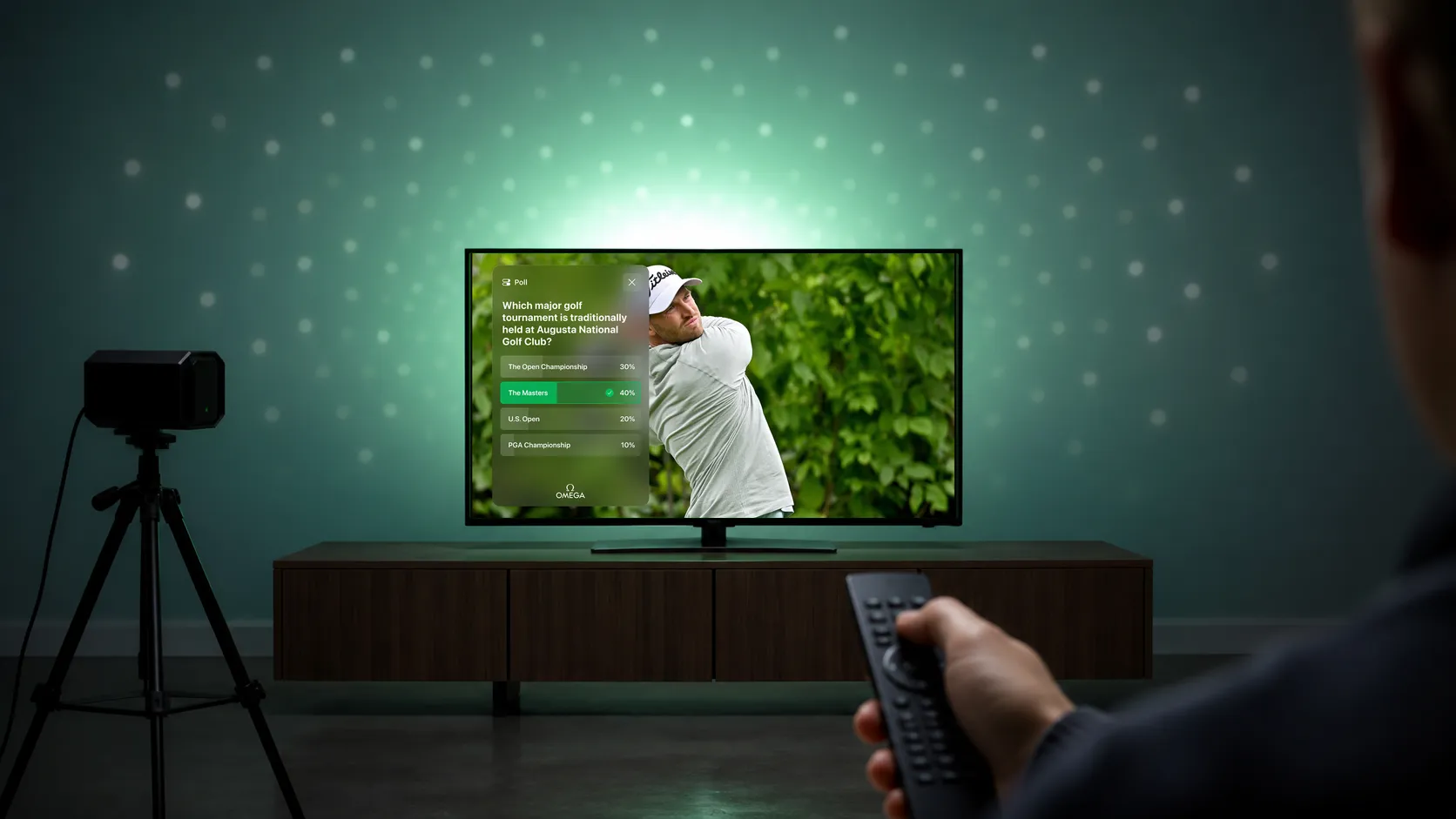
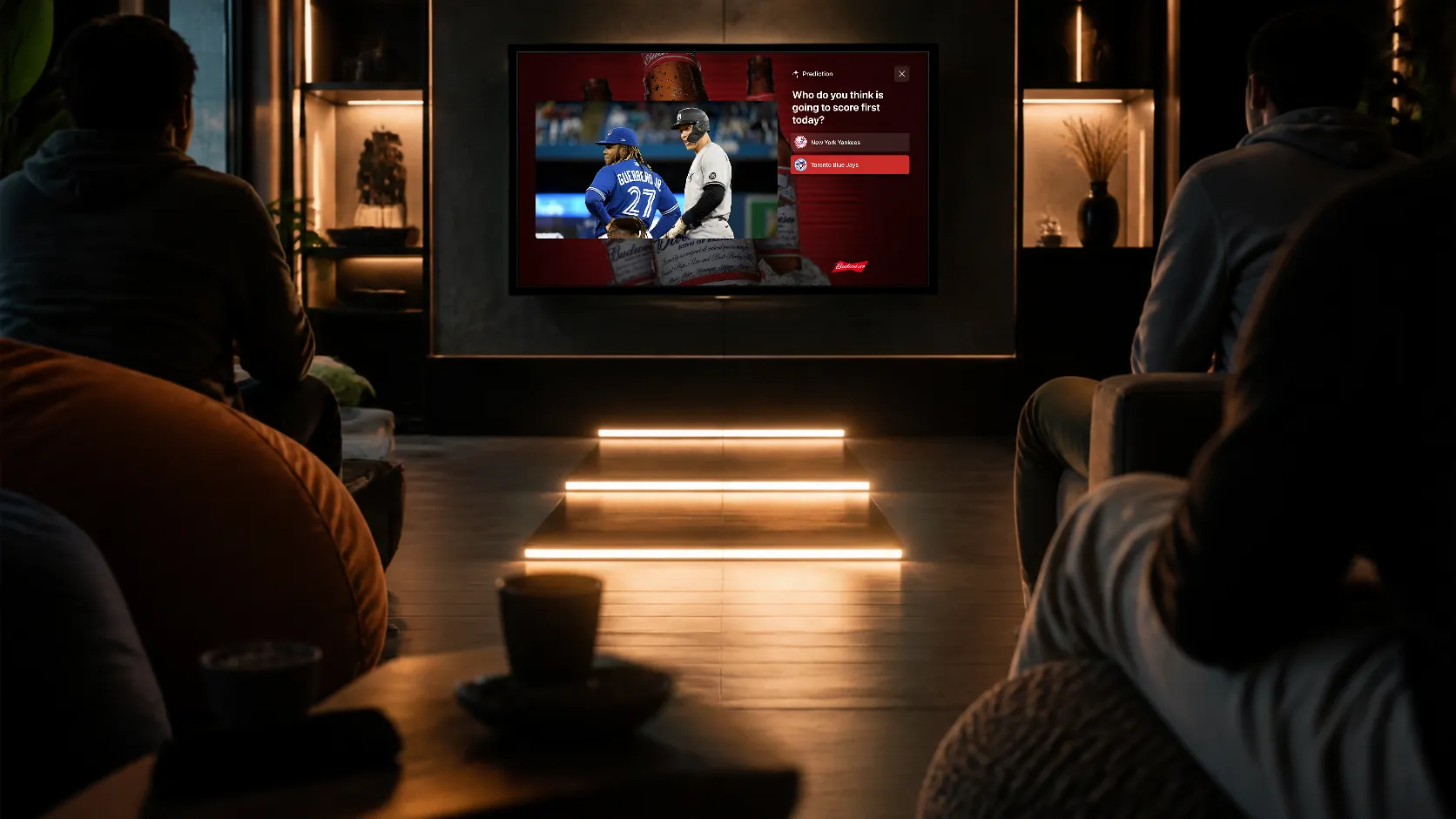
In-play ads appear while programming continues, allowing viewers to see the content and advertising together. They are a form of nonlinear advertising. Their effect on the viewing experience depends on placement, size, motion, audio, timing, and duration.
How do the main layouts differ?
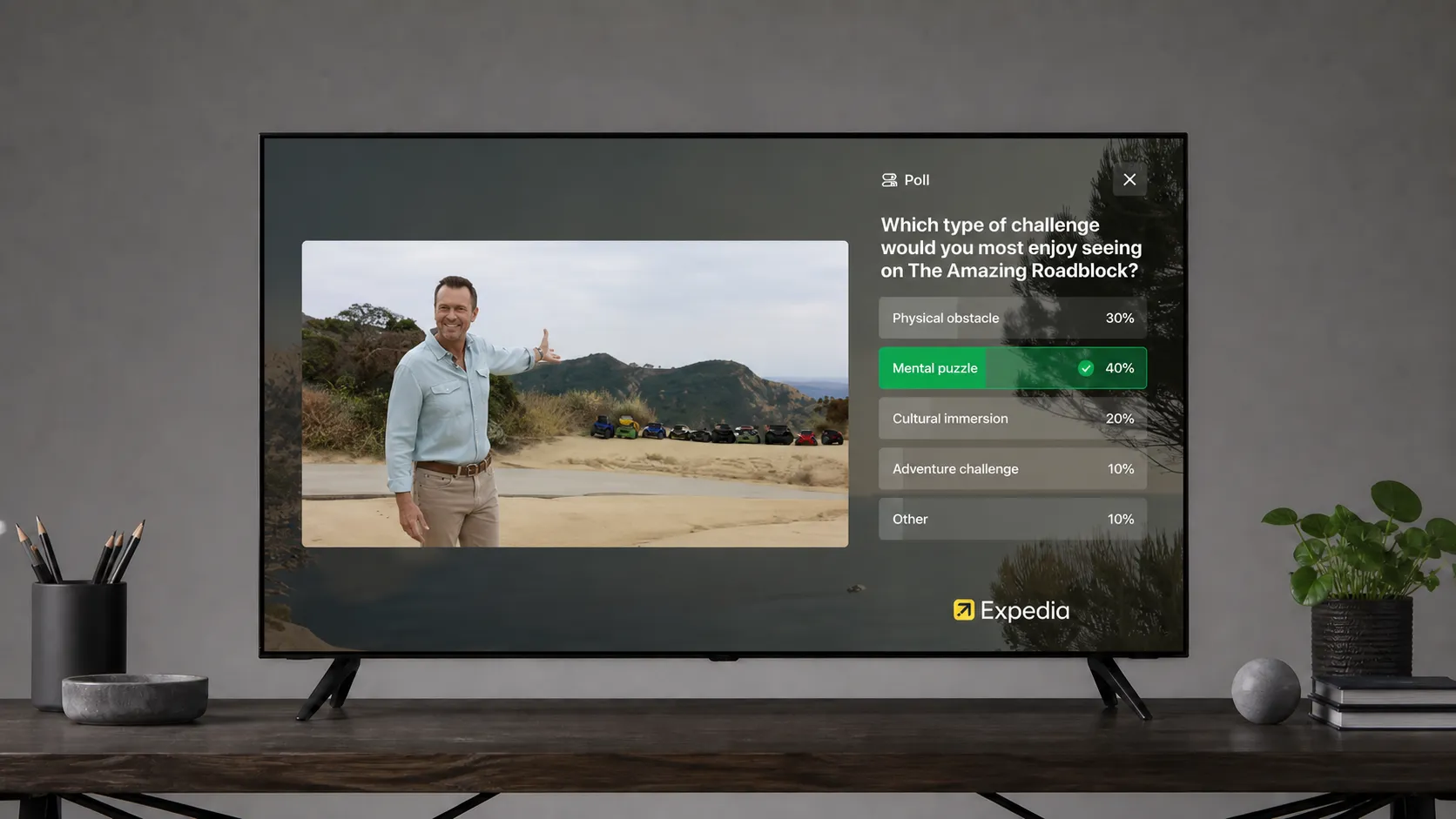
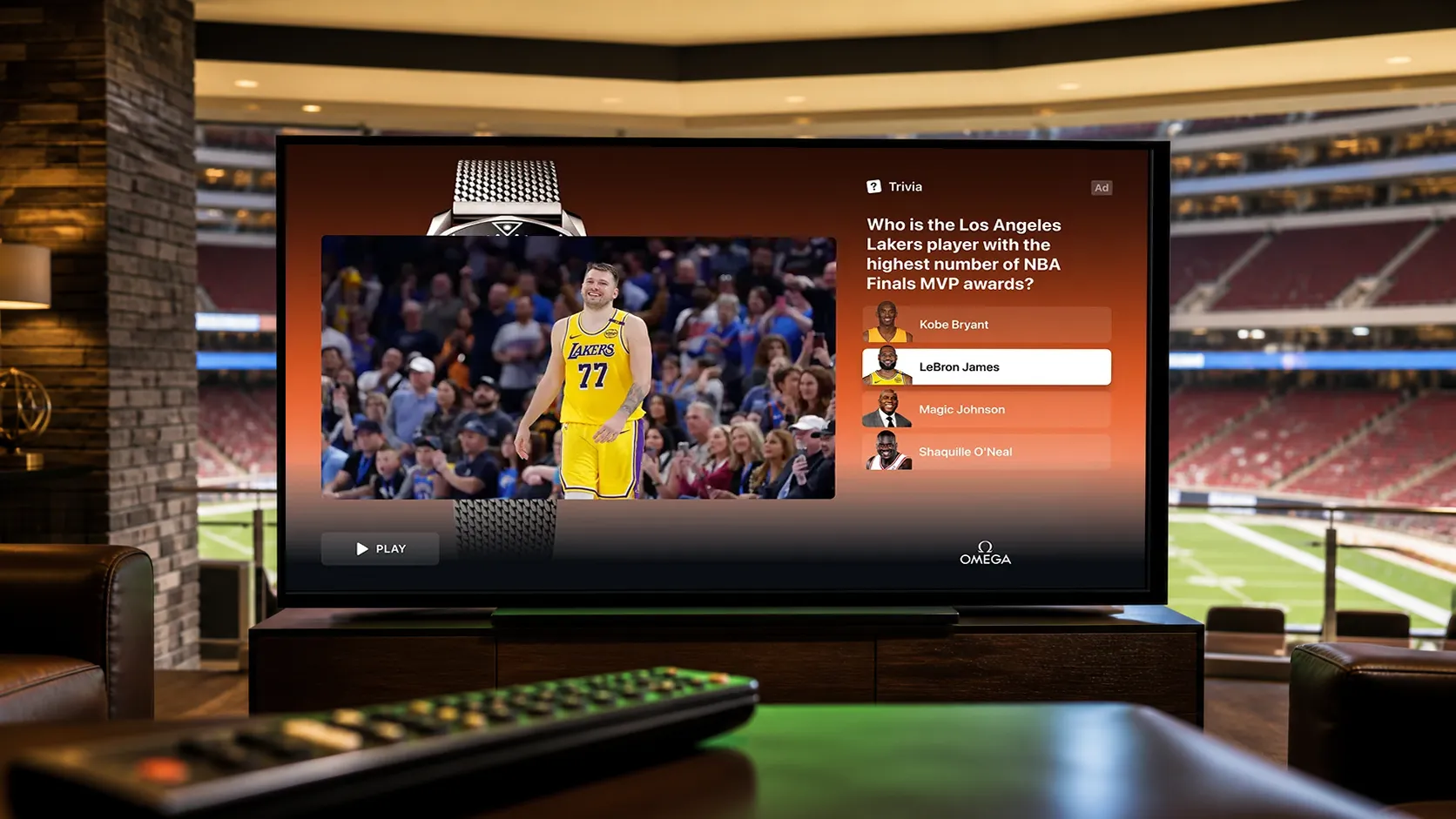
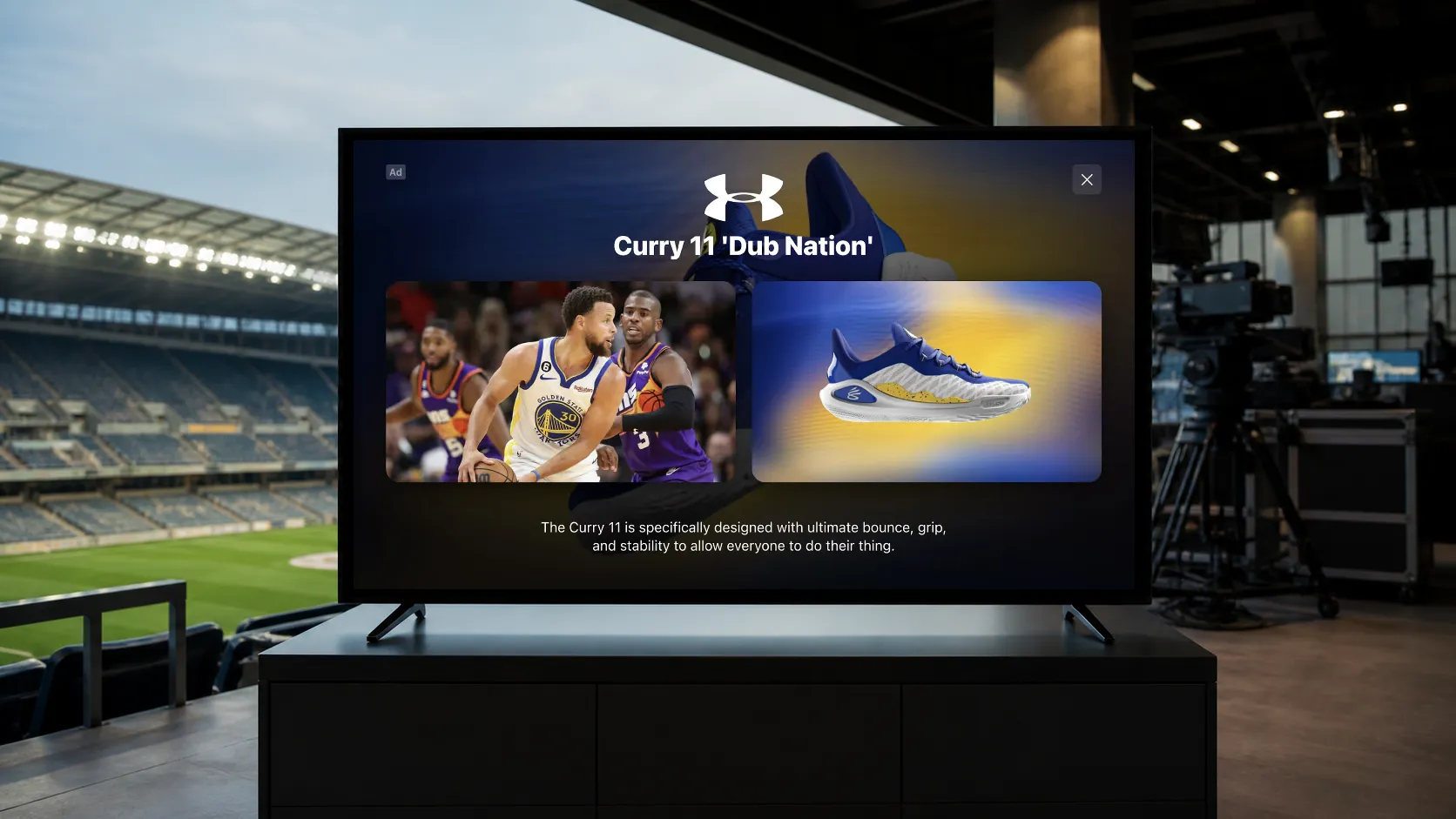
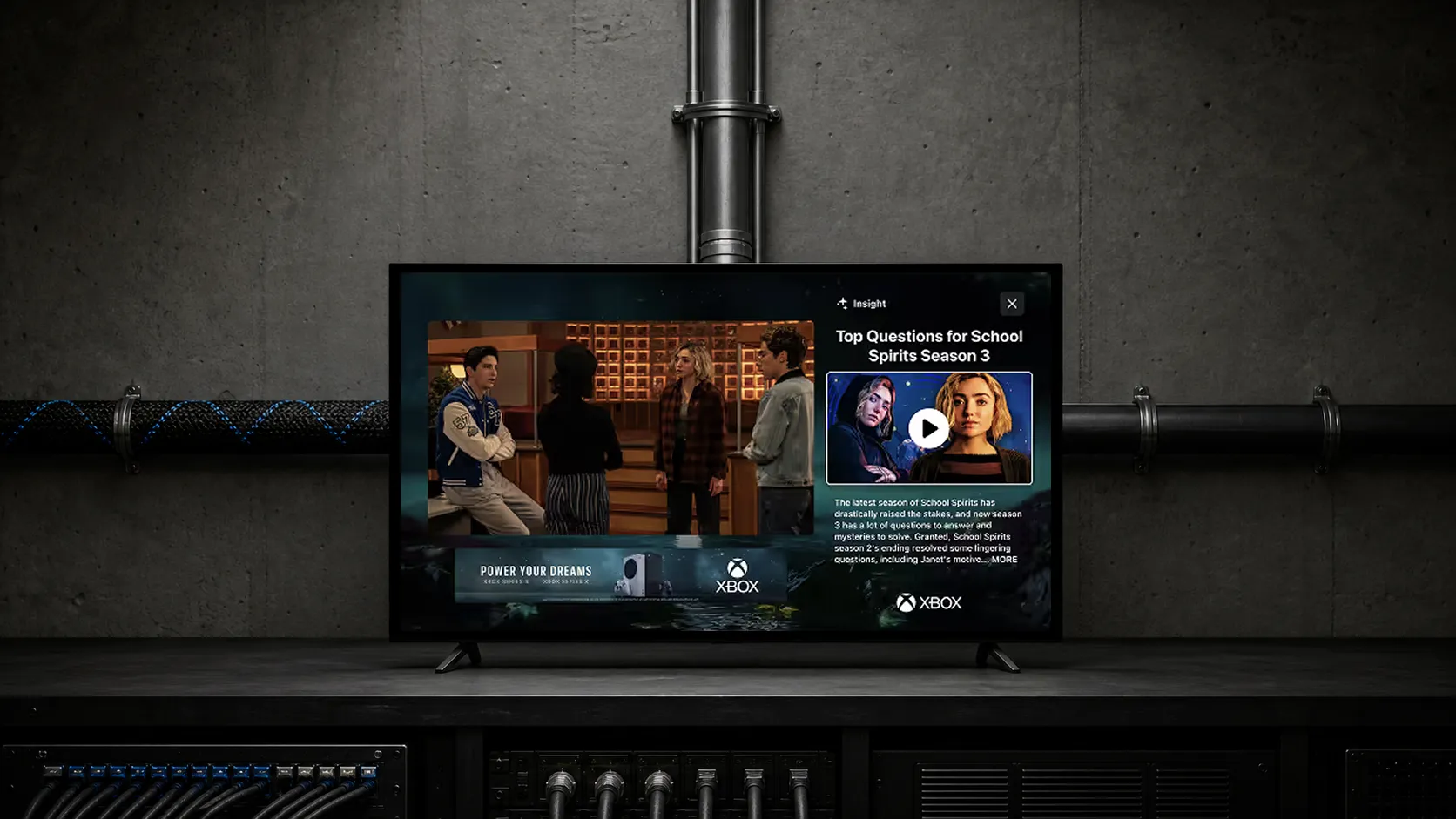
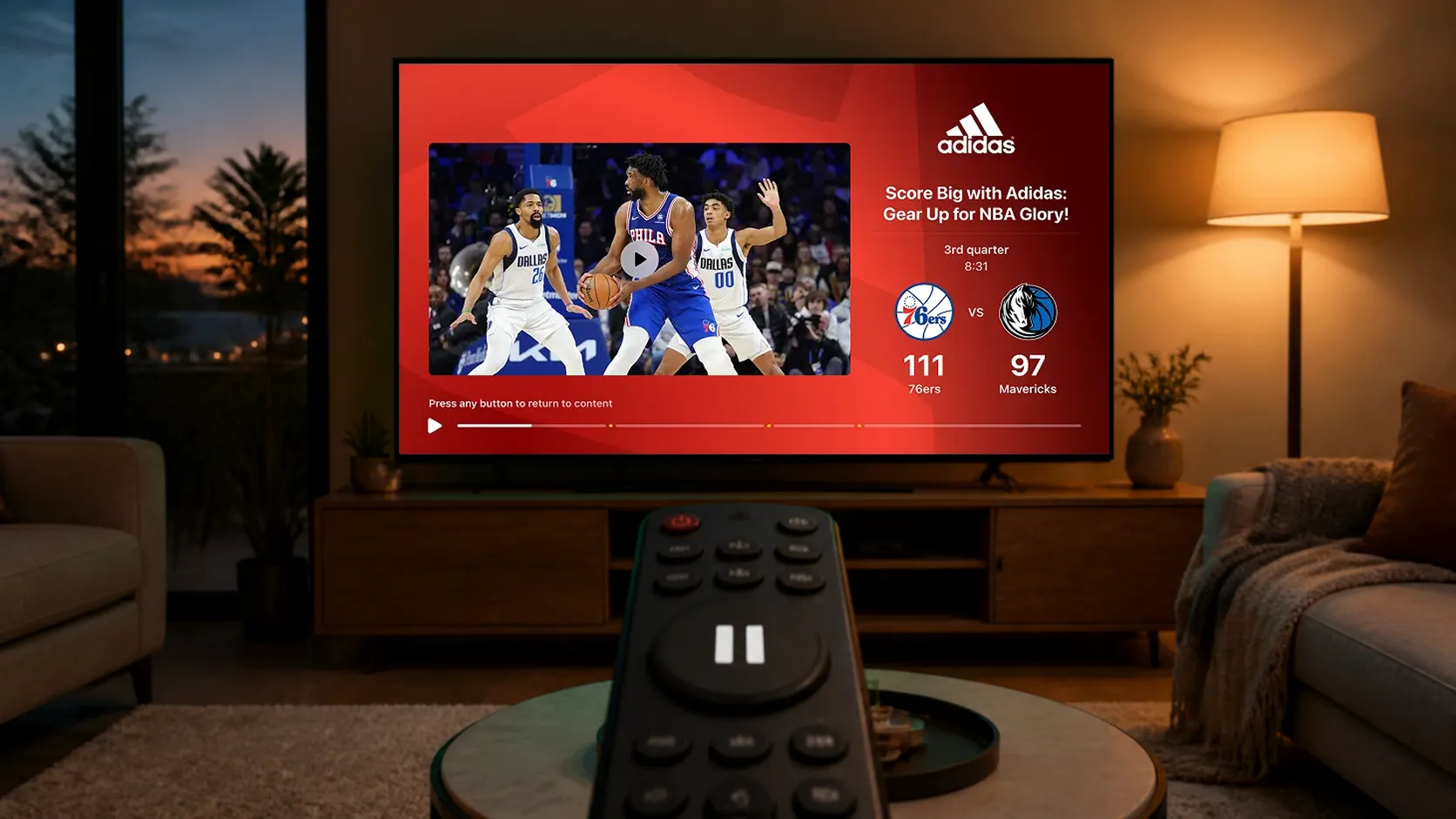
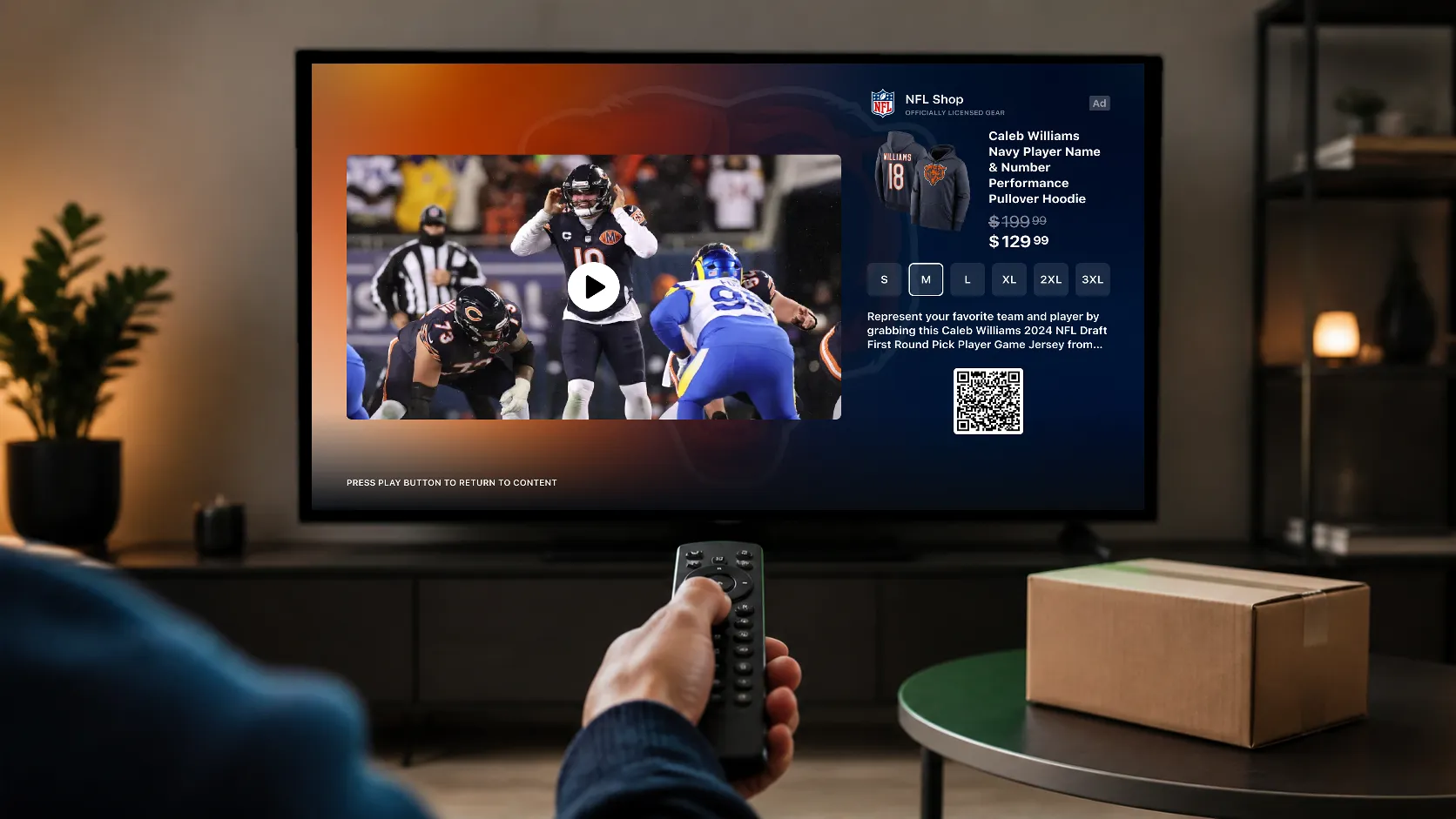
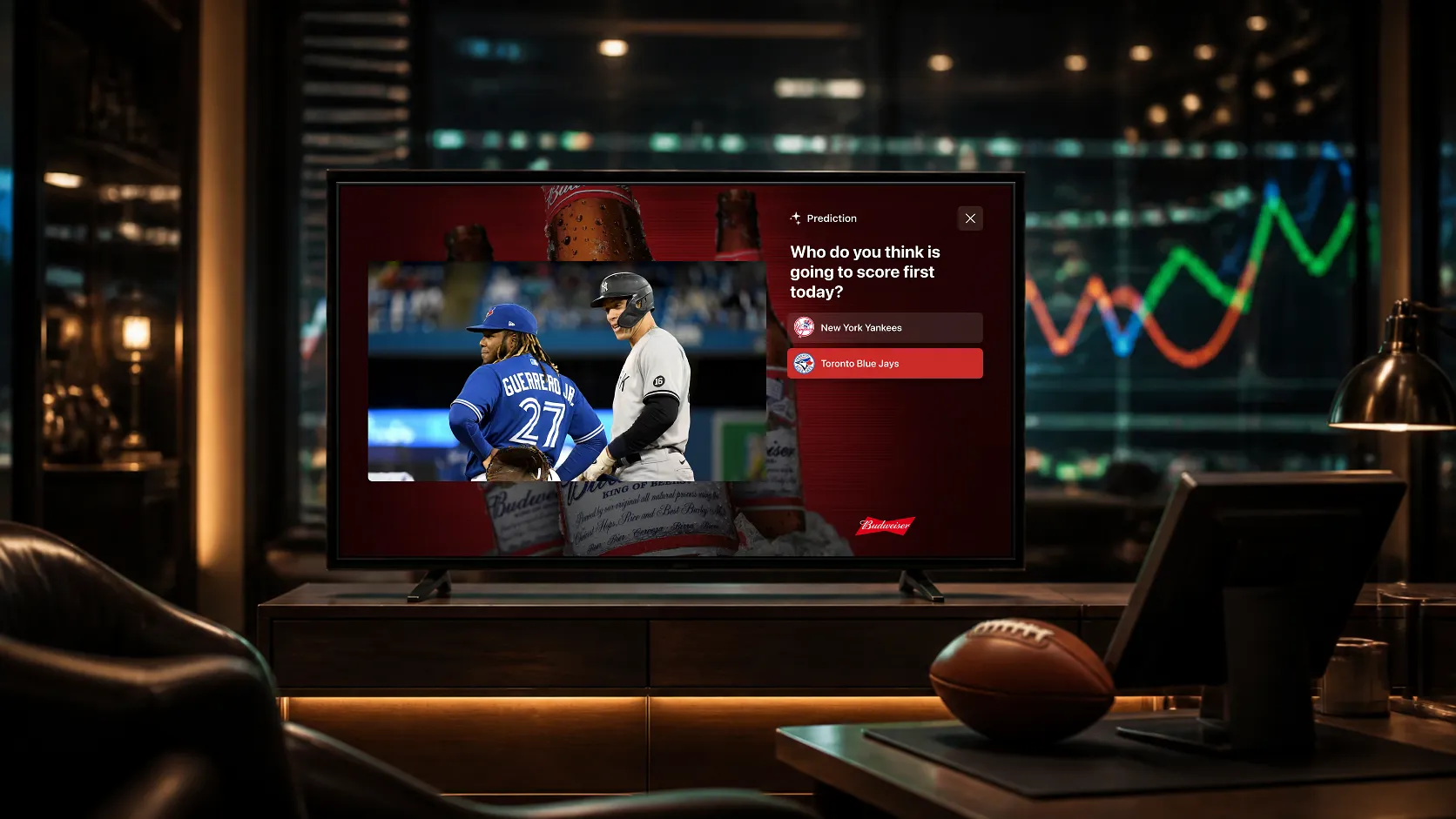
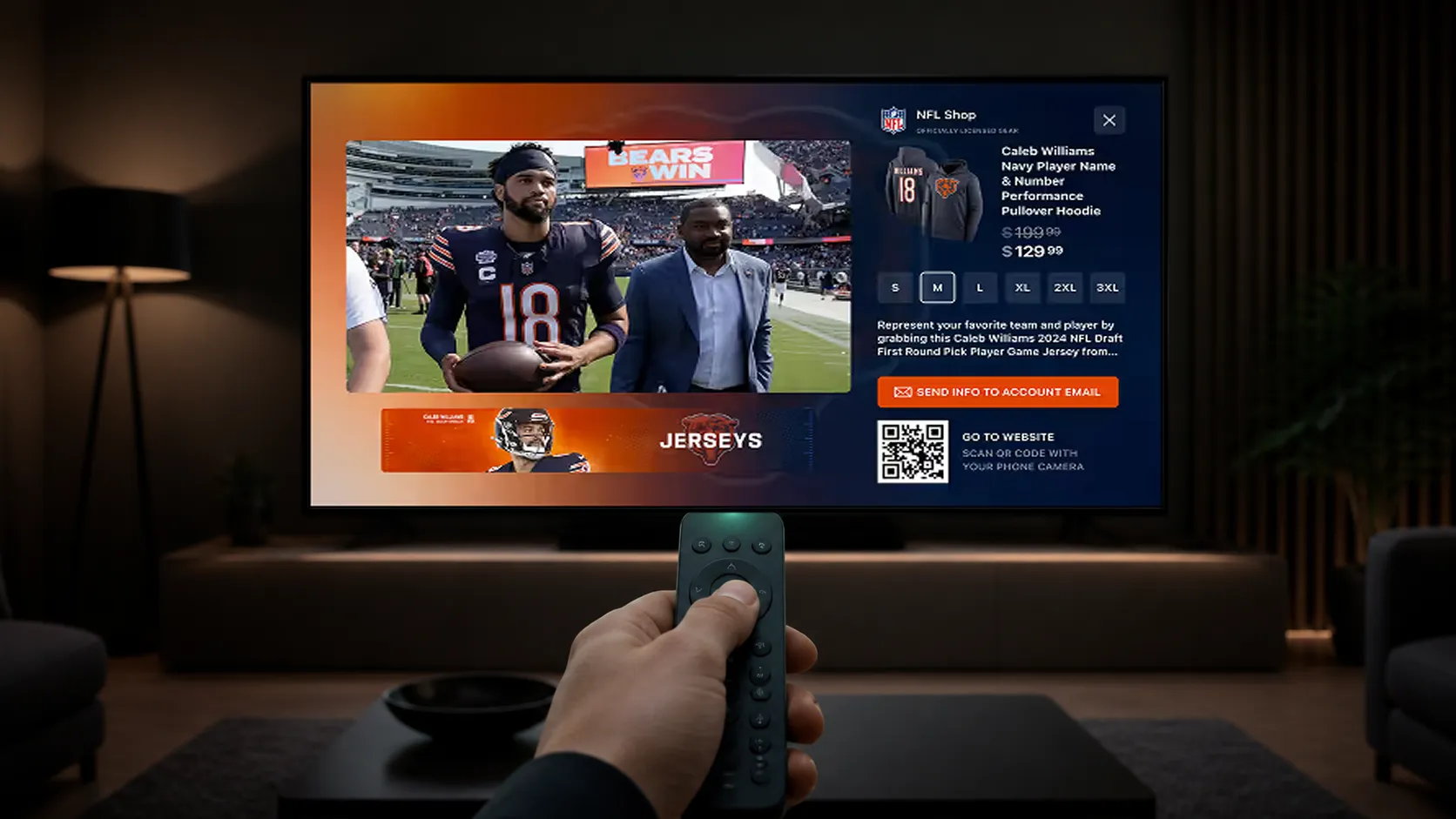
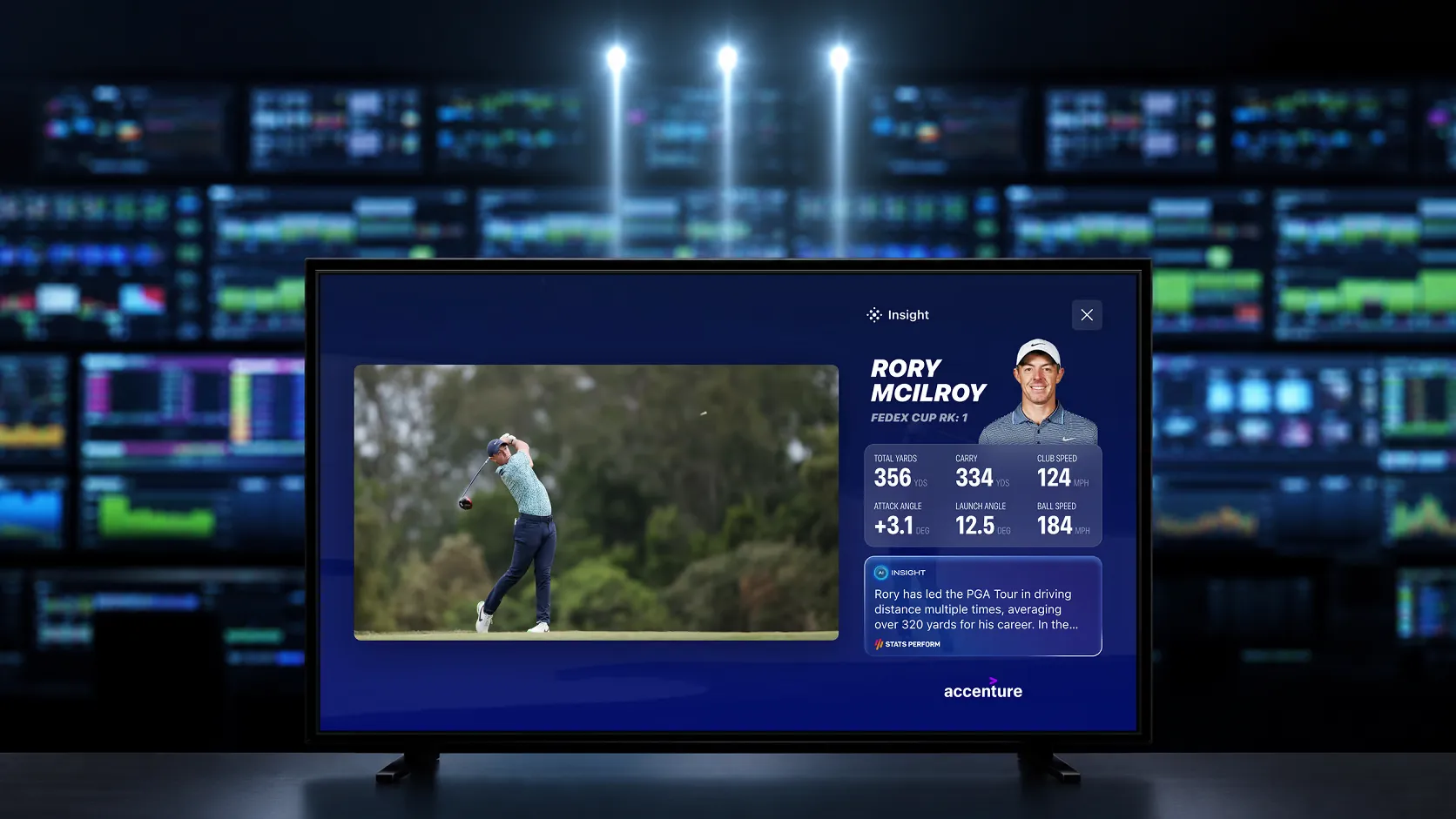
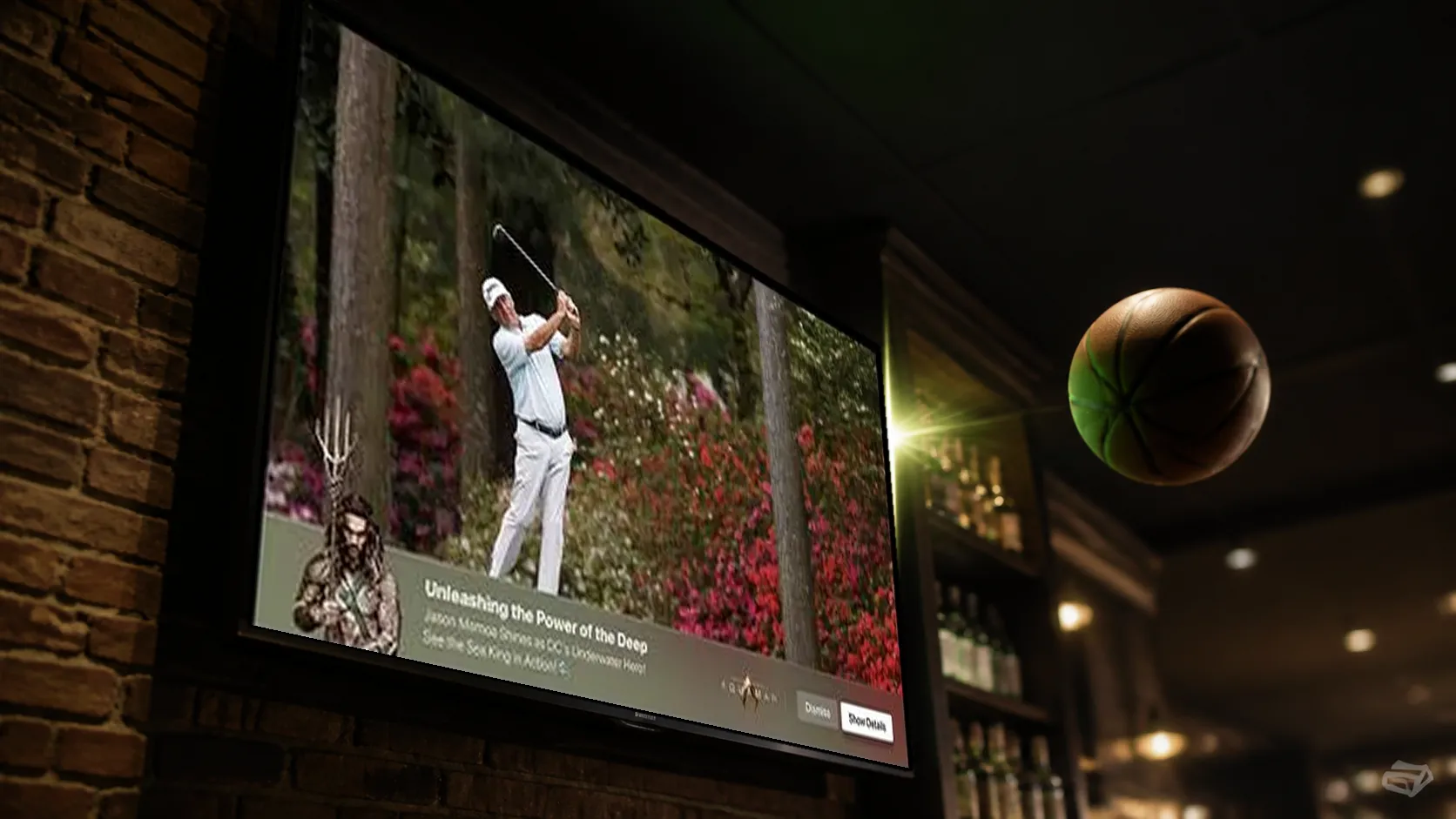
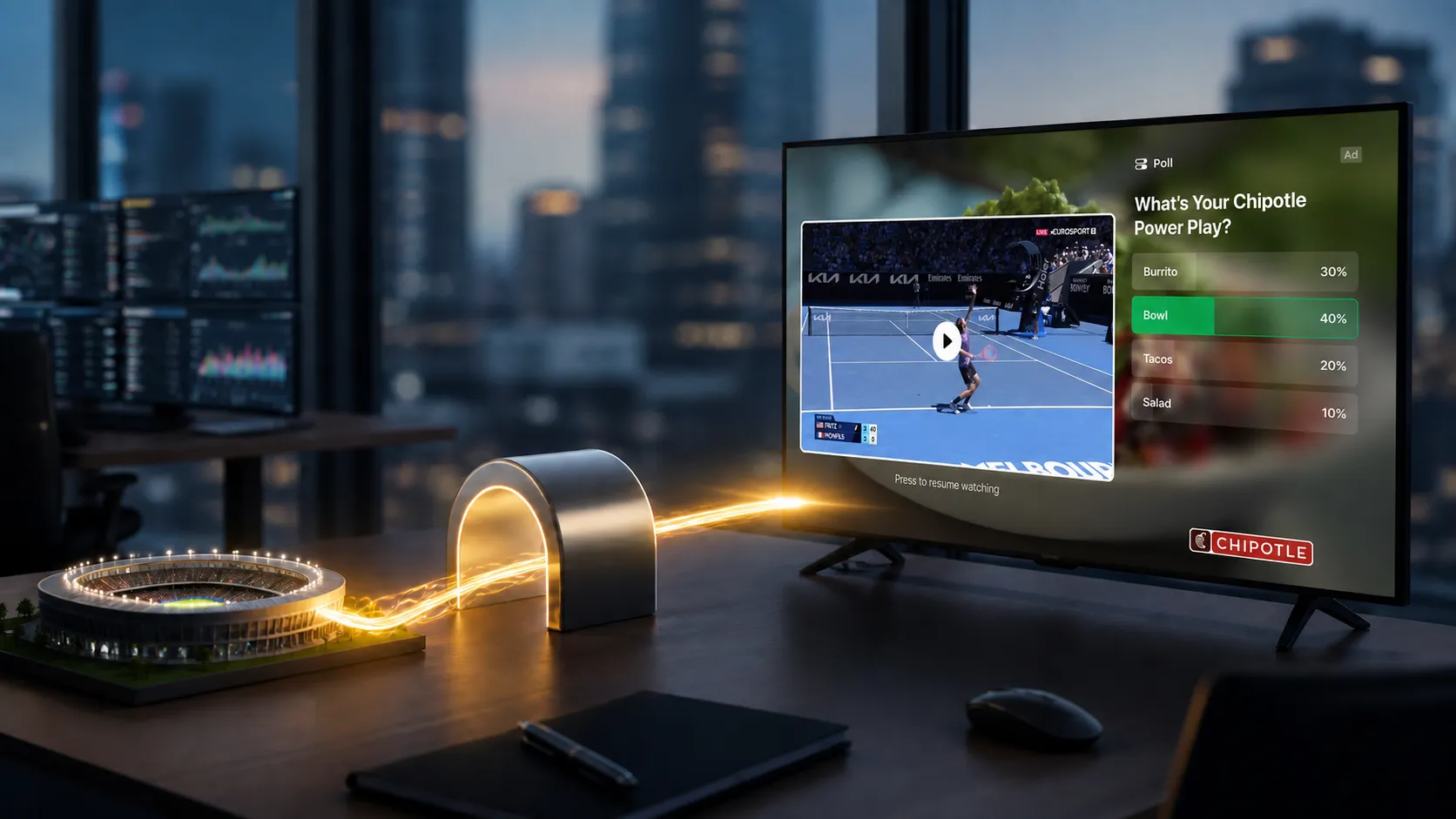
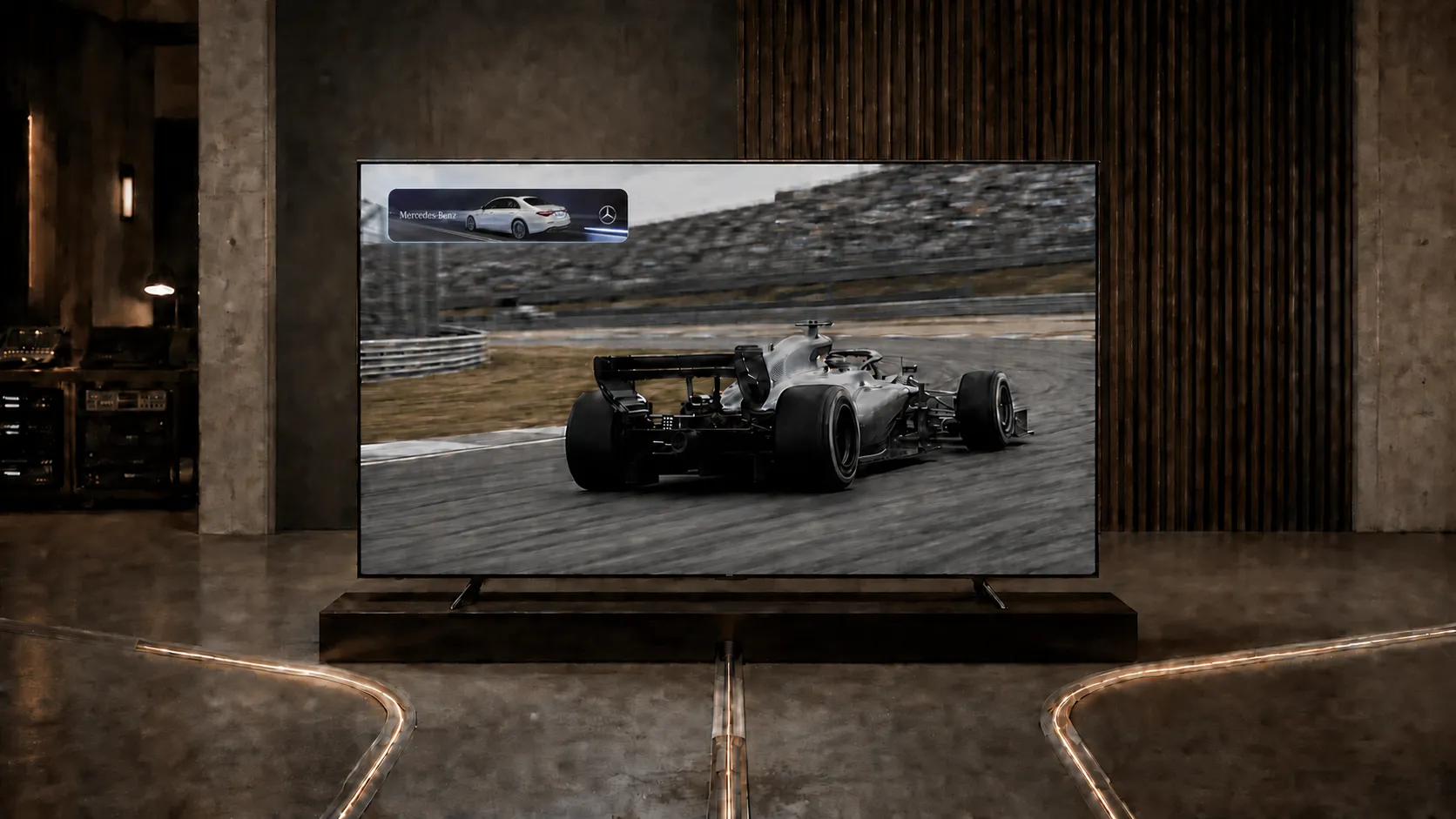
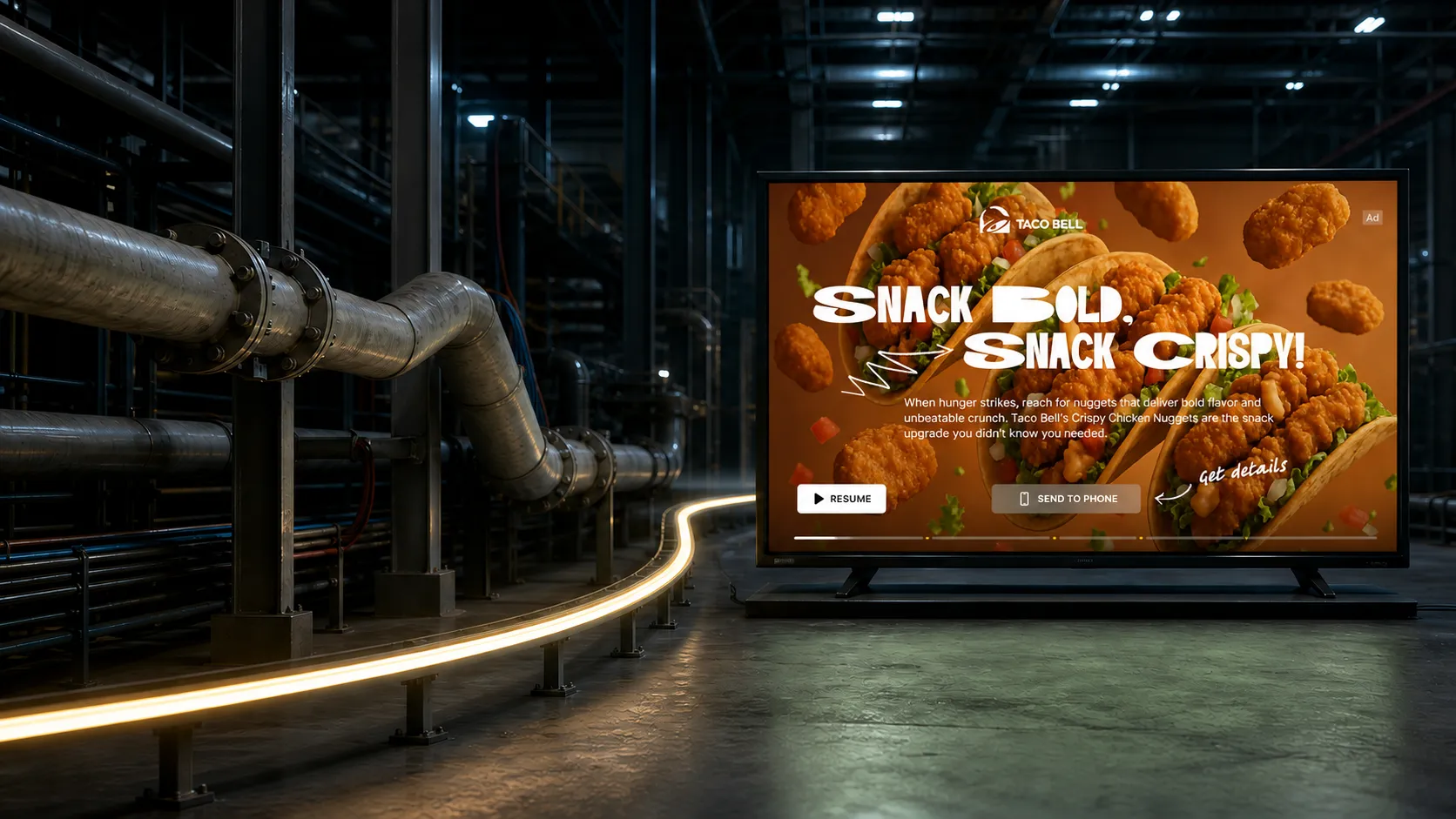
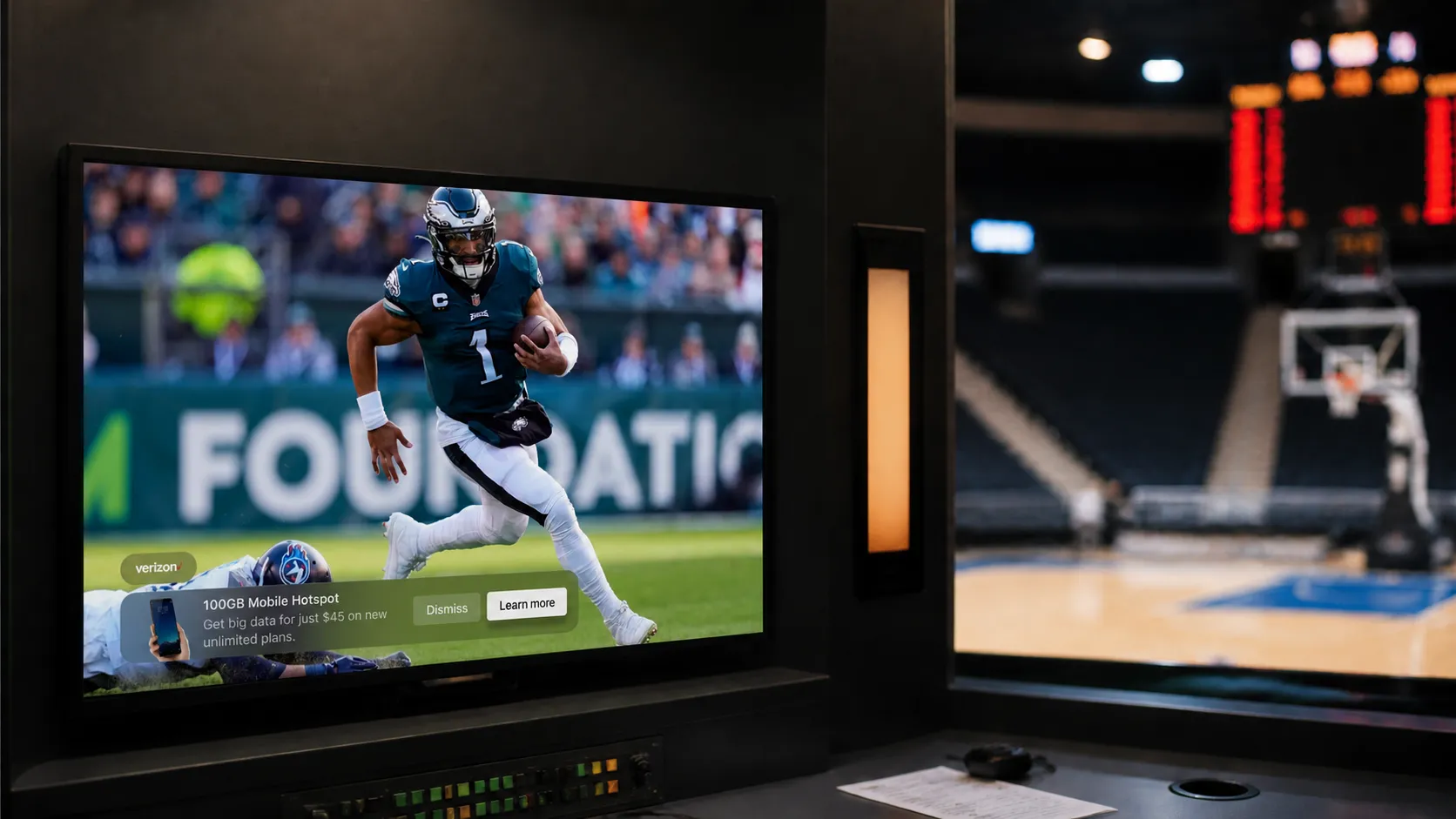
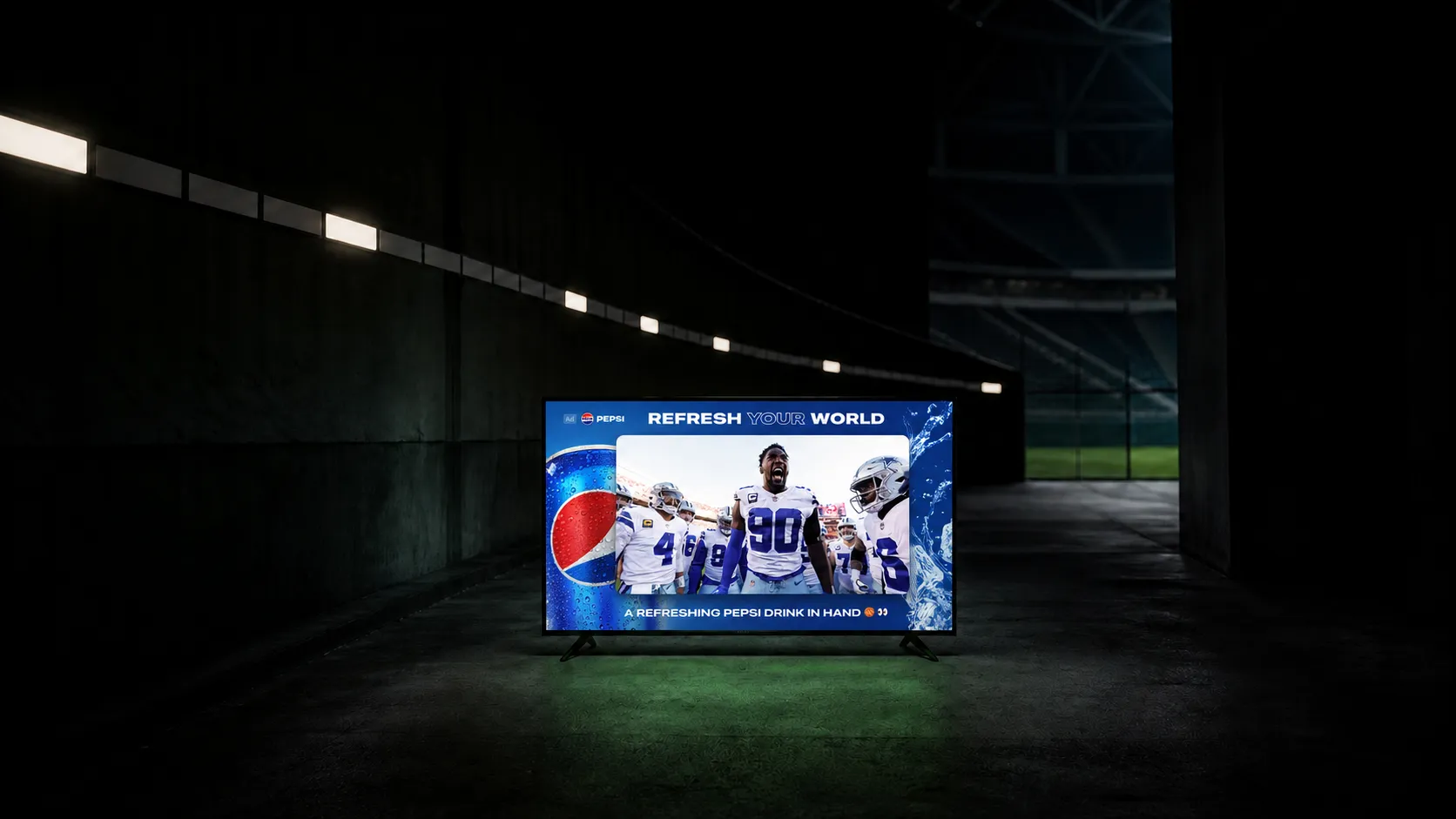
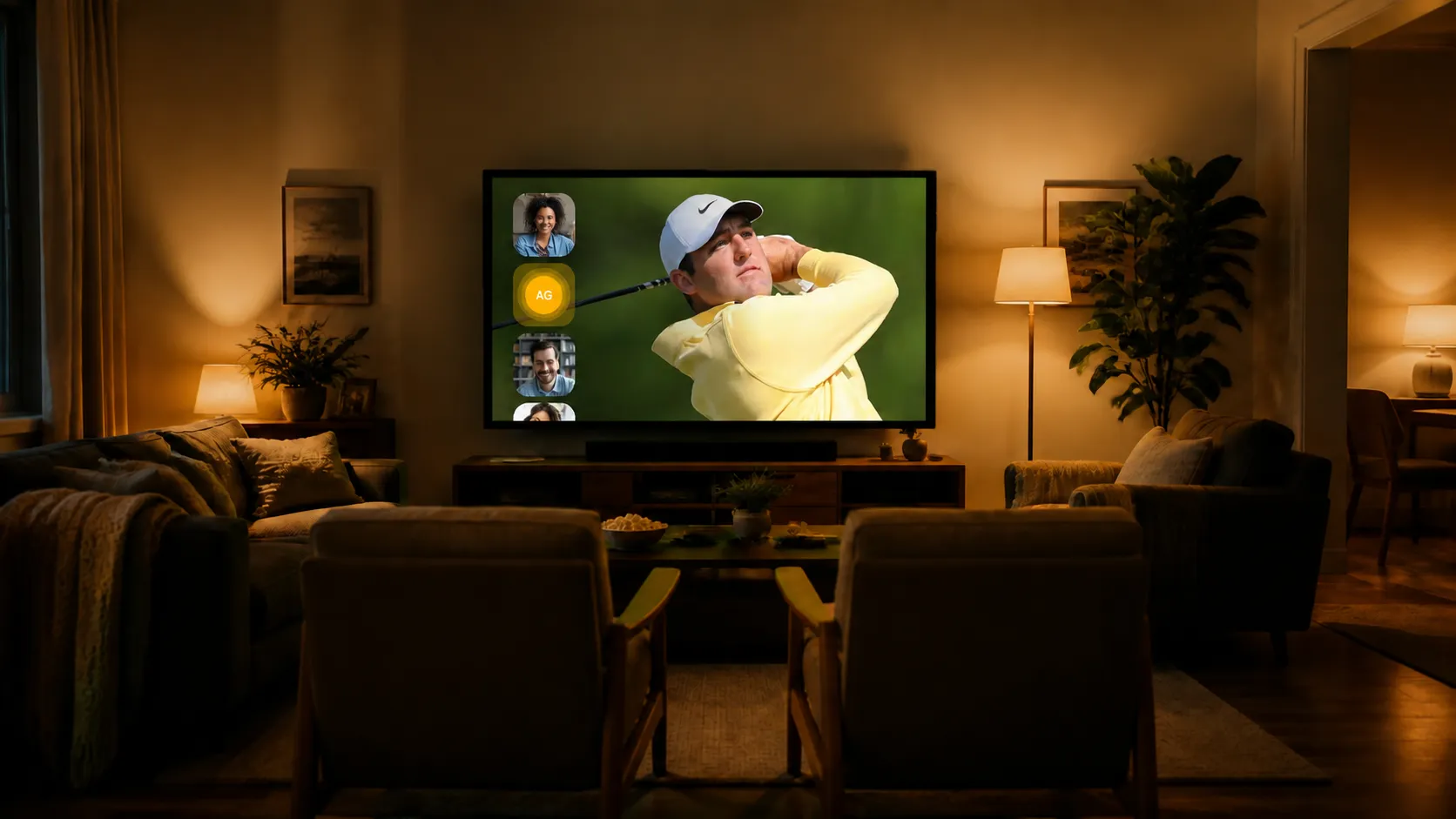
A lower-third placement uses a compact area near the bottom of the picture. A Side Bar creates space beside the video. An L-Bar creates space beside and below a resized video window. Frame layouts place branding around a reduced video area.
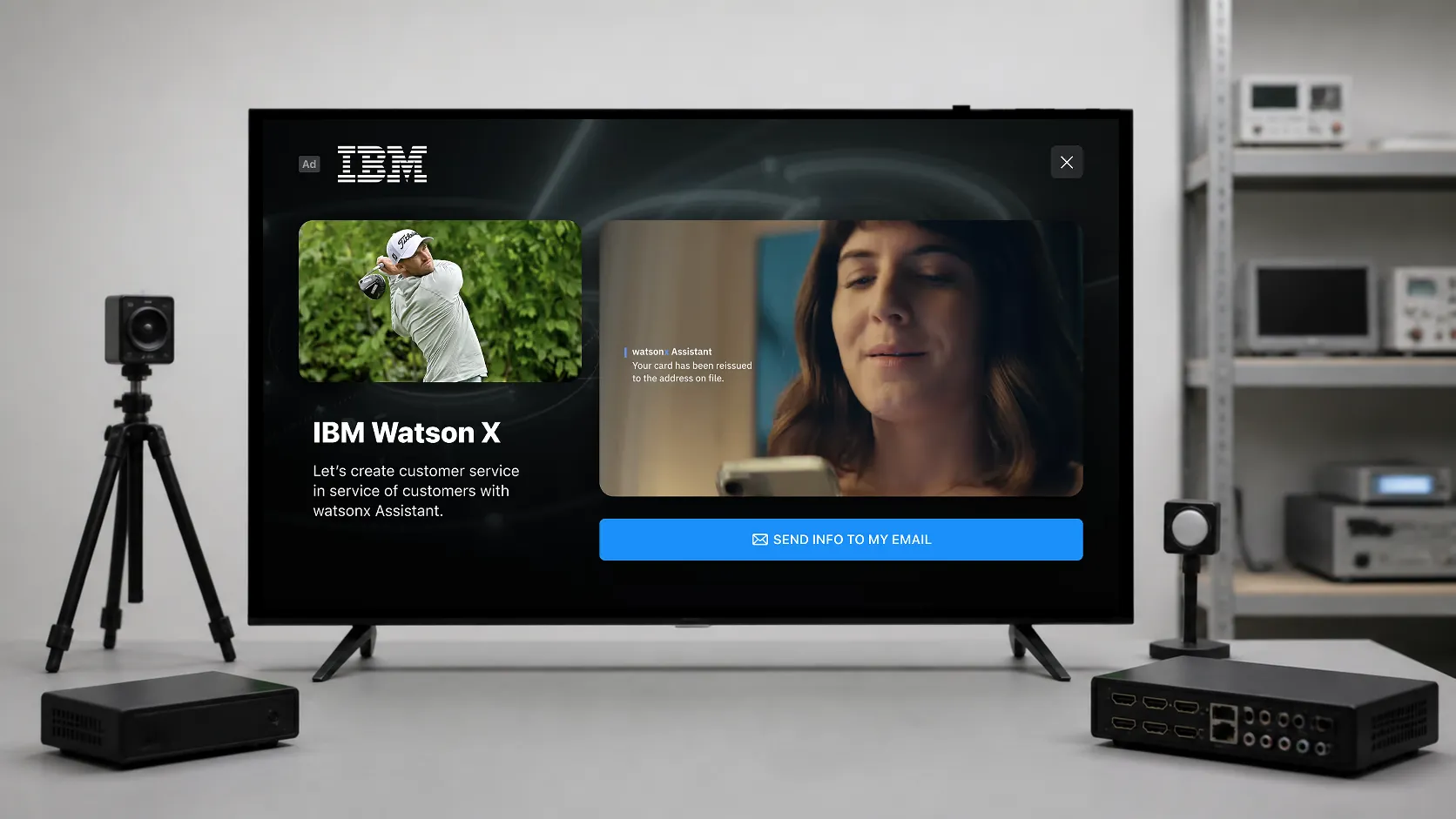
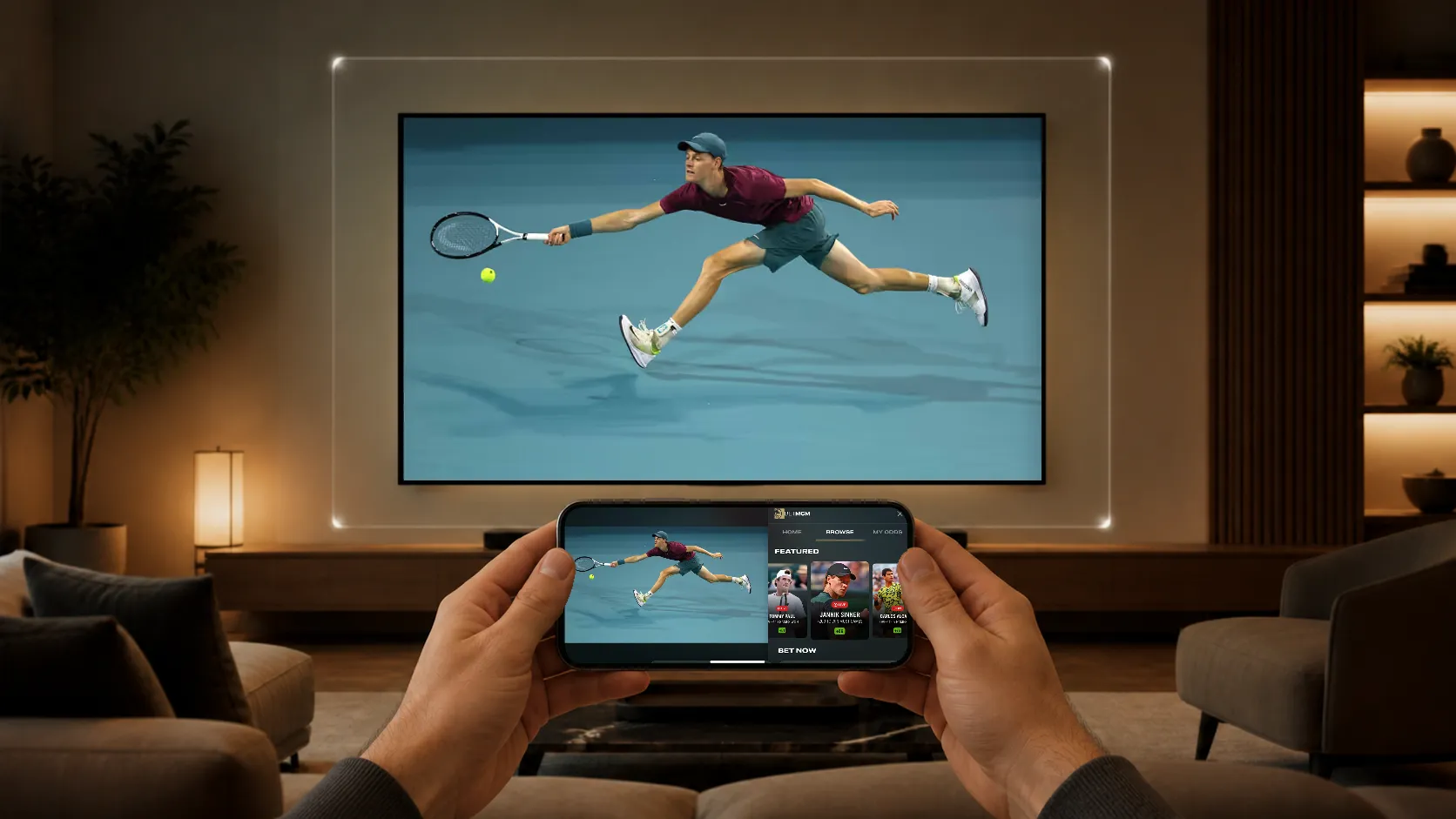
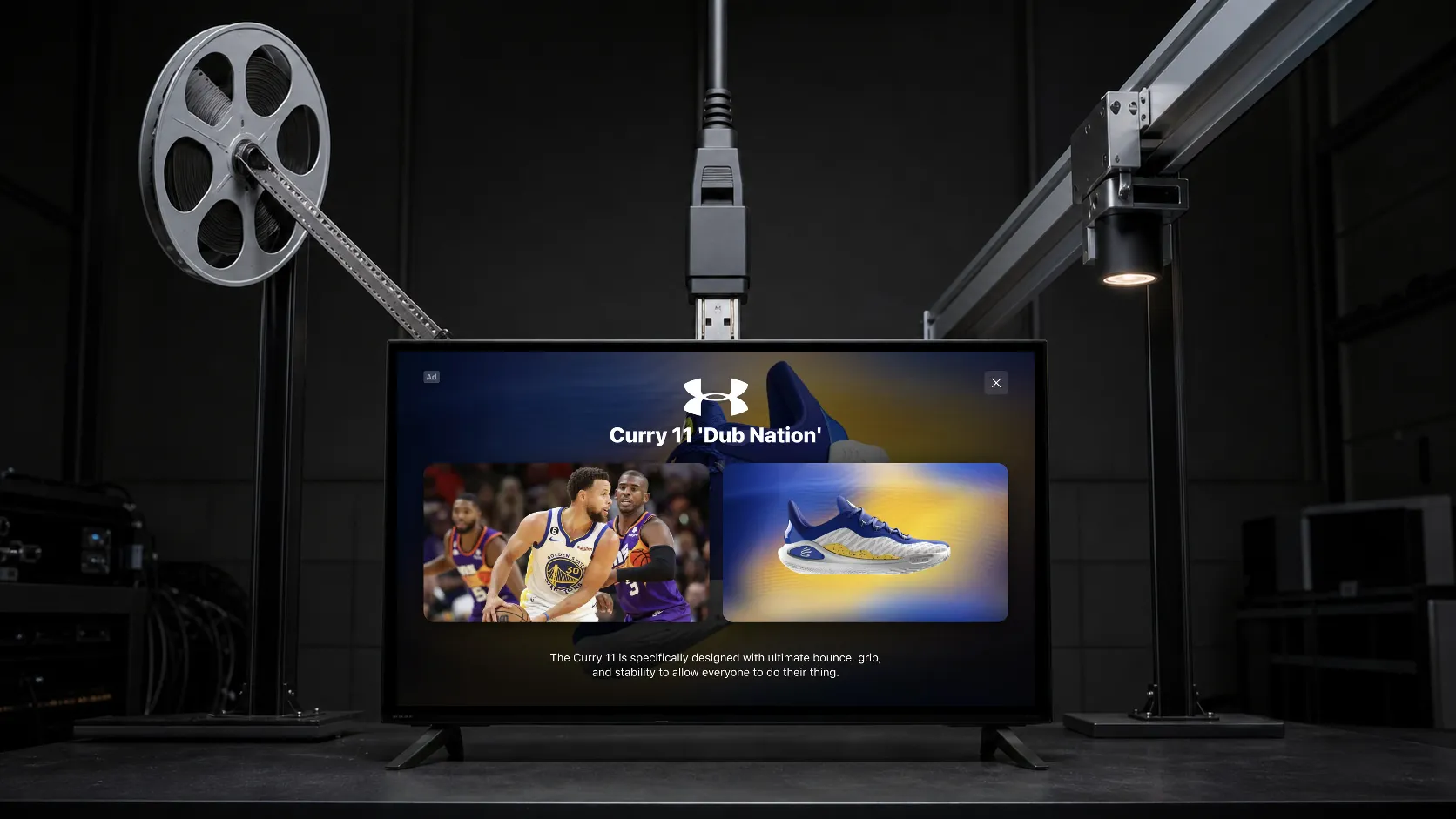
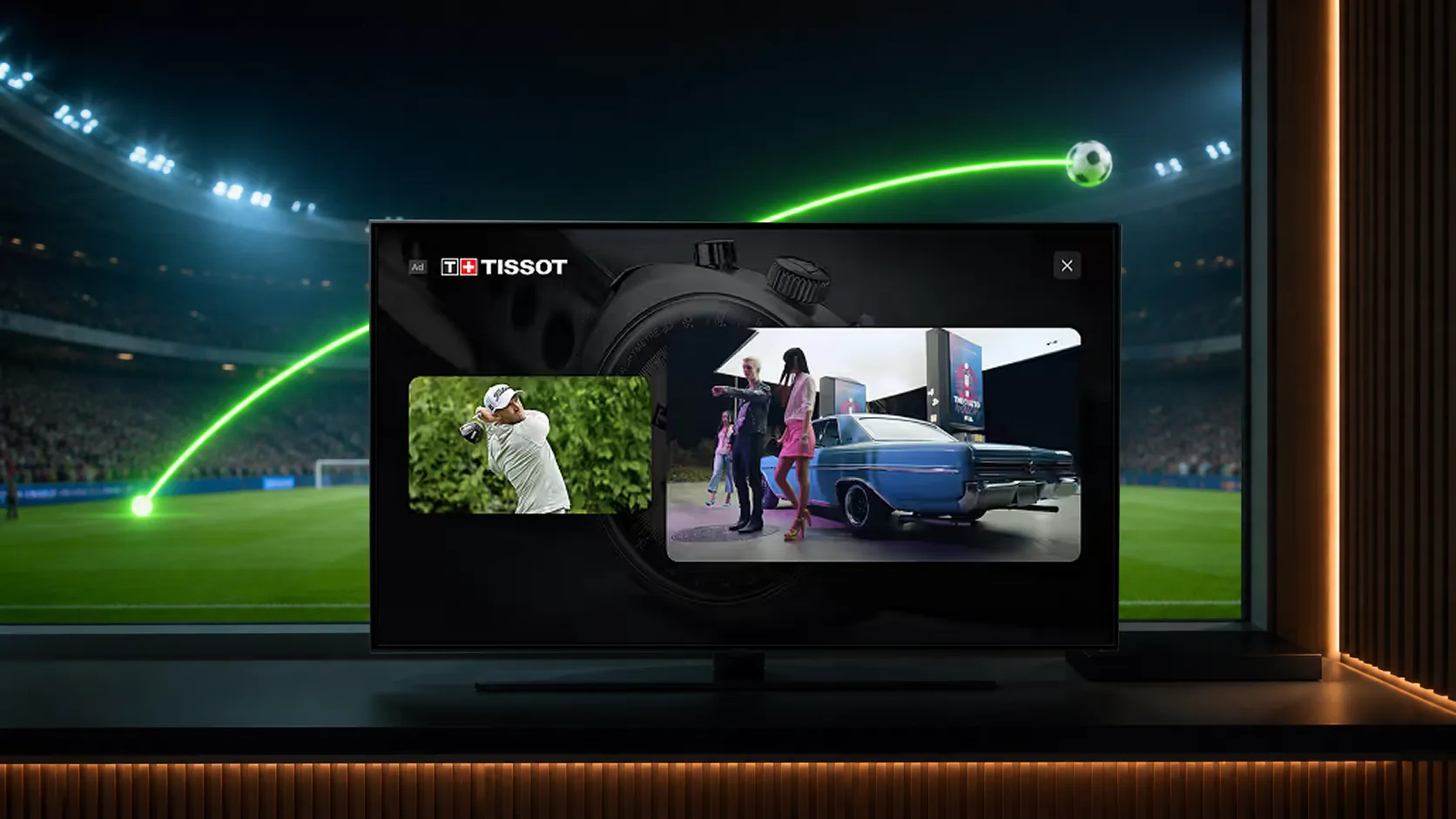
Side-by-side or double-box presentations display program and advertising video in separate windows. Their relative size and audio behavior must be defined for the campaign. They should not be assumed to have equal prominence or the same level of disruption as a small static overlay.
Why use in-play advertising?
Publishers can create sponsorship opportunities around relevant programming instead of relying solely on commercial breaks. A selected milestone, insight, or pause in the action can give an advertiser a clear relationship to the content.
The commercial value comes from the package: audience, timing, presentation, creative, and measurable response. There is no fixed number of additional impressions that every viewing hour can support.
How does StreamLayer SGAI fit?
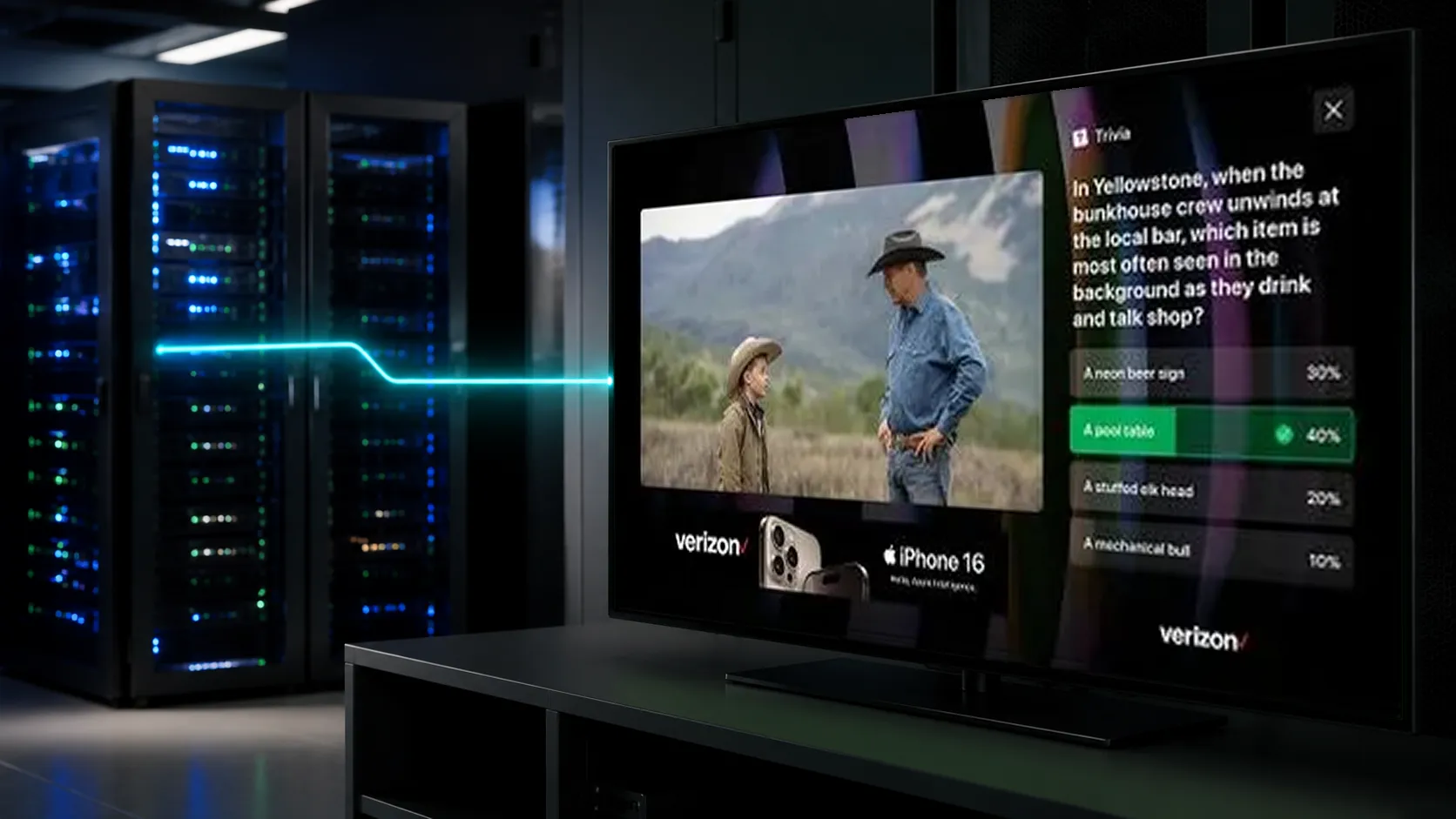
StreamLayer SGAI uses server-side orchestration to guide advertising rendered by the StreamLayer SDK. The publisher’s existing video workflow continues. The host app controls the video player’s size and position when a format requires a squeezeback.
Configured events and timing signals can create candidate opportunities. Publisher rules determine whether to activate them. StreamLayer’s client-rendered experiences should not be confused with graphics composited into the production feed or with replacing the broadcaster’s score graphics.
Protect the action
Set limits for size, duration, motion, audio, and frequency. Avoid covering captions, scores, important action, and required disclosures. Coordinate placements with conventional ad breaks so viewers do not receive a sequence of competing experiences.
Define automatic closing and any available viewer dismissal. Late creative, missing data, channel changes, or interrupted playback should not leave a placement lingering over the program.
Measure delivery and response
Track eligible opportunities, rendered placements, duration, interactions, and delivery errors. Viewability, attention, and recall require their own measurement methods; an SDK impression event alone does not establish them.
Evaluate net revenue and advertiser outcomes together with playback and viewing behavior. Compare like-for-like placements before claiming one layout outperforms another. Explore StreamLayer Moment Ads and the interactive format guide.