Adding Interactivity to an Existing Streaming Ad Stack
Updated September 8, 2026 · StreamLayer
This guide focuses on adding interactivity to an existing ad stack. For delivery-model definitions and tradeoffs, use the CSAI, SSAI, and SGAI comparison; for implementation responsibilities, use the StreamLayer SGAI integration guide.
Can publishers add interactivity without replacing video delivery?
Yes. A publisher can retain its existing video advertising workflow and add an interactive experience in the application. The key is to coordinate ad identity, timing, rendering, and measurement across the systems involved.
Separate the responsibilities
SSAI assembles video advertising into the delivered stream. CSAI manages ad playback on the client. Server-guided approaches distribute responsibilities between server services and the client. None of these labels alone establishes every supported format or measurement capability.
For a side-by-side architectural comparison, use the CSAI, SSAI, and SGAI guide. This article focuses on adding an interactive product to an existing implementation.
Identify the commercial and its timing
An interactive companion needs to know which ad is playing, when it begins, and when it ends. A break-start signal alone may not identify every commercial in a pod.
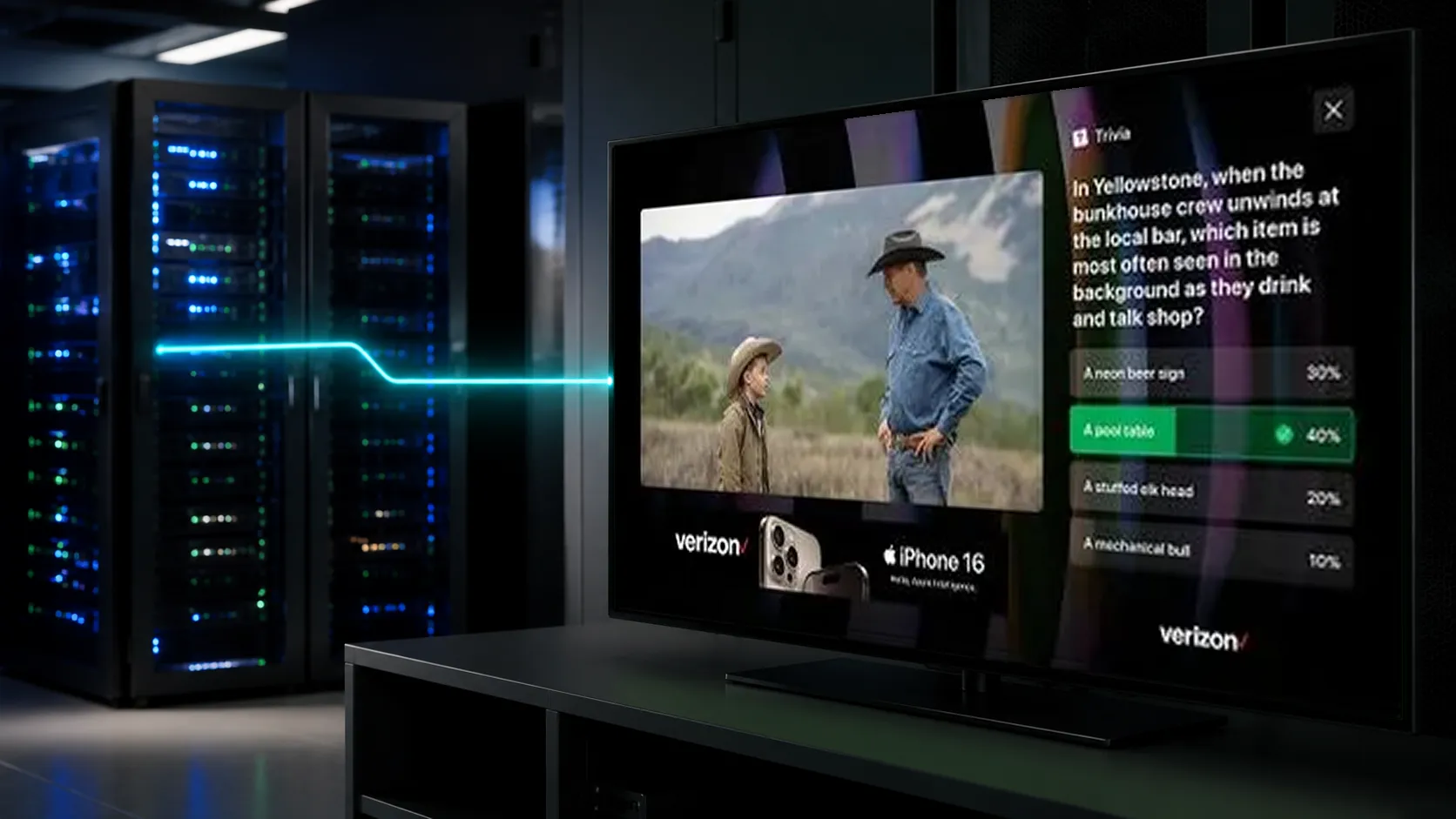
SSAI implementations can provide client metadata and tracking integration. Google’s full-service DAI documentation illustrates this division of responsibilities. Technical reference.
Design the companion experience
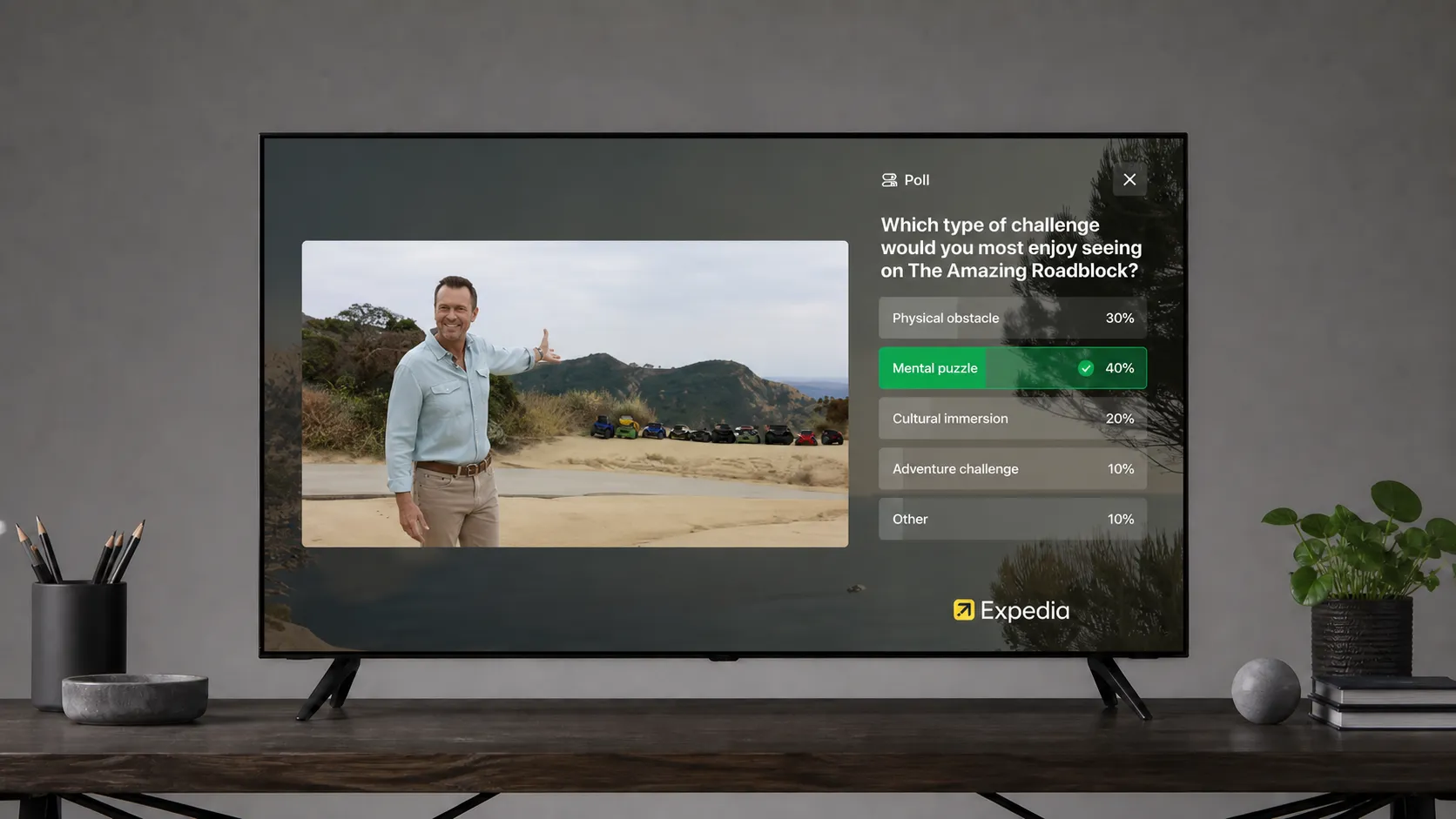
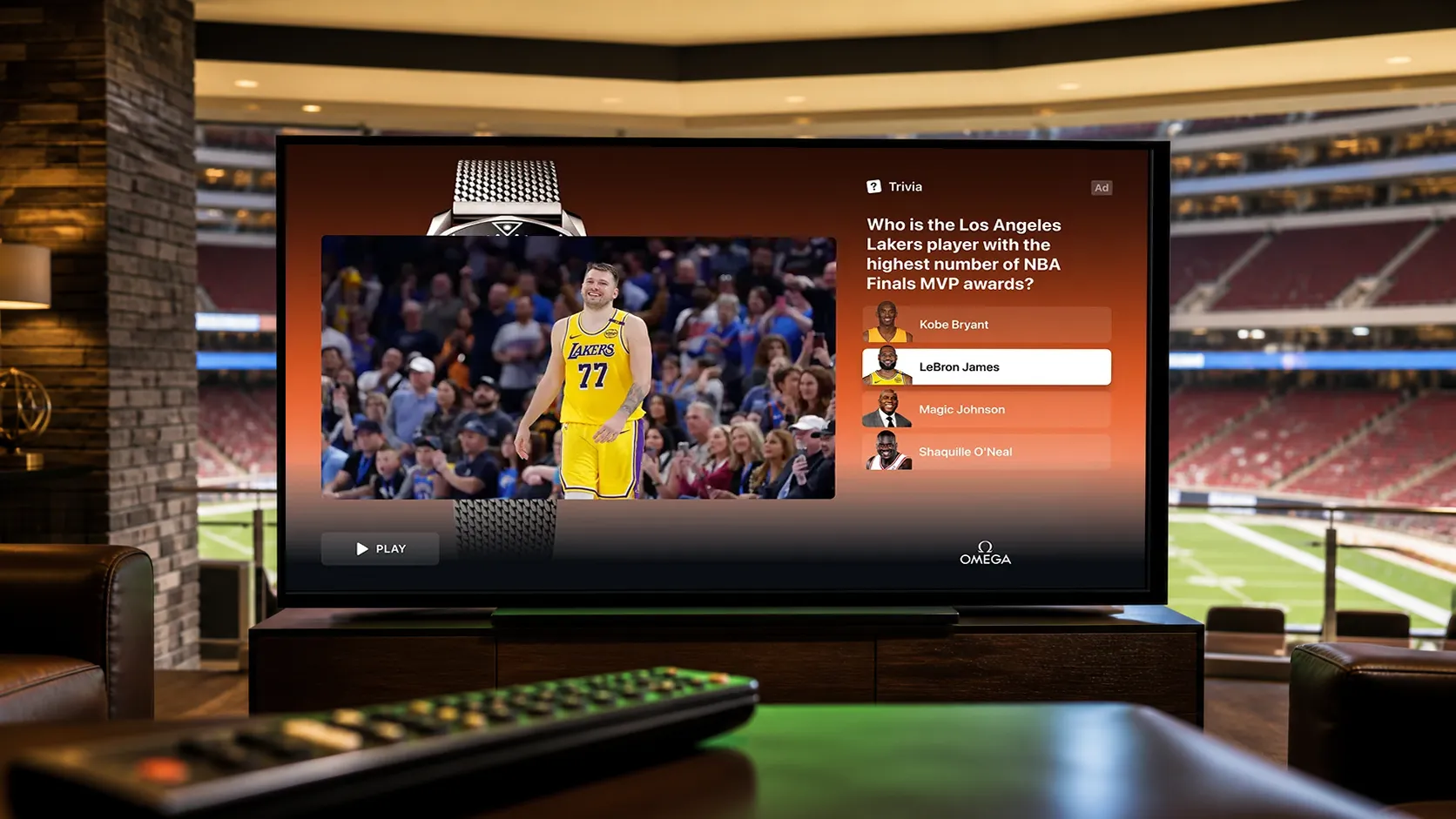
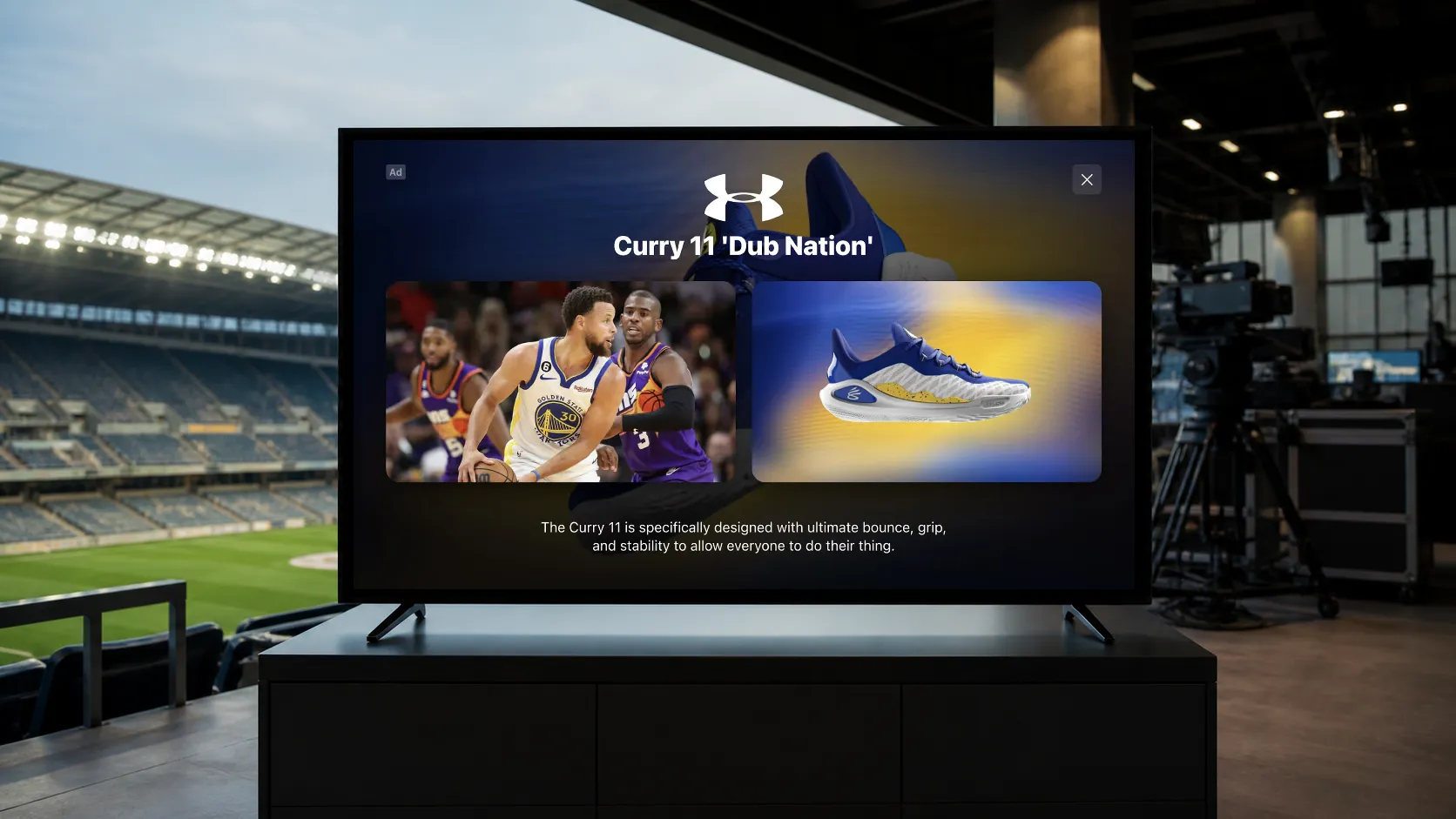
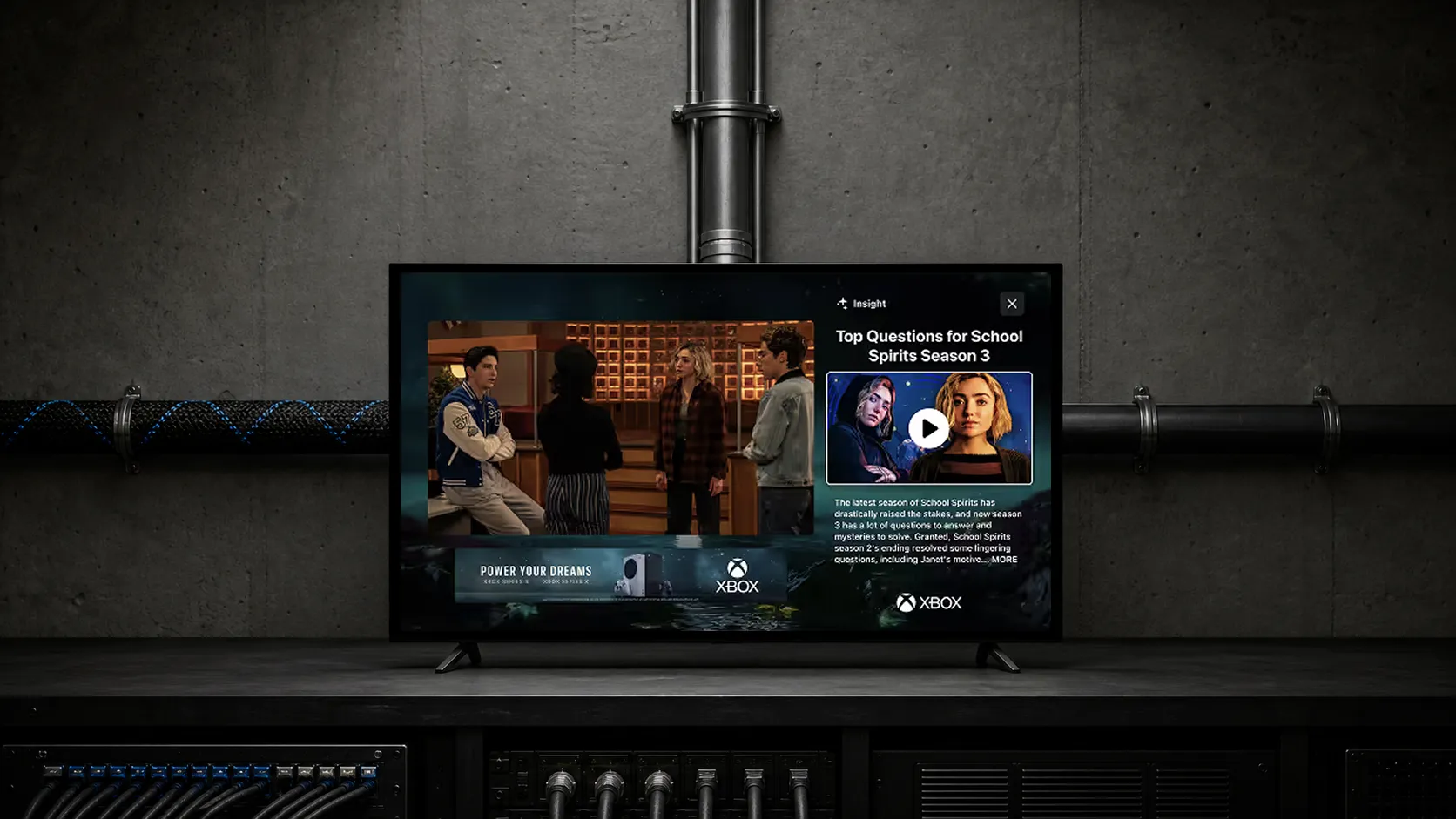
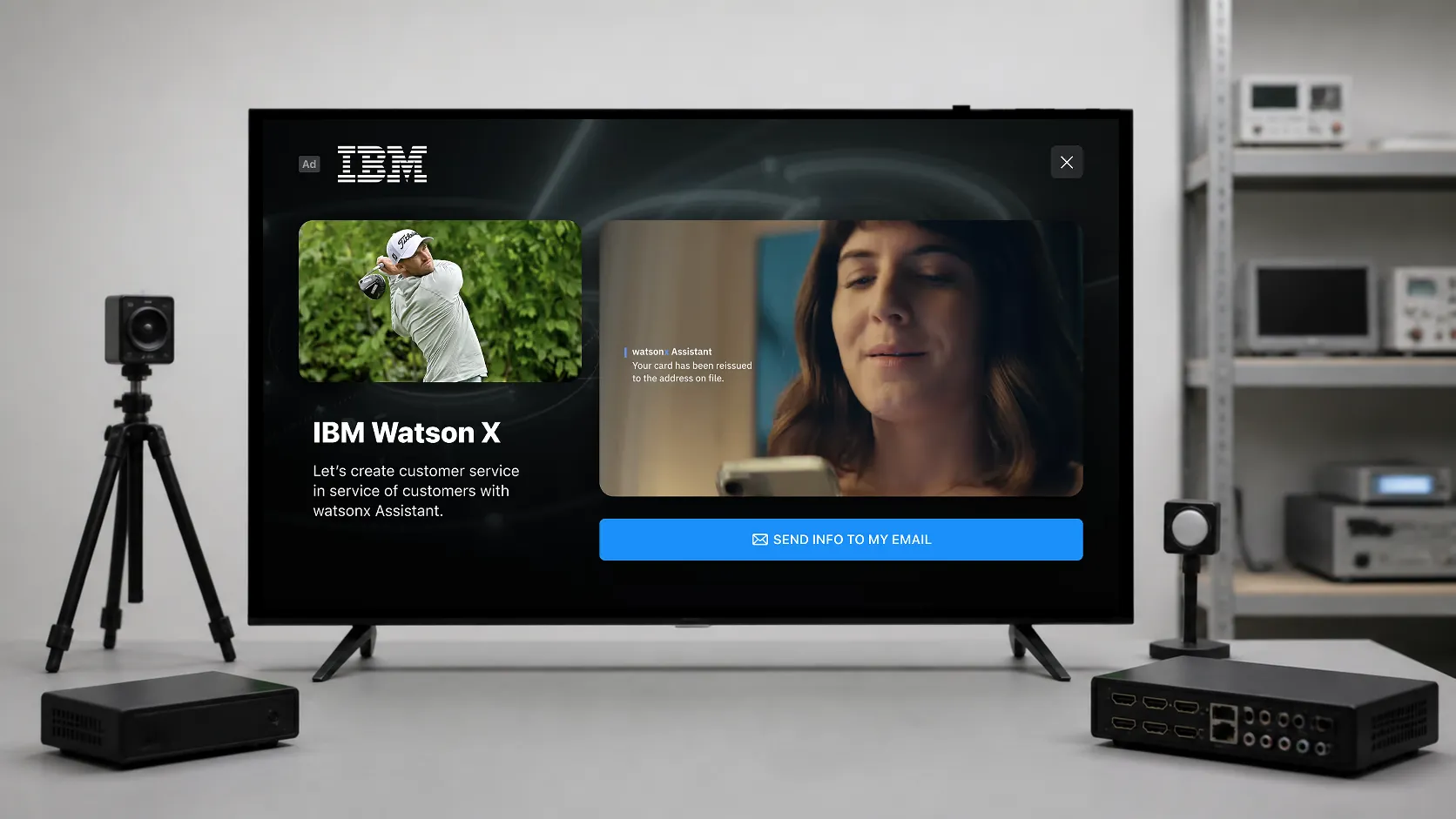
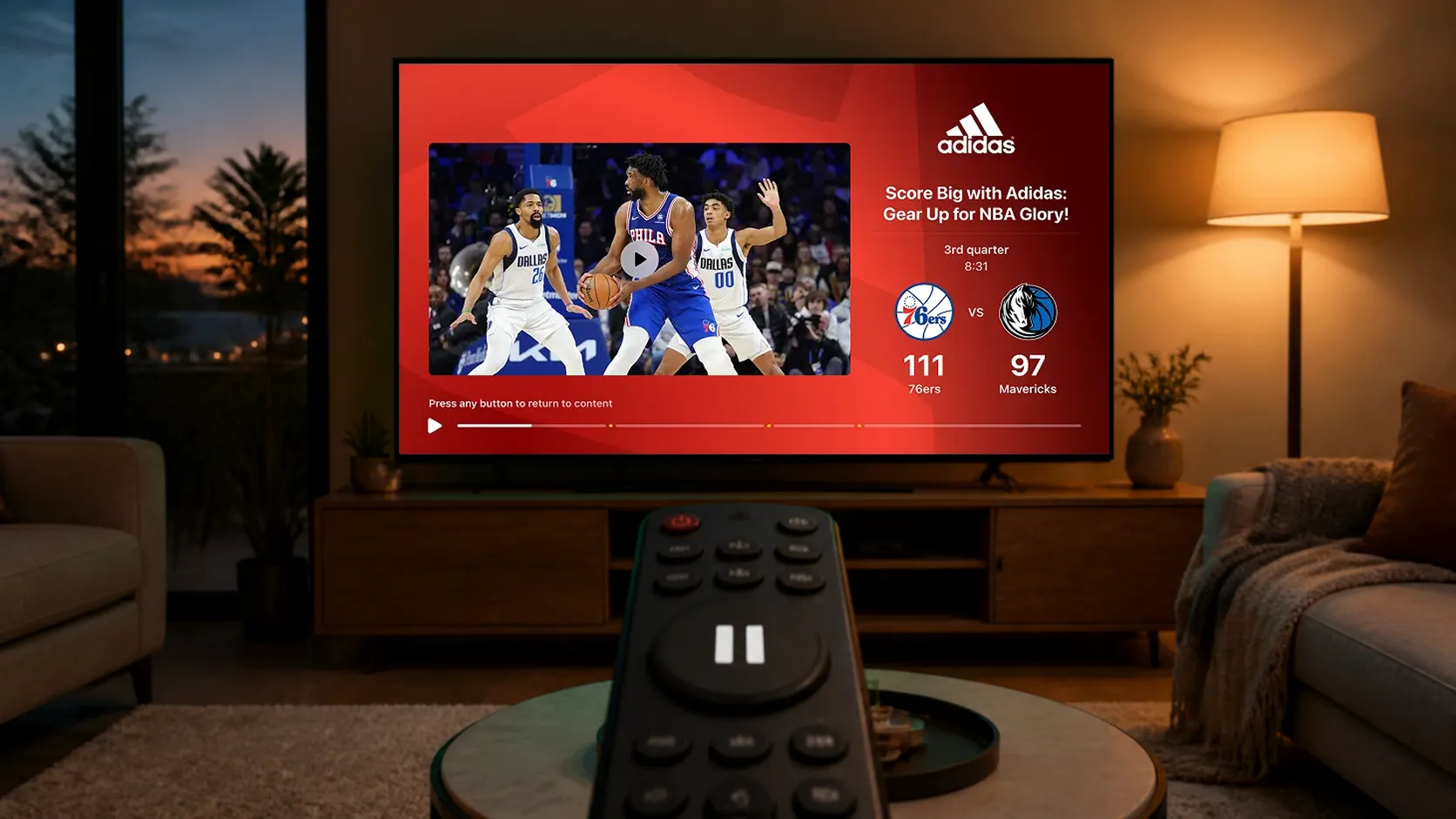
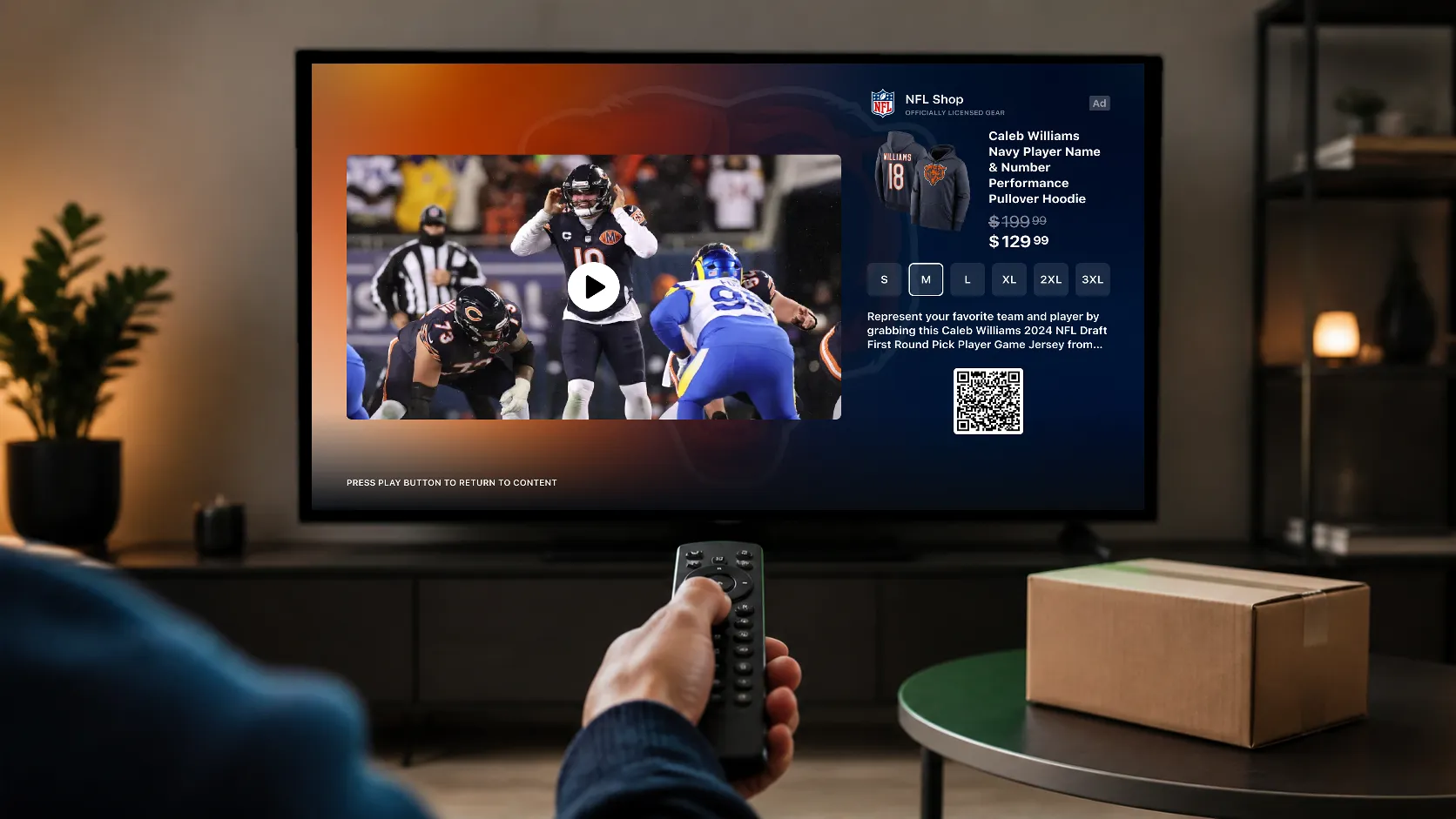
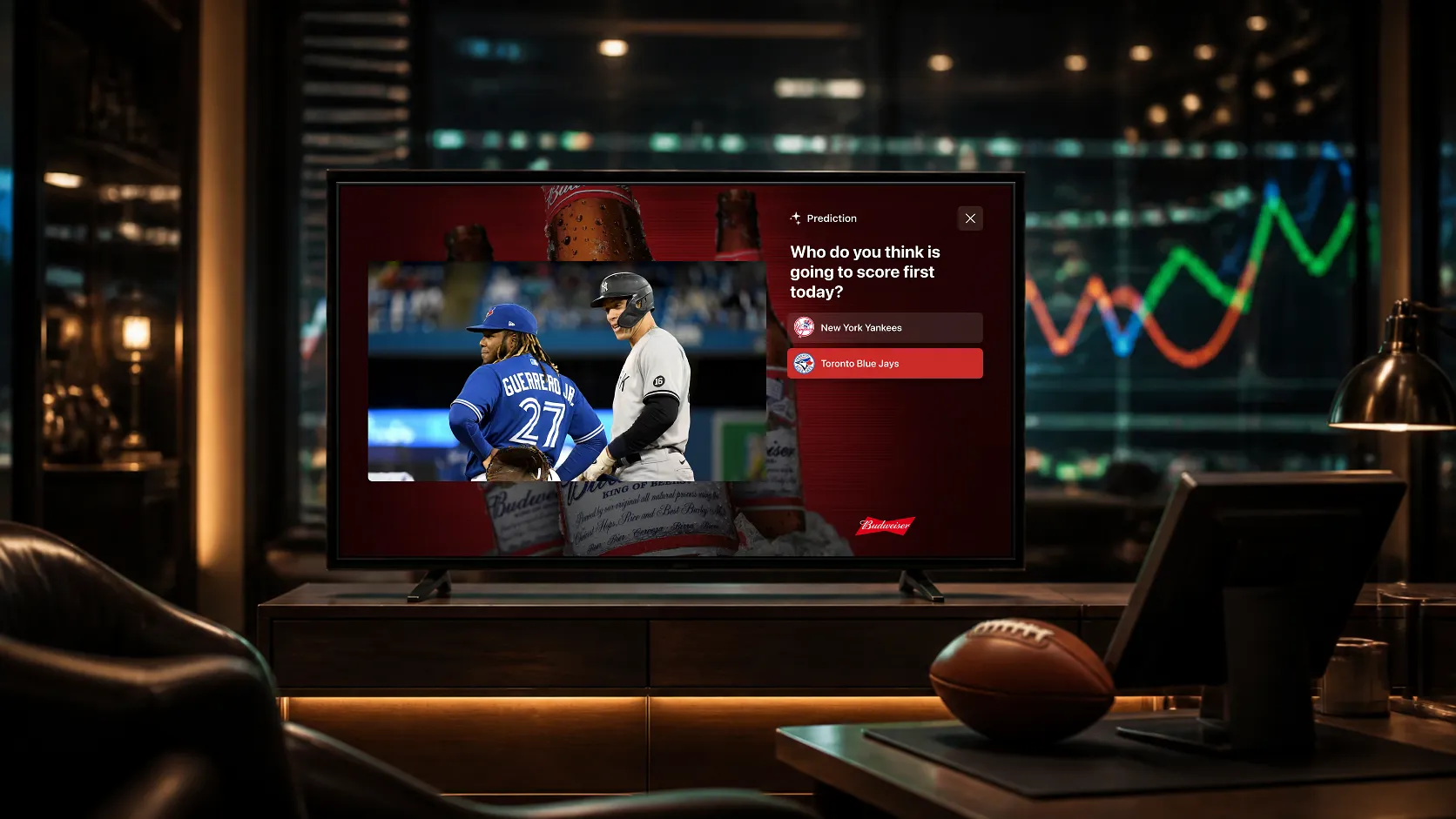
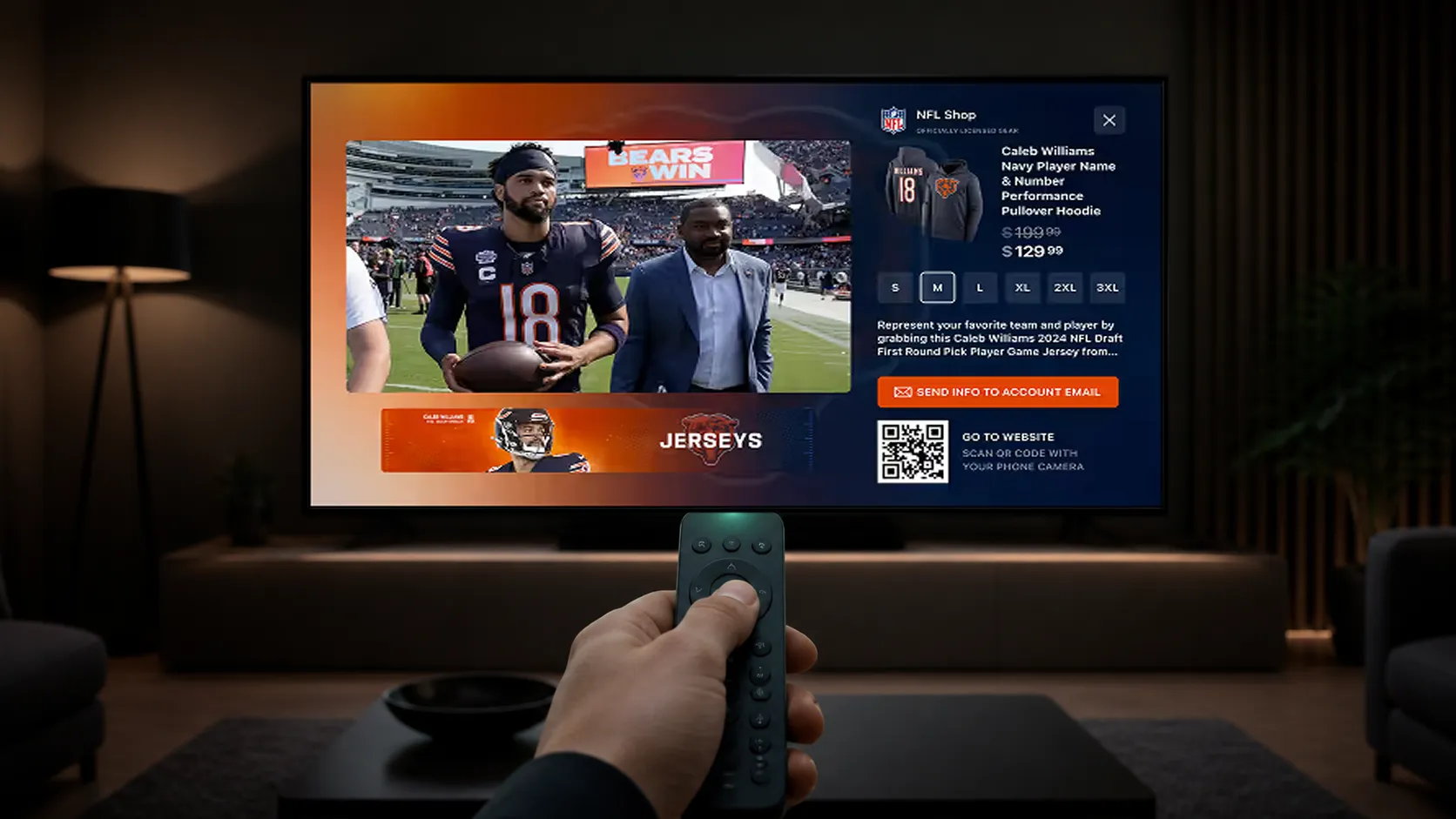
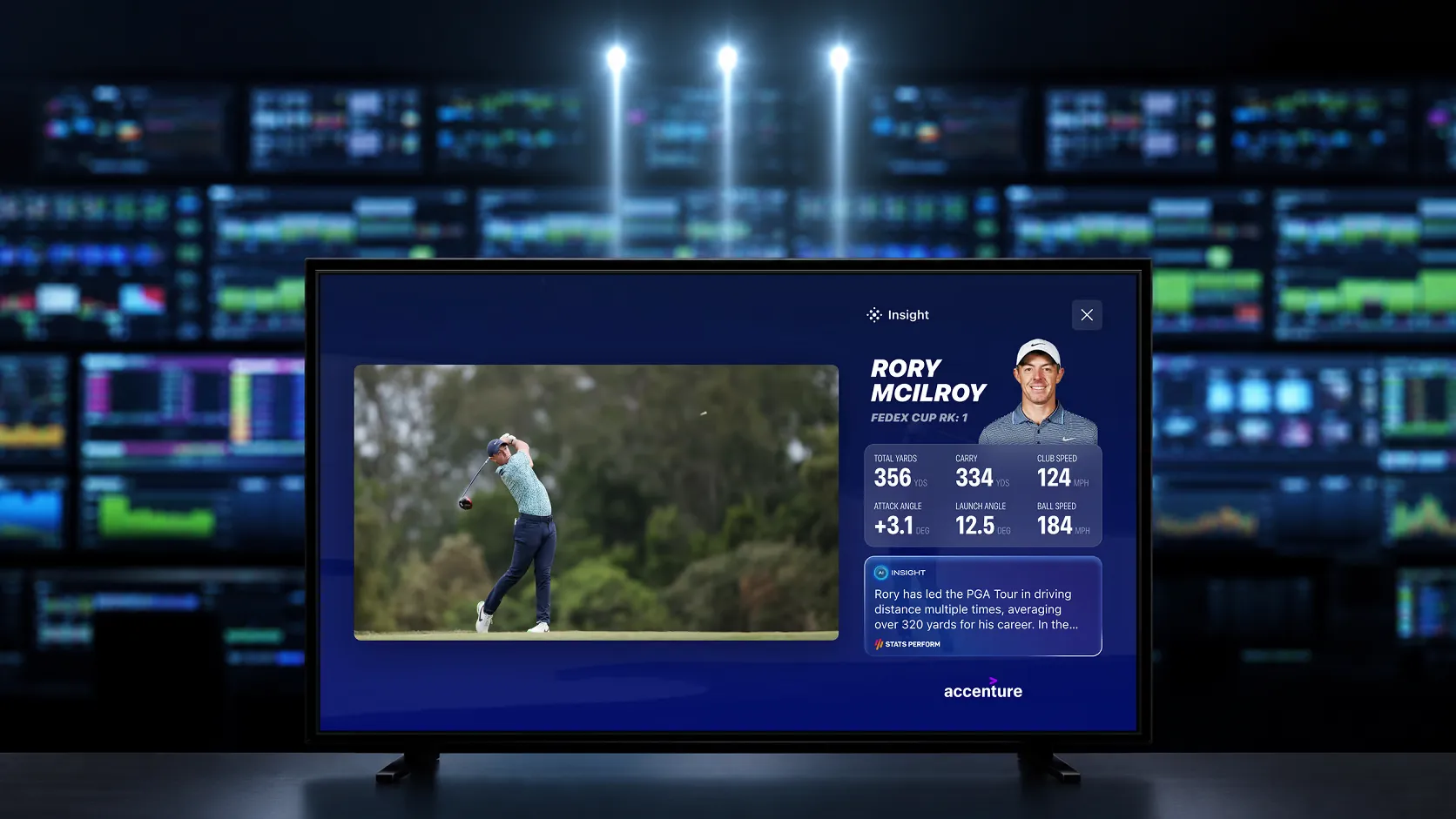
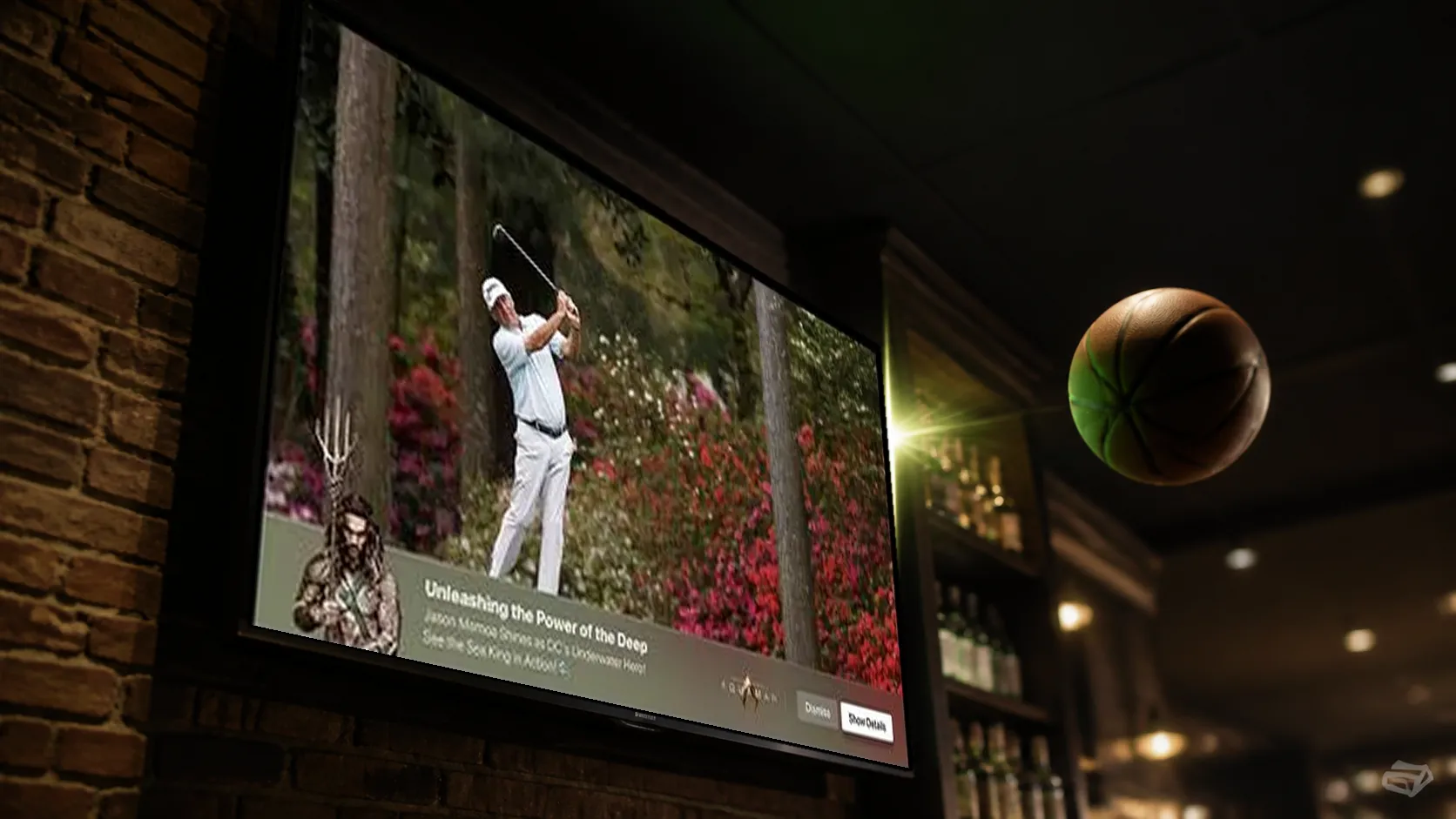
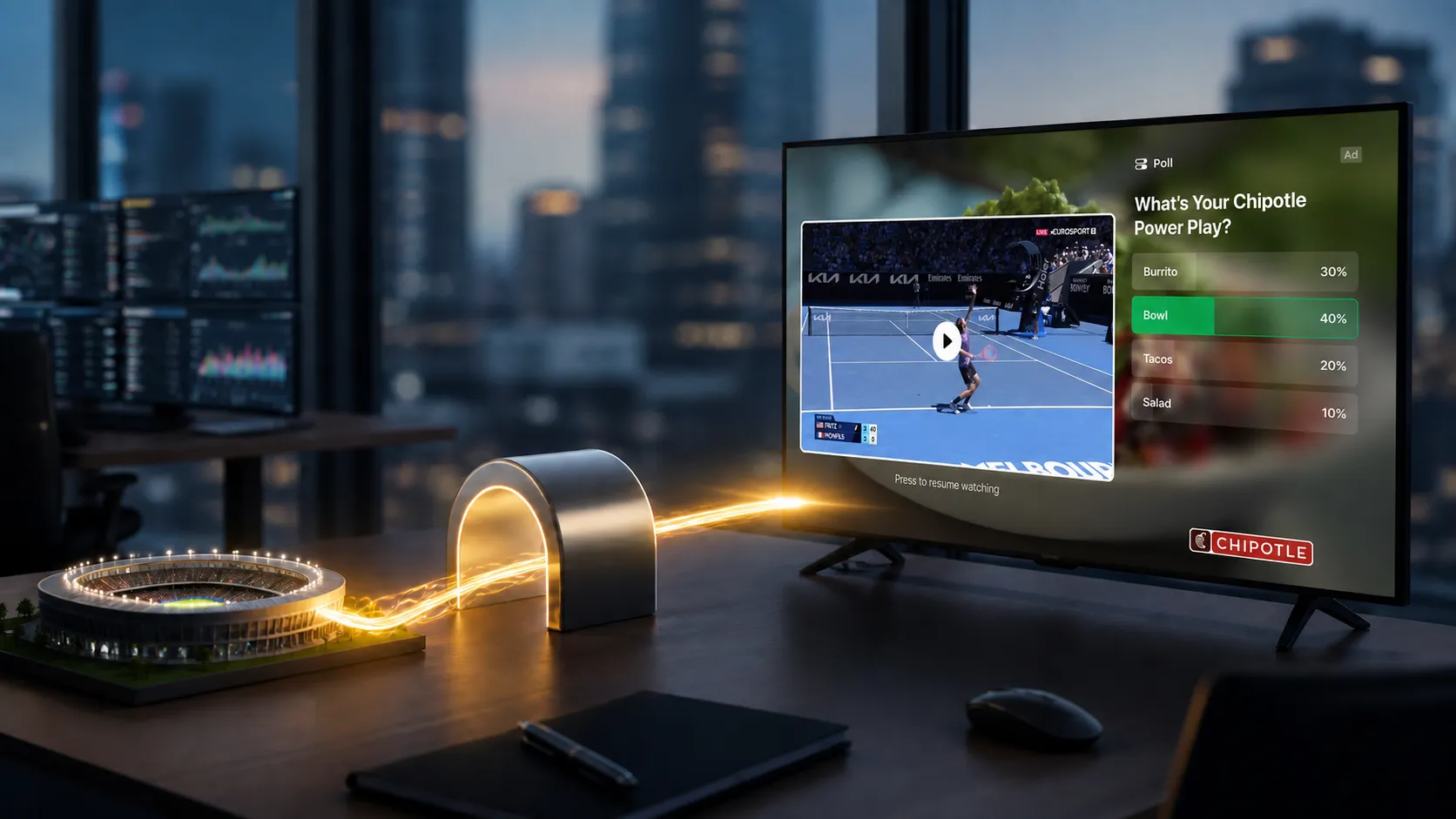
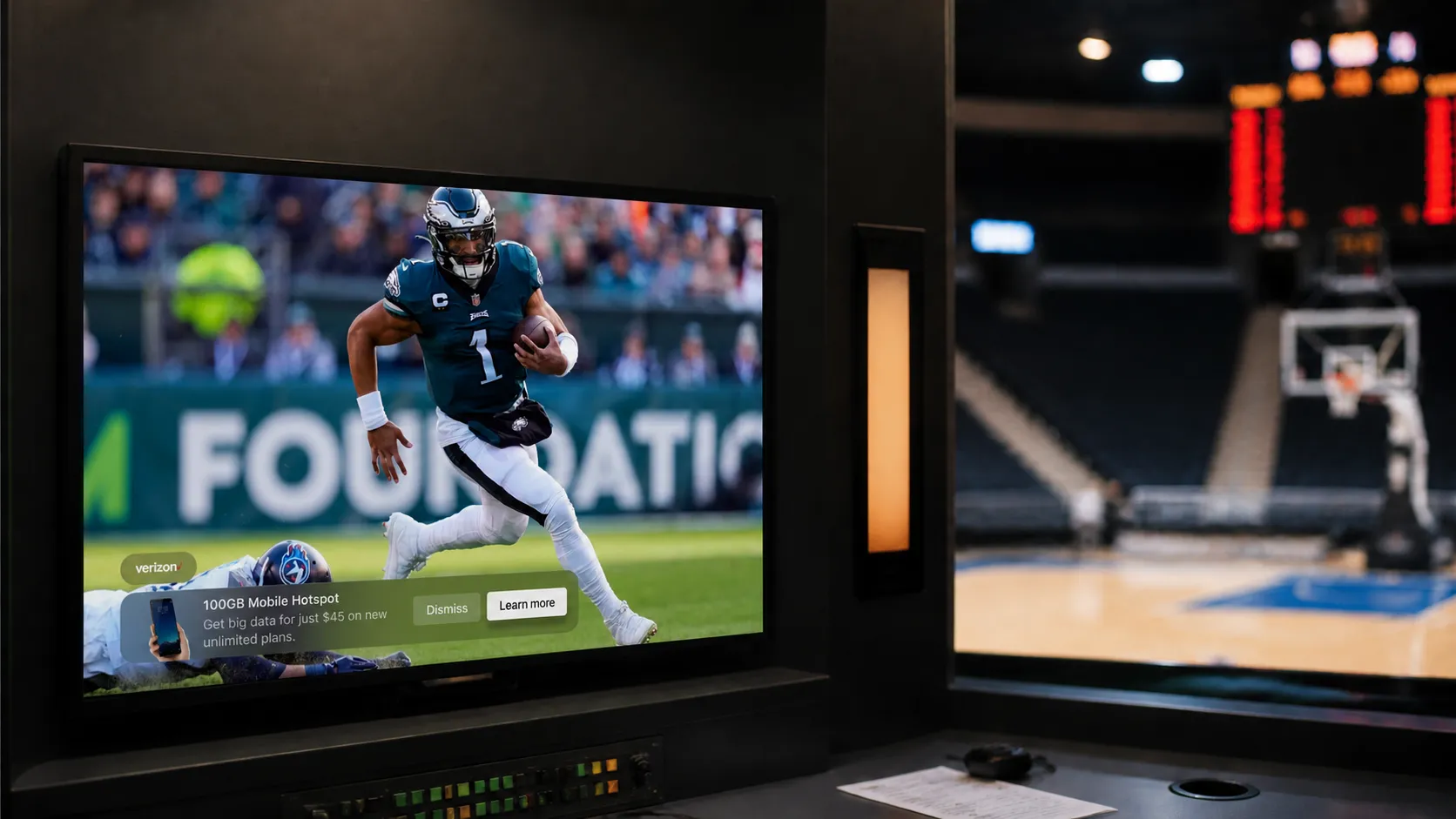
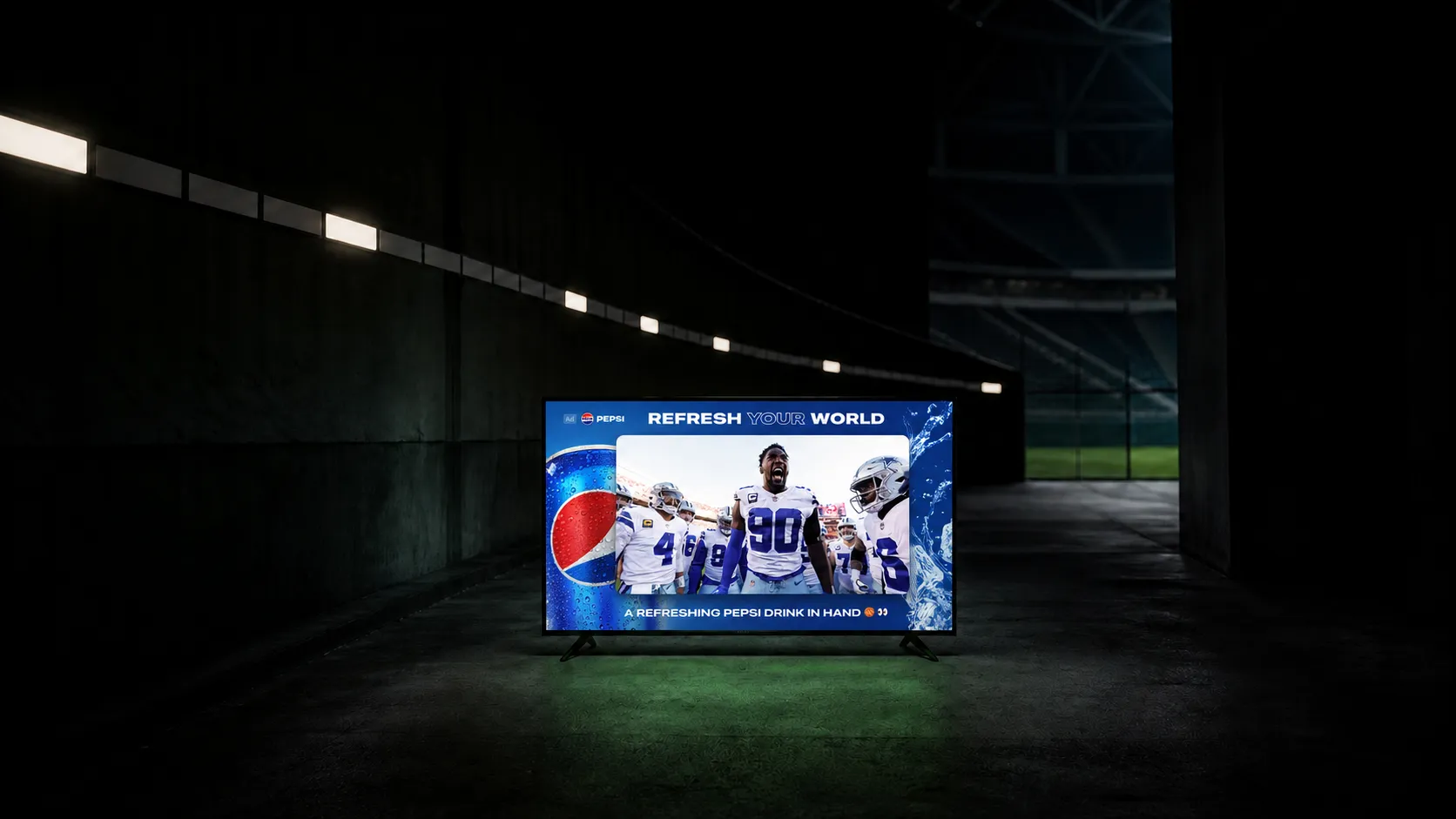
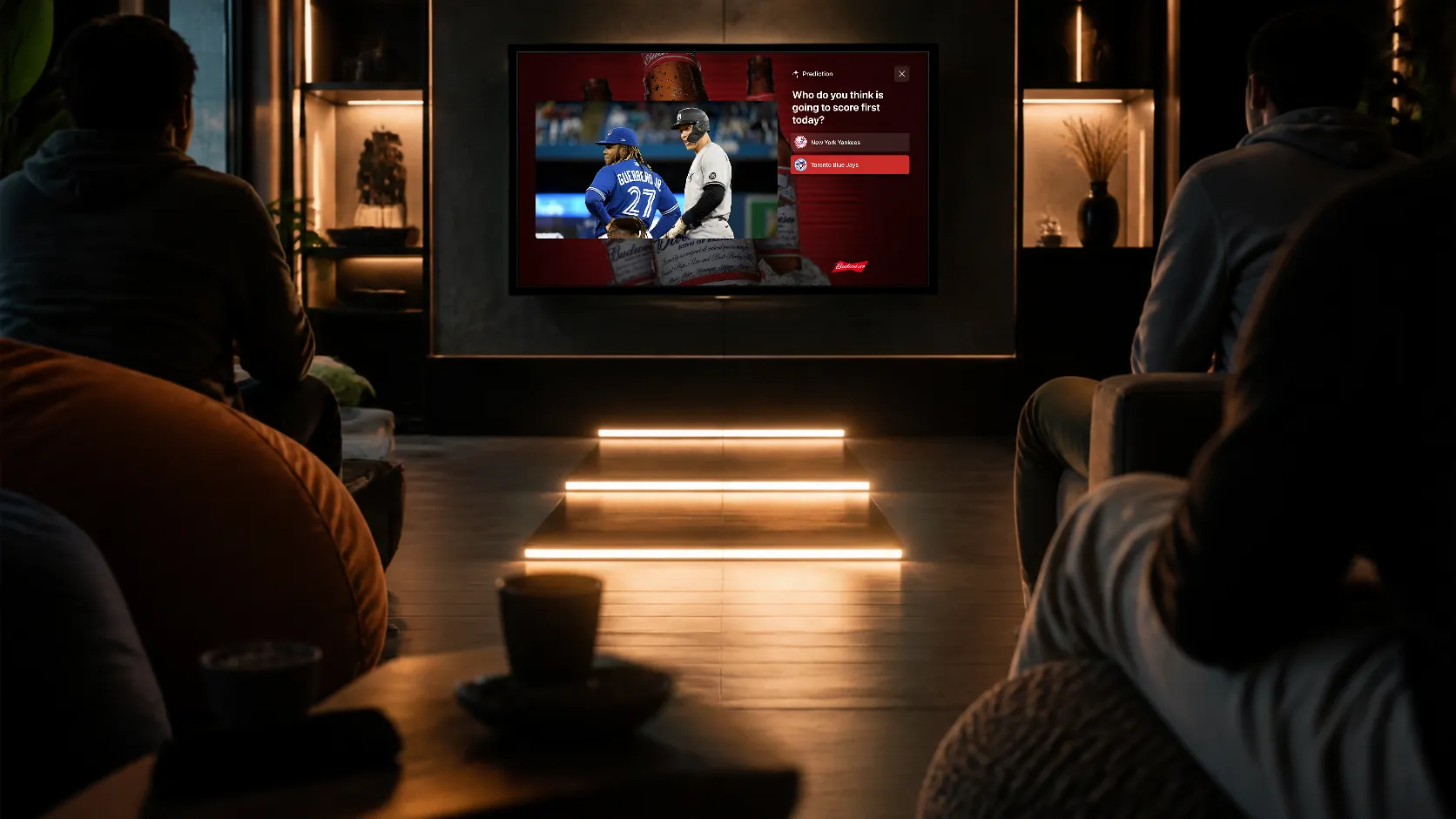
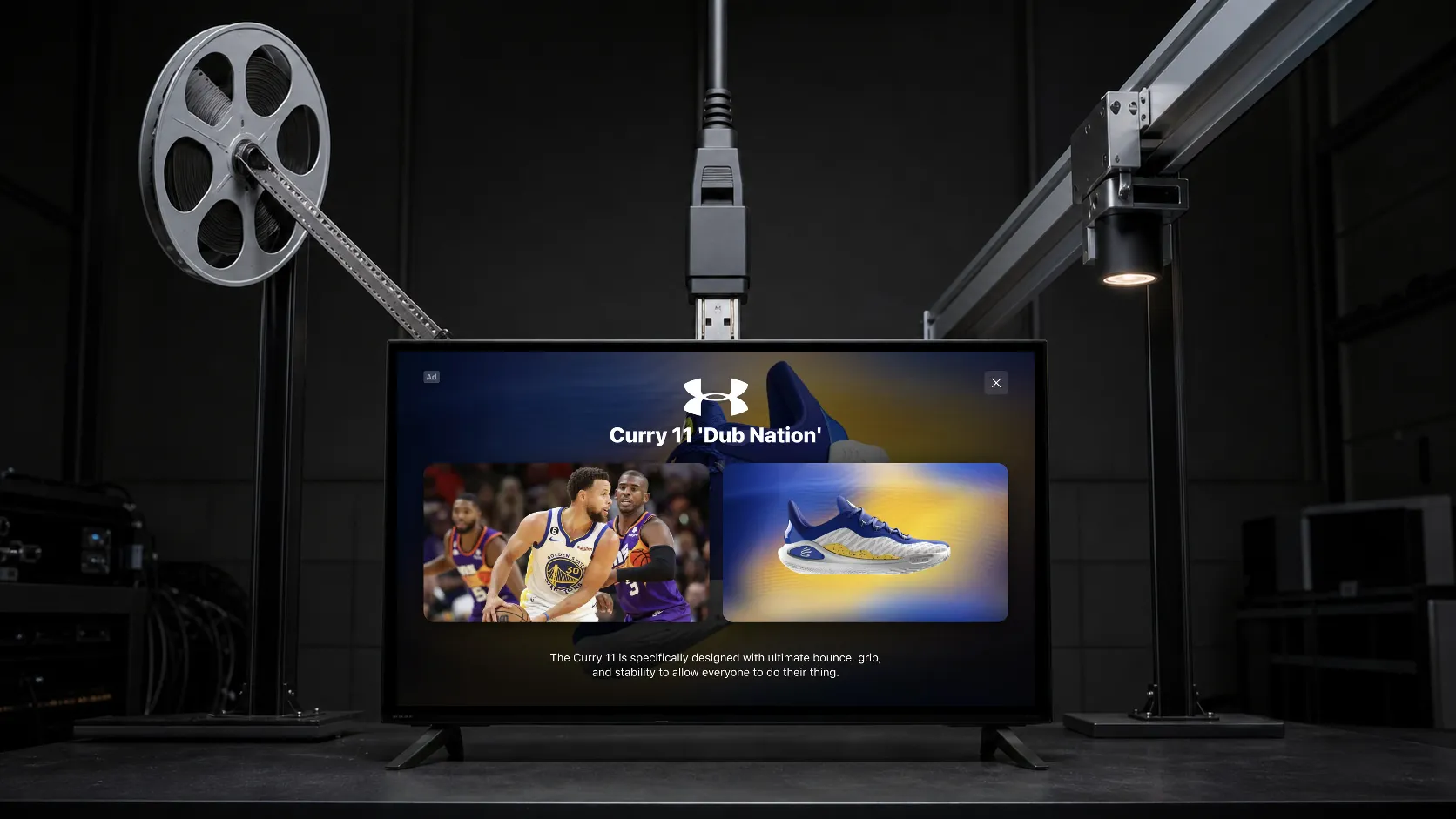
Use a lower banner for a compact offer or action. Use a Side Bar or L-Bar when product information needs more room and the host app can coordinate video resizing. Keep the commercial’s important content and disclosures readable.
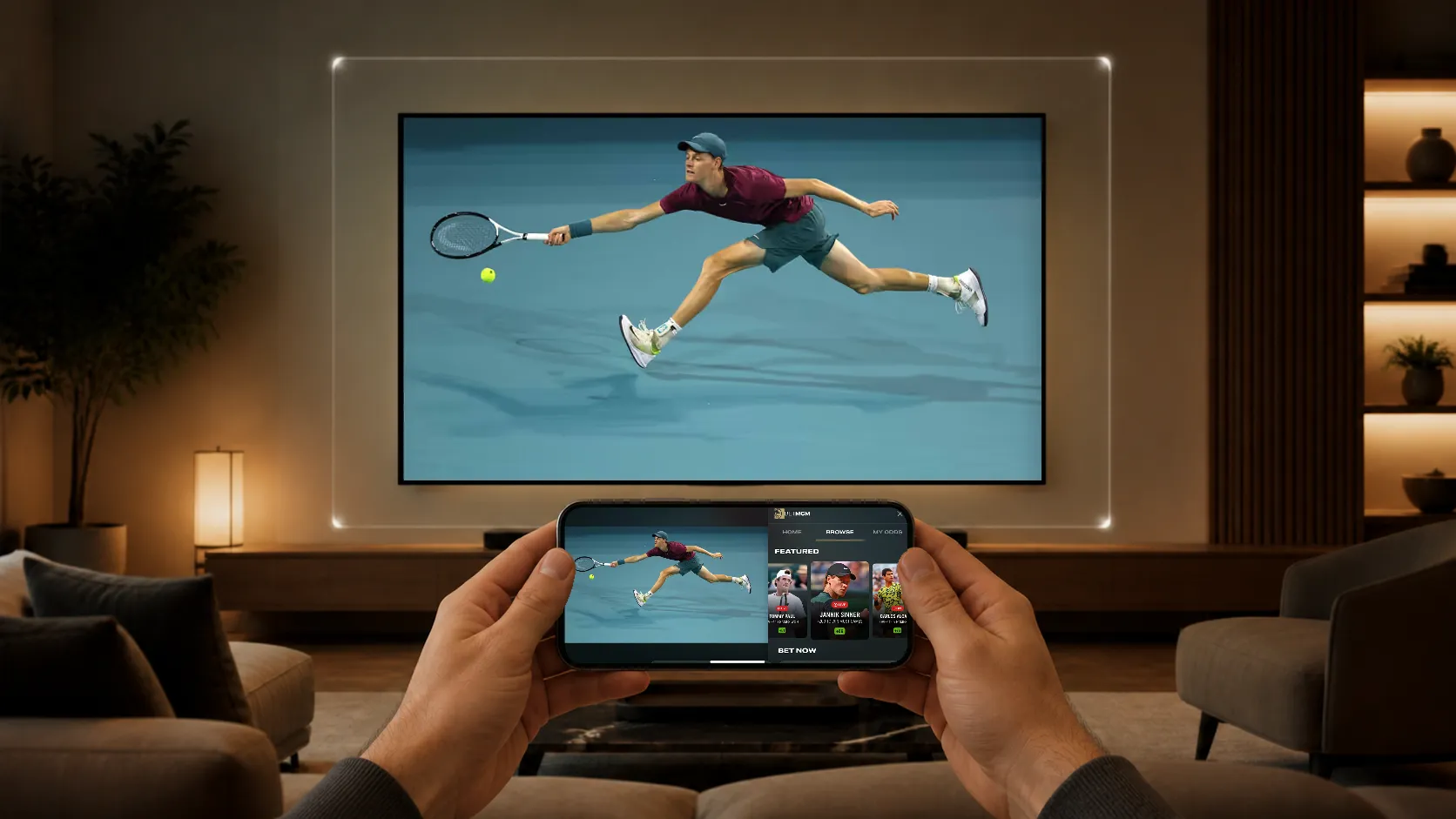
StreamLayer Interactive SSAI presents synchronized companion assets through the client SDK while the existing provider delivers the video. Remote selections, QR codes, and other supported actions give interested viewers a next step.
Define failure and exit behavior
Prepare assets where possible. Test late or missing metadata, seeking, channel changes, unsupported creative, and network interruption. A companion must close with its intended ad instead of appearing over another advertiser or returning program.
Preserve normal video playback when the interactive experience cannot be presented. Measure readiness, rendering, and interaction separately from video-ad completion.
Launch a measurable package
Agree with buyers on the package, reporting, and billing basis. Compare advertiser response, realized pricing, and net revenue against comparable video-only campaigns. Include creative and operating effort in the assessment.
Explore Interactive SSAI or discuss the signals available in your existing stack.