What Are Pause Ads? A Guide for CTV Publishers
Updated September 18, 2026 · StreamLayer
Pause ads are advertisements shown when a viewer pauses video playback. They create an advertising opportunity during a viewer-initiated break. For a streaming publisher, launching pause ads requires a supported app, a defined creative format, rules for when ads may appear, and a way to measure delivery.
This guide explains the format and the decisions involved in launching it. For StreamLayer’s capabilities and a demonstration, visit the pause ad platform page.
How do pause ads work?
In a StreamLayer integration, the host app supplies pause and resume signals to the StreamLayer SDK. After an eligible pause of approximately five seconds, the SDK presents still imagery or subtle ambient motion without sound. The scene should continue to feel paused; StreamLayer does not run full-motion video ads during the pause. The experience closes when playback resumes. The publisher defines eligibility, timing, creative, and supported actions for the integration.
A short pause does not have to become an ad opportunity. Publishers can define when an ad should be withheld and test how the experience behaves during seeking, app backgrounding, content changes, or connection loss. Playback must remain usable when an ad cannot load.
Can pause ads include motion?
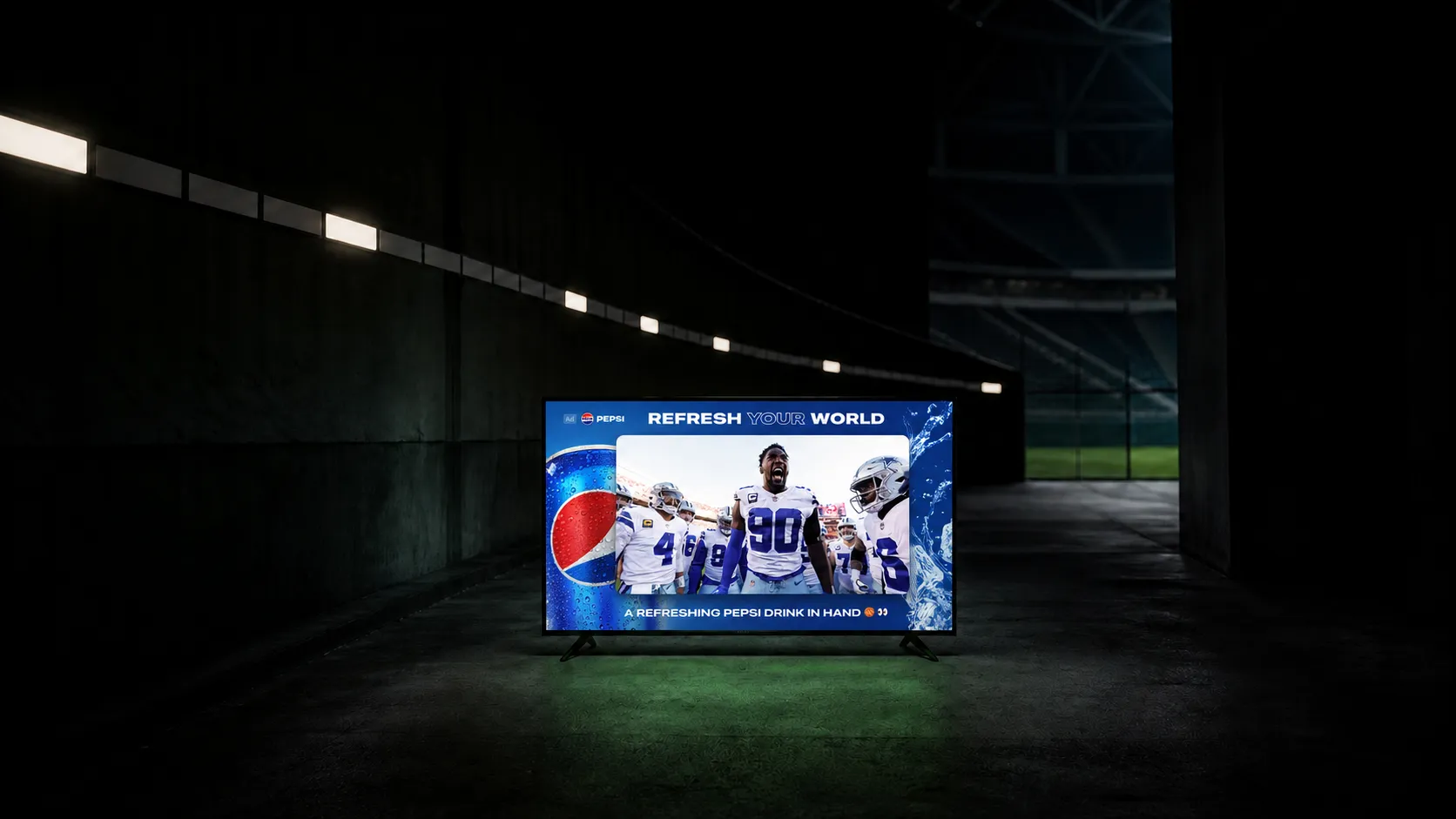
Yes. Subtle ambient motion can bring a detail to life while the scene still feels paused: steam rising from coffee, drips down a cold can, trees moving behind a parked pickup truck, or lighting shifting behind a mobile phone display. The creative stays visually settled rather than becoming a full-motion video ad. Static imagery is also supported.
Pause ads, mid-roll ads, and screensaver ads
A mid-roll ad runs during an advertising break in the program. A pause ad responds to a viewer choosing to pause. A screensaver ad responds to an application or operating-system state. The IAB Tech Lab CTV Ad Portfolio distinguishes these triggers.
StreamLayer Pause Ads add an opportunity outside conventional video breaks. StreamLayer also supports live nonlinear ads during selected moments while programming continues. Each format has its own trigger, presentation, and measurement requirements.
Which pause ad formats does StreamLayer support?
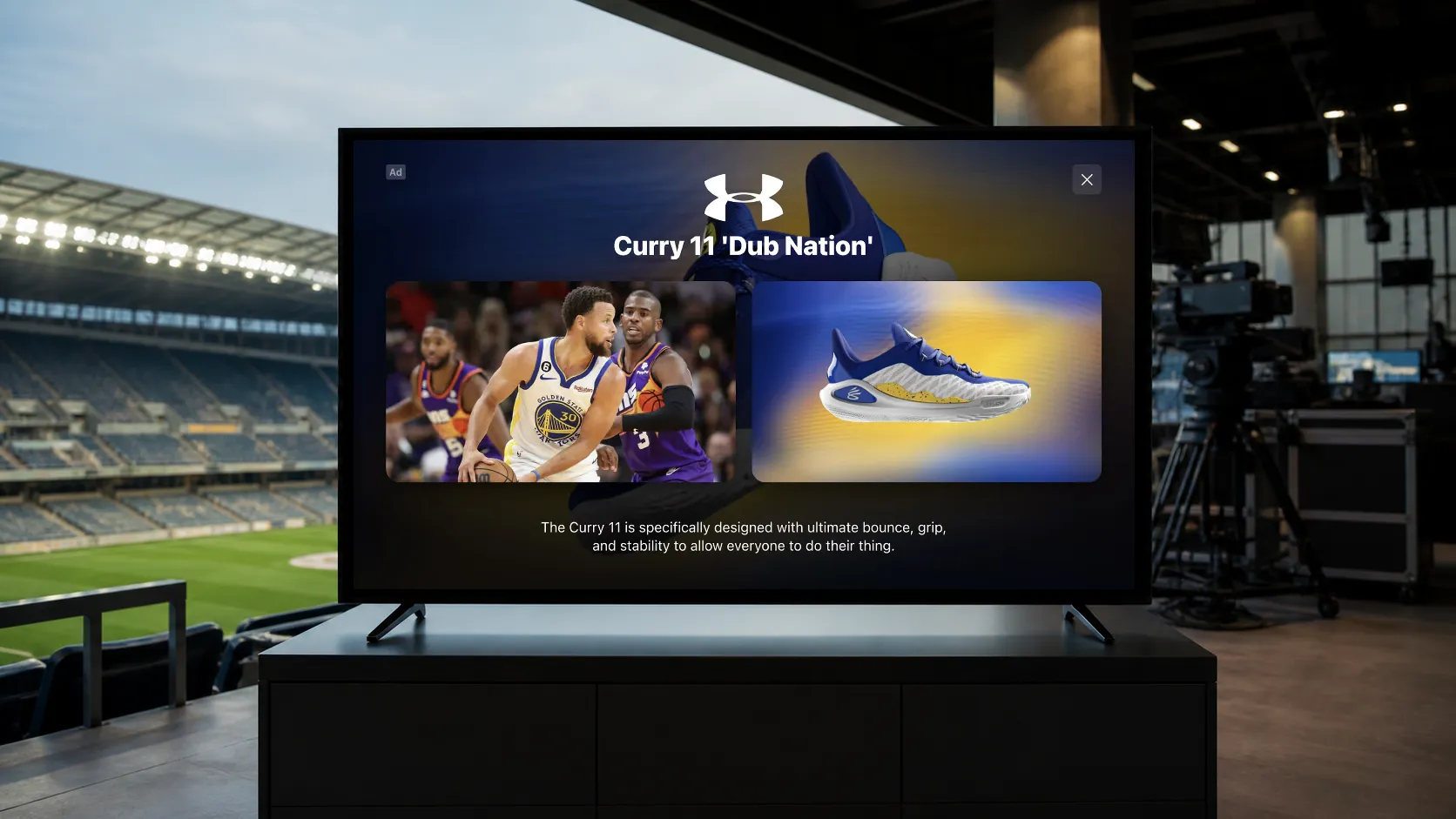
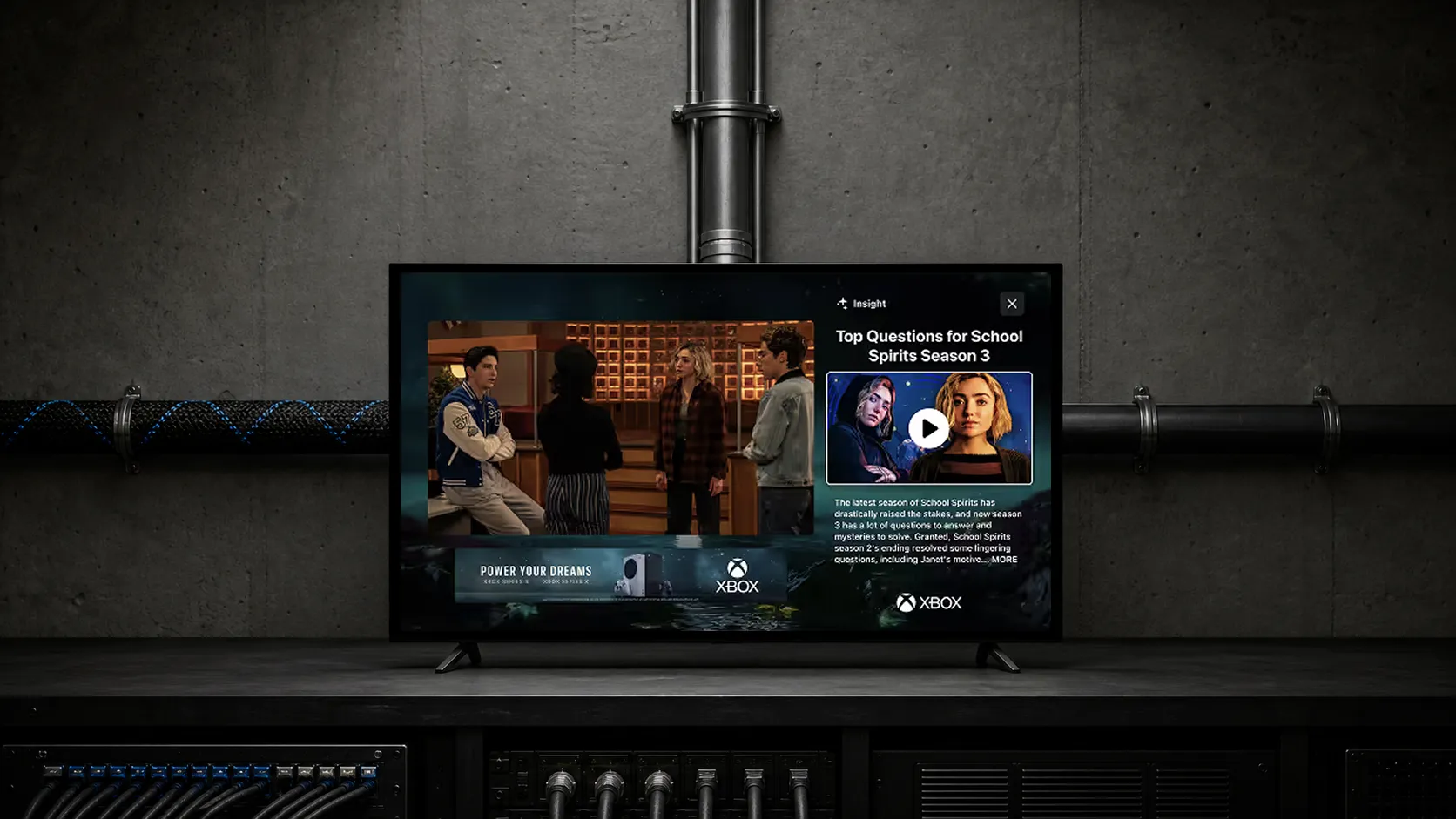
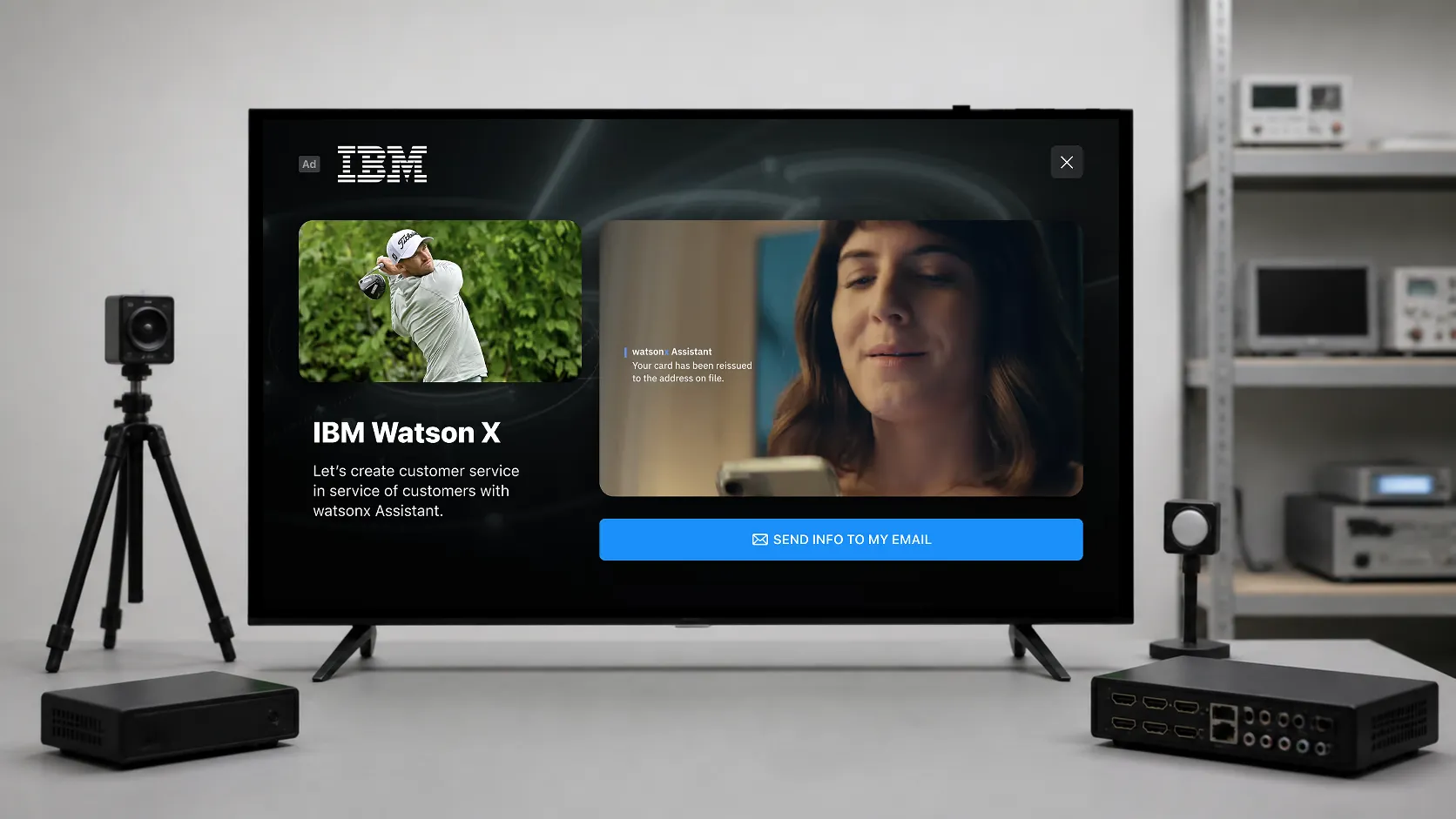
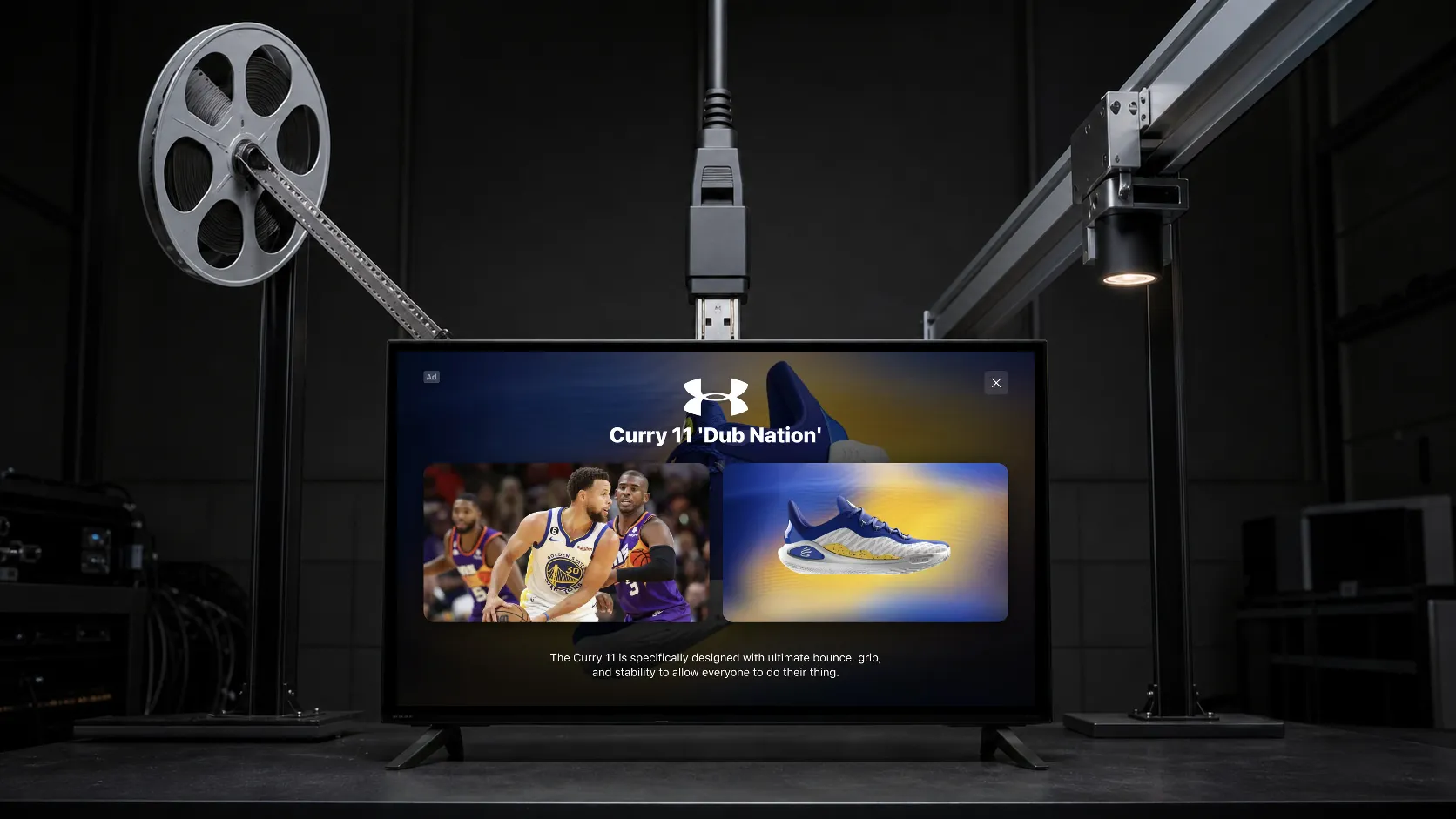
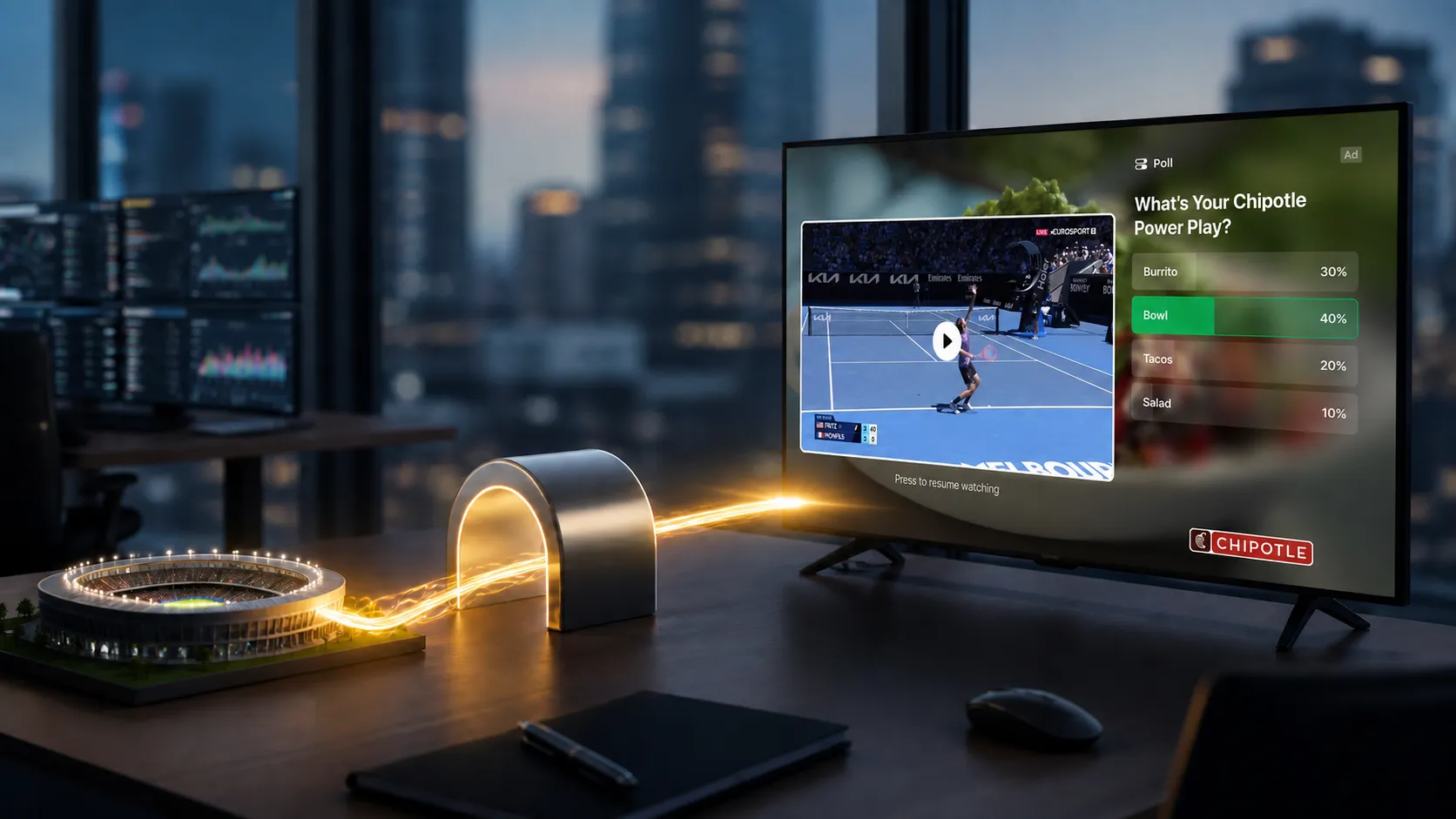
- Full-bleed creative: still imagery or subtle ambient motion uses the available pause canvas for a brand message and a clear action.
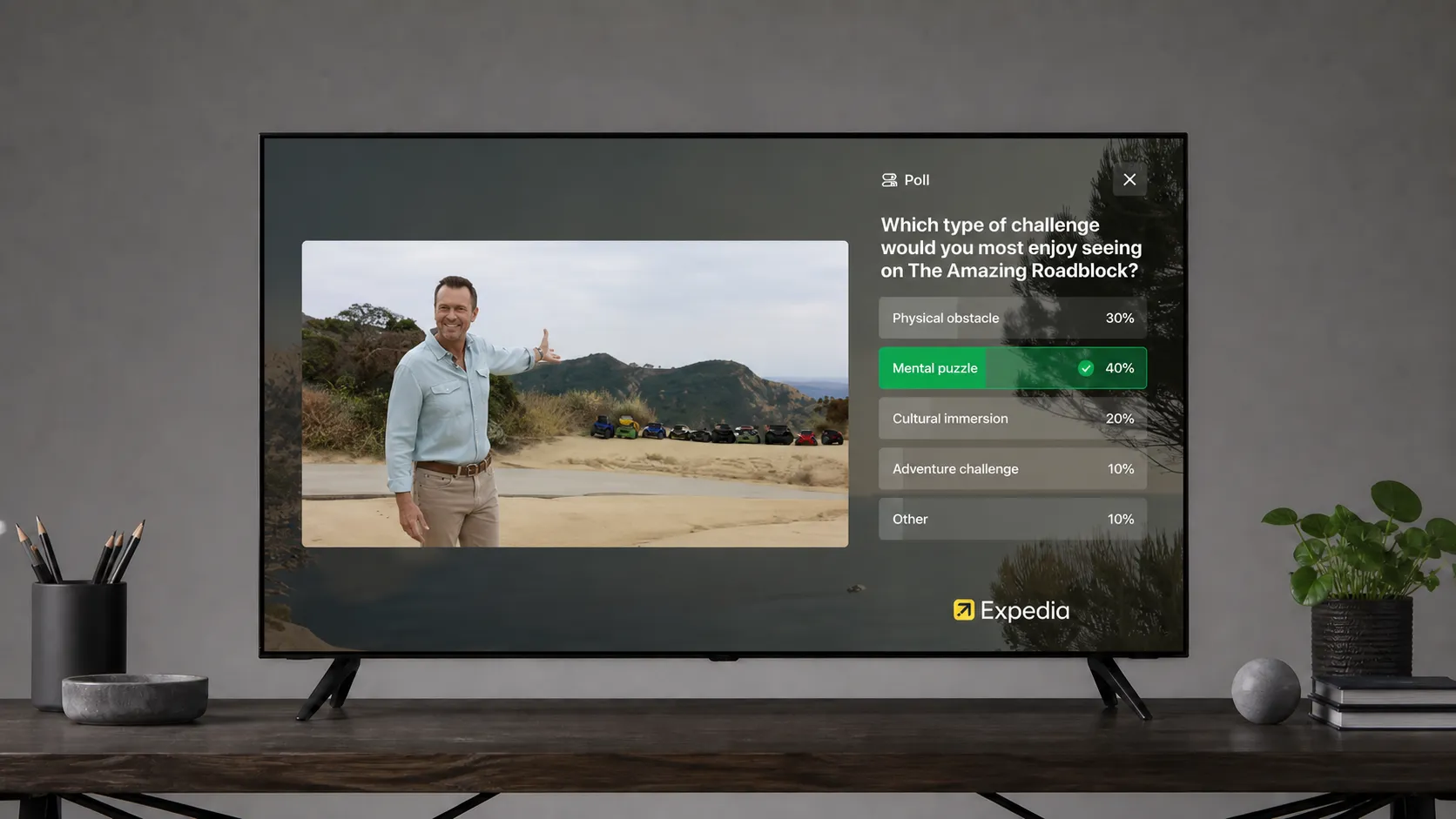
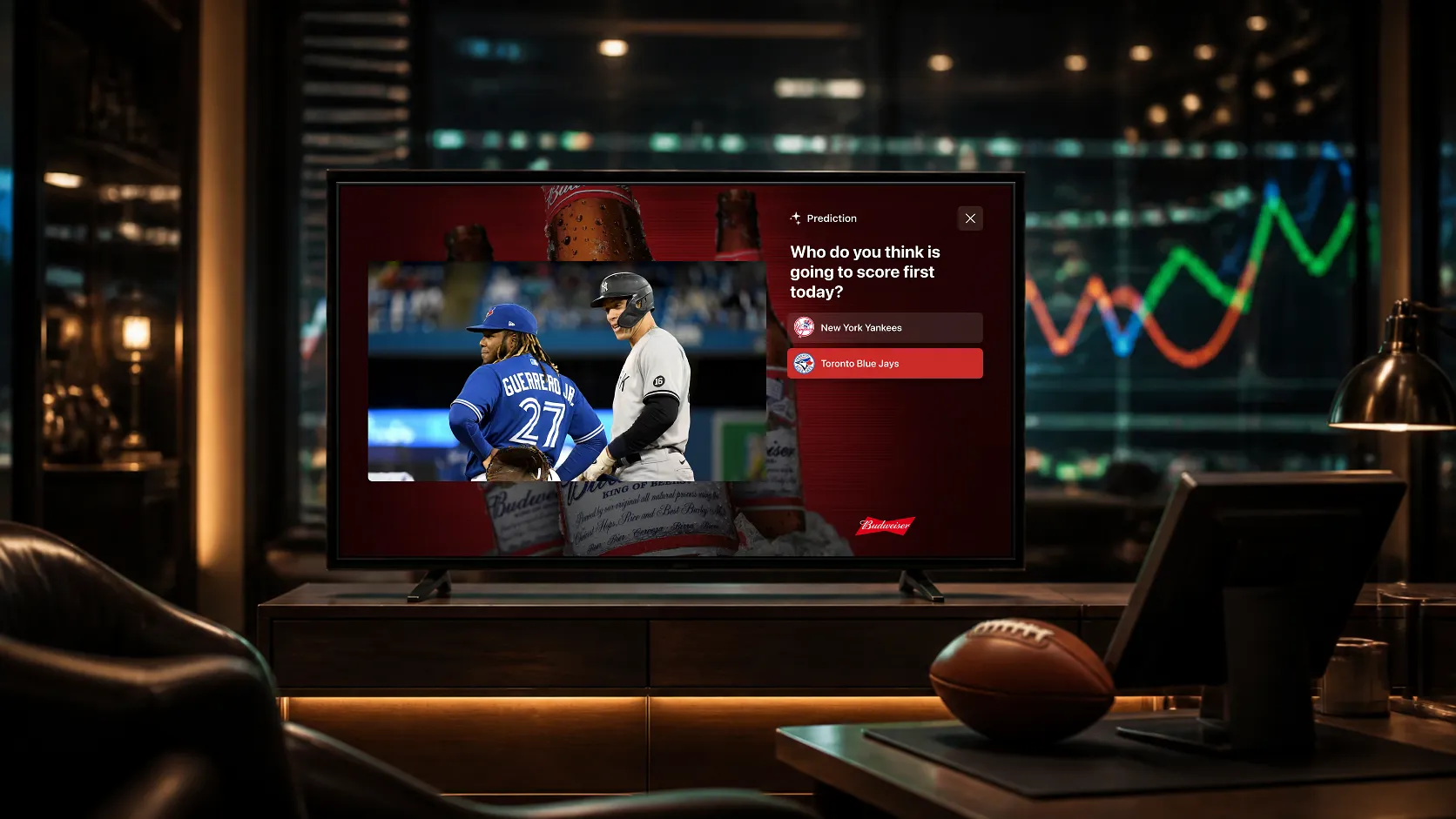
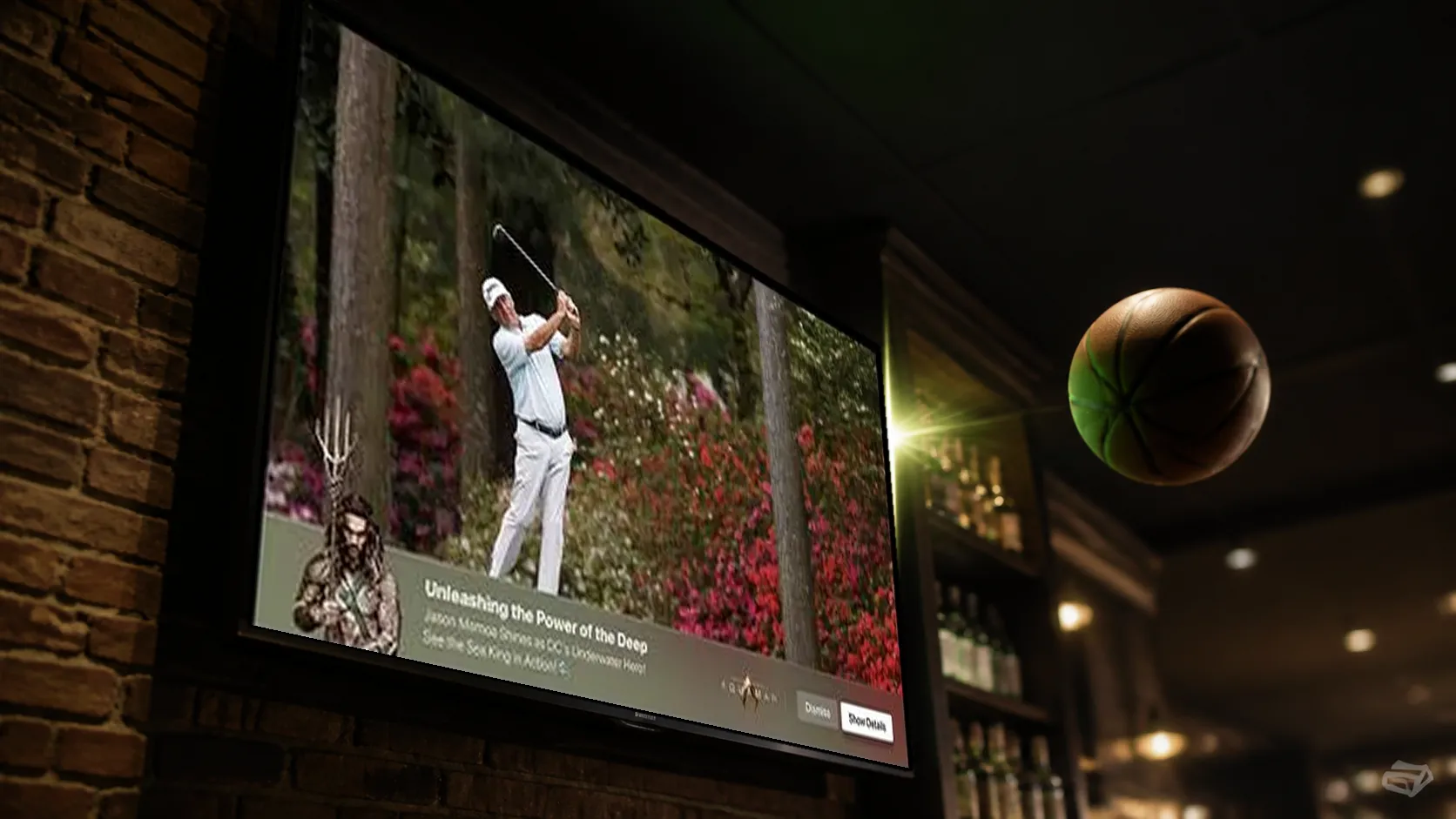
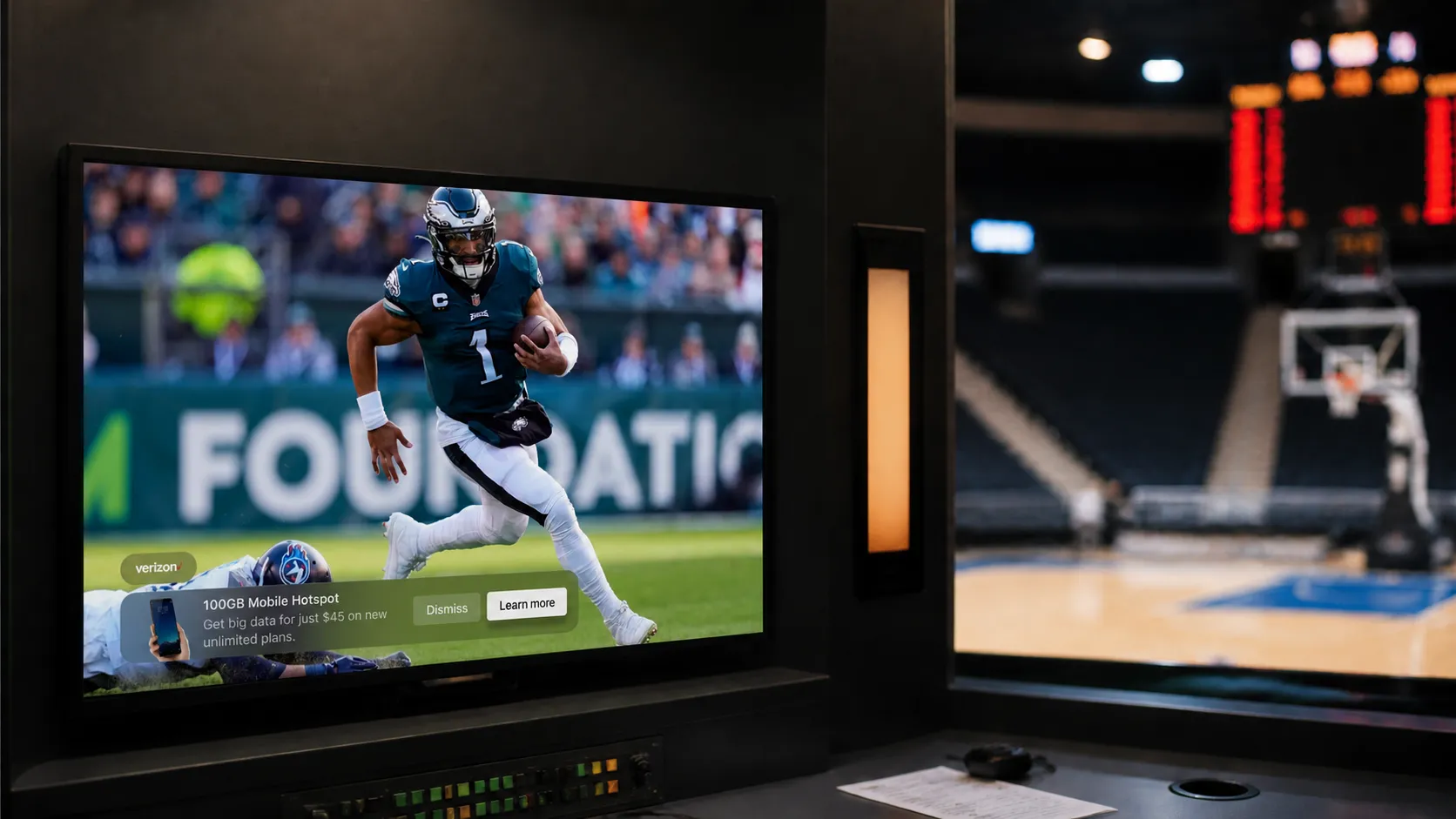
- Overlay: creative occupies part of the paused picture while some program imagery remains visible.
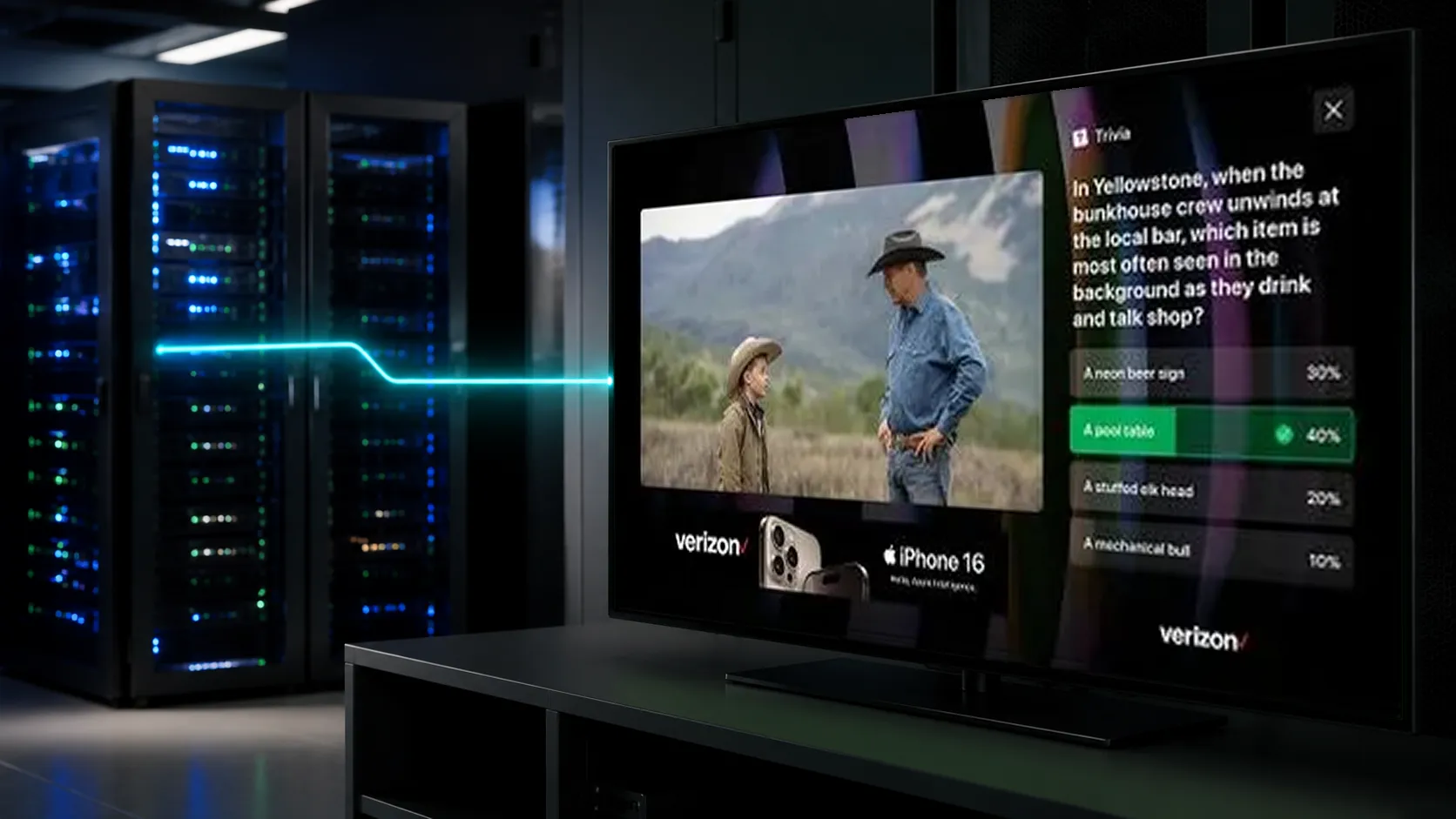
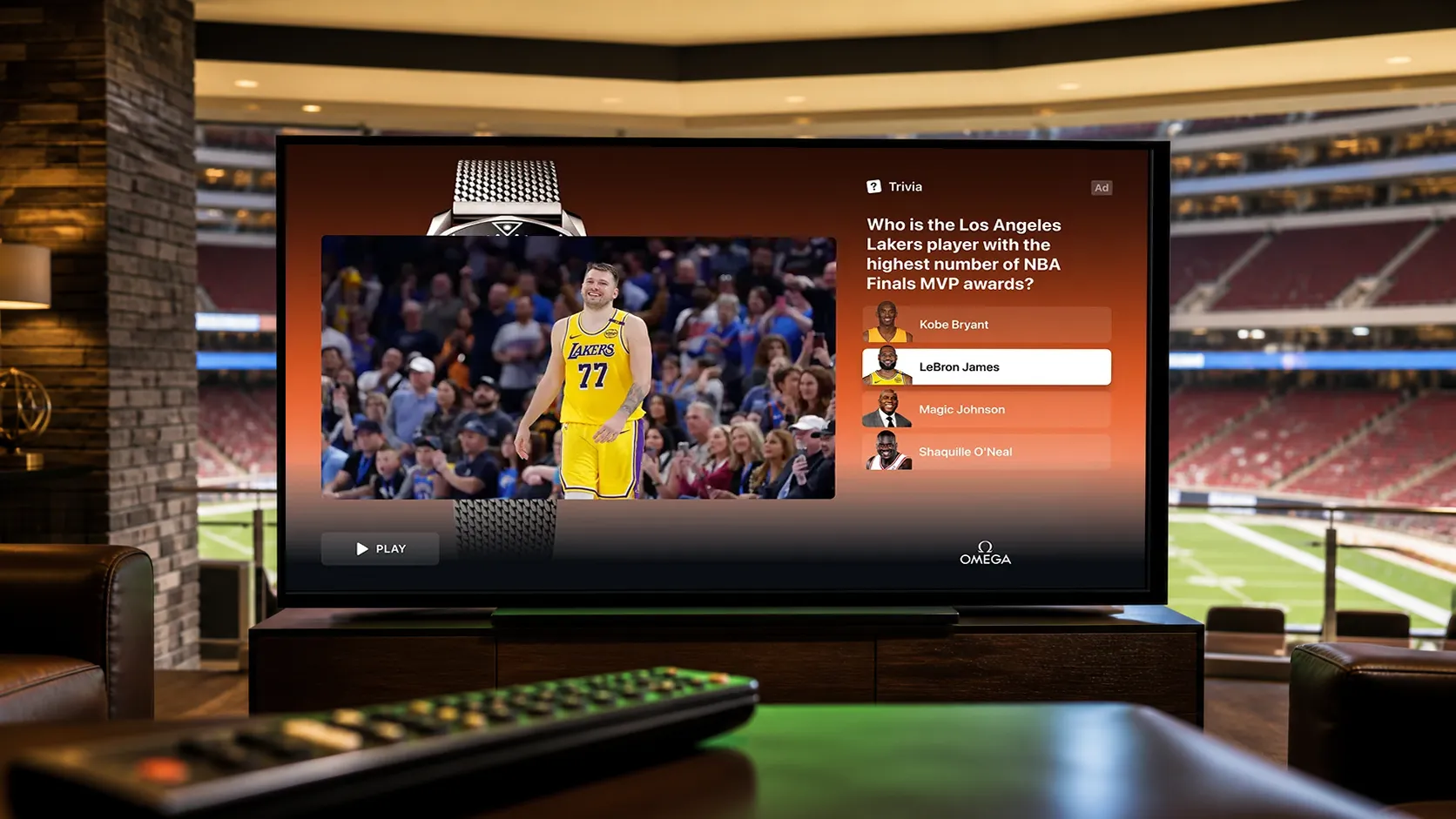
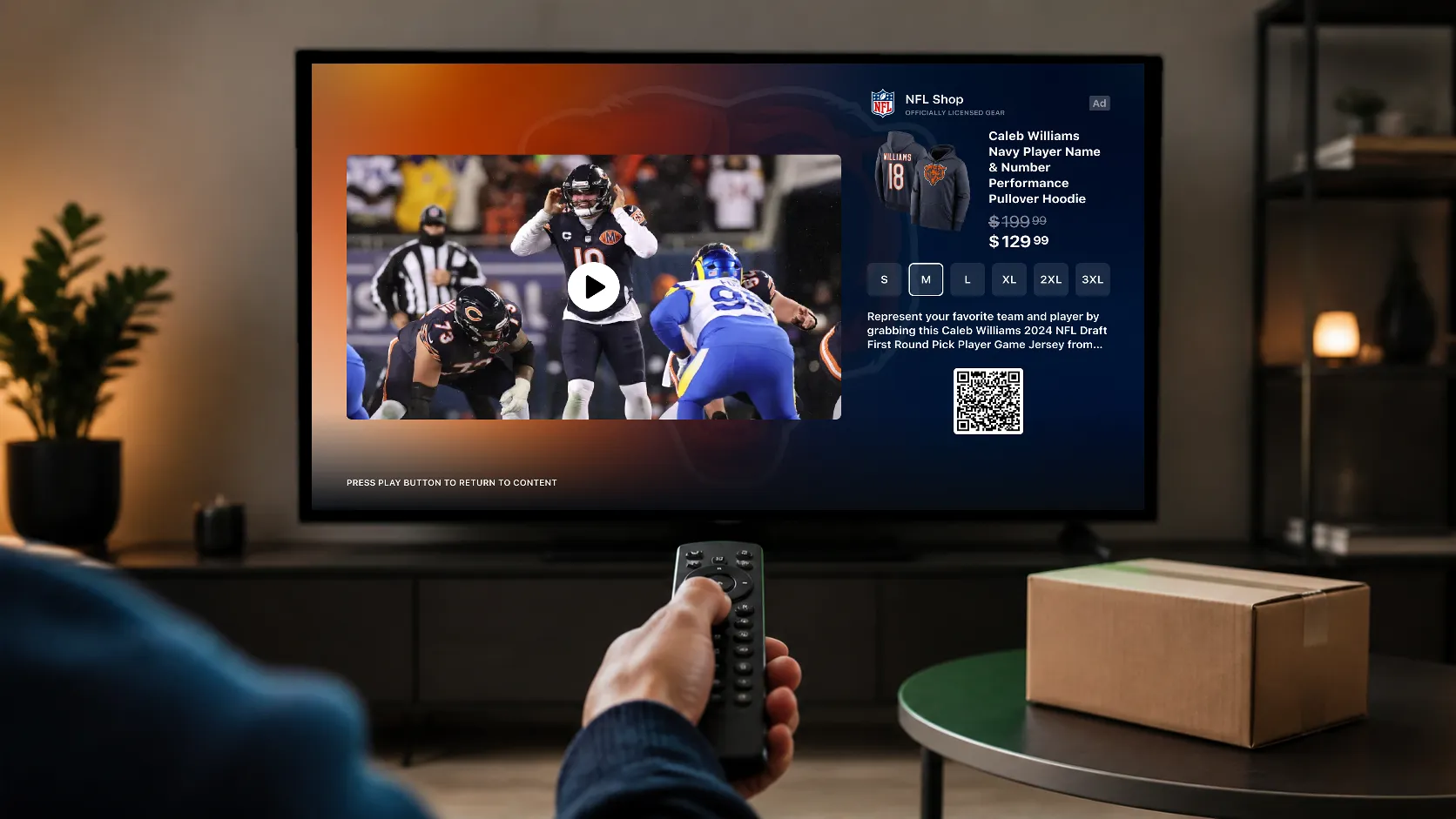
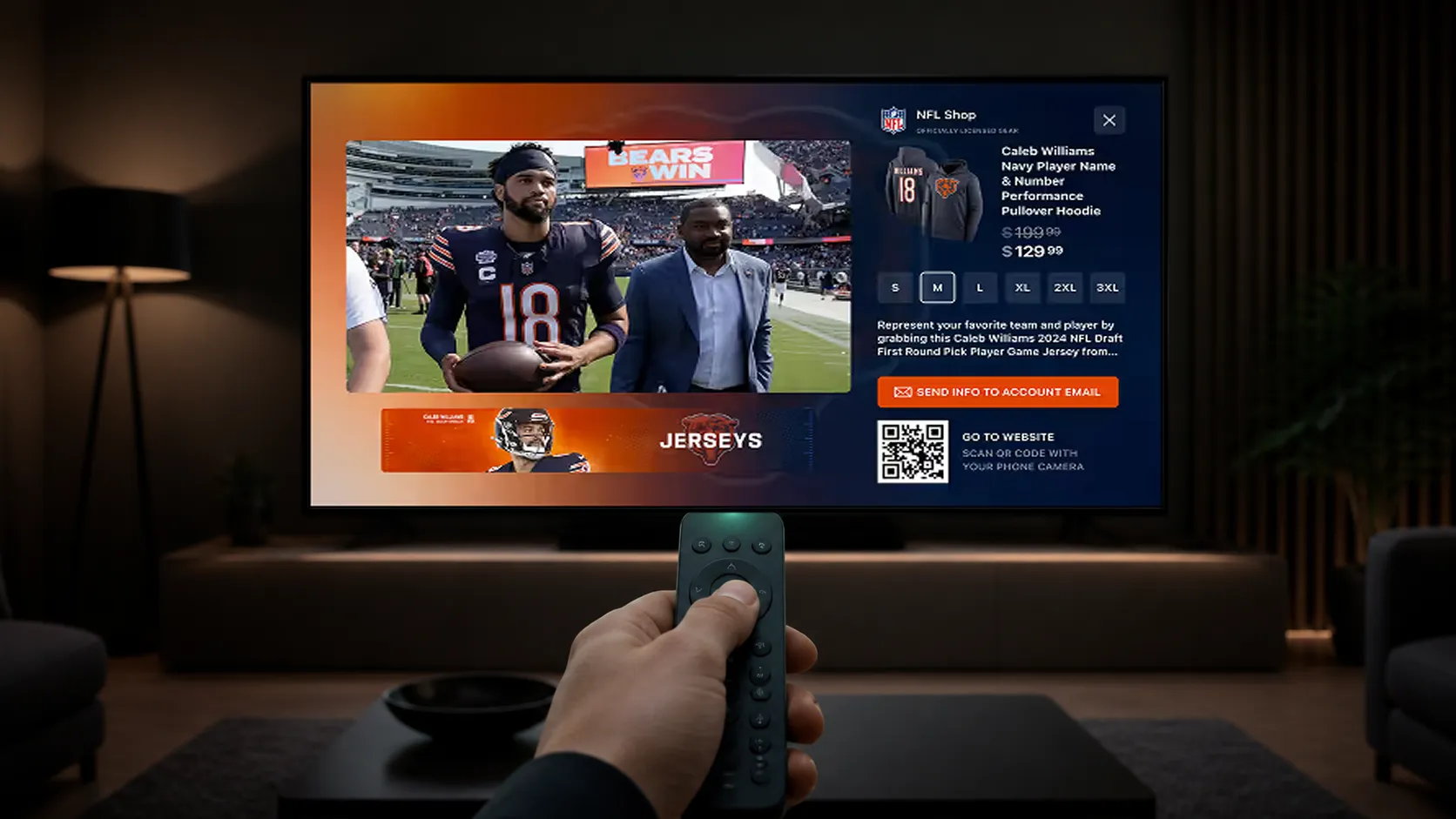
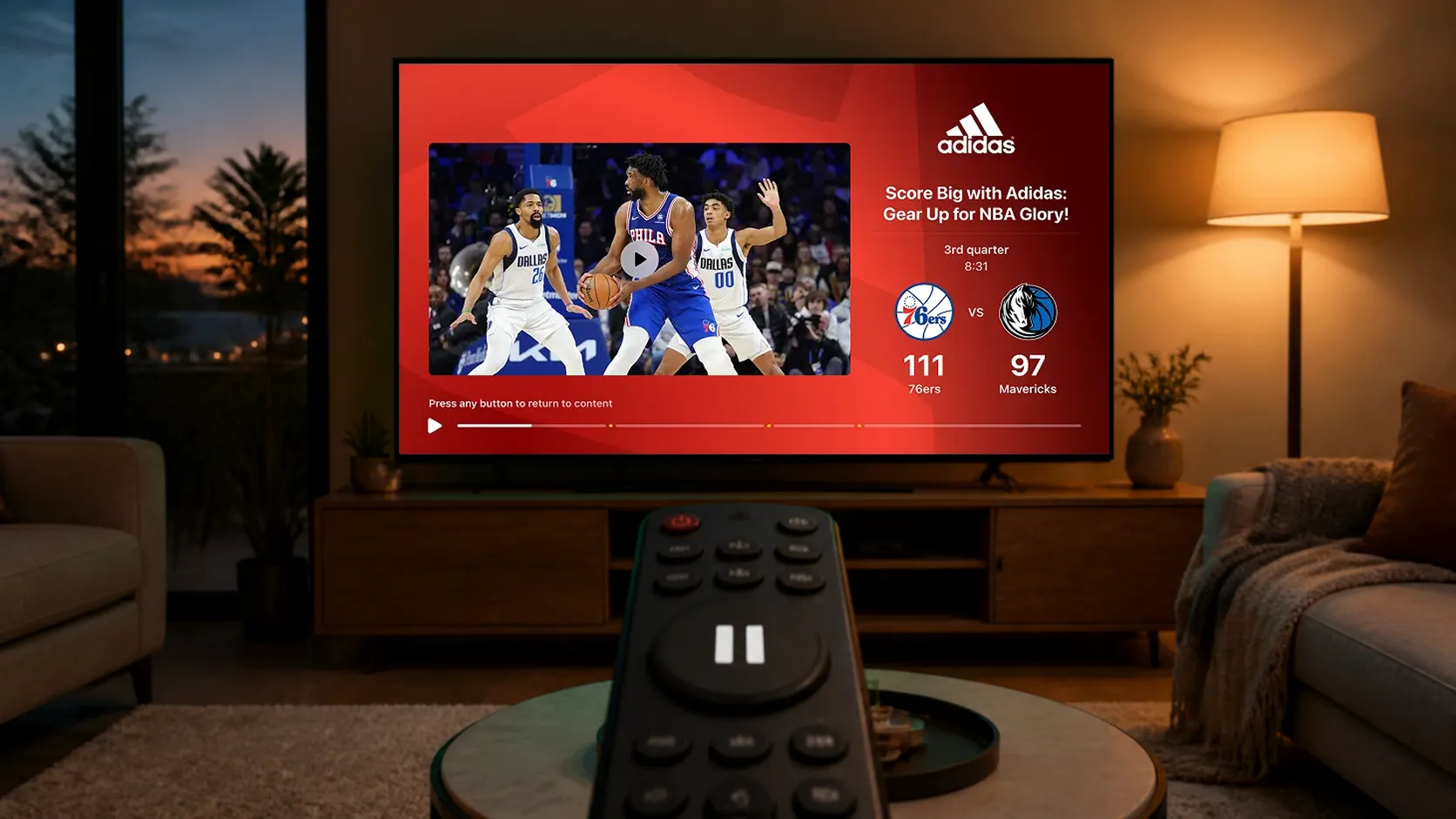
- Side Bar: creative sits beside the video; the host app manages any video resizing needed to create that space.
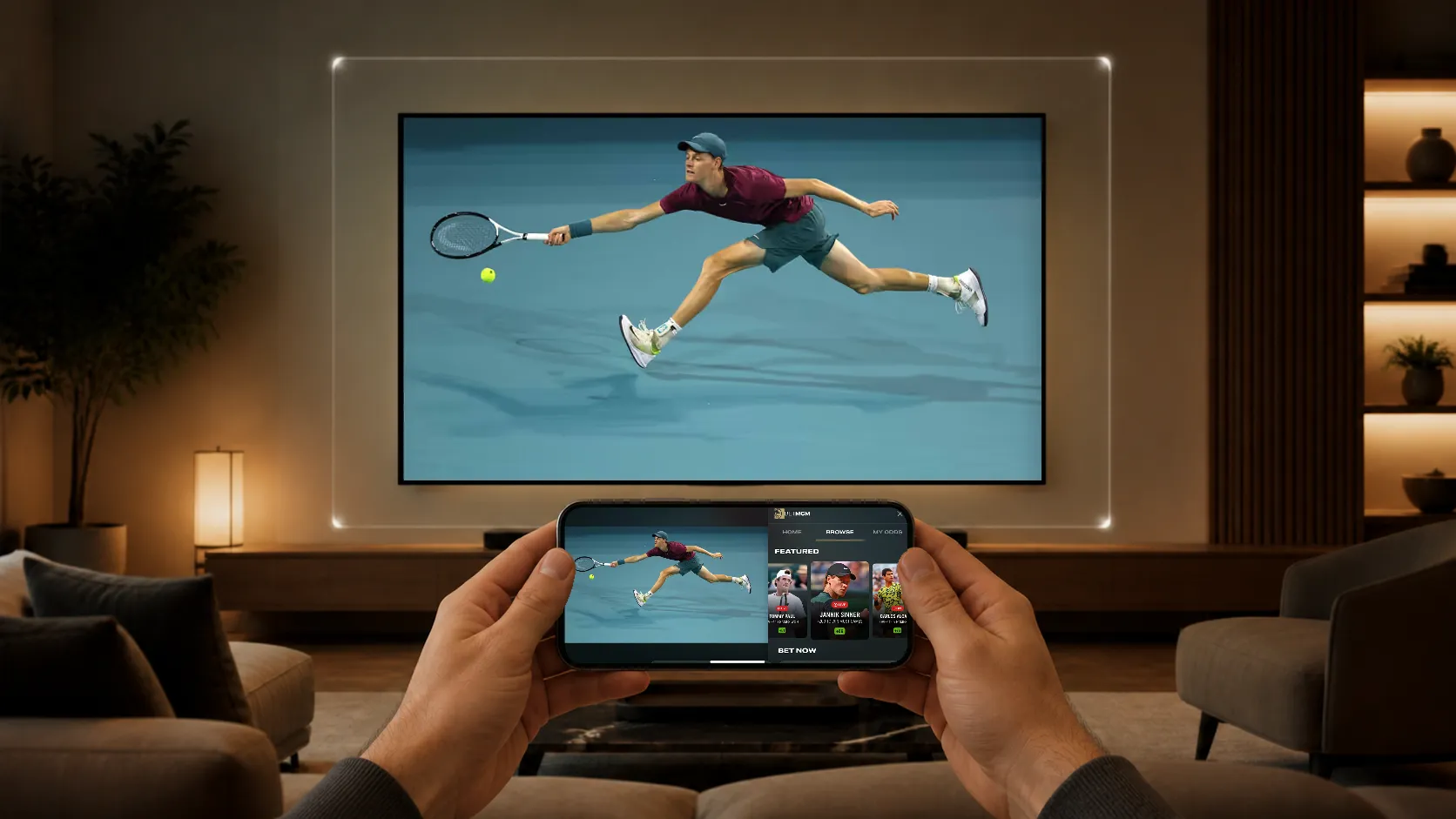
These layouts can present standard brand creative, contextual sports information, polls, trivia, or shoppable content. A QR code, supported remote-control action, or phone handoff gives interested viewers a next step. Review the intended action on the actual device; CTV, mobile, and web do not have identical controls.
See pause ad examples and creative specifications for a practical production brief.
Who can implement pause ads?
The publisher or platform operator needs access to the streaming application and the right to offer the placement. StreamLayer requires SDK integration in that app. Owning a channel distributed through somebody else’s application does not, by itself, provide the ability to add pause ads there.
Start with the CTV devices and player versions that matter to the launch, followed by mobile and web where relevant. For linear or FAST distribution, confirm that the app supports viewer-controlled pause or time shifting. A feed with no supported pause behavior does not create this inventory simply because it carries video.
What does the technical integration involve?
The host app integrates the StreamLayer SDK, supplies identifiers and playback signals, and mounts the SDK view. For a Side Bar, the app also coordinates the video layout and restores it when the ad closes. StreamLayer SGAI uses server-side orchestration and client rendering without stitching the pause creative into the core video stream.
The existing SSAI provider, ad server, SSP, and DSP retain their respective roles. The team must agree on creative delivery, supported interactions, error handling, and reporting ownership. The pause ad standards and implementation checklist covers the handoffs to validate before launch.
How is pause inventory sold?
Publishers can configure direct-sold, private marketplace, or other supported programmatic workflows. Buyers need to confirm the actual publisher, devices, creative requirements, and supply connection. The presence of a pause ad format does not establish that every DSP can buy it or that an advertiser can access every streaming service through one integration.
Use the programmatic pause ads guide to distinguish app integration from media buying.
What should a pause ad pilot measure?
Record eligible pauses, successful creative loads, rendered impressions, exposure duration, and interactions. Track downstream visits or conversions where the destination, consent, and attribution setup support them. A visible paused screen does not prove that somebody is looking at it.
For commercial evaluation, measure net revenue after relevant fees and operating costs. Compare viewer behavior and existing advertising revenue with a suitable baseline. Keep study population, dates, device mix, and denominators explicit. The pause ad measurement and revenue guide provides formulas and a pilot scorecard.
How should a publisher get started?
Choose one device group, one layout, and one advertiser objective. Define the pause delay, eligibility rules, resume behavior, creative requirements, and event definitions. Test on representative devices before expanding distribution.
Request a pause ads demo with StreamLayer to review the experience and integration for your streaming app.