Interactive CTV Ad Formats: Choose the Right Viewer Action
Updated September 8, 2026 · StreamLayer
Start here to choose the viewer action: product discovery, a response, or a purchase journey. For placement geometry and protecting live programming, see the in-play ad layouts guide.
What are interactive CTV ads?
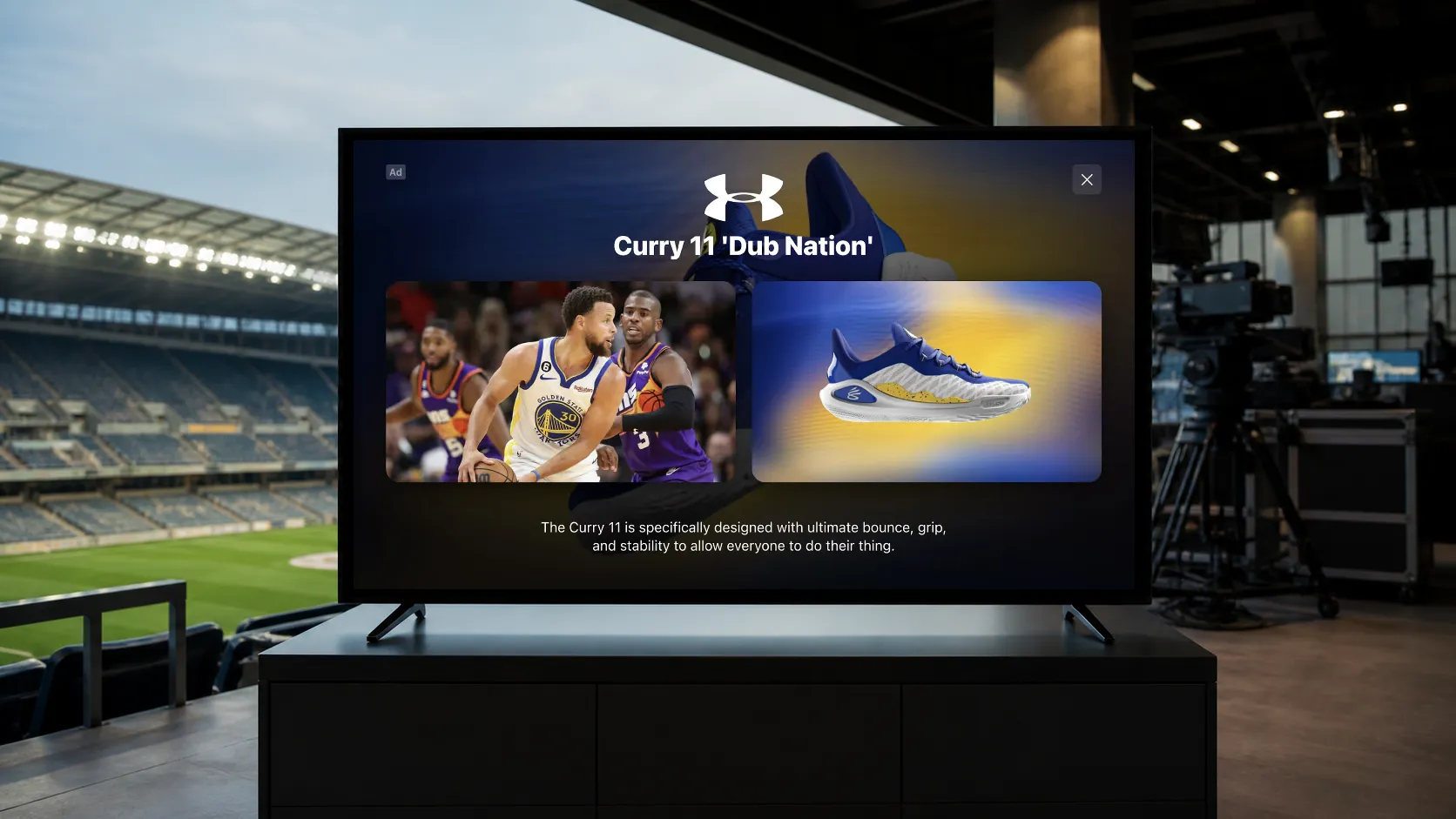
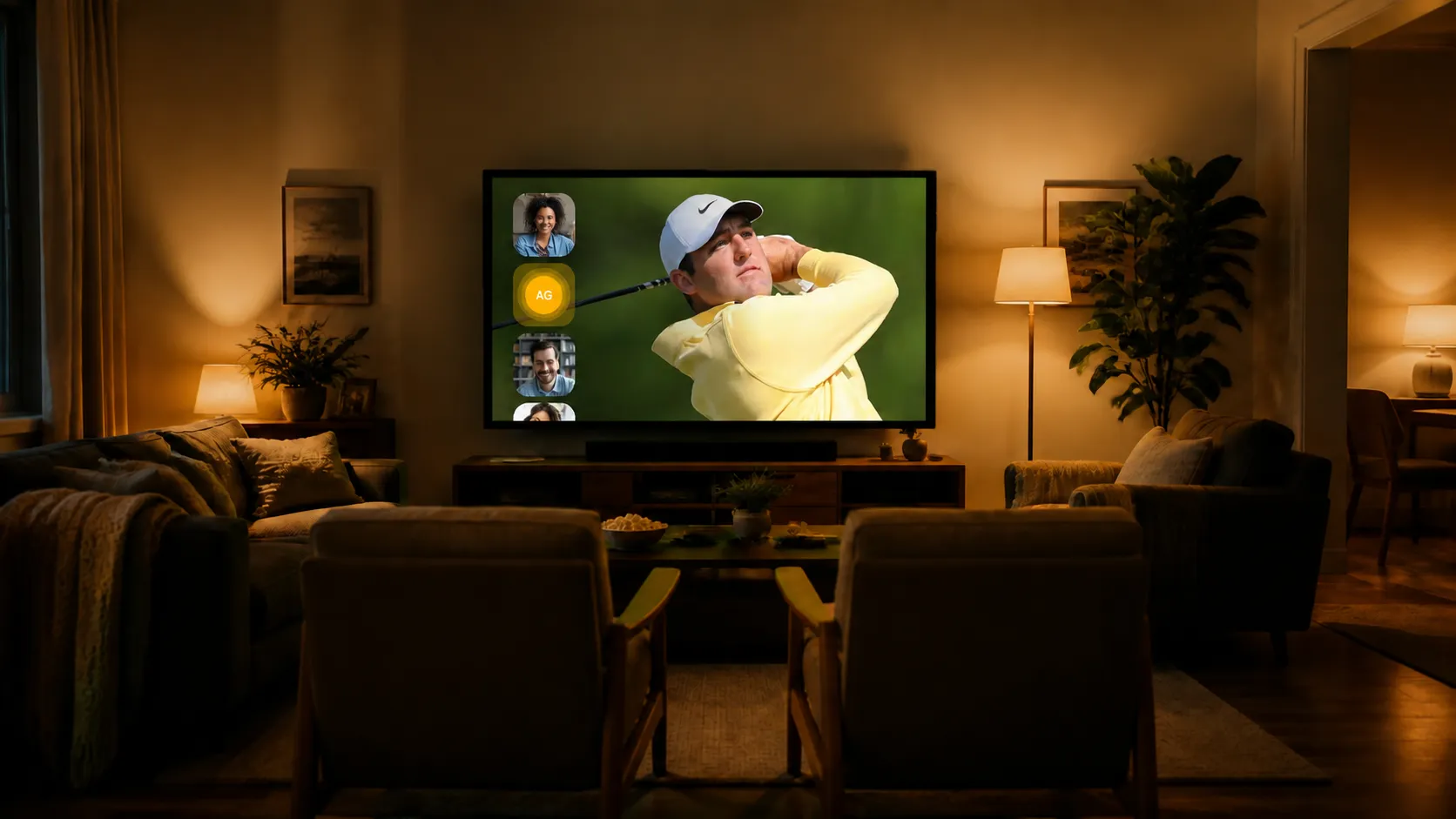
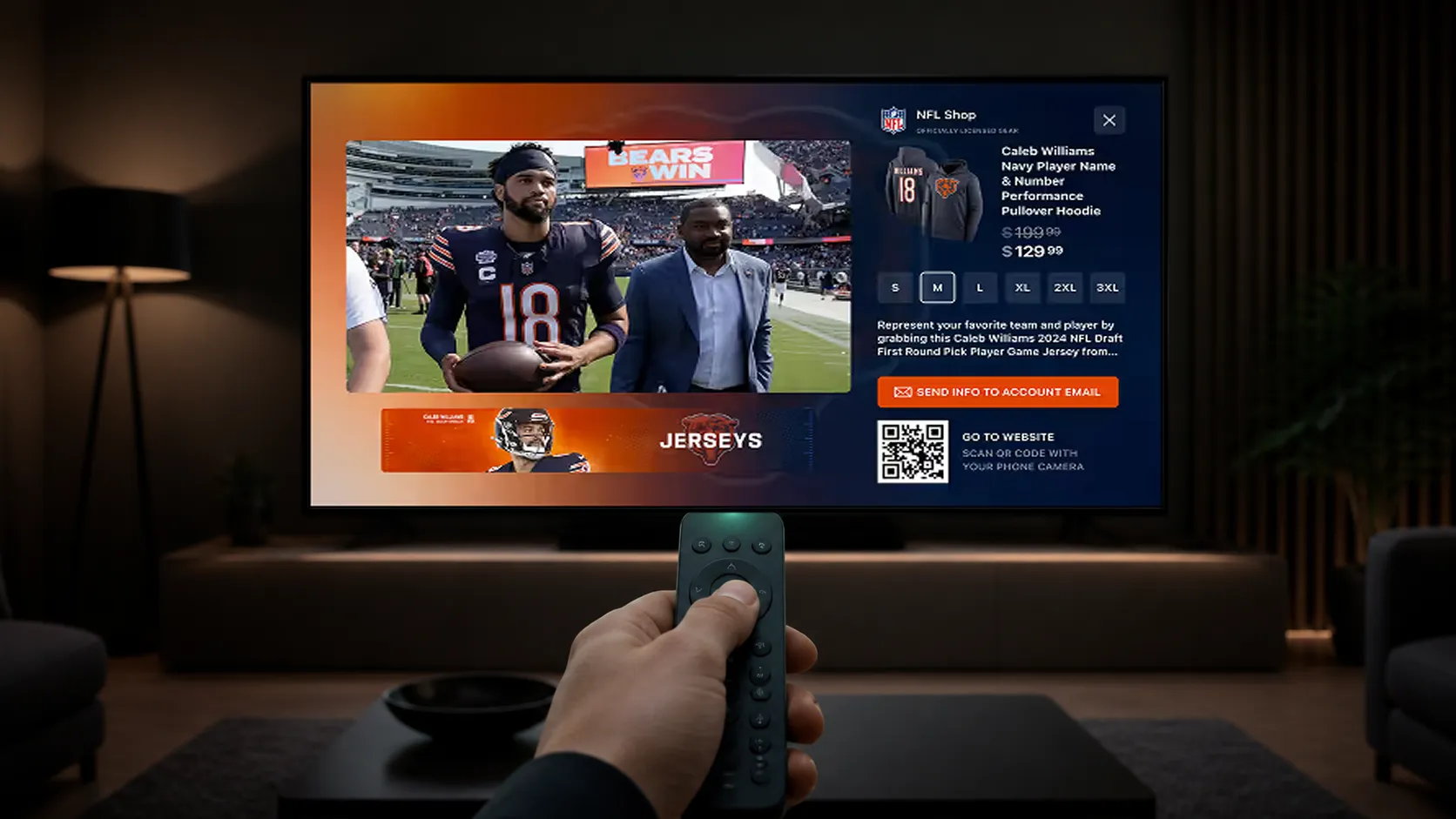
Interactive CTV ads invite viewers to respond to advertising through a remote-control selection, QR scan, product choice, or another supported action. They give advertisers a way to connect exposure with a clear next step inside or beyond the television experience.
Choose the action before the layout
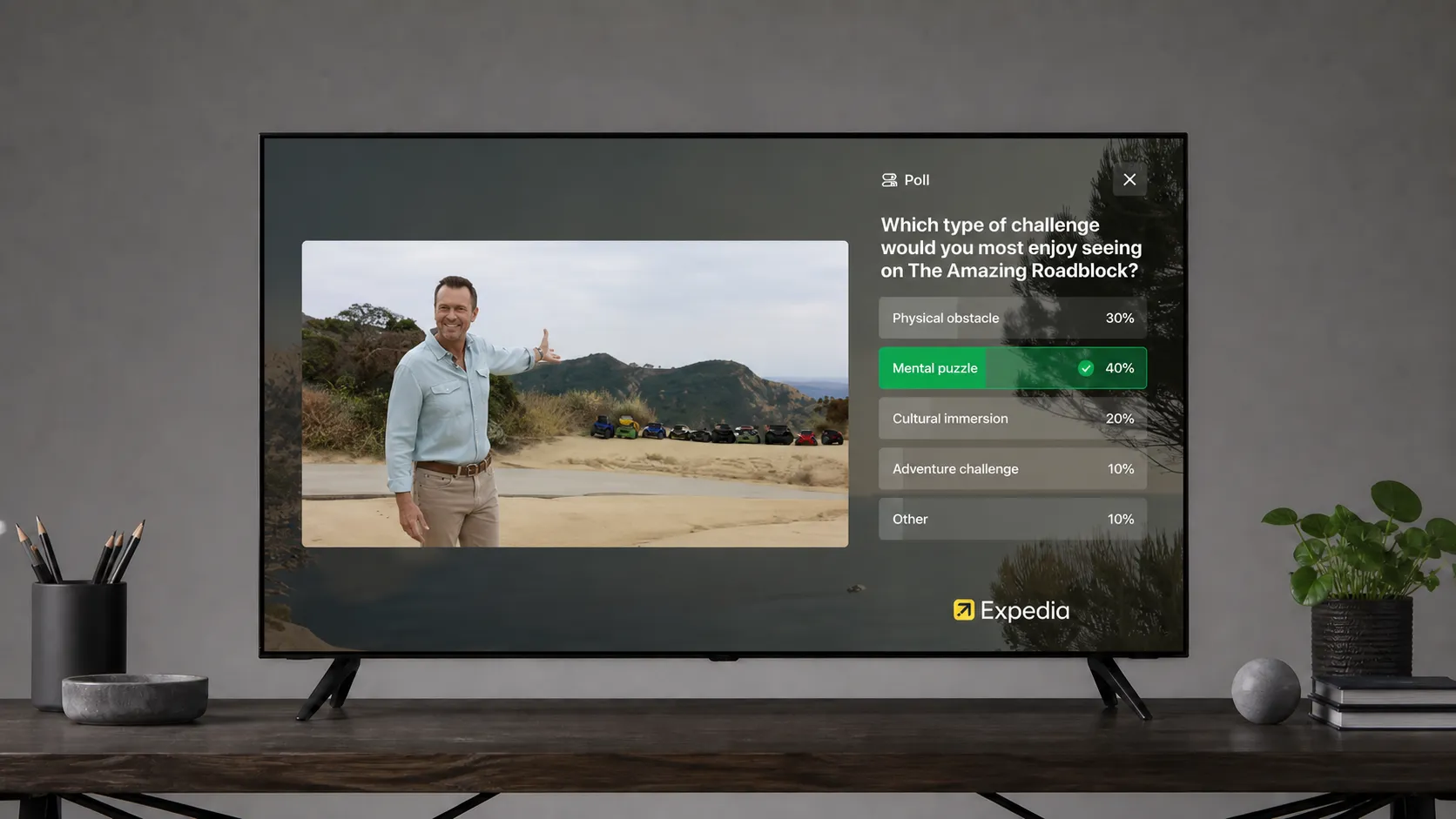
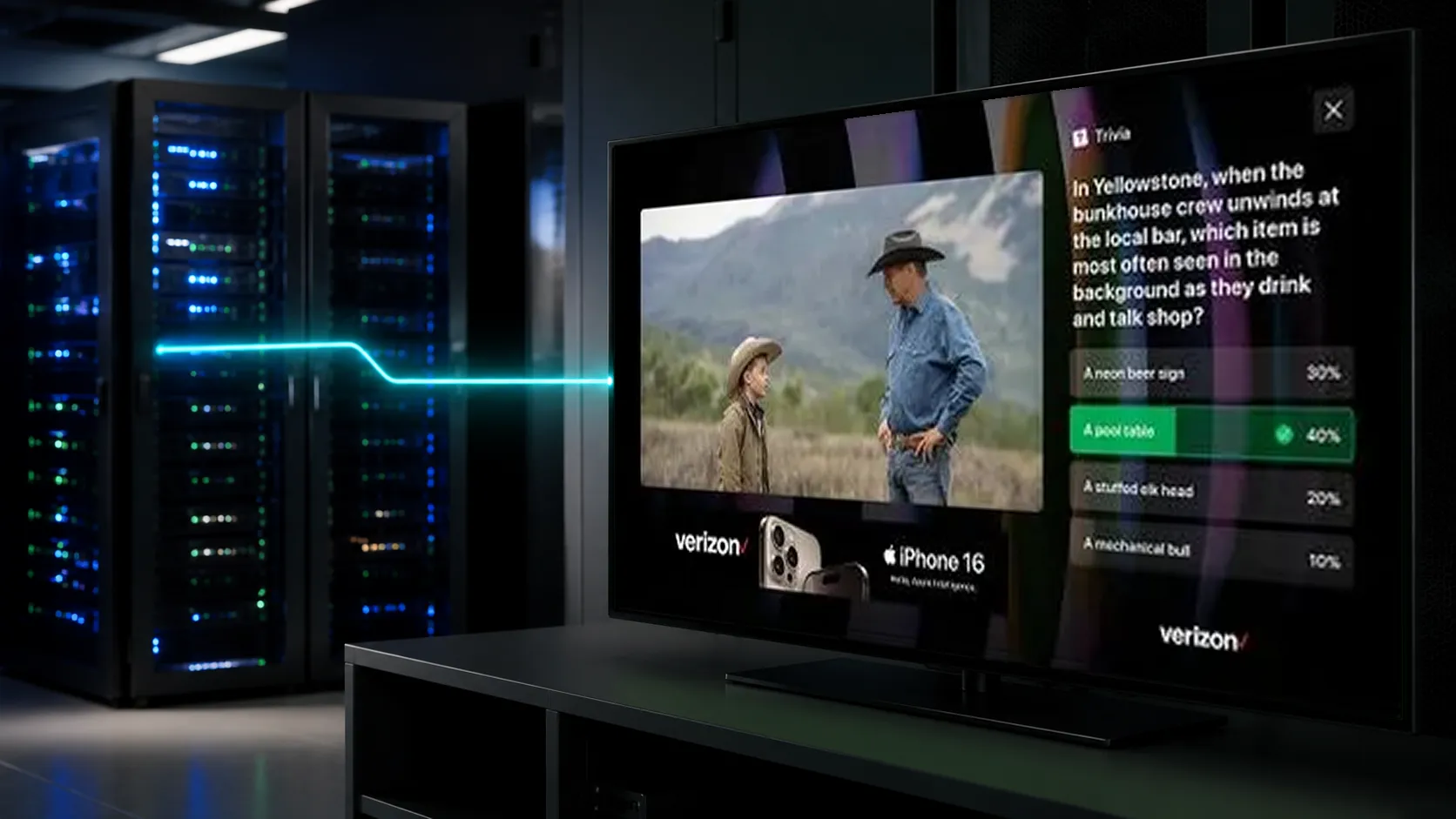
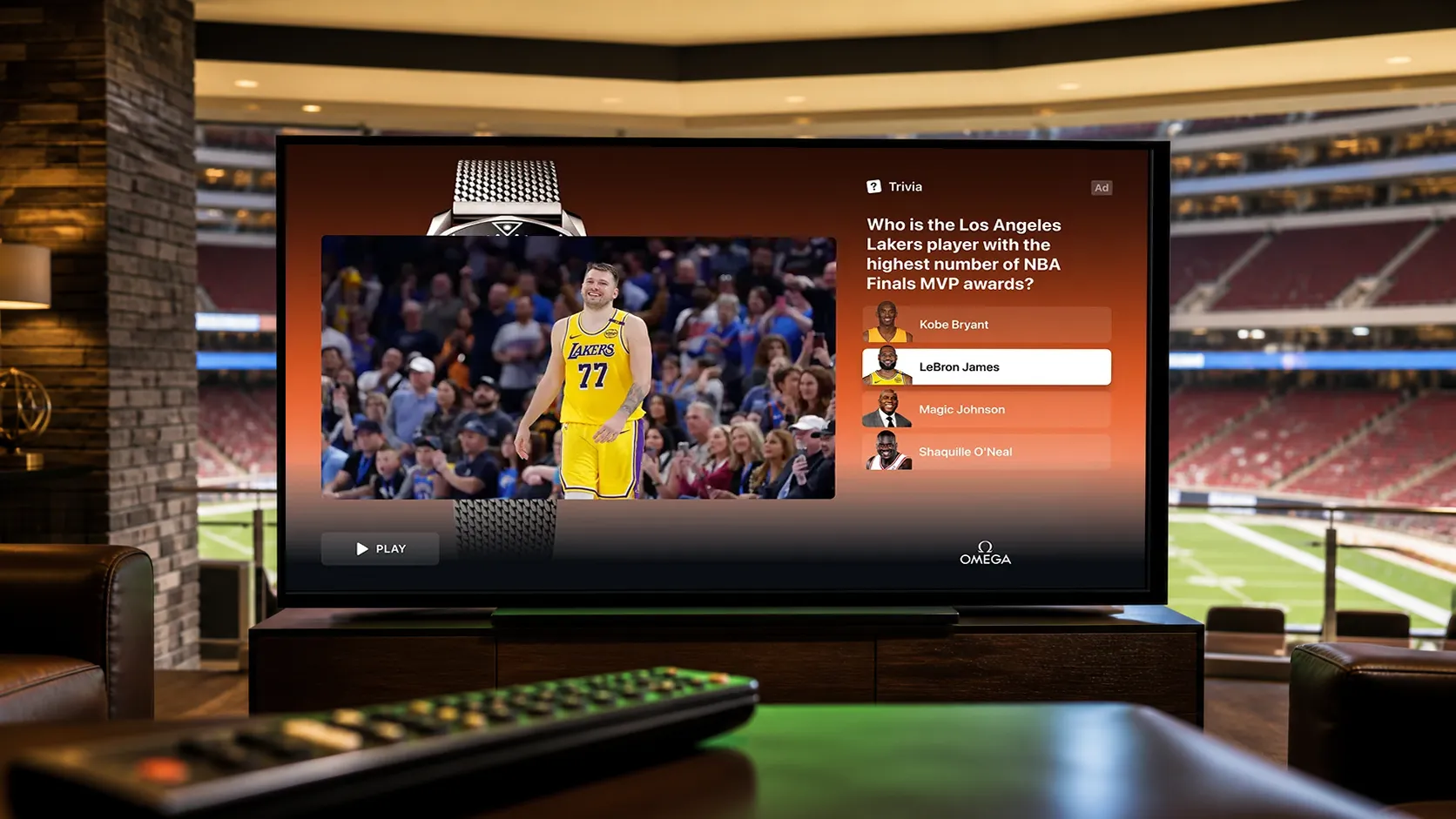
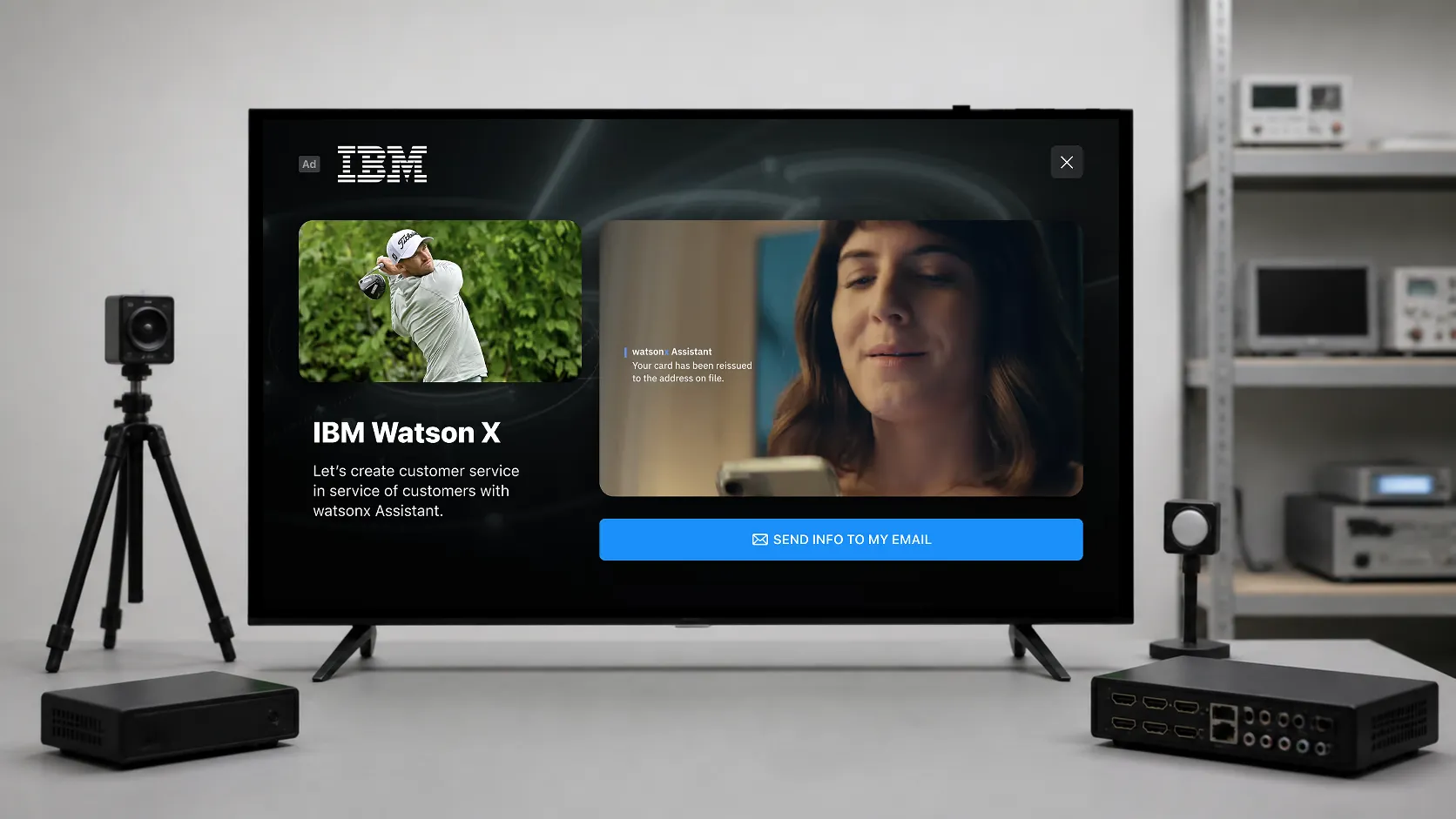
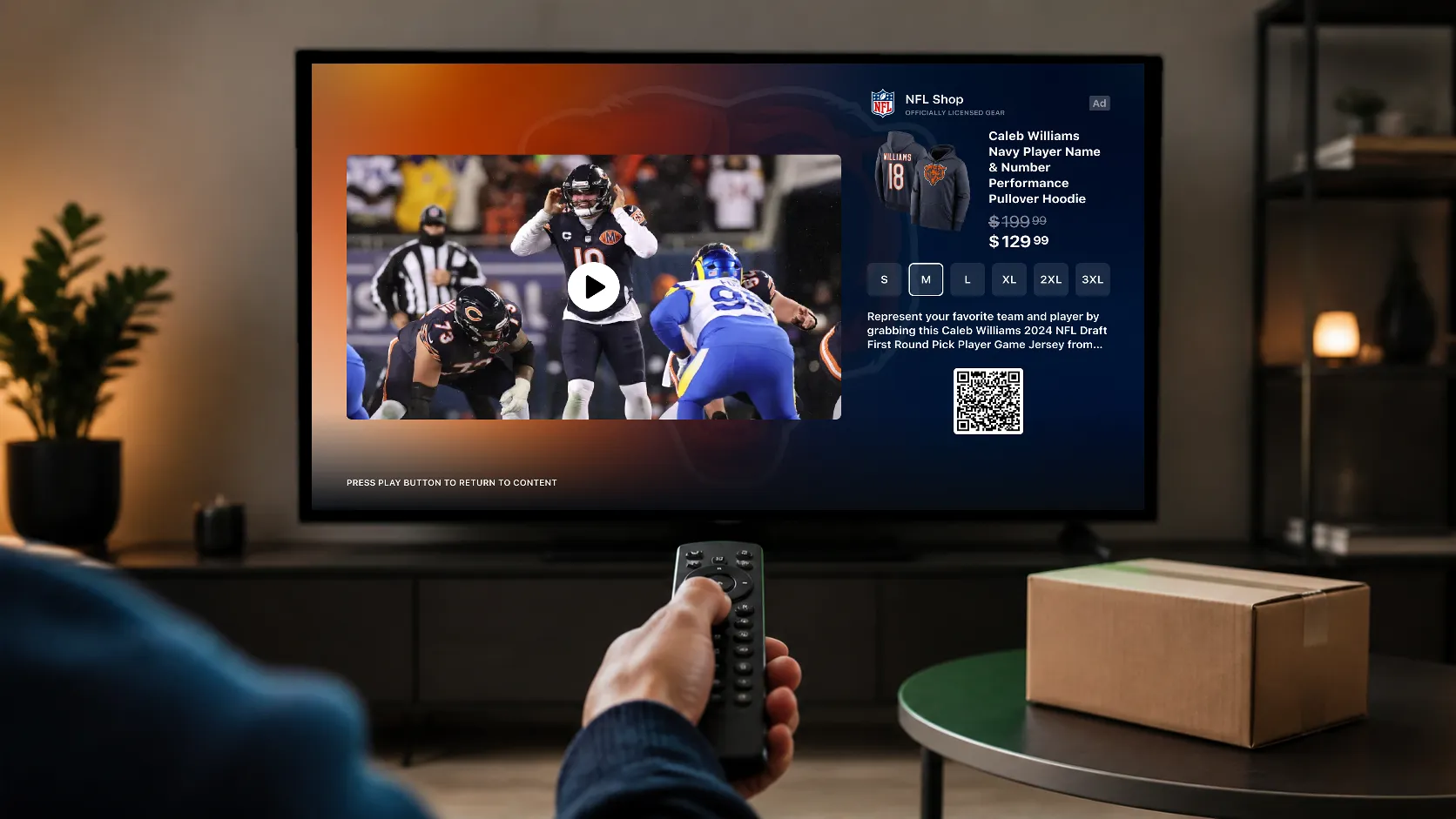
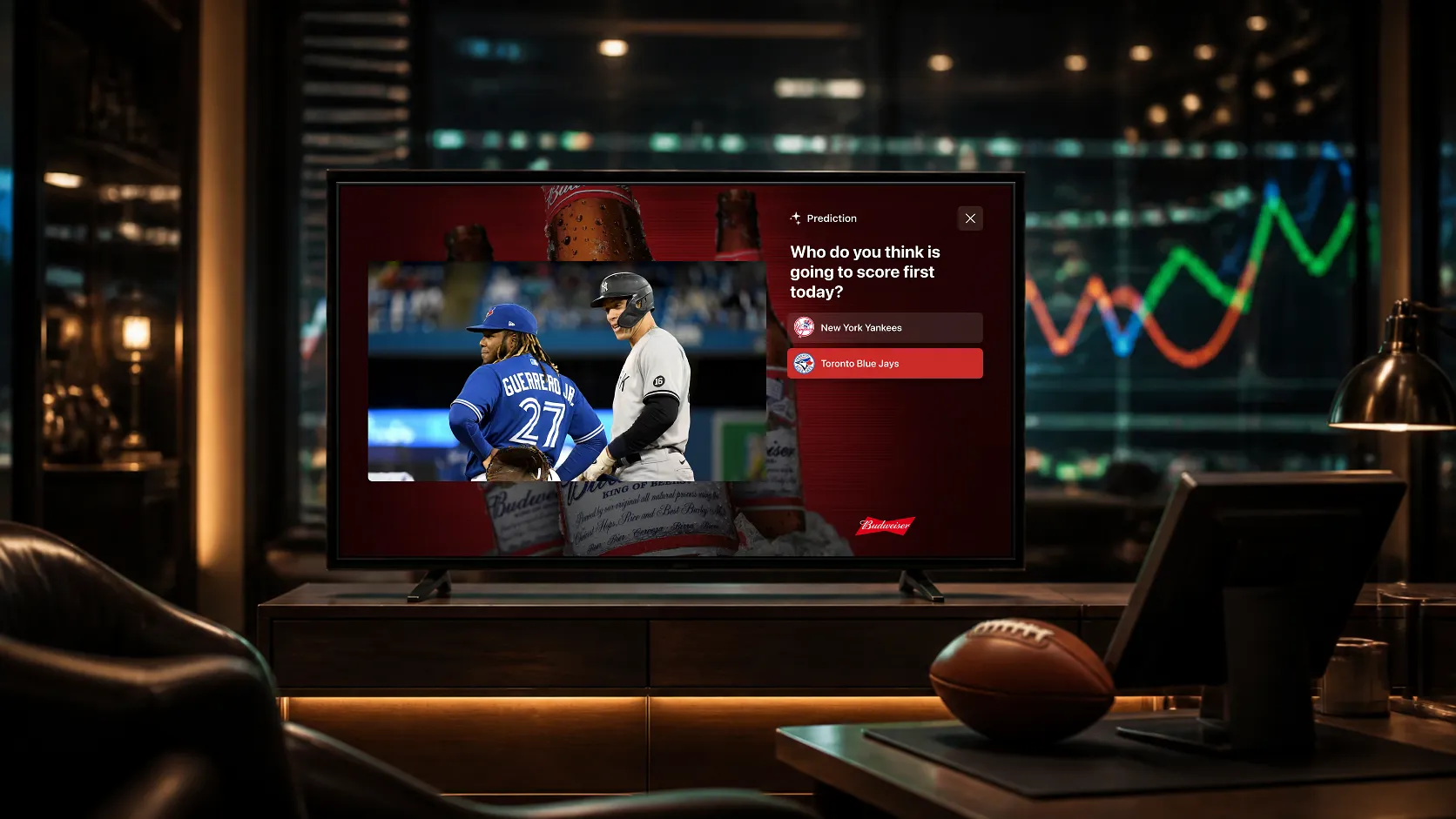
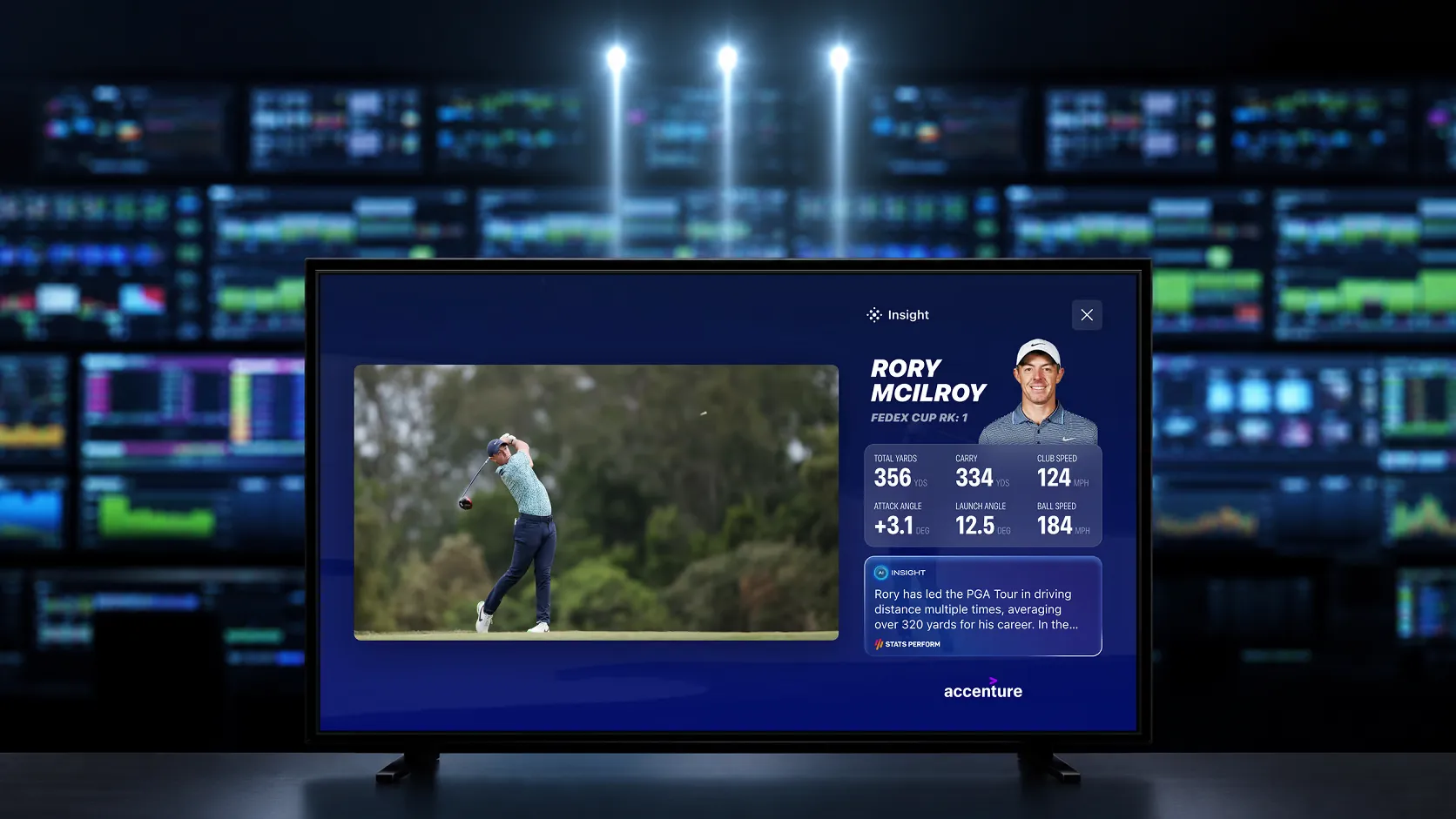
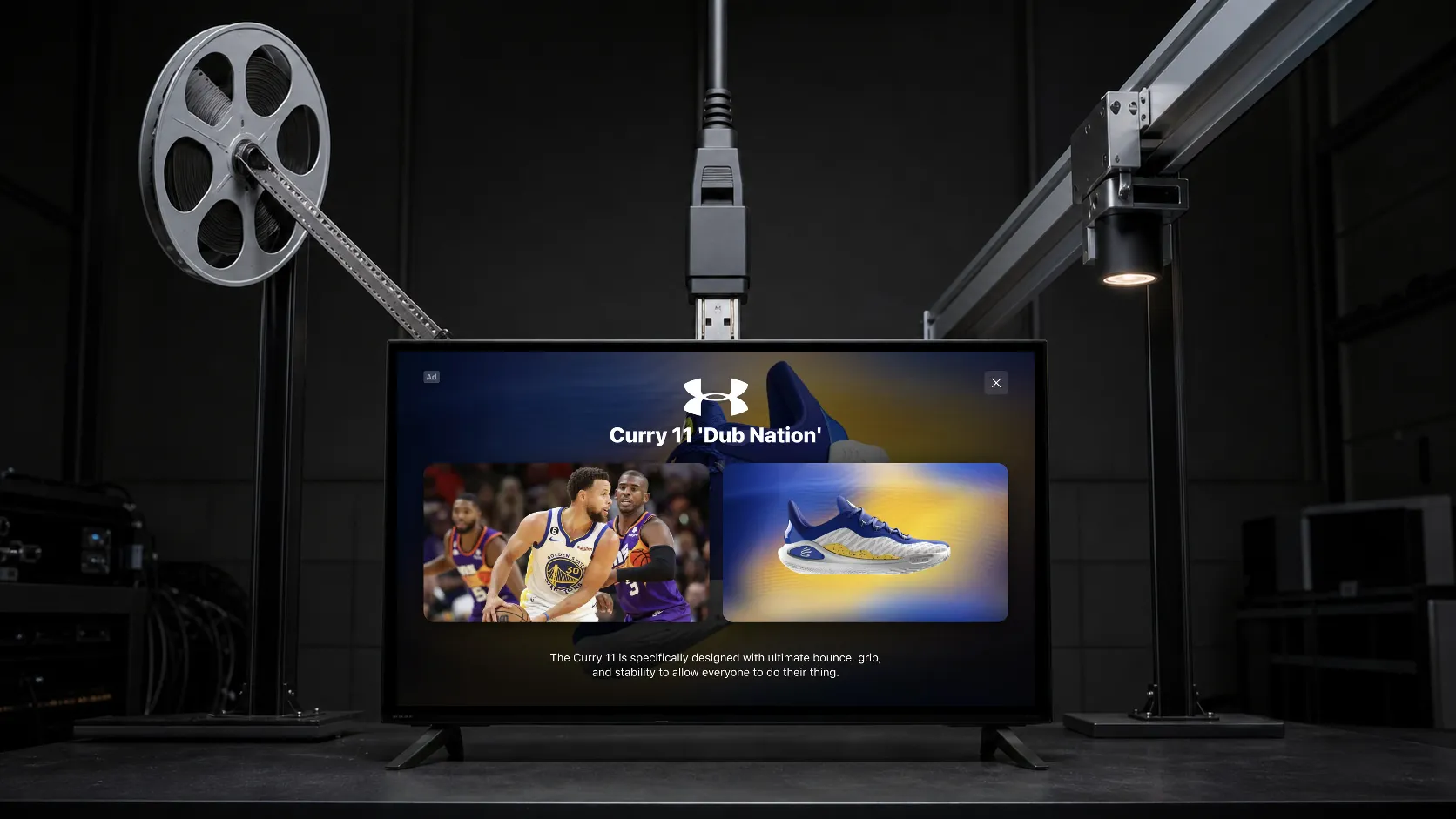
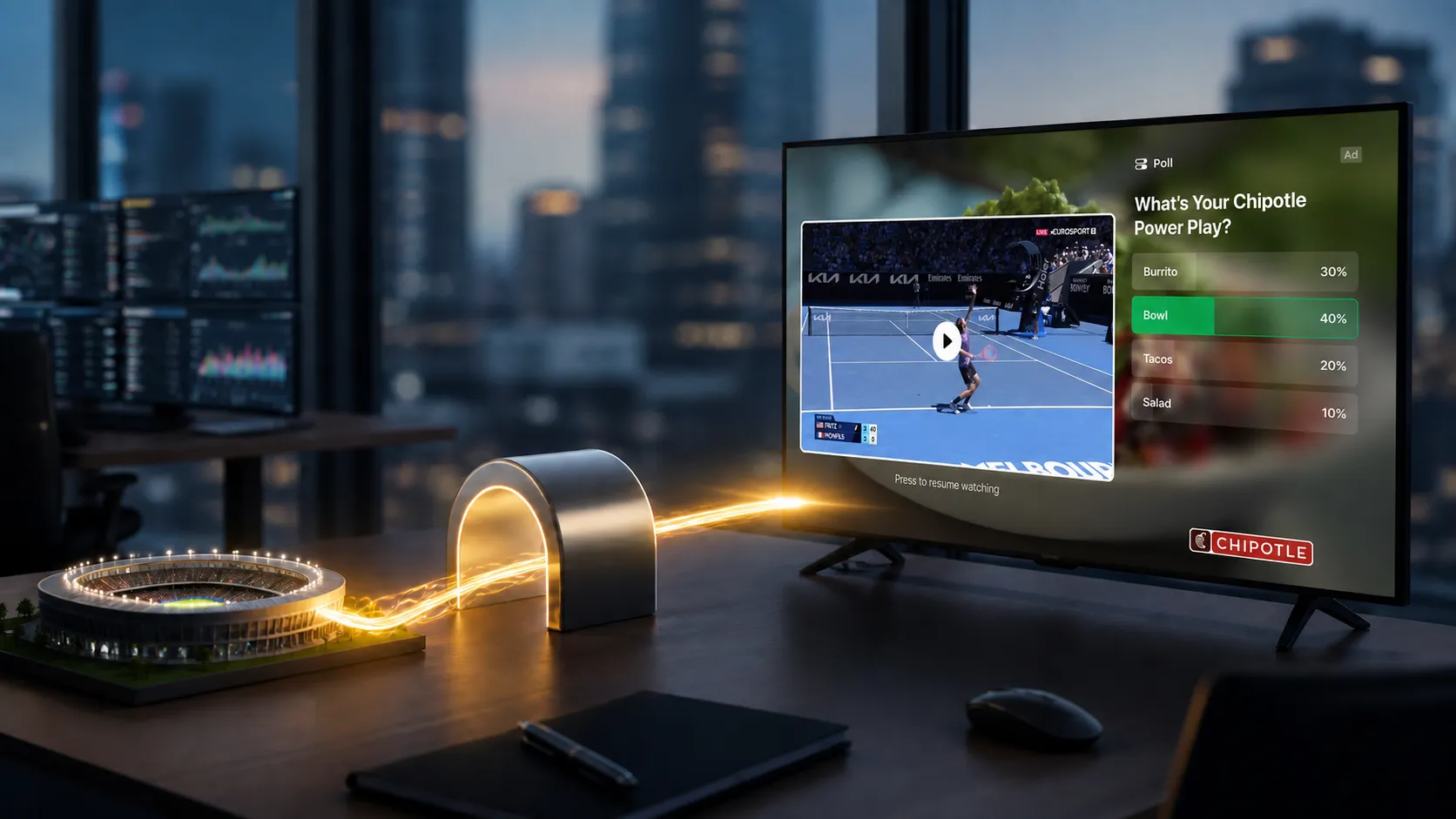
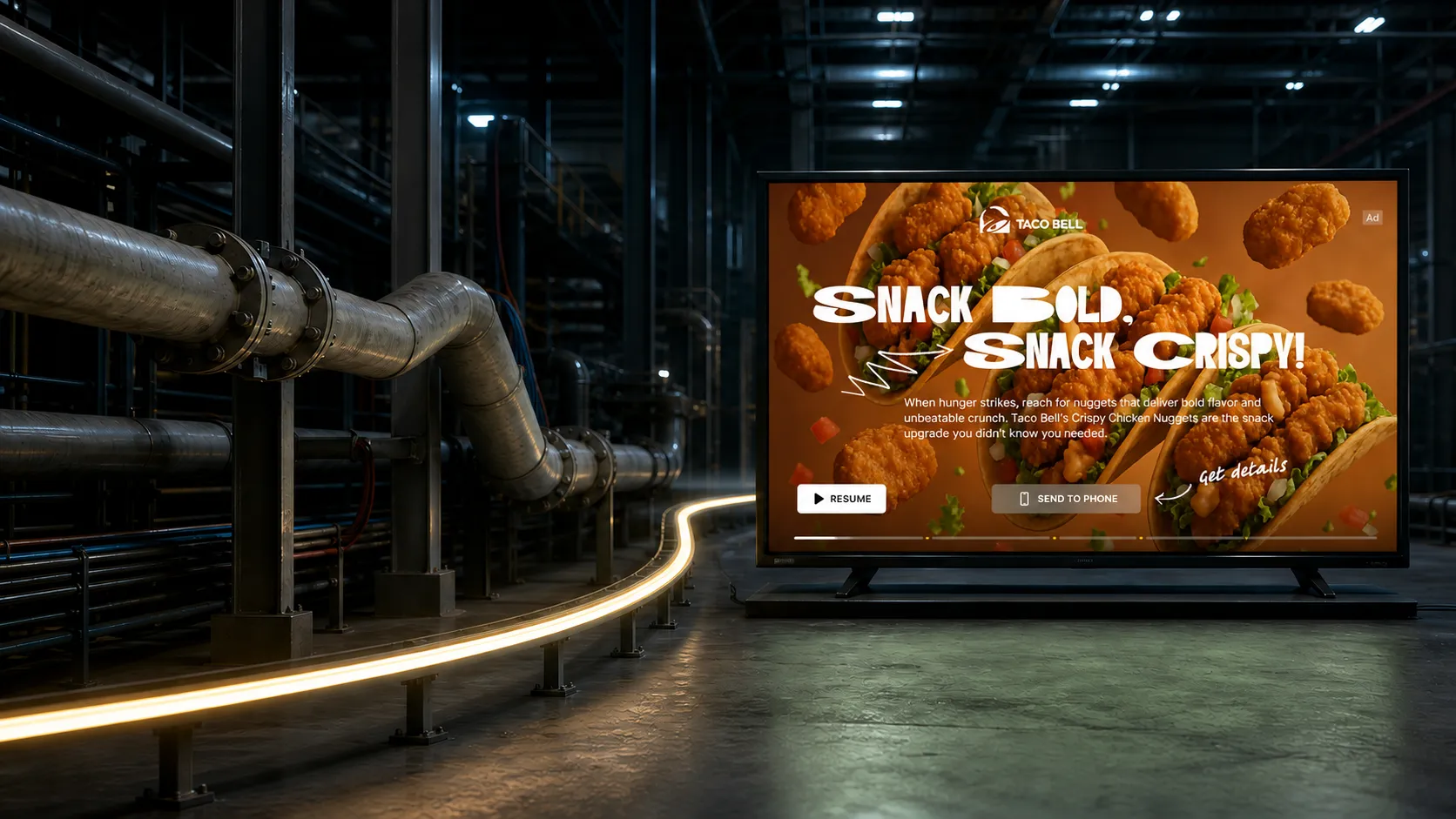
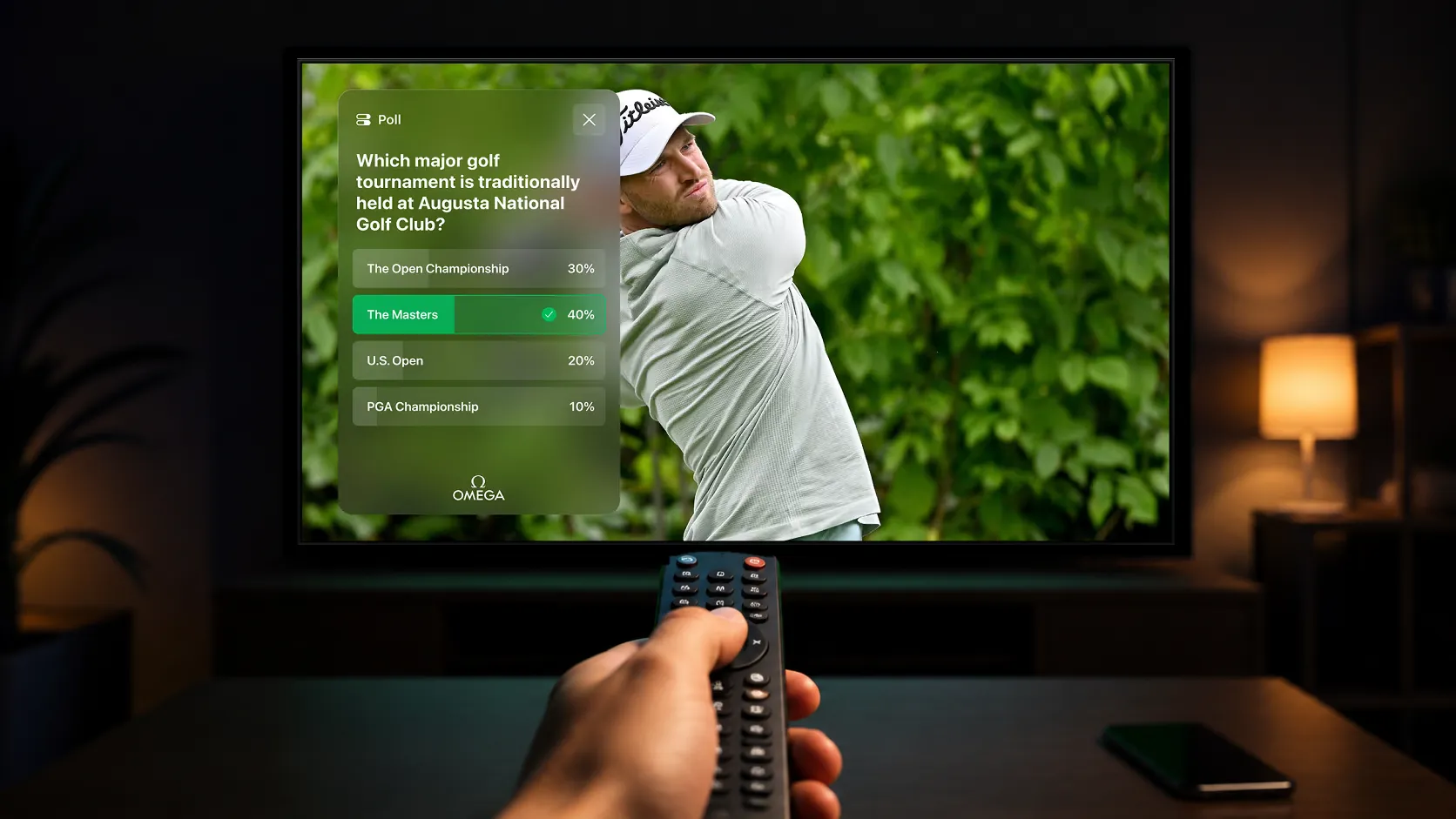
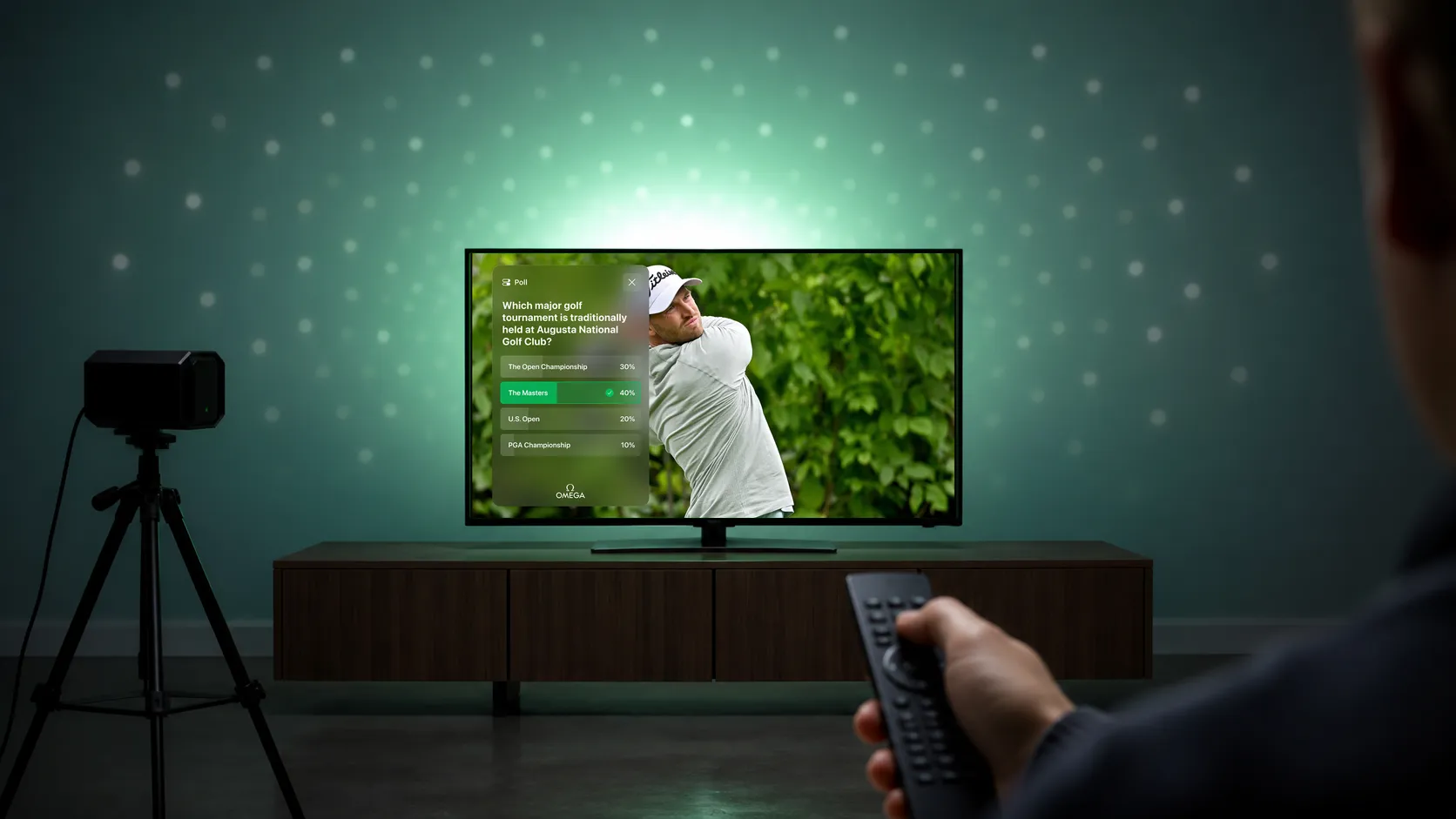
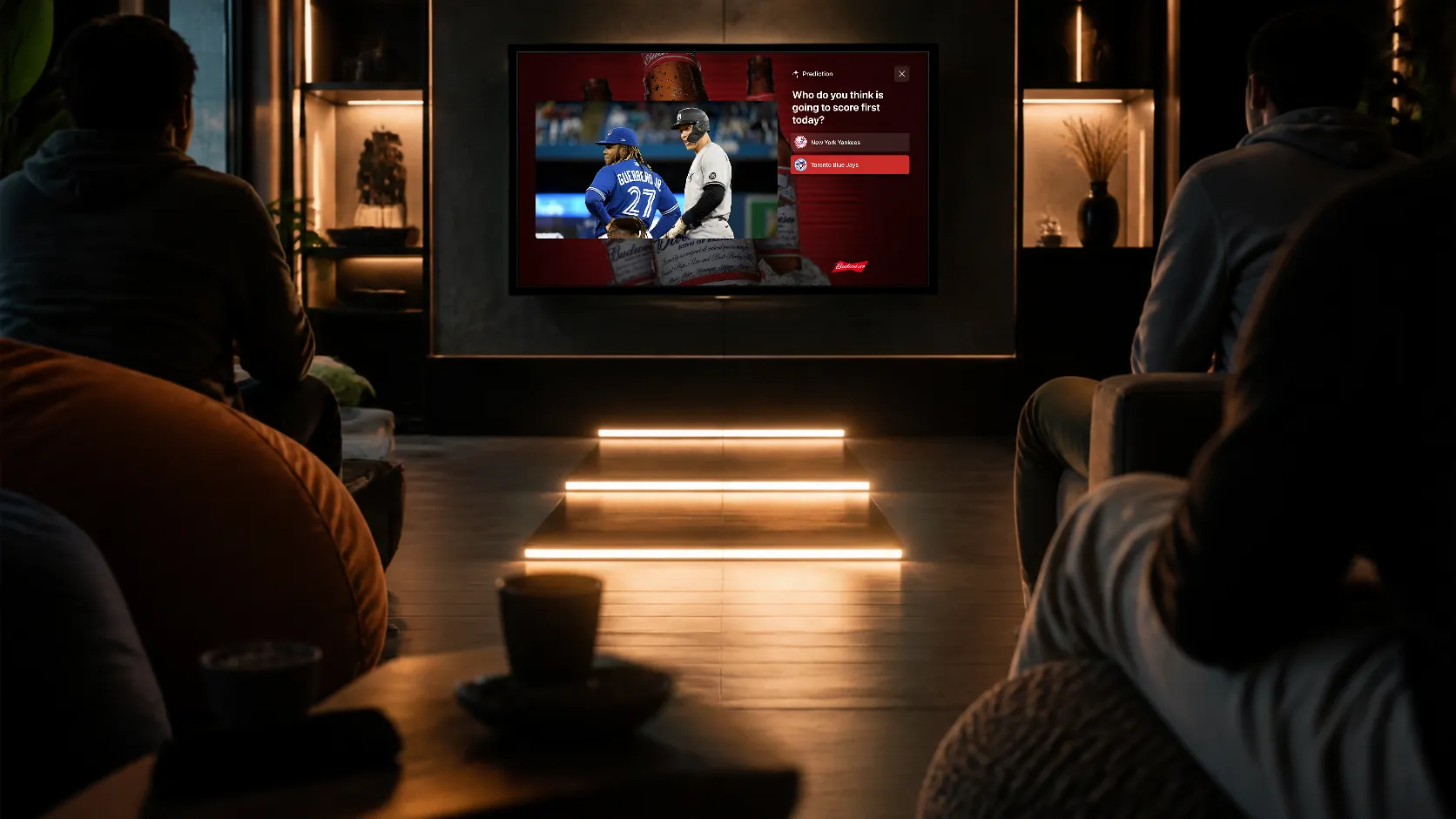
For product discovery, use a small set of relevant choices. For a lead or offer, use a clear call to action and an appropriate destination. For participation, a sponsored poll, trivia question, or prediction can give the viewer a reason to engage.
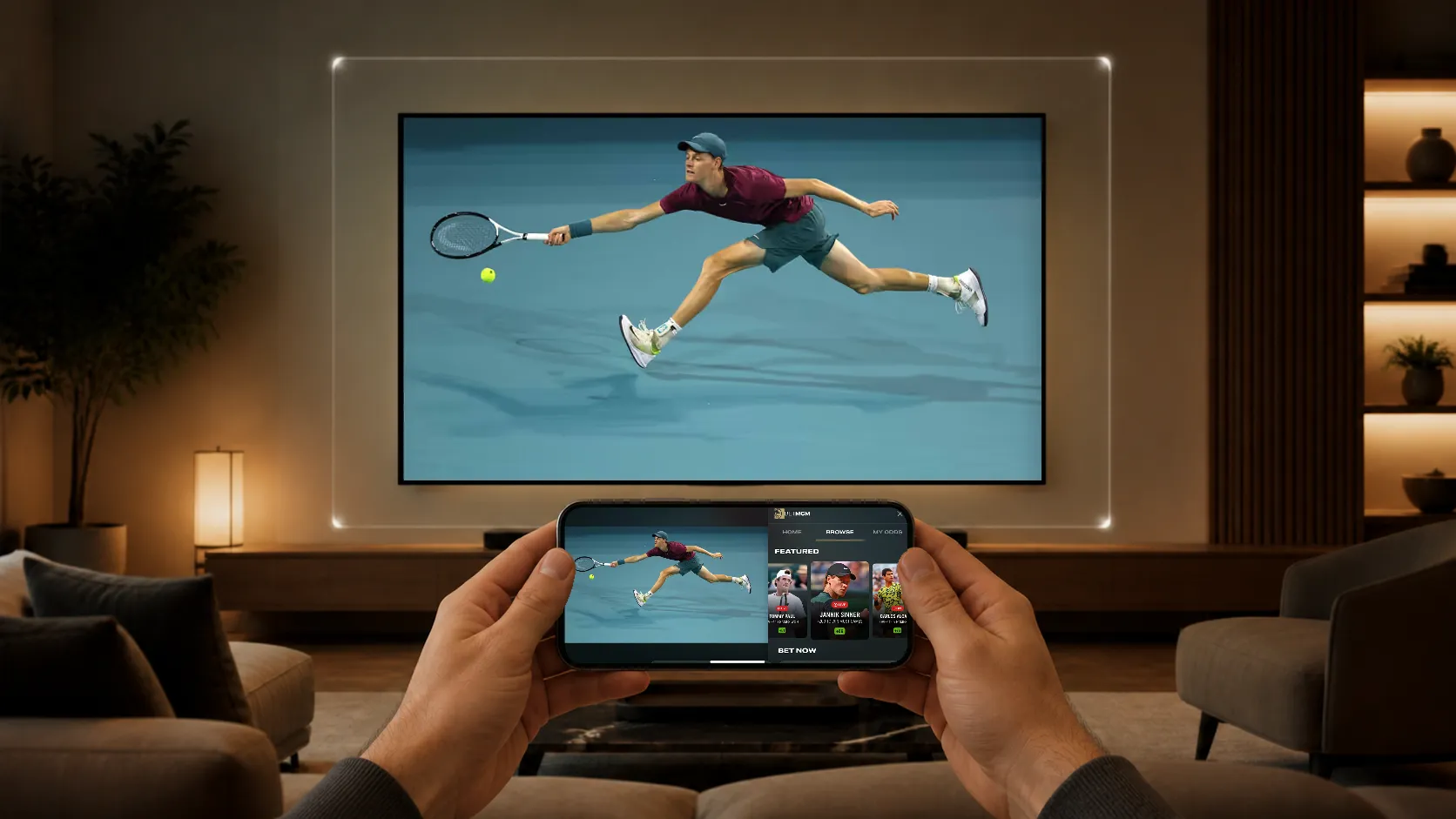
On CTV, remote navigation should show focus clearly and require few steps. QR codes can hand a journey to a phone, where reading, authentication, and checkout may be easier. Mobile and web versions should use touch and pointer interactions suited to those devices.
Where can an interactive experience appear?
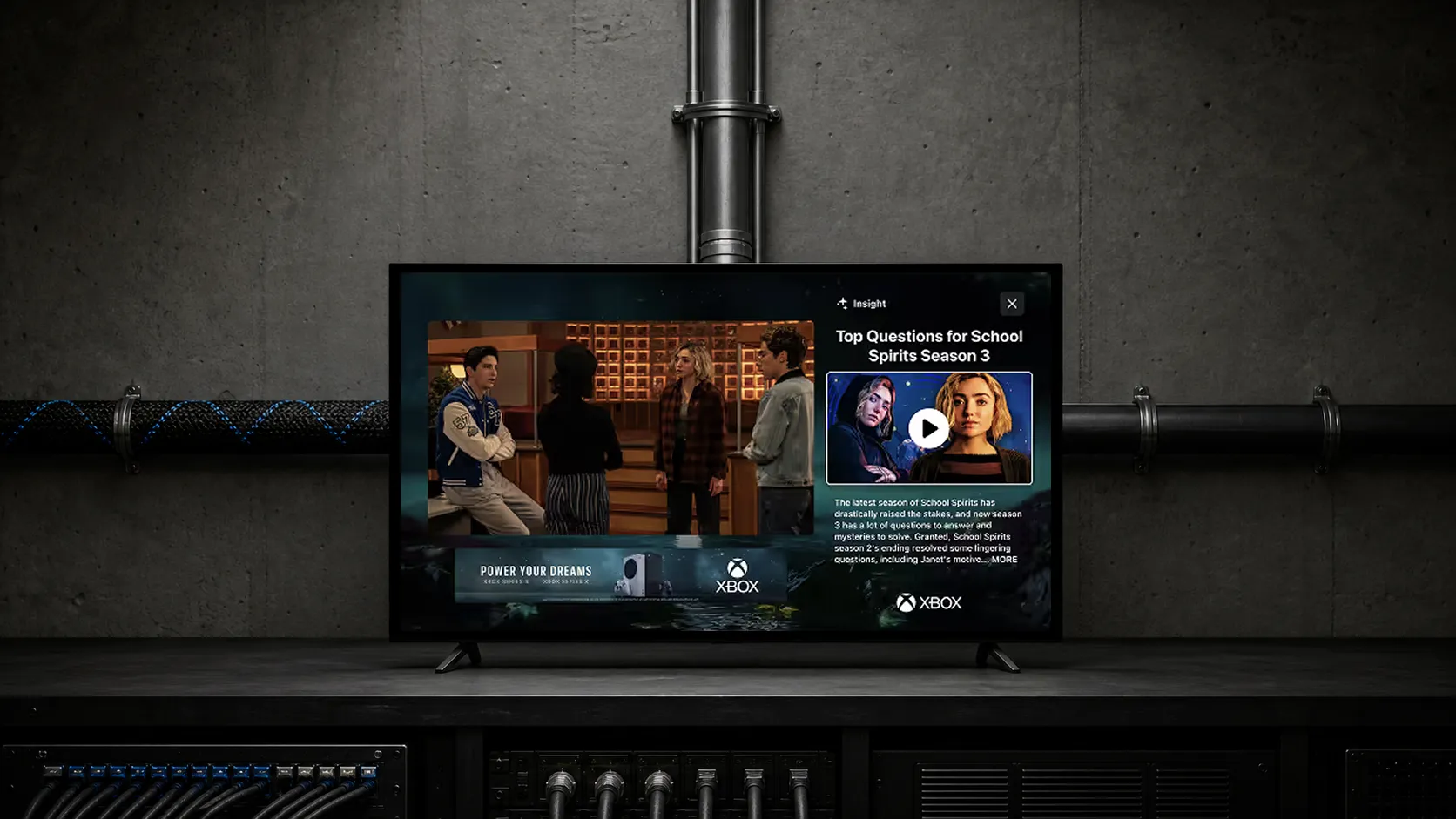
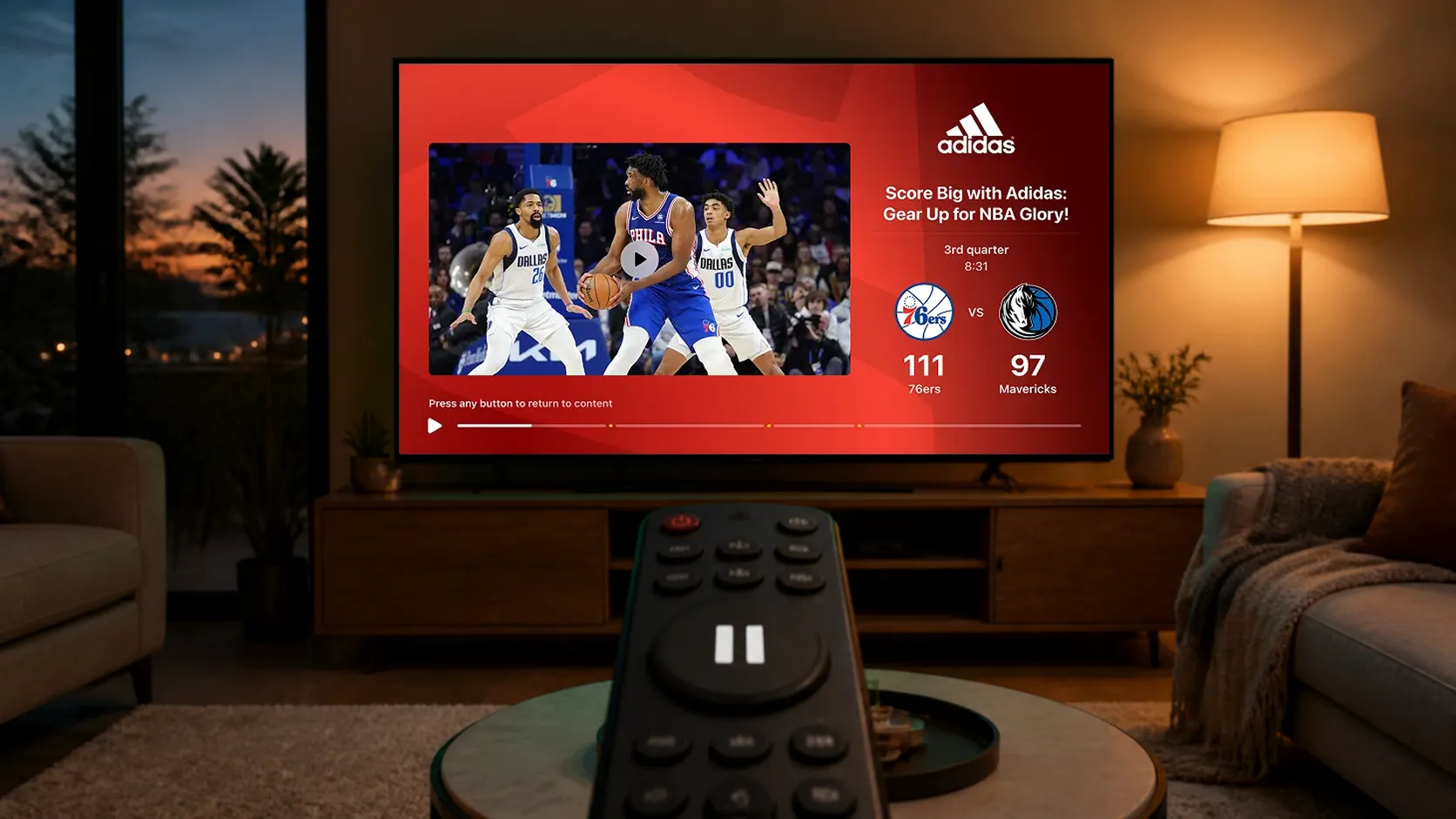
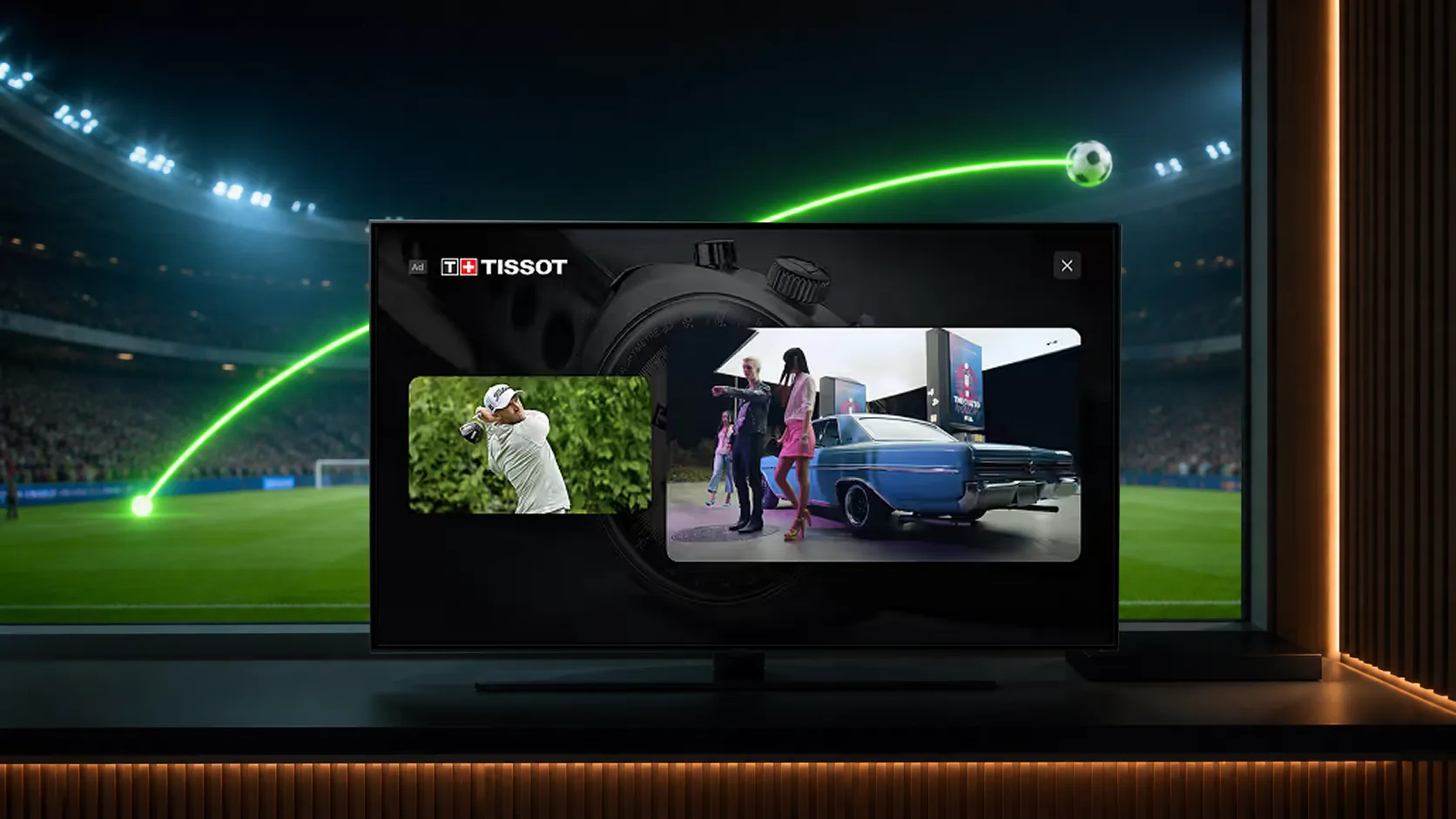
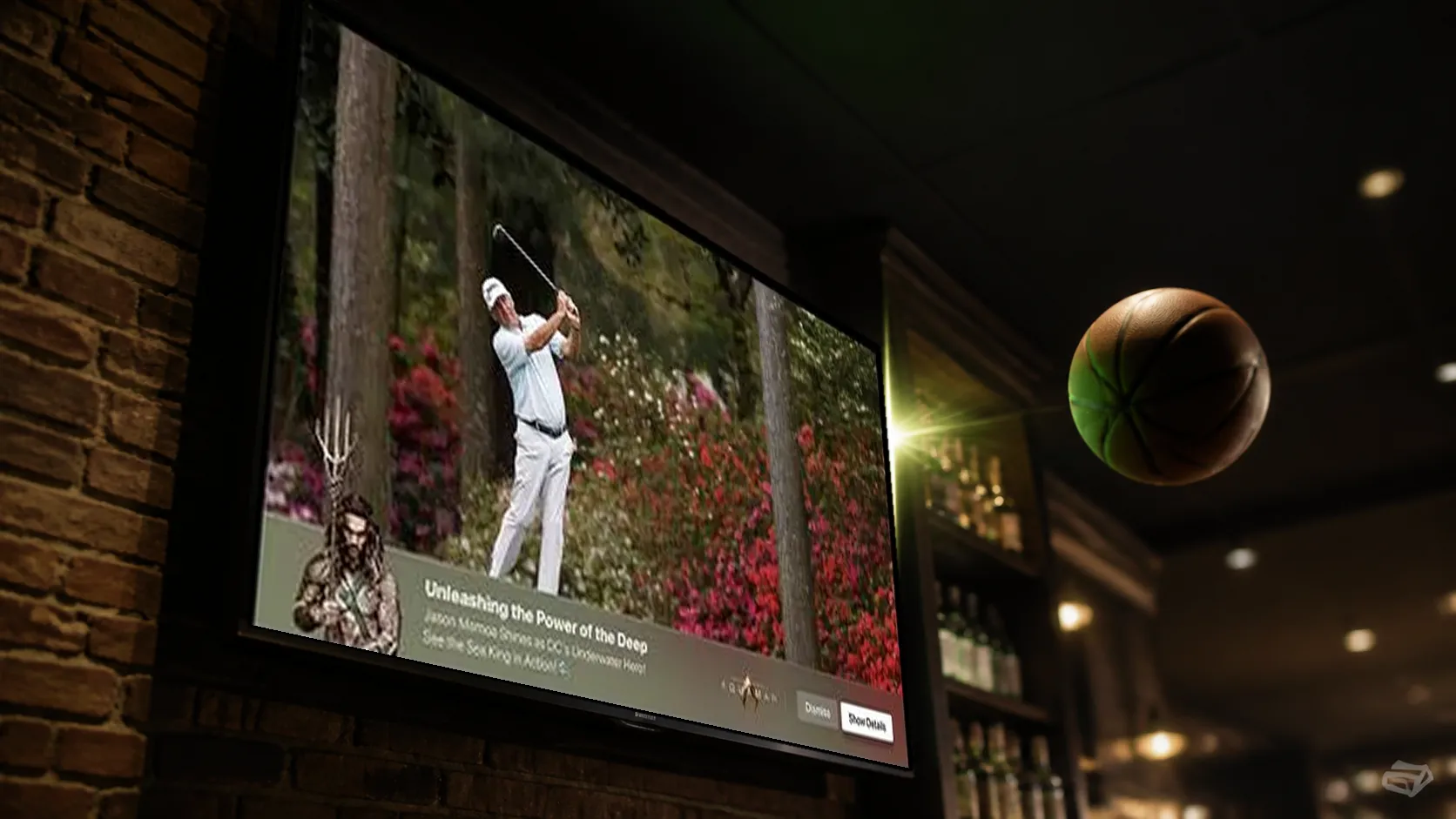
Interactive SSAI pairs a client-rendered companion with an existing stitched video ad. Live Moment Ads use selected programming events to activate nonlinear experiences. Pause Ads present still imagery or subtle, silent ambient motion during eligible viewer pauses, preserving the feeling of a paused scene.
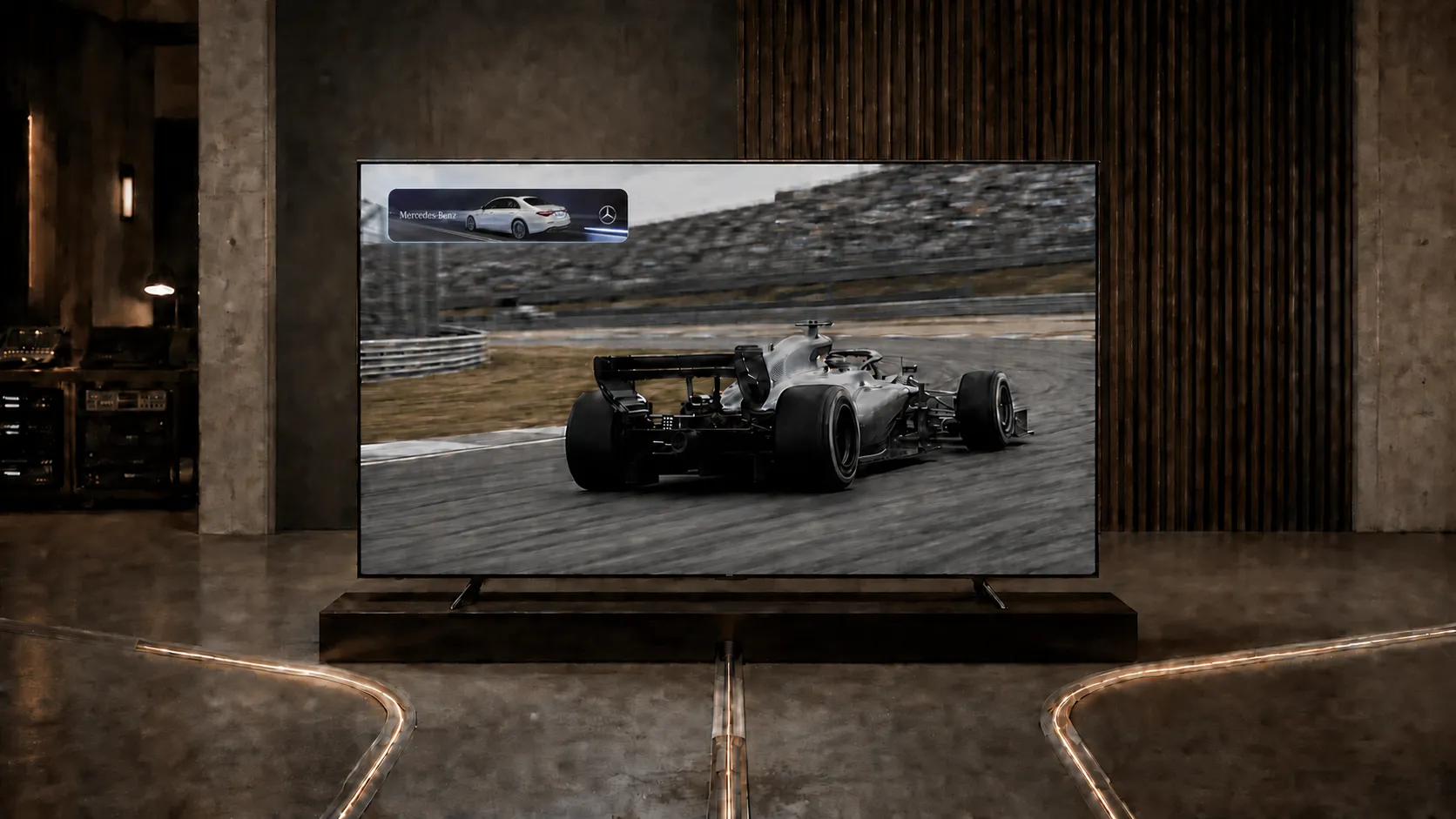
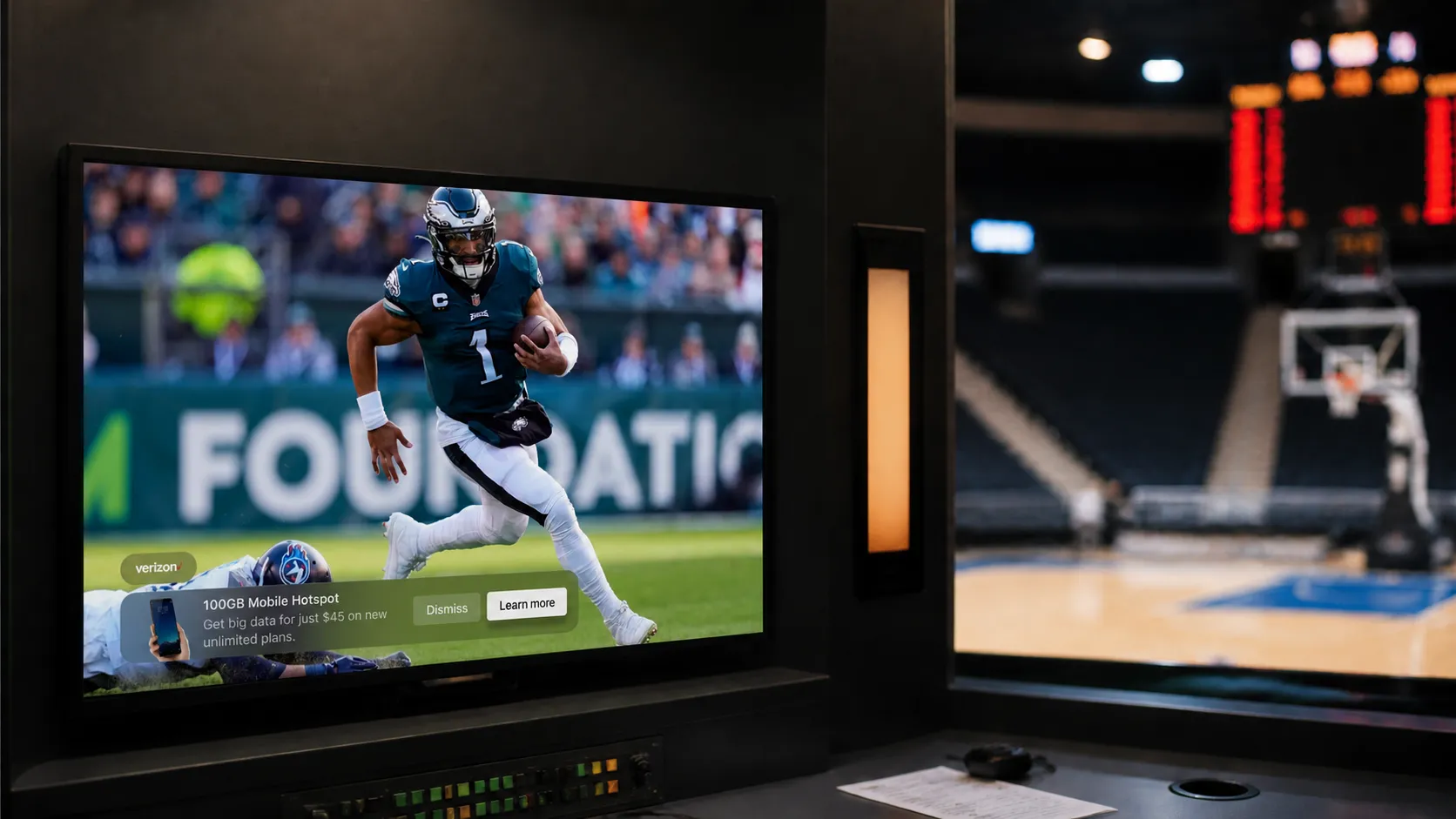
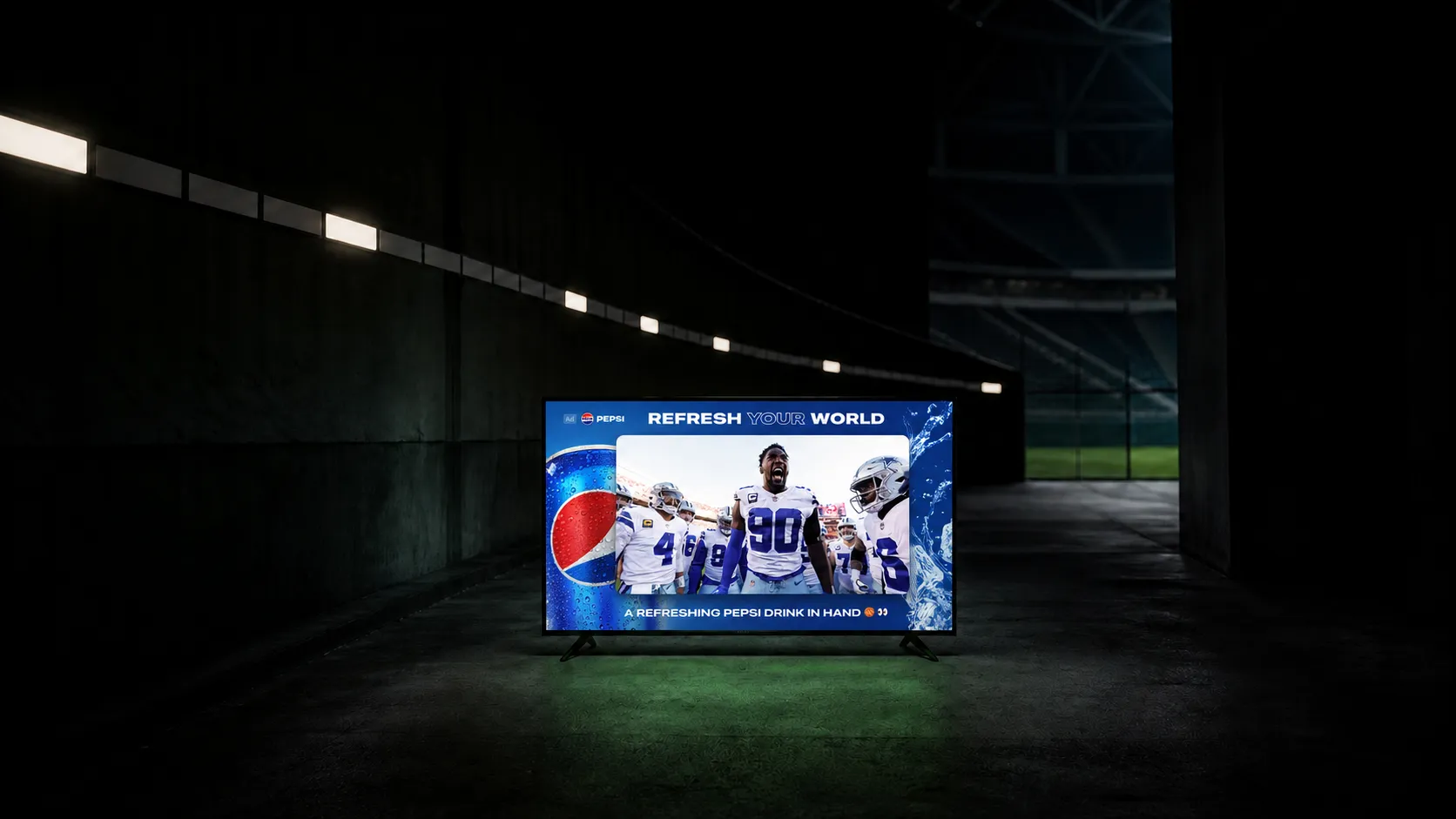
Lower banners, Side Bars, and L-Bars offer different balances of space and prominence. Squeezeback layouts require the host app to resize the video. Choose a placement that protects the commercial’s disclosures or the program’s captions and score graphics.
What does research show?
In a controlled study, a single interactive-ad exposure produced 36% stronger unaided brand recall than a single standard-video exposure. That is an industry study result, not a StreamLayer campaign result or a universal forecast. Study.
Recall, interaction, purchase intent, and purchases are different outcomes. A strong result on one measure should not be restated as a result on another. Compare campaign formats using the same population, denominator, and attribution window.
How does StreamLayer deliver interactivity?
StreamLayer SGAI combines server-side orchestration with SDK rendering inside the streaming application. It works alongside SSAI and CSAI workflows. The original video can continue playing while the SDK presents the corresponding interactive assets.
Confirm the format, input method, creative delivery, and closing behavior for the actual device set. Support for a QR image does not establish support for an in-app checkout or remote-driven product gallery.
How should publishers evaluate a campaign?
Count eligible opportunities, rendered experiences, interactions, and downstream outcomes separately. Specify whether interaction rate uses served or rendered impressions and whether it counts unique viewers or total actions.
Direct-sold and programmatic options depend on the publisher’s delivery path and demand partners. Validate the creative and reporting through the intended workflow before scaling. Explore an interactive CTV campaign with StreamLayer.