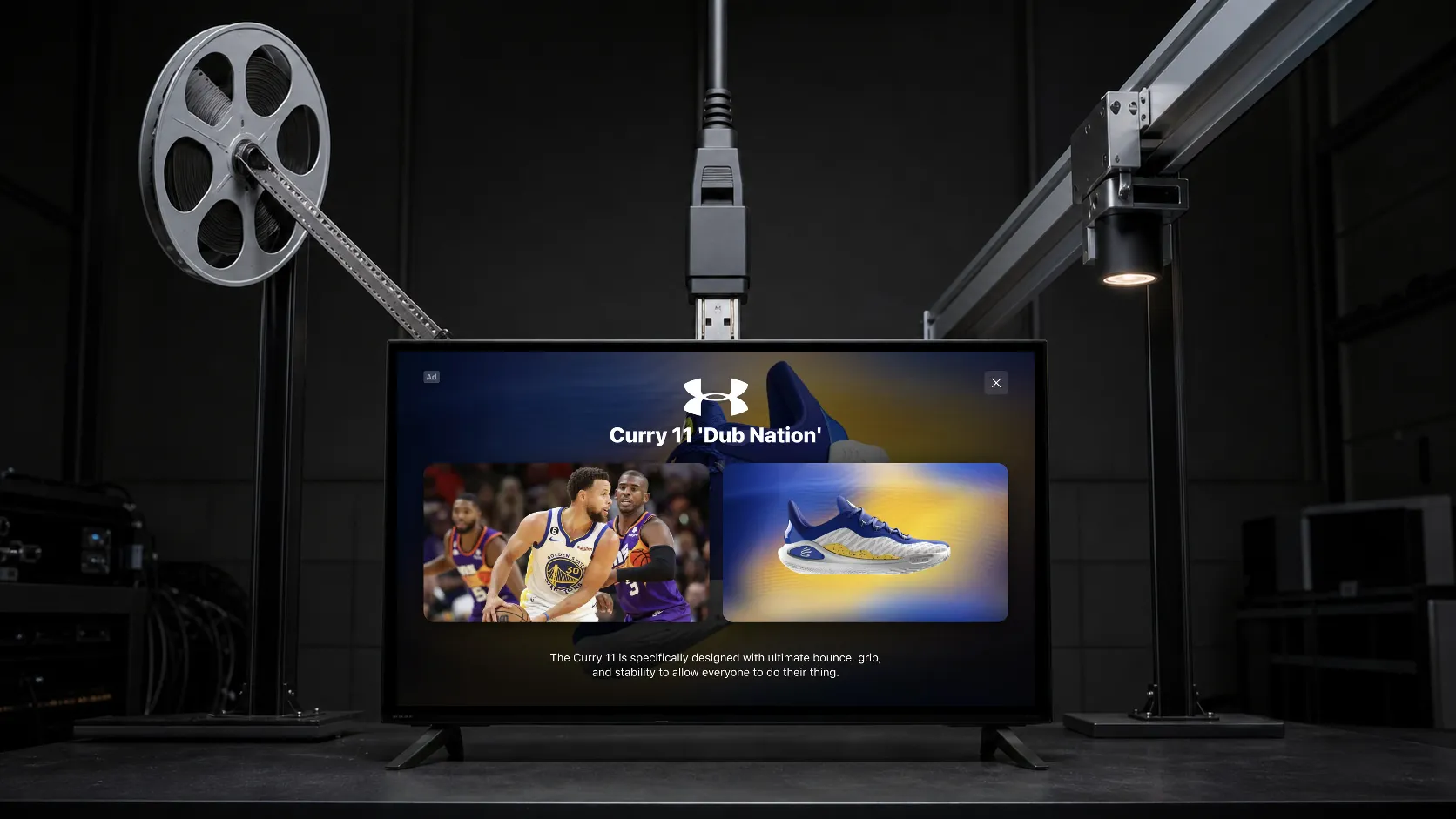
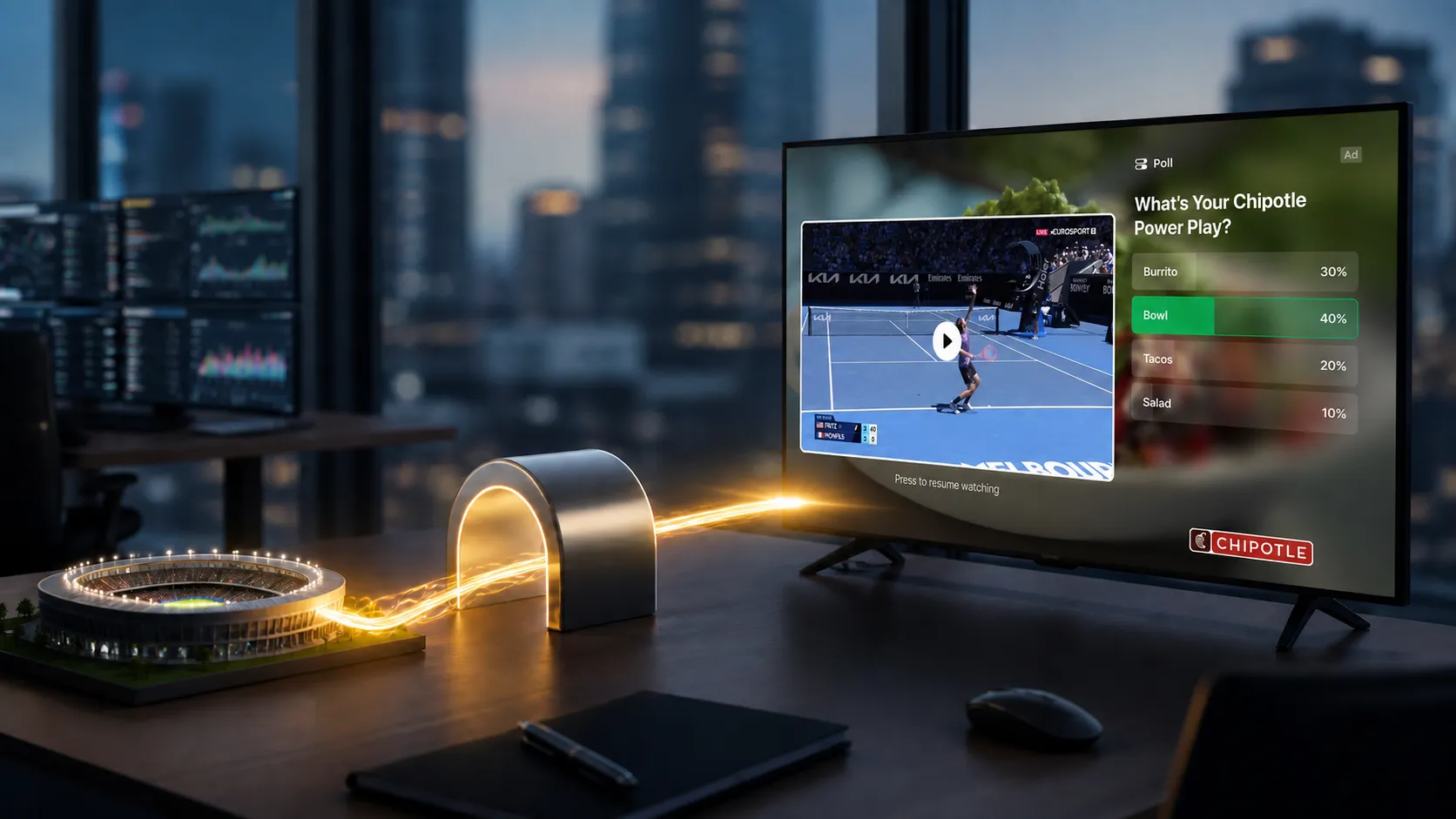
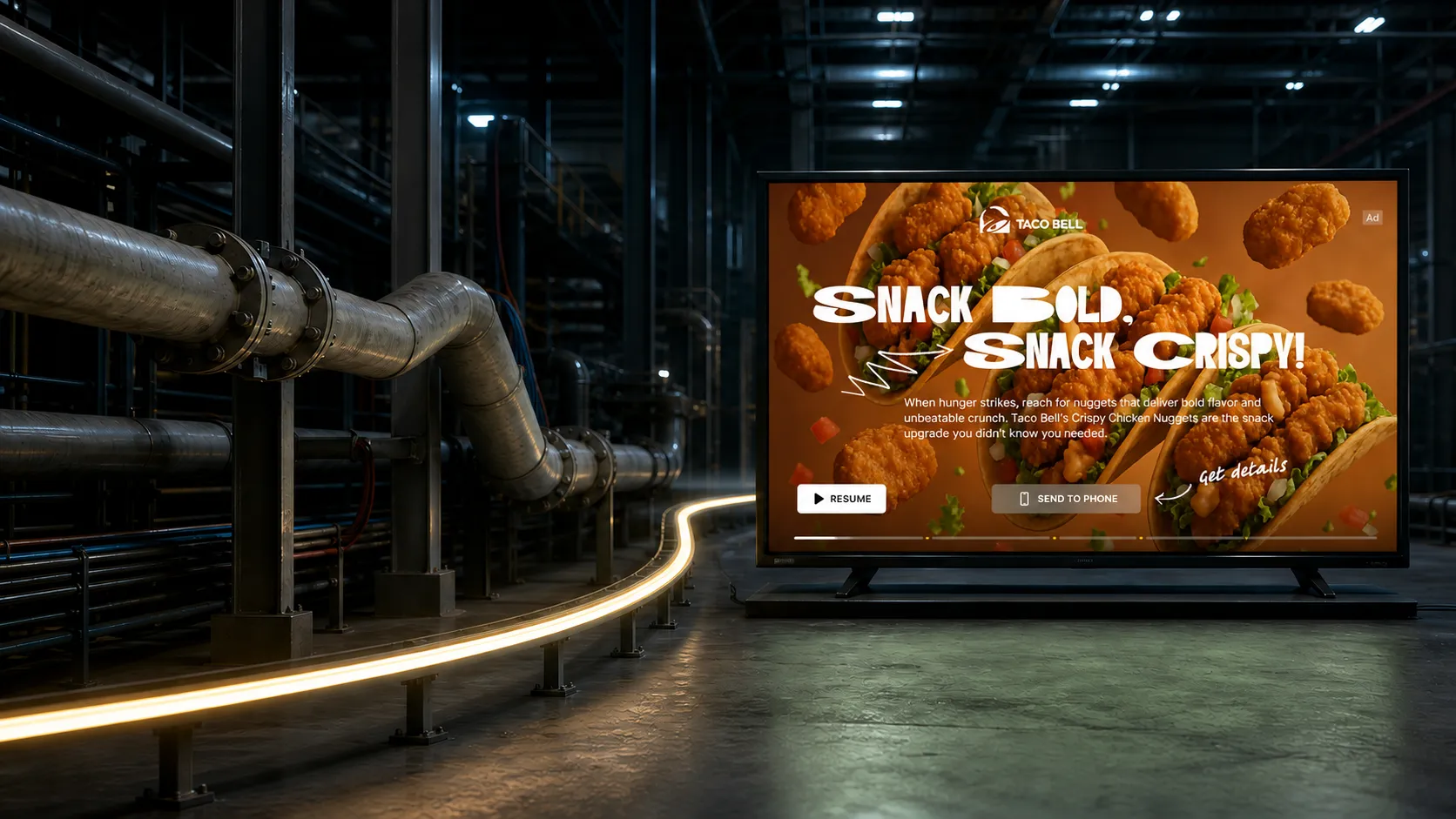
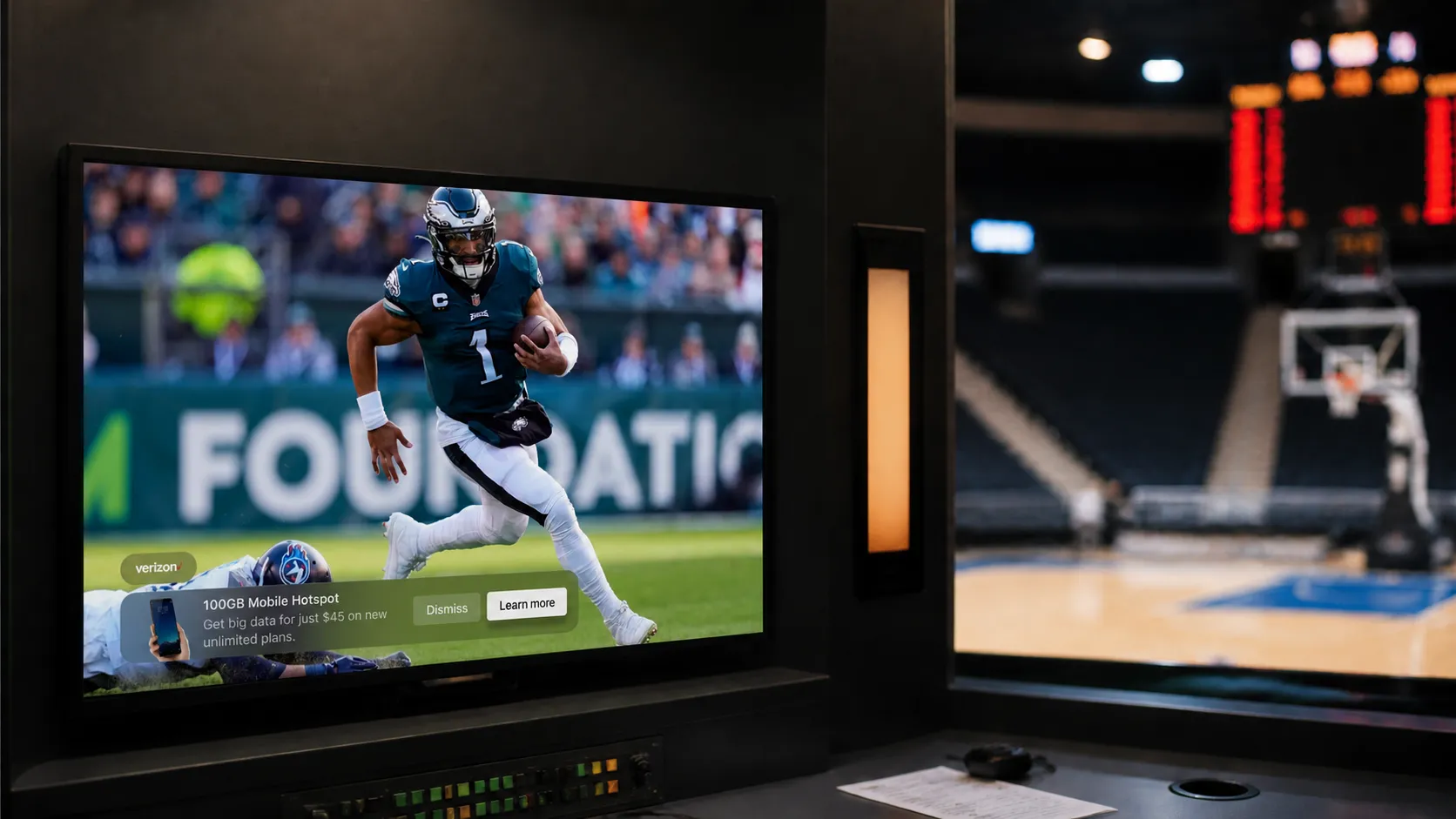
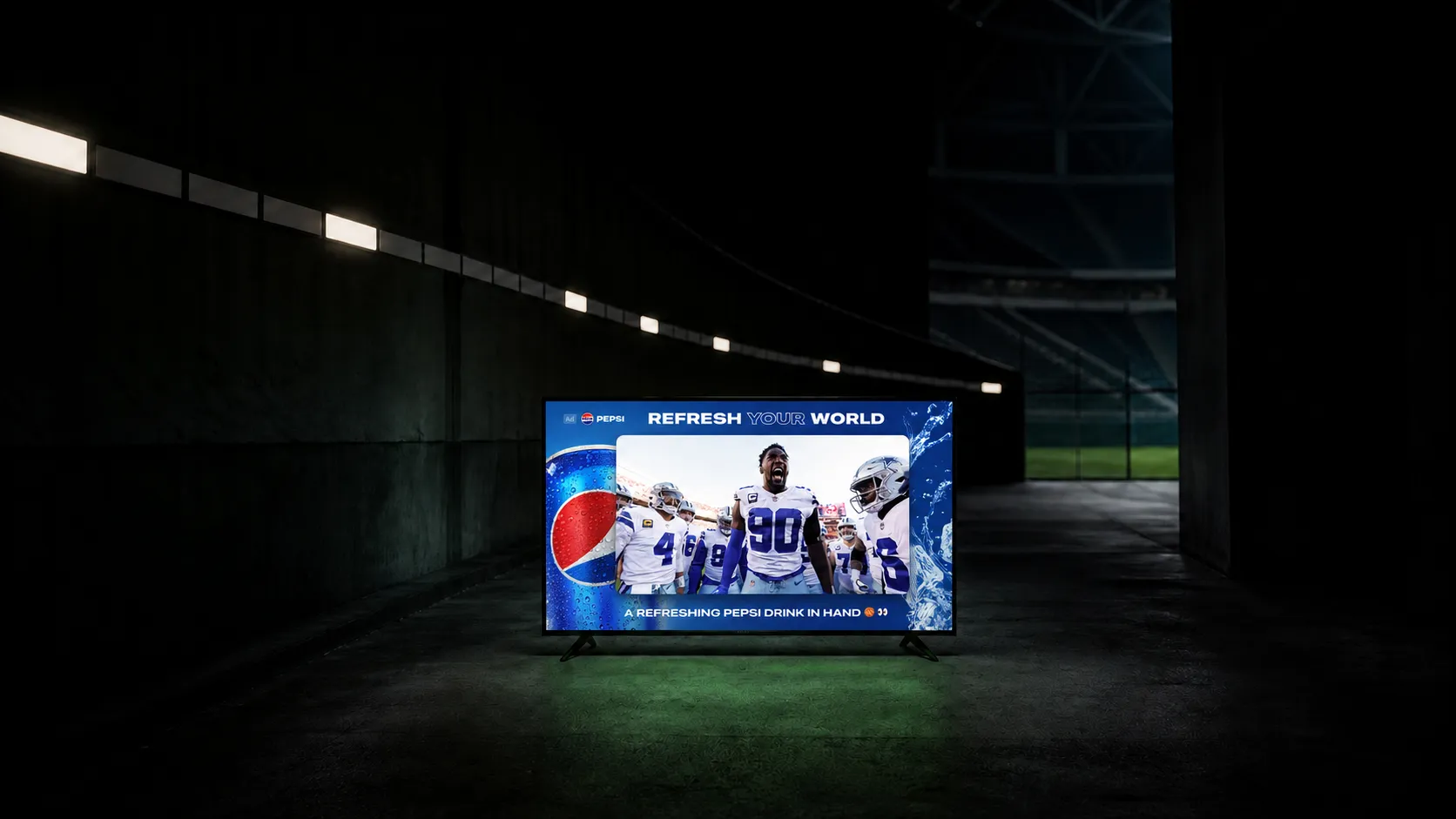
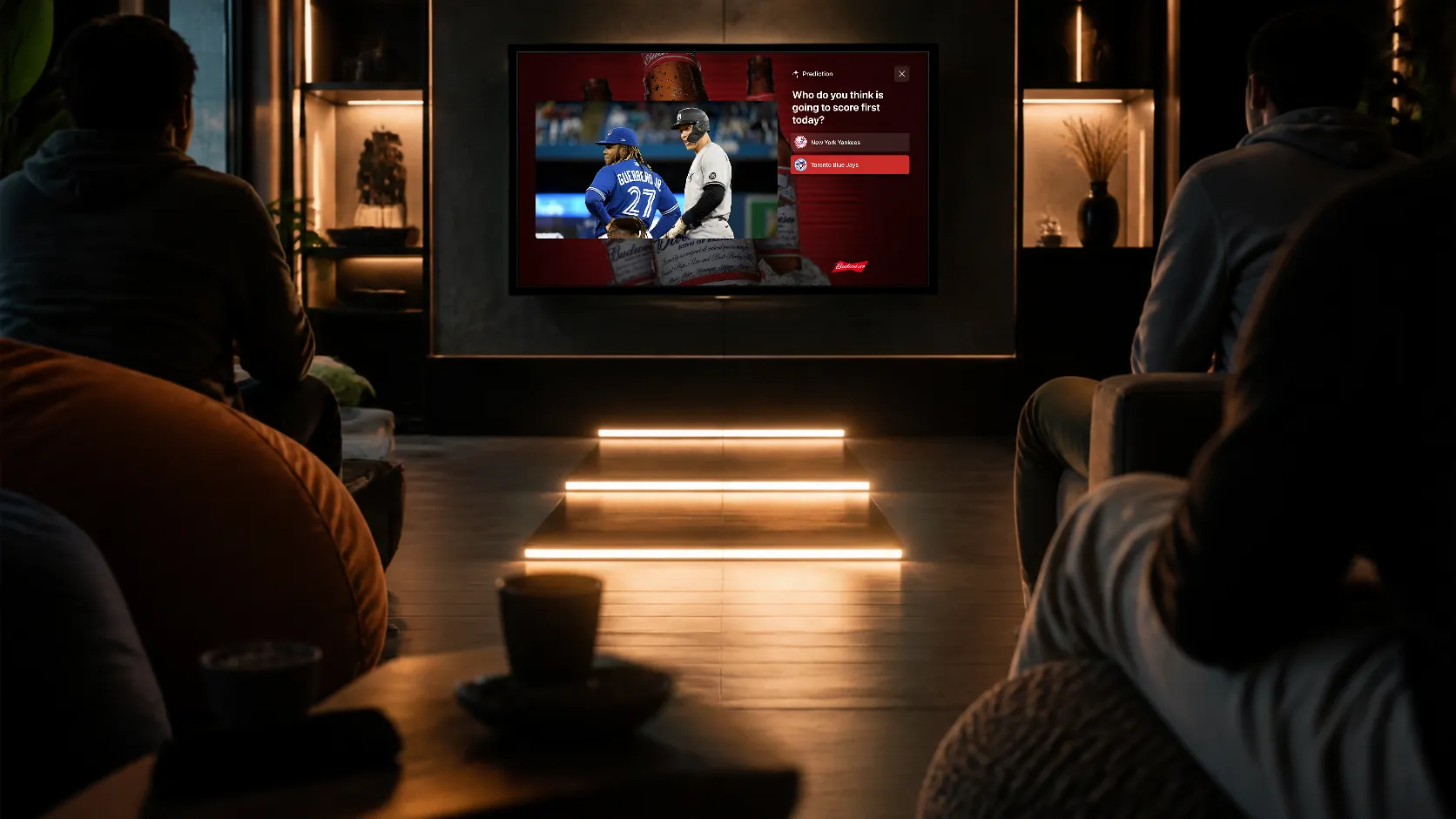
Interactive SSAI enables your video ads to do more
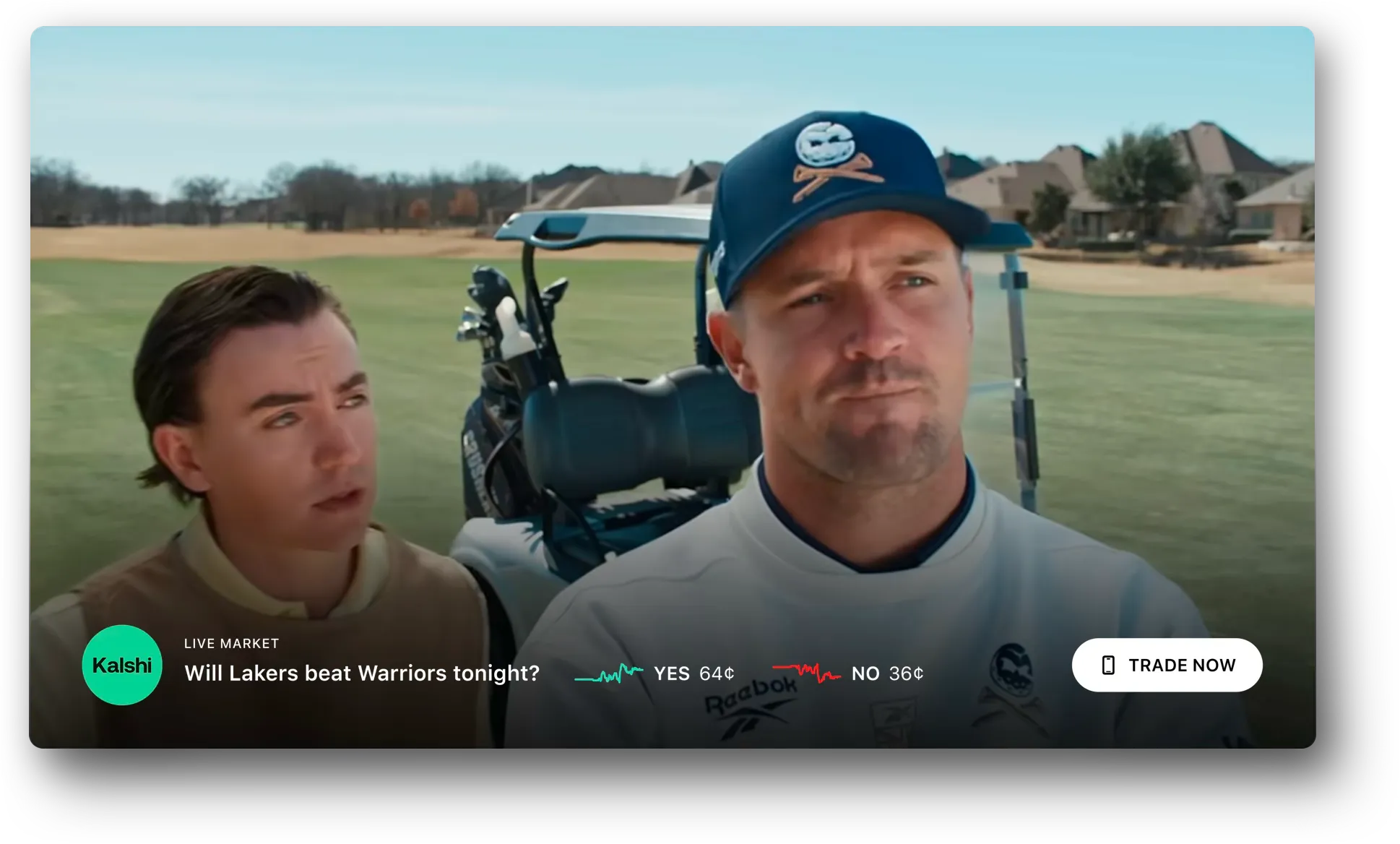
StreamLayer SSAI+ adds synchronized interactivity, contextual content, and measurable viewer actions to the server-stitched video ads publishers already sell.
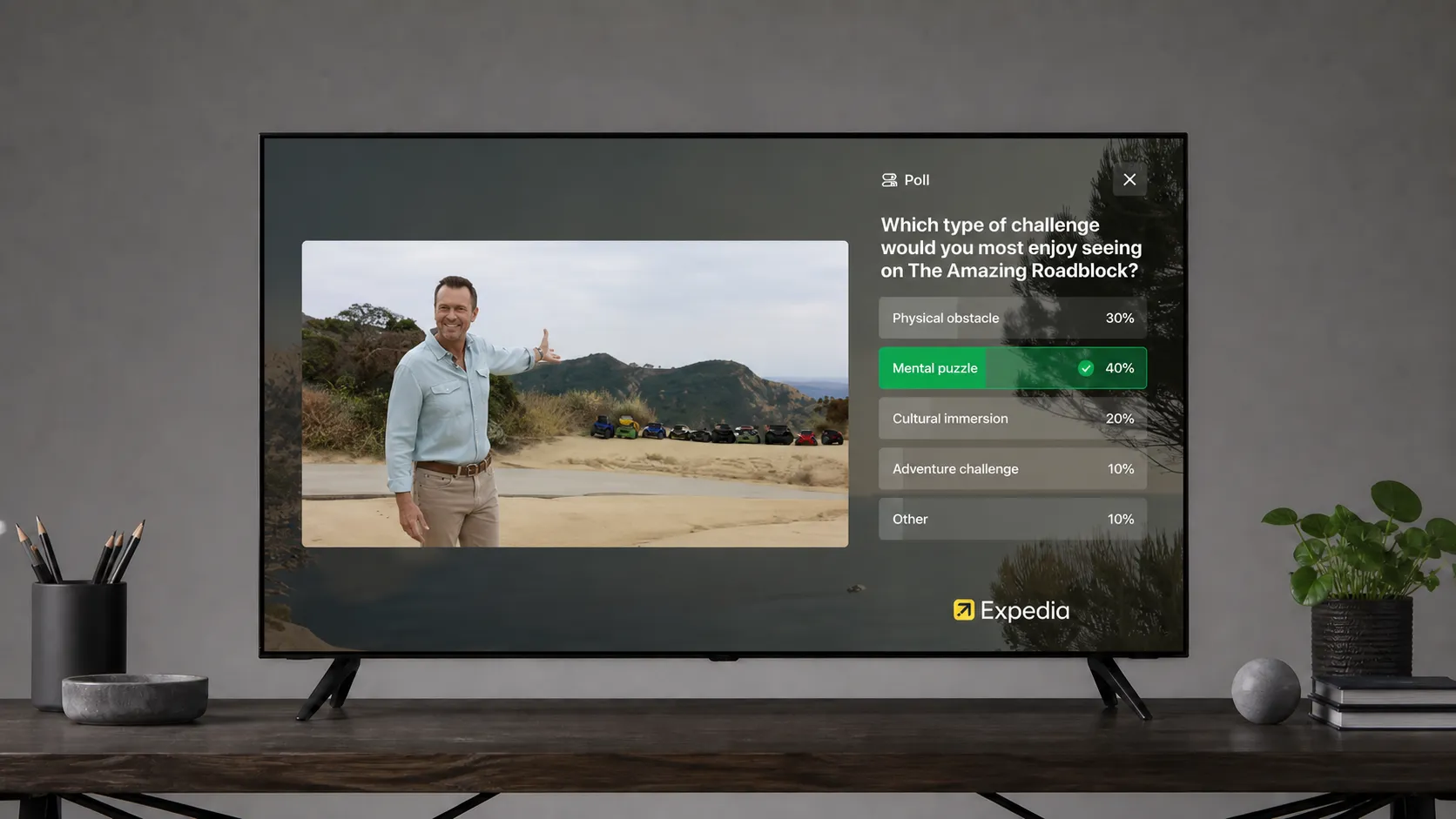
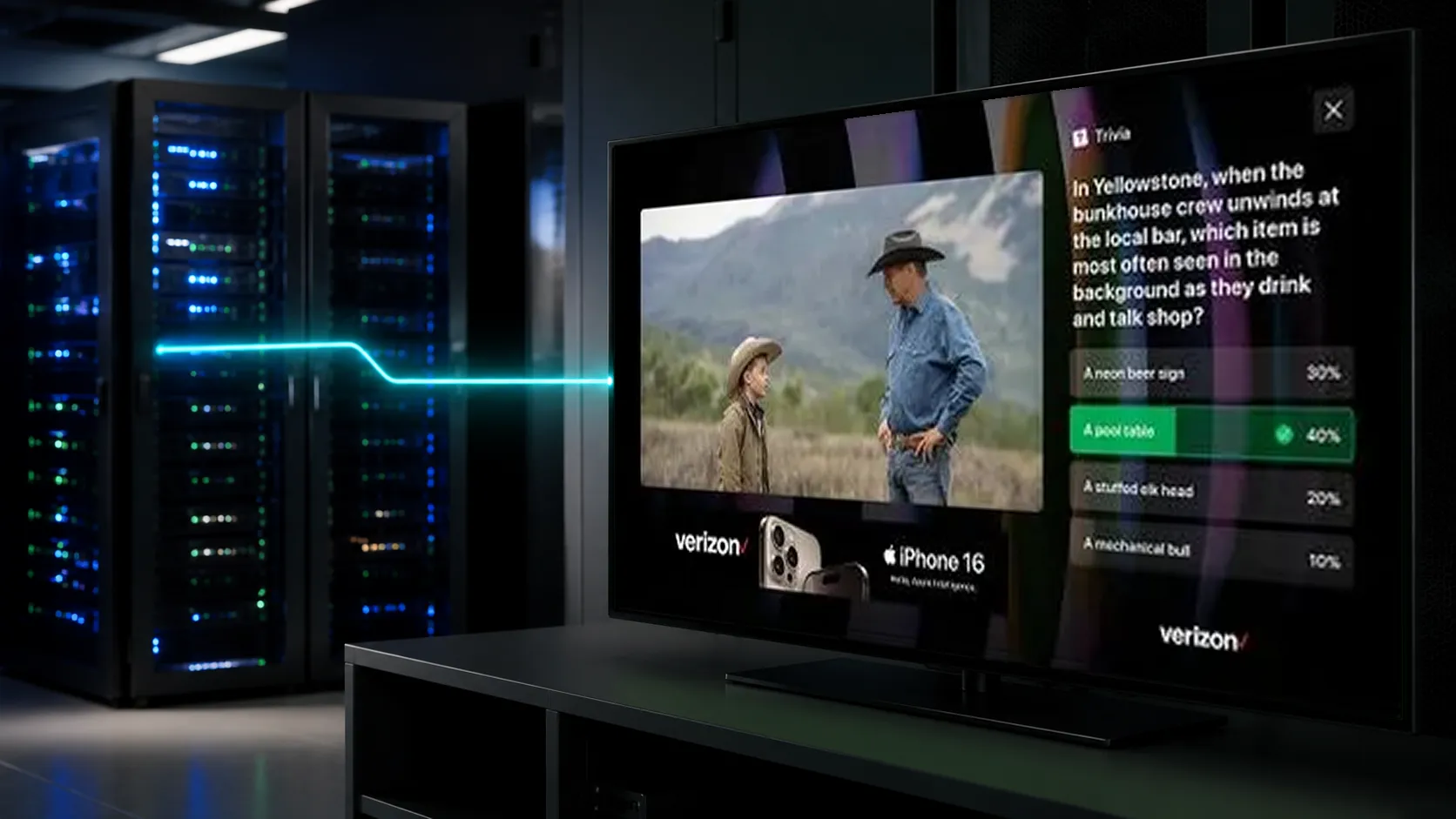
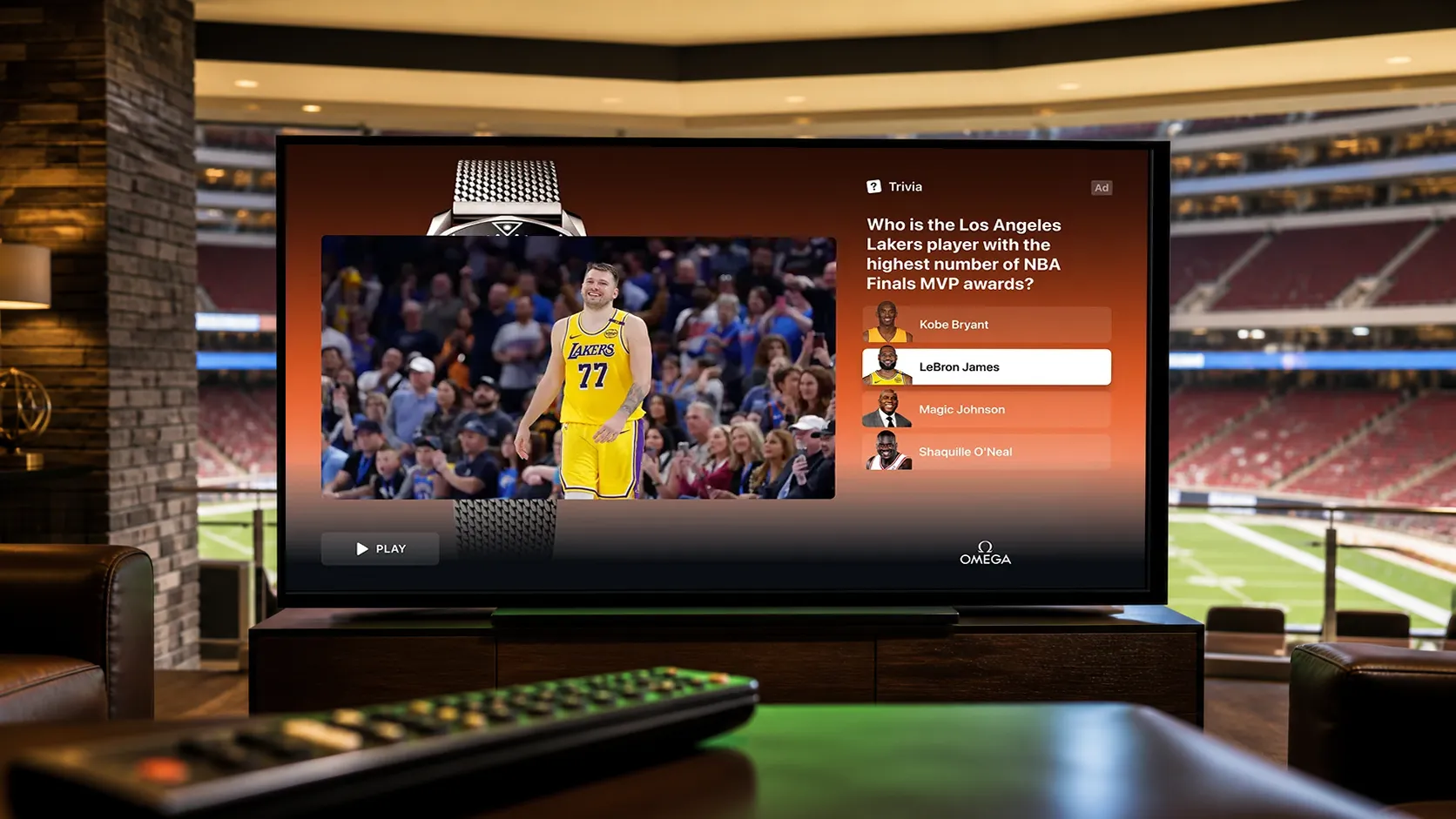
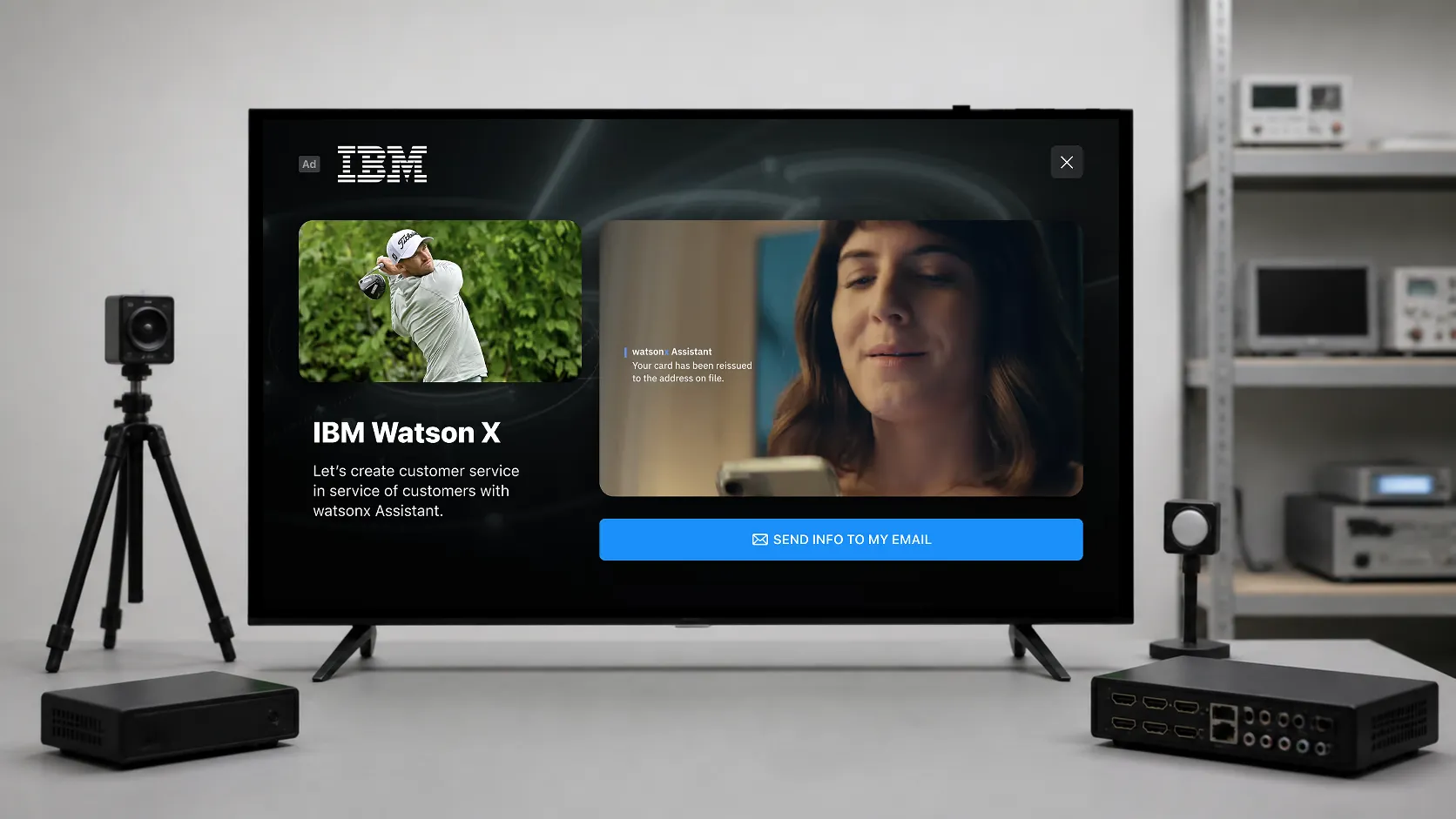
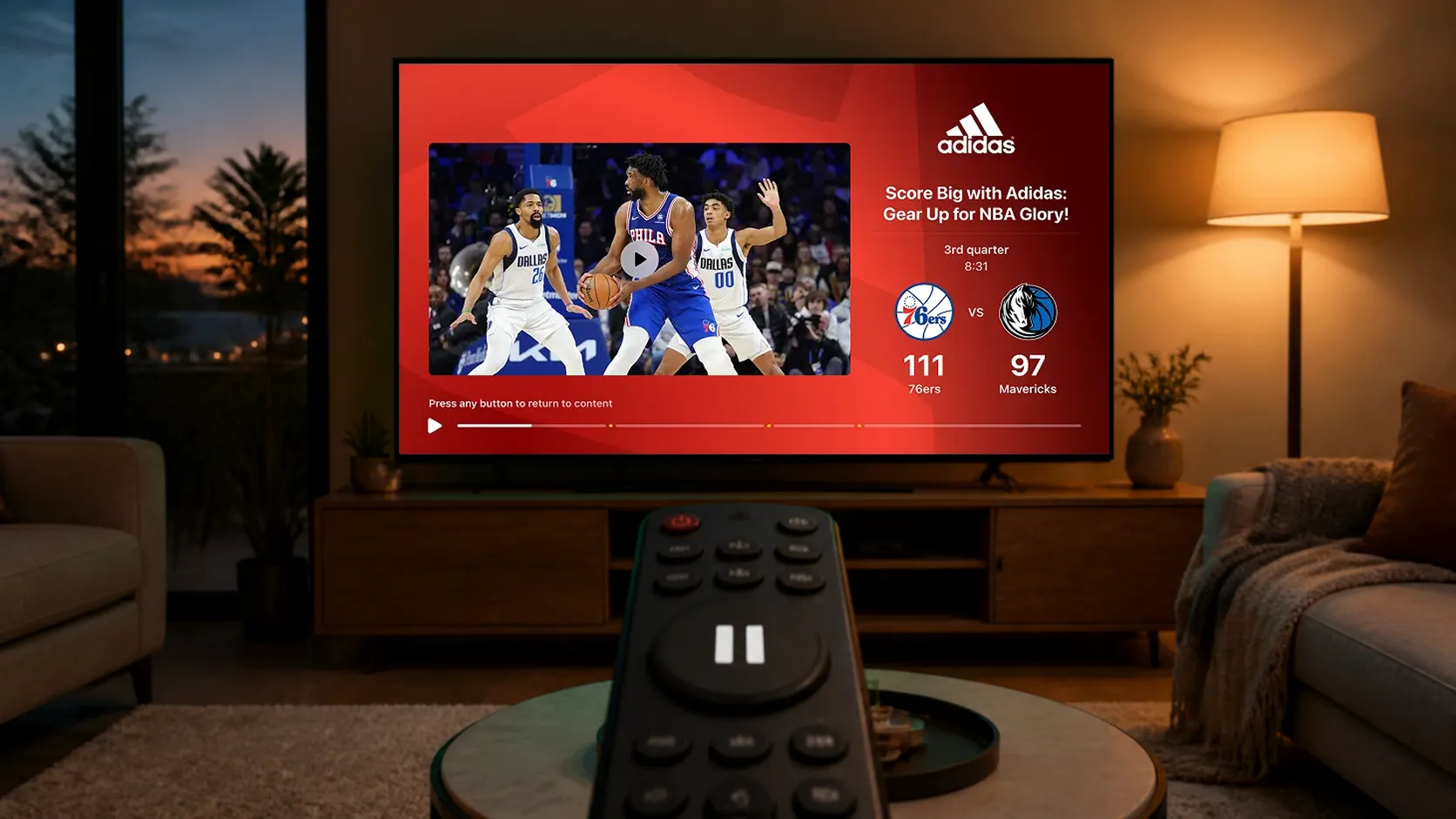
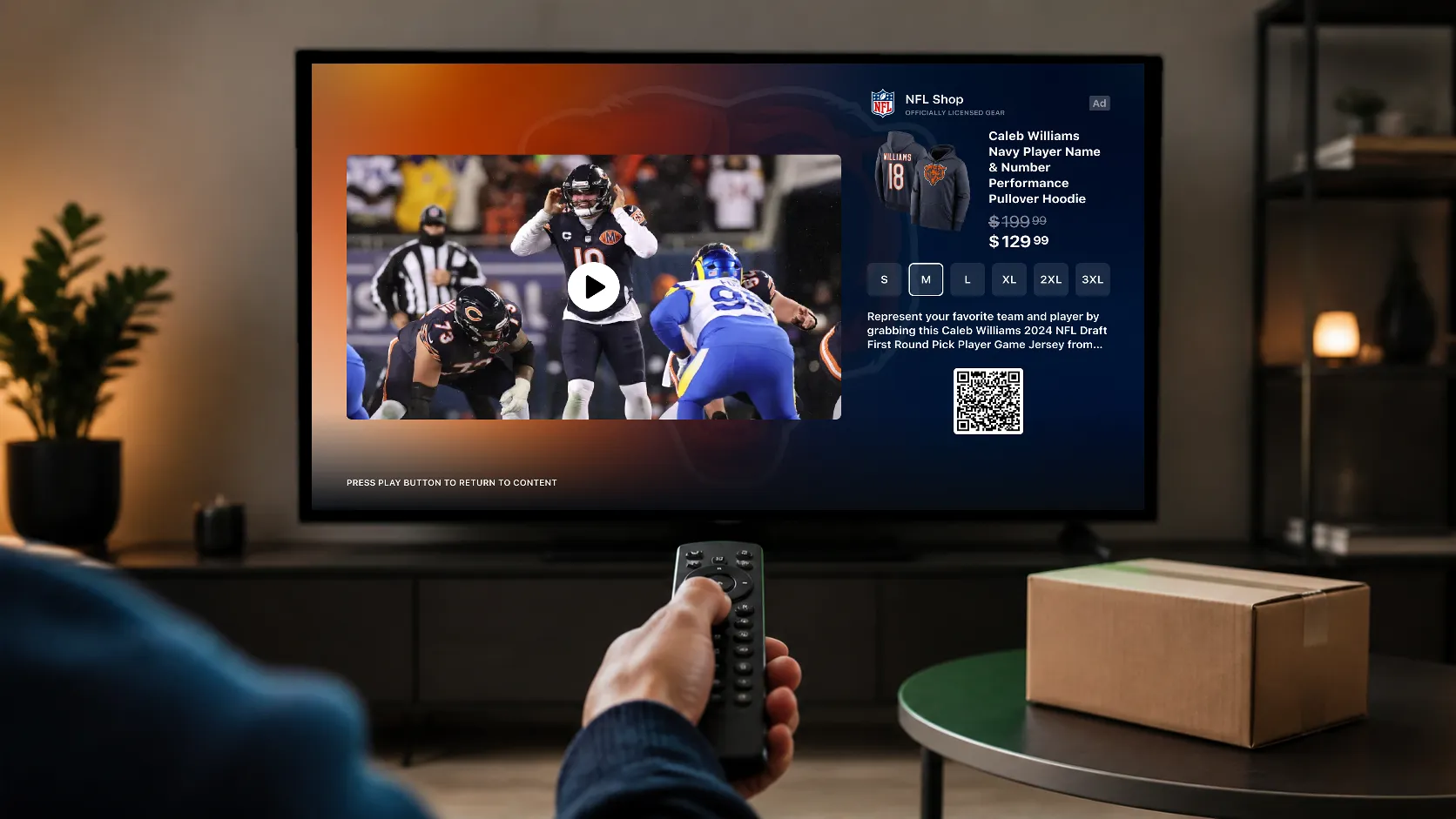
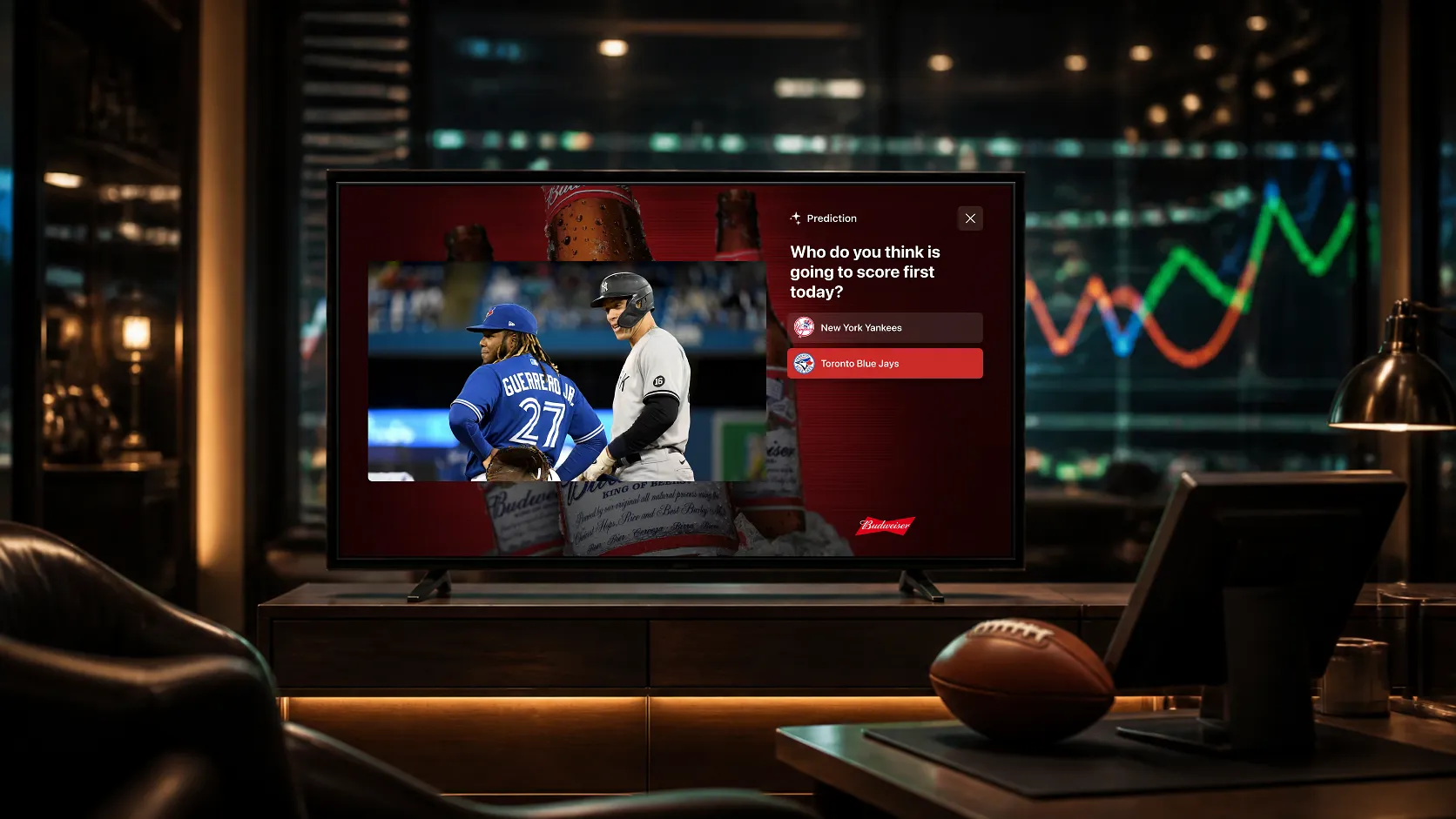
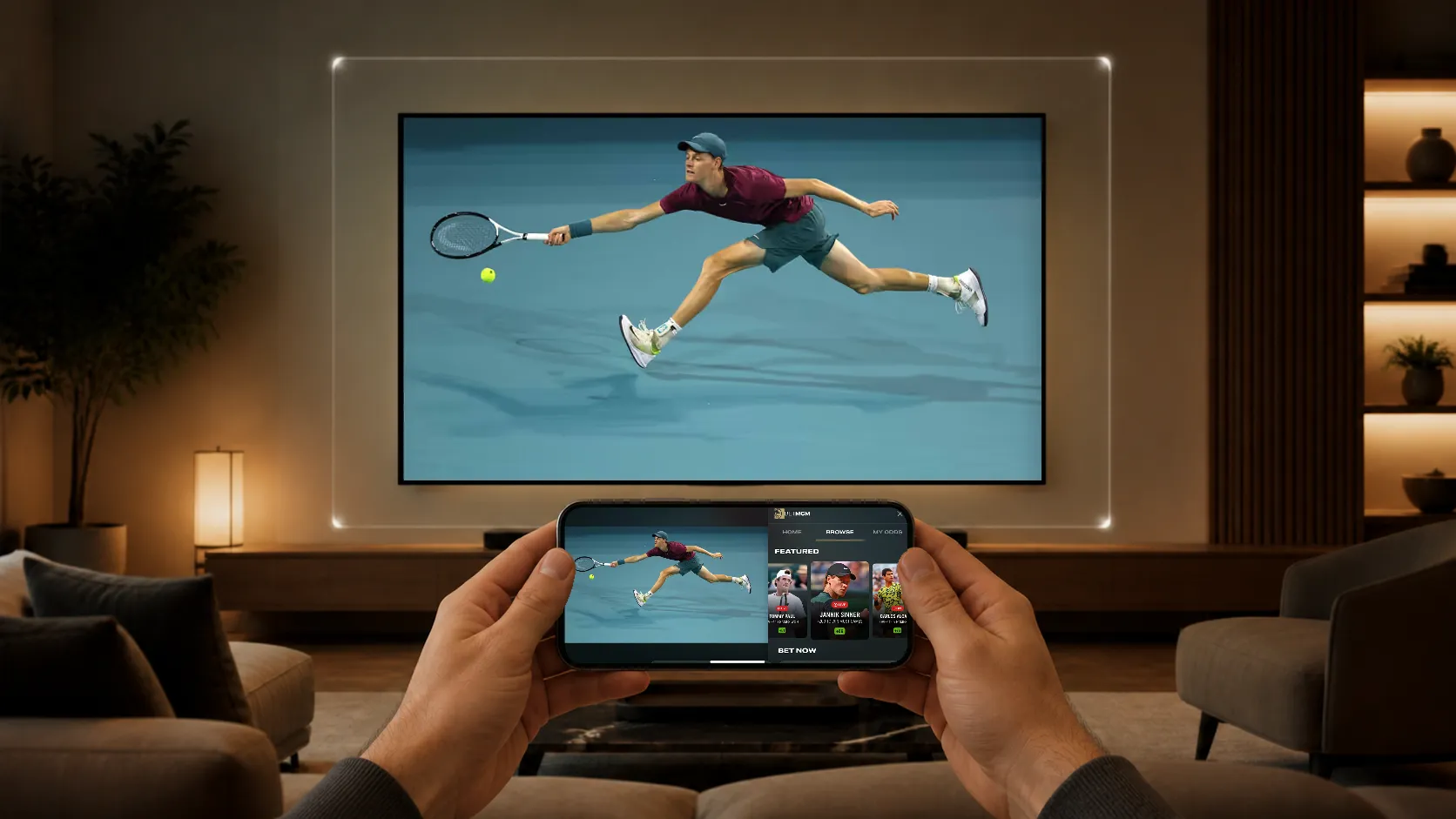
Interactive SSAI combines server-side ad insertion with an interactive companion rendered inside the streaming application. The SSAI provider continues stitching and delivering the video ad. StreamLayer’s implementation, called SSAI+, adds synchronized experiences such as product choices, QR codes, remote-control prompts, and send-to-phone actions through its client SDK.
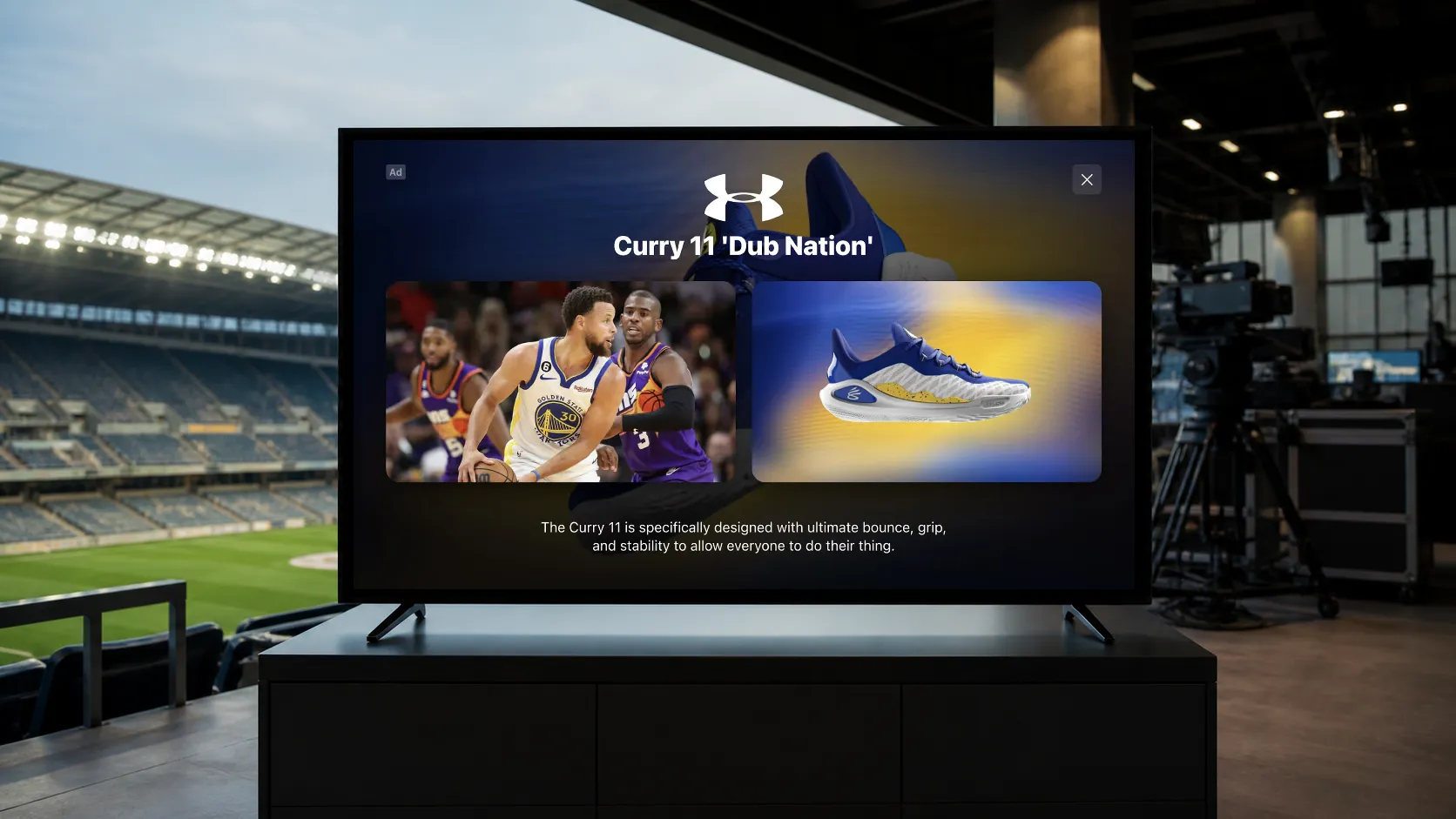
A viewer watching an automotive commercial could explore a featured model and send dealer information to a phone. A retailer could pair its video with a product gallery that links to the items on screen. The commercial keeps playing while interested viewers have a clear next step.
For publishers, the opportunity is to make existing SSAI video inventory more useful to advertisers without replacing the systems that deliver it.
What does Interactive SSAI add to a video ad?
Server-side ad insertion, or SSAI, stitches advertising into the content stream before it reaches the viewer. It is a delivery method; it does not, by itself, provide an interface that responds to remote-control selections or product choices.
A QR code embedded in the video can already send a viewer to a website. Interactive SSAI goes further by presenting a separate, app-rendered companion that can respond to viewer input and display configured content alongside the commercial.
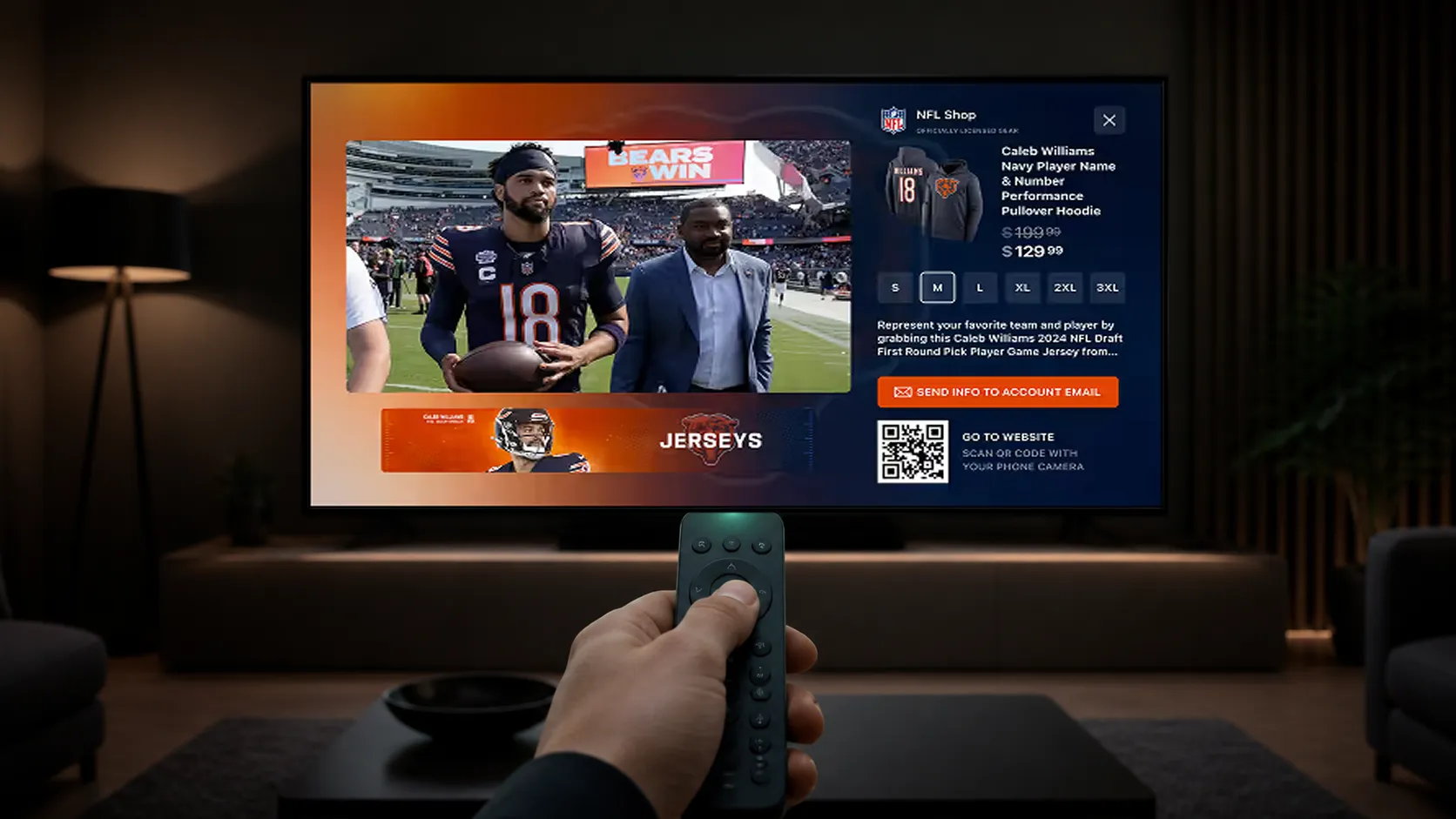
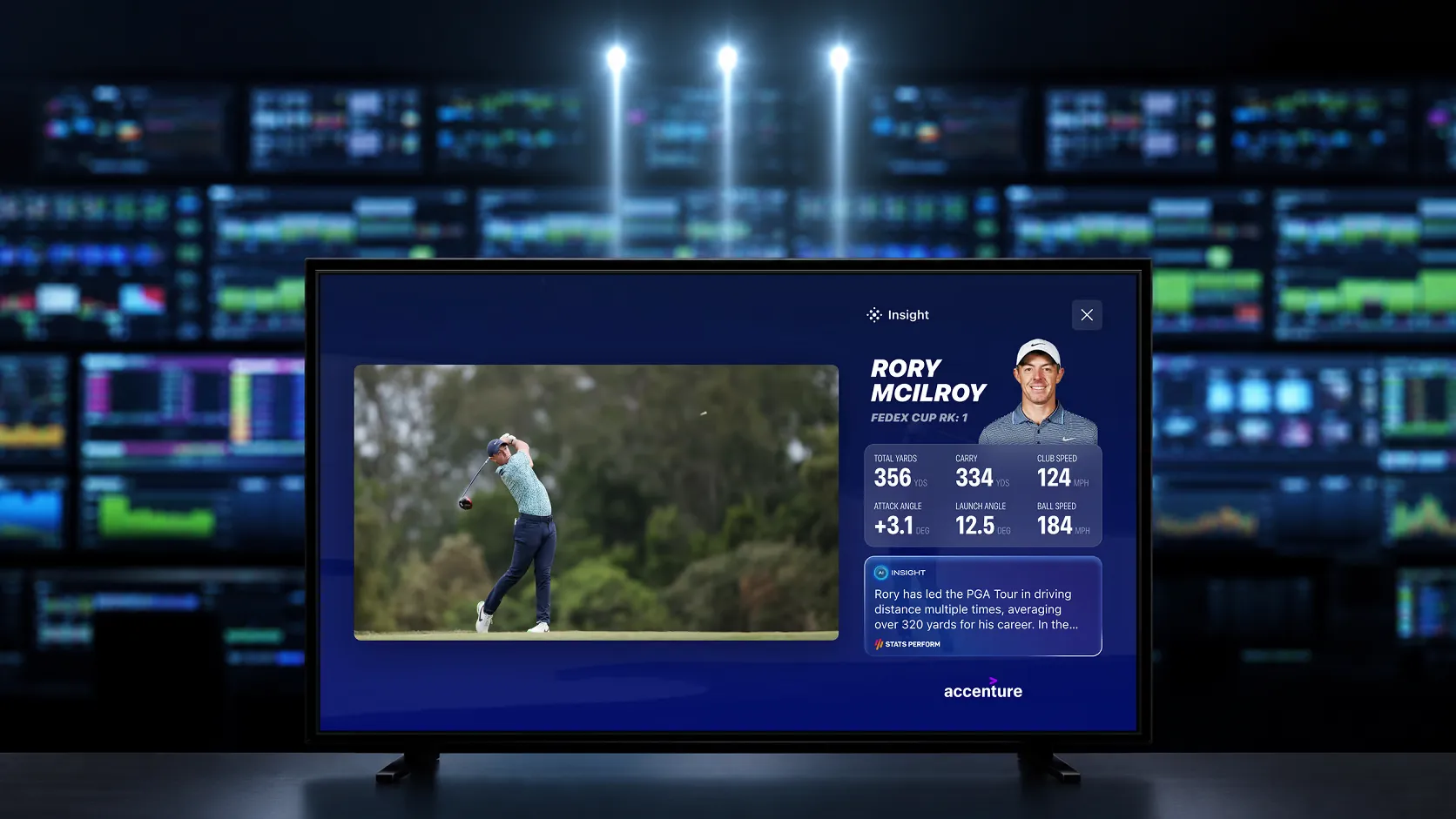
StreamLayer SSAI+ can add calls to action, product galleries, send-to-phone or send-to-email actions, and supported shoppable experiences. Contextual information and live data can inform the companion where the required signals, permissions, and creative rules are available.
The underlying video creative can remain unchanged. Interactive assets, their destinations, and their behavior still need to be configured and approved for the campaign.
How does StreamLayer SSAI+ work?
StreamLayer SSAI+ coordinates the server-stitched video ad with a client-rendered interactive layer. The existing advertising stack continues handling video-ad decisioning and delivery; StreamLayer presents the corresponding companion inside the streaming app.
The workflow has four parts:
- Deliver the video ad. The publisher’s existing SSAI workflow stitches and delivers the commercial.
- Identify the ad and its timing. The integration supplies the ad identity and playback signals needed to match the commercial to its companion experience.
- Render the companion. The StreamLayer SDK loads the associated interactive assets and presents them in synchronization with the video ad.
- End the experience with the ad. The companion closes when the commercial ends, with interruption and fallback behavior defined for the integration.
SSAI systems can expose ad metadata to the player application, as illustrated in Google’s DAI full-service workflow. The available signals and integration requirements vary by provider and player.
For SSAI+, those signals must identify the relevant ad and keep the companion synchronized with playback. A cue marking the start of an ad break is not necessarily enough to identify every commercial within it.
StreamLayer does not stitch or modify the underlying video stream. The publisher can retain its SSAI provider and existing monetization partners while adding the client integration, companion assets, and measurement needed for interactivity.
Which interactive ad formats fit SSAI video inventory?
The placement should support the commercial’s objective and preserve its readability. Three useful presentations are:
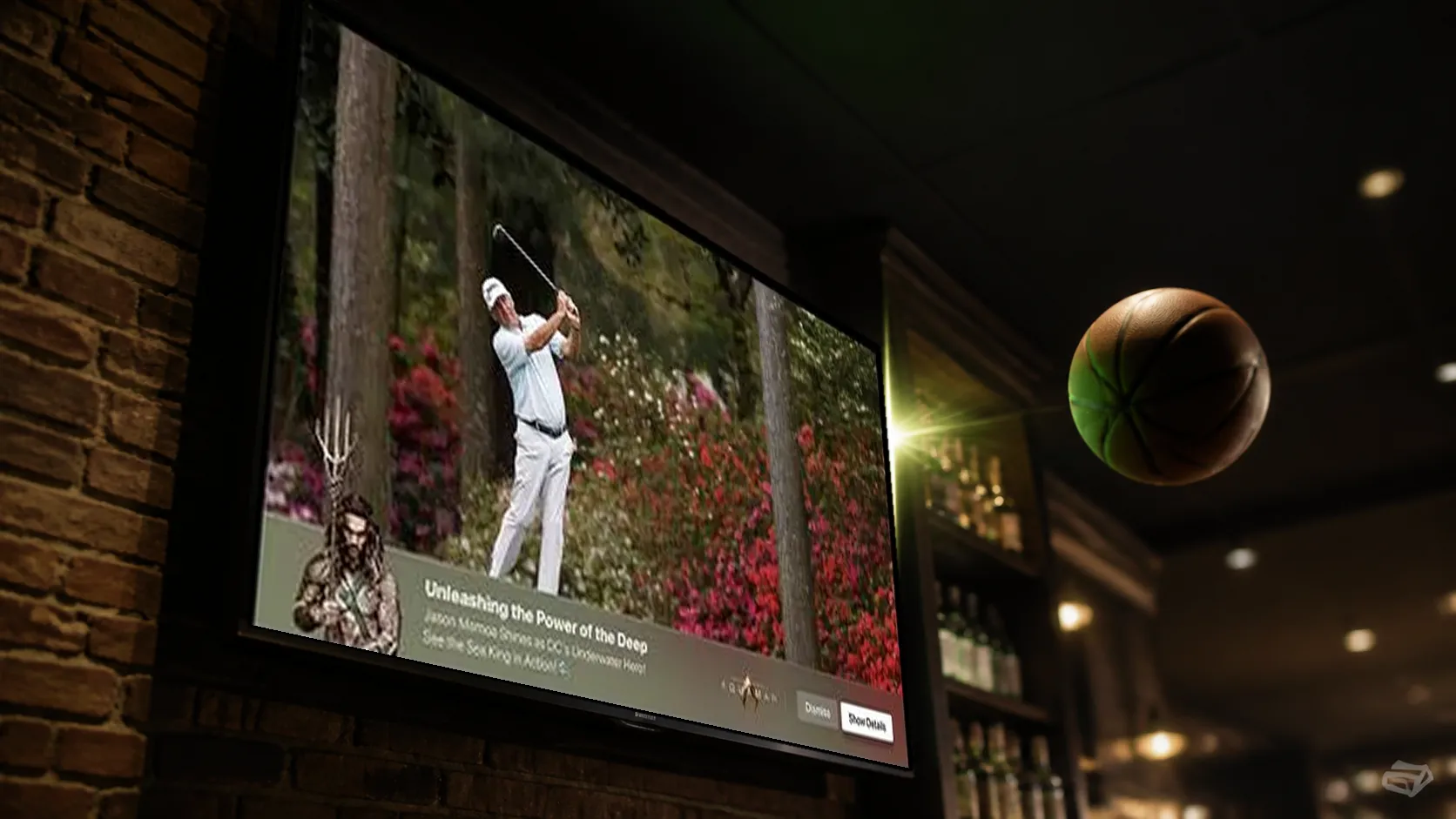
- Lower-banner companions. A compact interactive area appears over the bottom of the video ad while the video remains full size. It can carry an offer, QR code, or call to action without covering important creative or disclosures.
- Side Bar companions. The host application resizes the video to create space beside it for product details, choices, or an offer.
- L-Bar companions. Also called L-band ads, these use space beside and below a resized video window for branding and interaction.
For squeezeback presentations, the host application controls the video player’s size and position. StreamLayer renders the companion in the corresponding area. An interactive overlay therefore does not always sit directly over the video—it can appear beside or around it.
A retailer, for example, could use a Side Bar to show selected products from its commercial, with a QR code opening the relevant product page. This is an illustrative use case; the available actions depend on the device, integration, and campaign setup.
See how these presentations fit within the broader range of interactive CTV ad formats.
What makes an Interactive SSAI experience work on CTV?
Interactive television advertising has to work from across the room. Text must be readable, choices must be clear, and remote-control navigation must make the next action obvious.
StreamLayer’s approach puts CTV first, followed by mobile and web. A television execution may offer a few directional-remote choices or a scannable QR code. Mobile and web experiences can use the controls appropriate to those devices. Publishers should confirm each intended format and action on their actual device mix rather than assume identical support everywhere.
The integration should also define what happens when a viewer changes channels, seeks, or leaves during an ad. Interactive assets should not linger over the next commercial or returning program. If a companion cannot load or is unsupported, the fallback should preserve video playback without presenting a broken interaction.
How should publishers measure Interactive SSAI?
Measure the video ad and the interactive companion separately, then connect their results where the tracking supports it.
- Video delivery: starts, quartiles, and completions under the existing video measurement setup.
- Companion delivery: whether the interactive experience was rendered on an eligible device.
- Viewer response: remote selections, clicks, QR scans, product views, or other configured actions.
- Downstream outcomes: visits, leads, or purchases where consent, destination tracking, and attribution are implemented.
An ad completion does not prove that the companion appeared. A companion render does not prove attention, and a QR scan does not prove a purchase. Reports should state what each event measures and use a consistent denominator when calculating interaction rates.
Publishers should also agree with buyers how the video and companion are packaged and counted. Adding an interactive layer does not automatically create a second billable impression.
Can Interactive SSAI increase CPMs or revenue?
Interactive SSAI can support a premium advertising product by combining video delivery with useful creative features and measurable viewer actions. It does not guarantee a higher CPM or a fixed revenue uplift.
The result depends on advertiser demand, eligible reach, creative quality, campaign performance, and how the publisher sells the package. Additional creative, delivery, integration, and operating costs also affect the return.
A focused pilot can compare SSAI+ with comparable video-only campaigns. Evaluate realized pricing and net revenue alongside video completion, interaction rates, advertiser outcomes, and viewer behavior. Use comparable audiences and campaign conditions, and distinguish correlation from demonstrated incremental results.
That gives publishers evidence for pricing and renewal discussions based on their own inventory, rather than treating unrelated interactive CTV benchmarks as a forecast.
Where should a publisher start?
Begin with one advertiser objective, a supported device set, and a simple companion format. Agree on the ad-identification signals, timing, creative assets, fallback behavior, and measurement before expanding the campaign.
SSAI+ applies the server-guided orchestration and SDK rendering of StreamLayer SGAI to existing SSAI video ads. Its role is to enhance those commercials, not to replace their delivery workflow or add another commercial break.
Talk to StreamLayer about Interactive SSAI to explore a synchronized companion experience for your existing video inventory.