CTV Pause Ad Standards: What Publishers Need to Implement

Updated September 18, 2026 · StreamLayer
What has been standardized for CTV pause ads?
The CTV Ad Portfolio defines advertising formats and provides signaling guidance to help publishers and buying platforms work with them consistently. The official guidance page identifies July 22, 2026 as the finalization date for its updated format and signaling guidance. Current standards and specifications.
What does a pause ad mean?
A pause ad is initiated by the viewer pausing content. A screensaver ad is initiated by the app or operating system. Keeping these triggers distinct helps buyers understand the inventory they are purchasing.
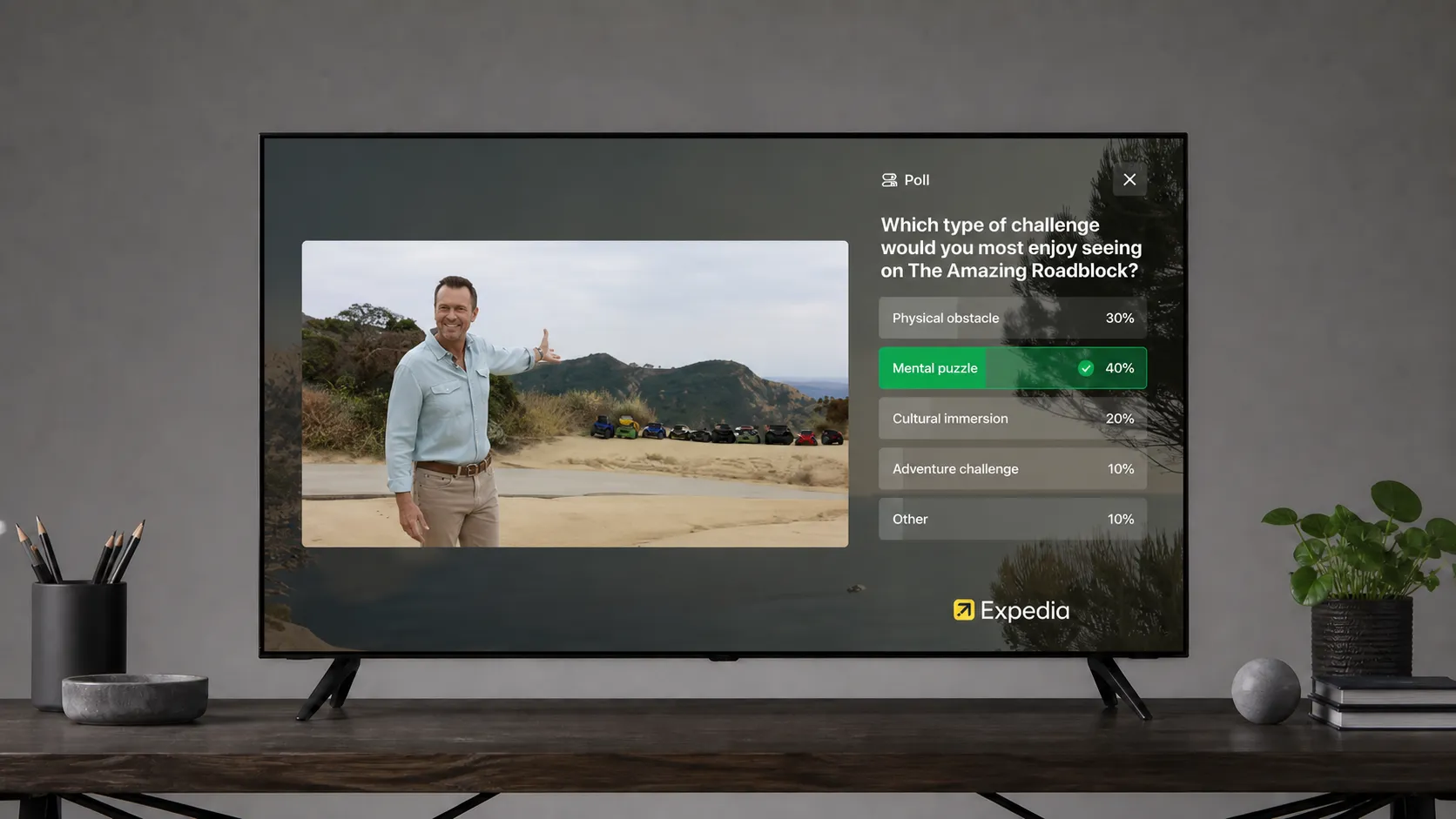
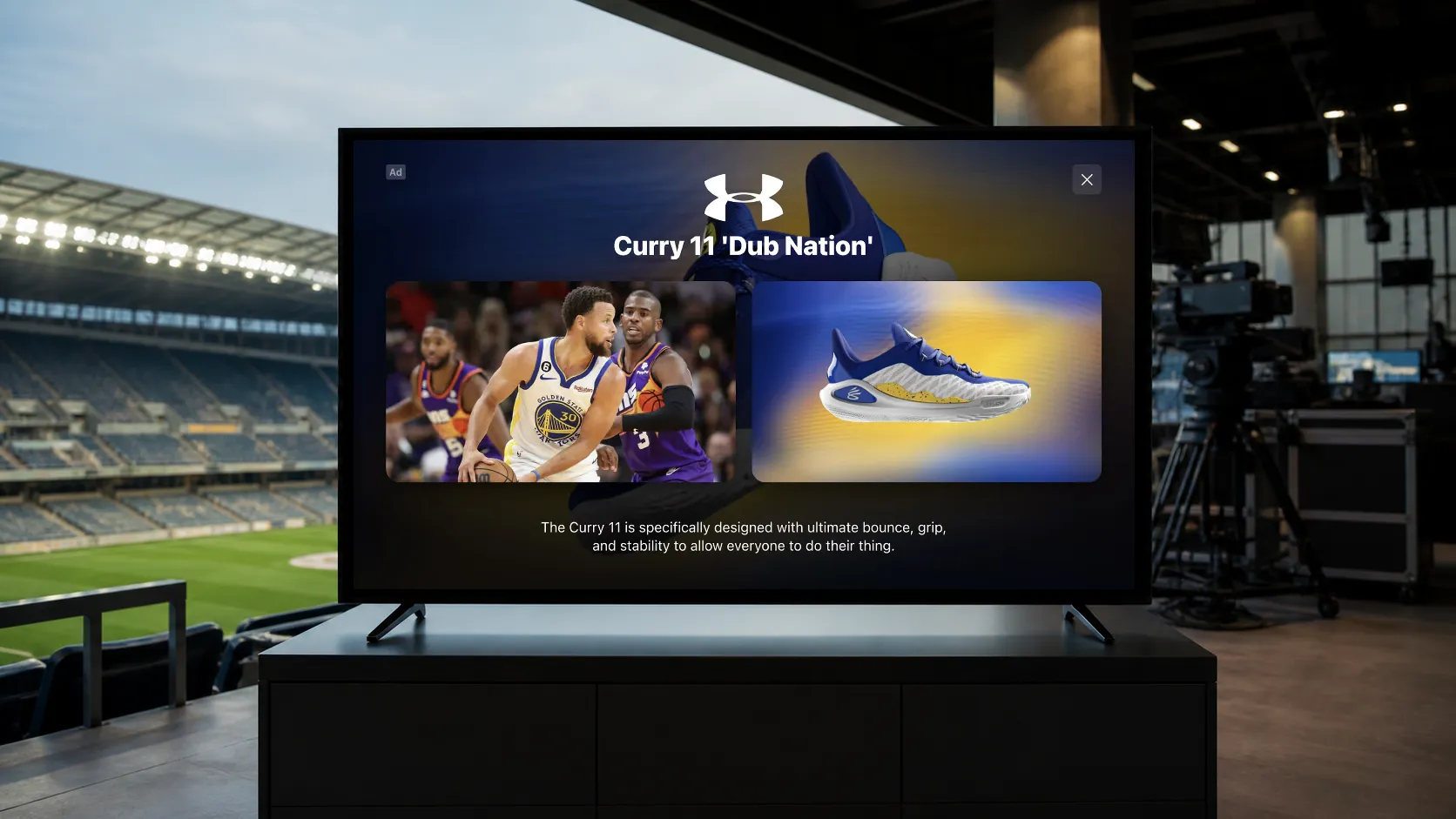
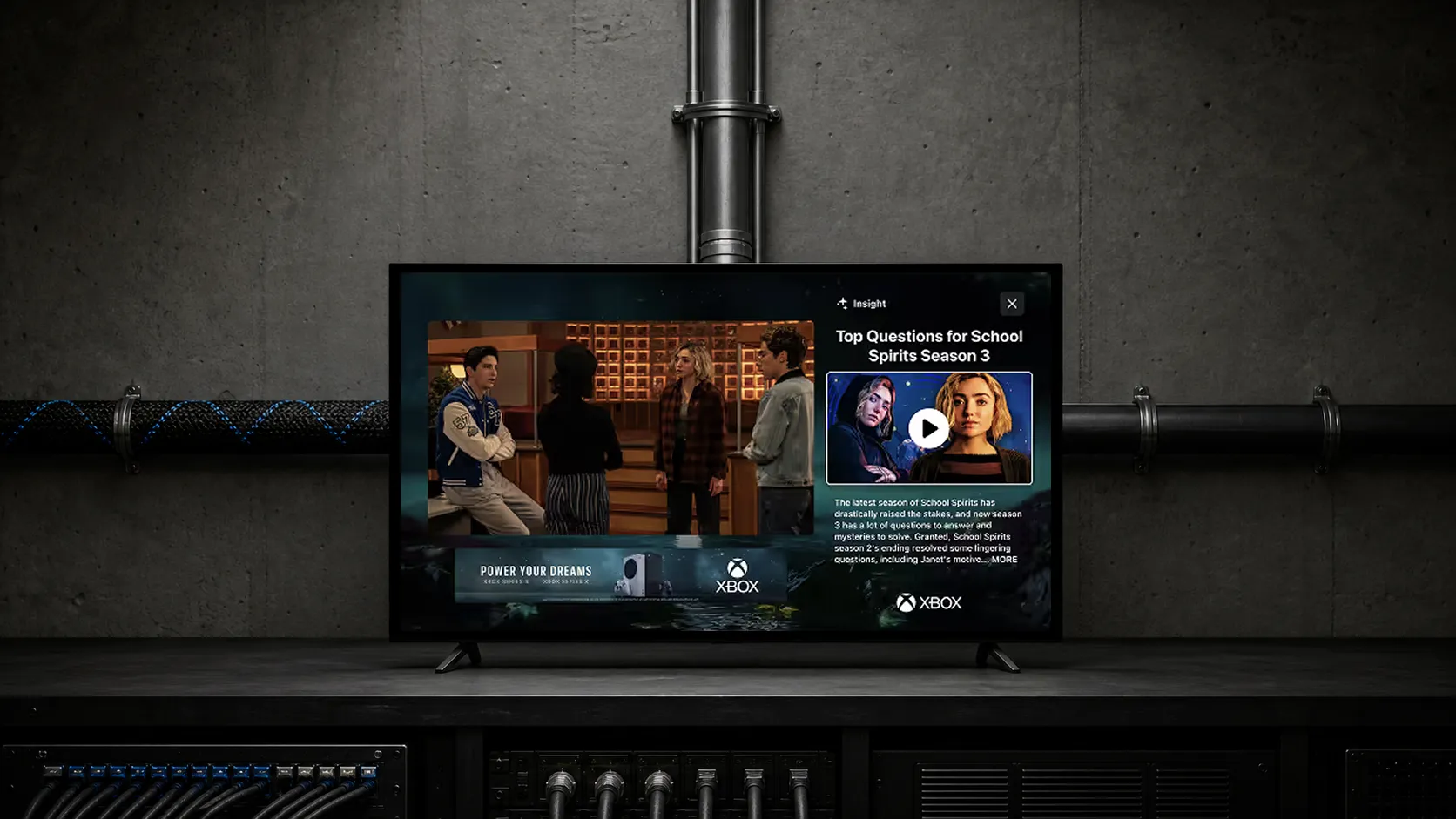
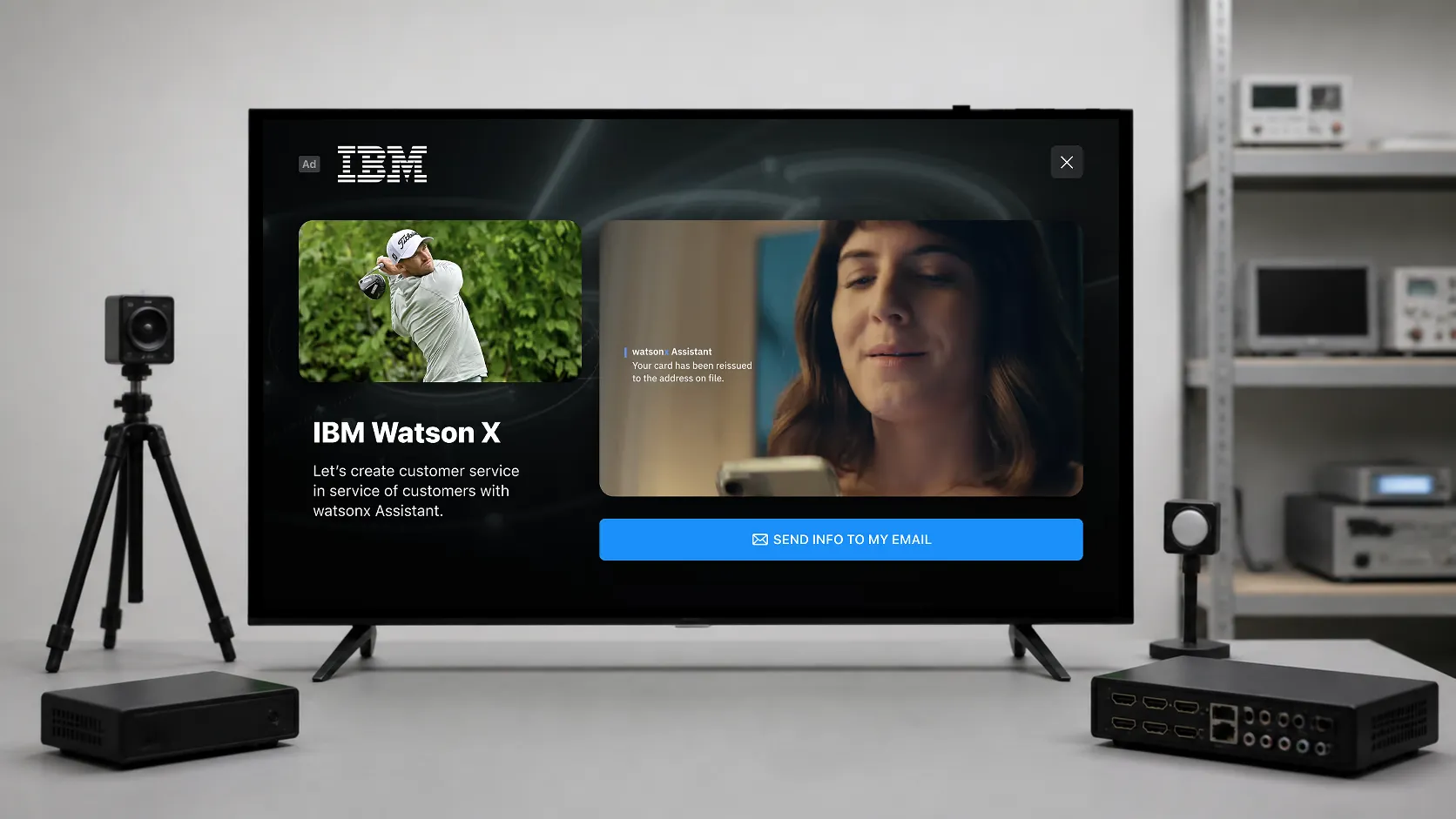
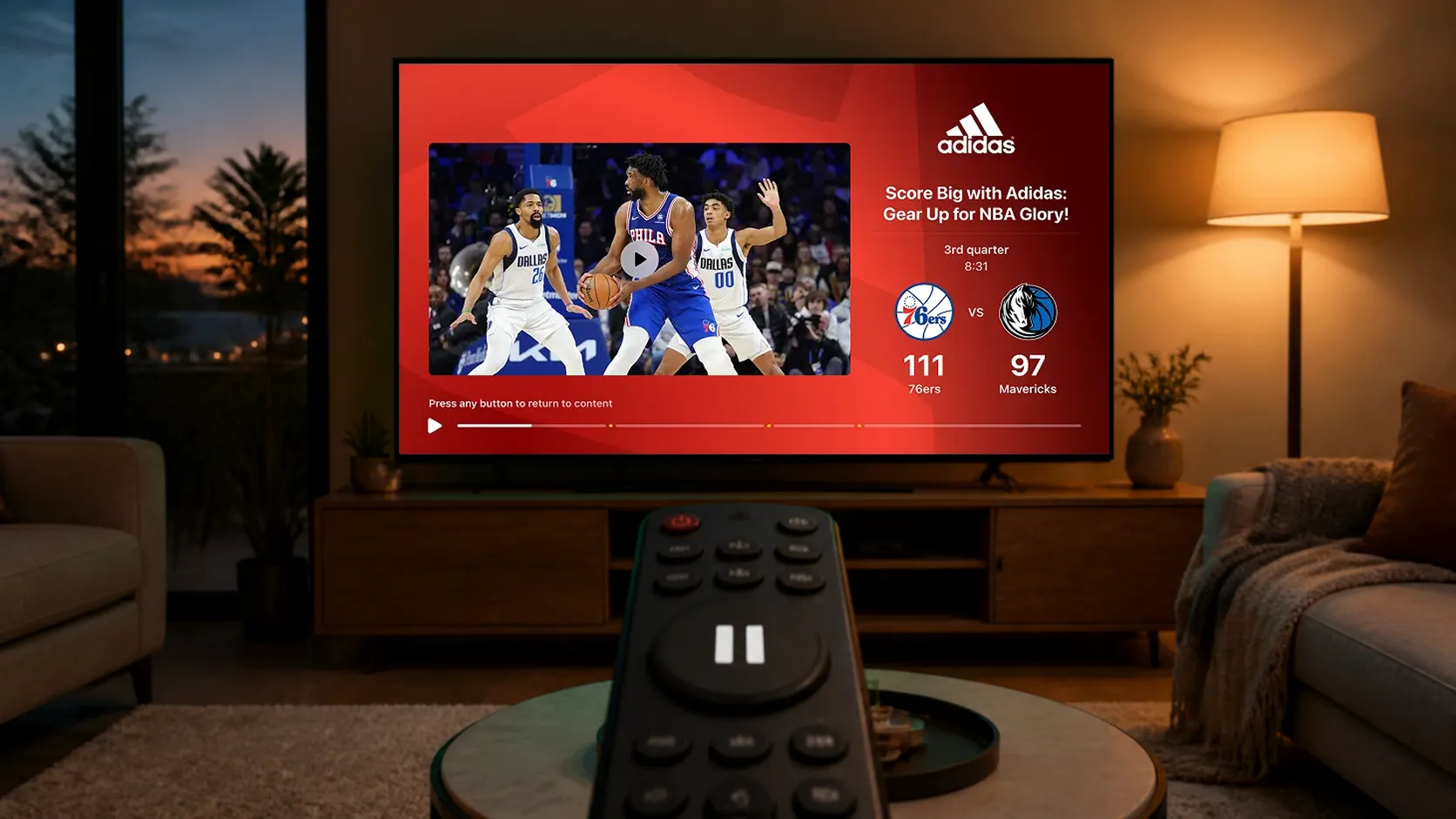
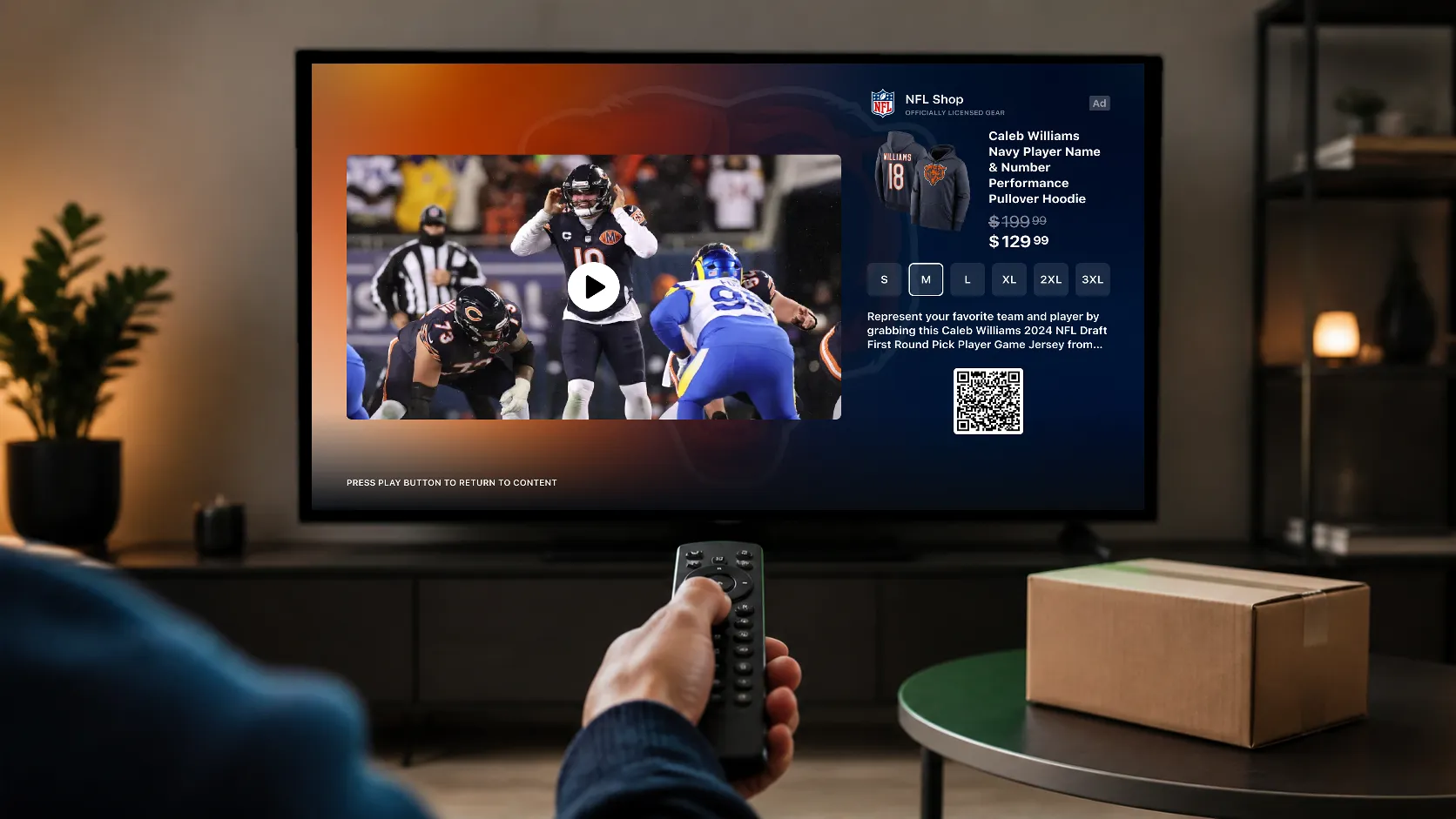
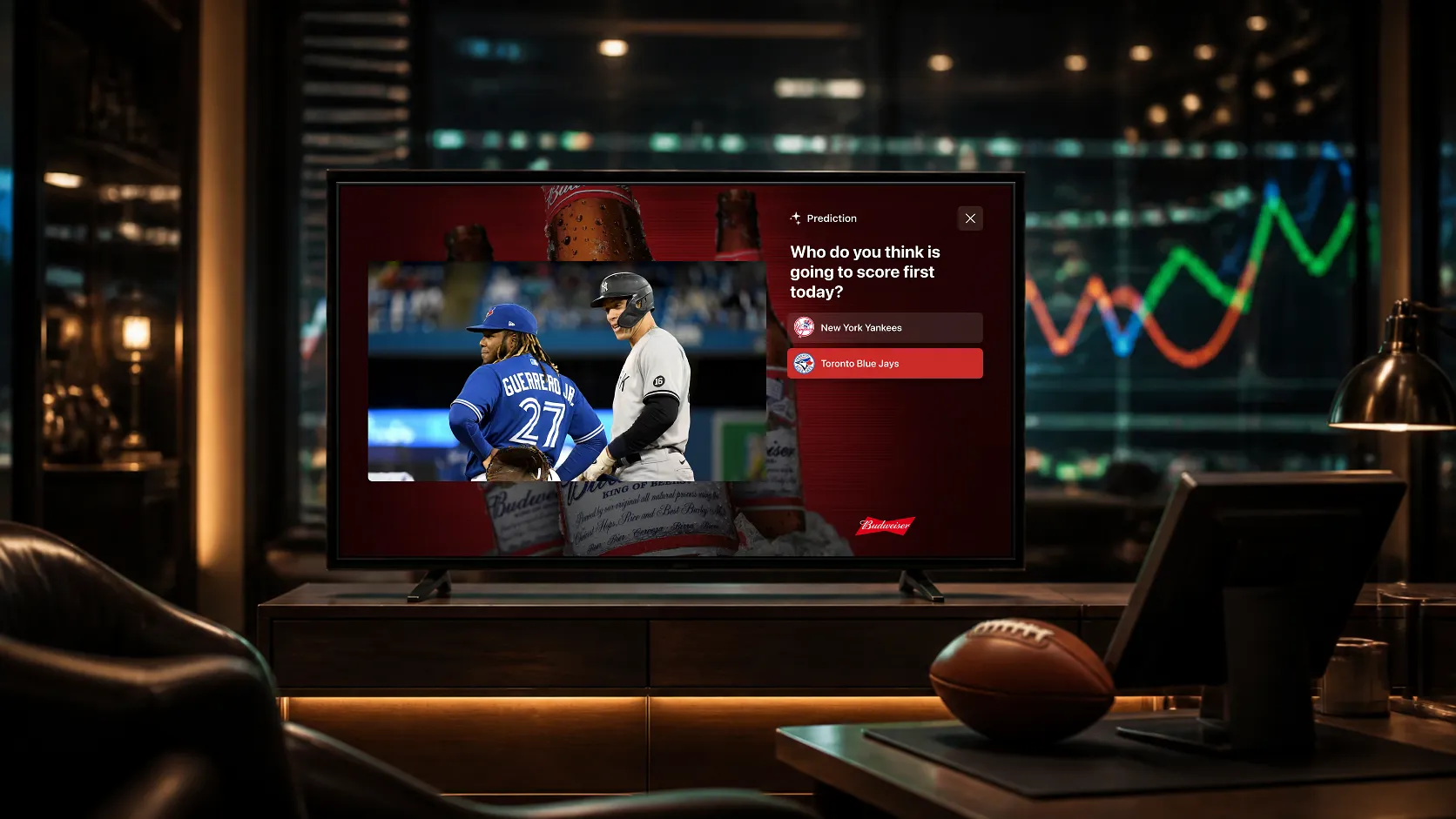
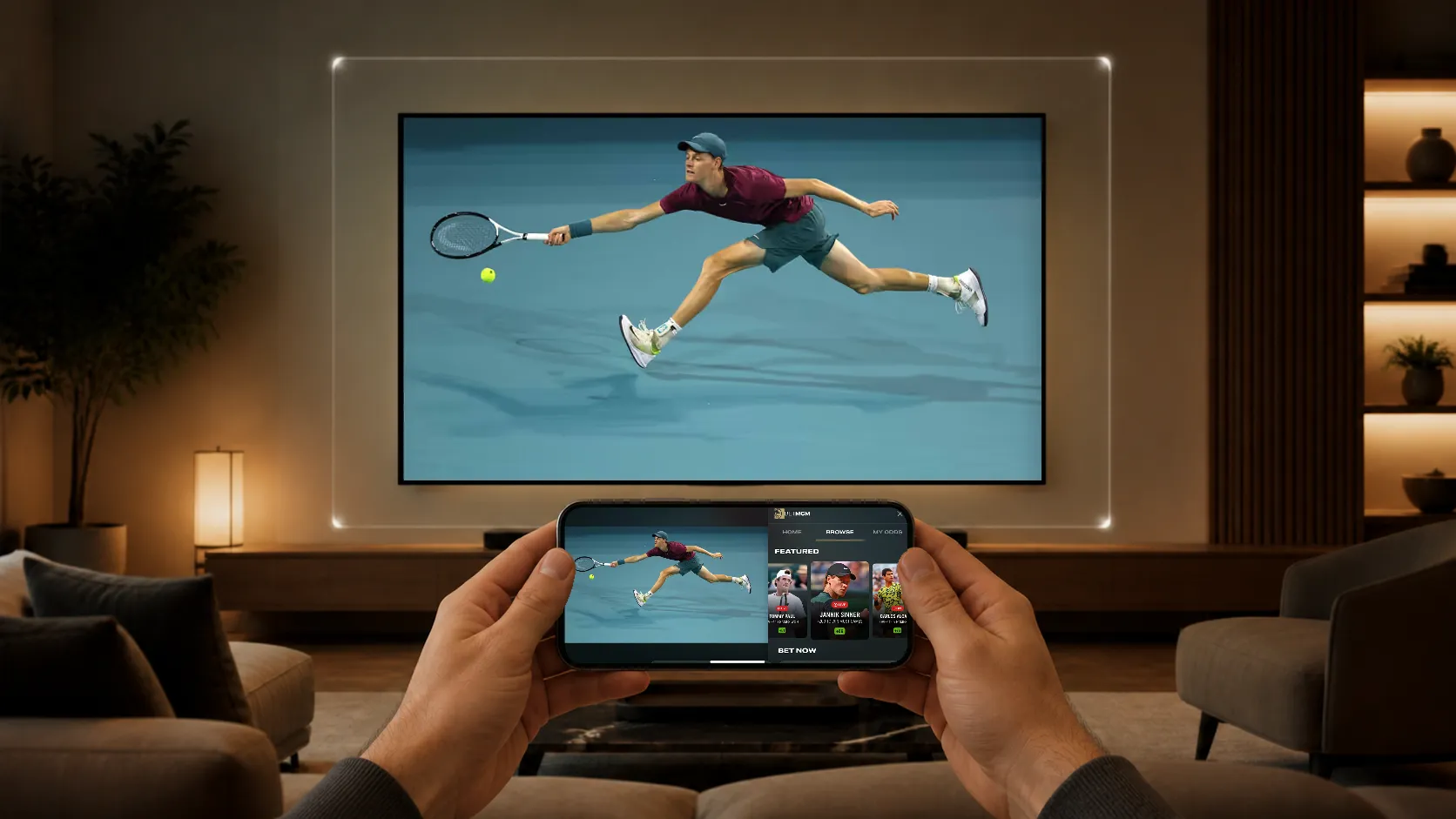
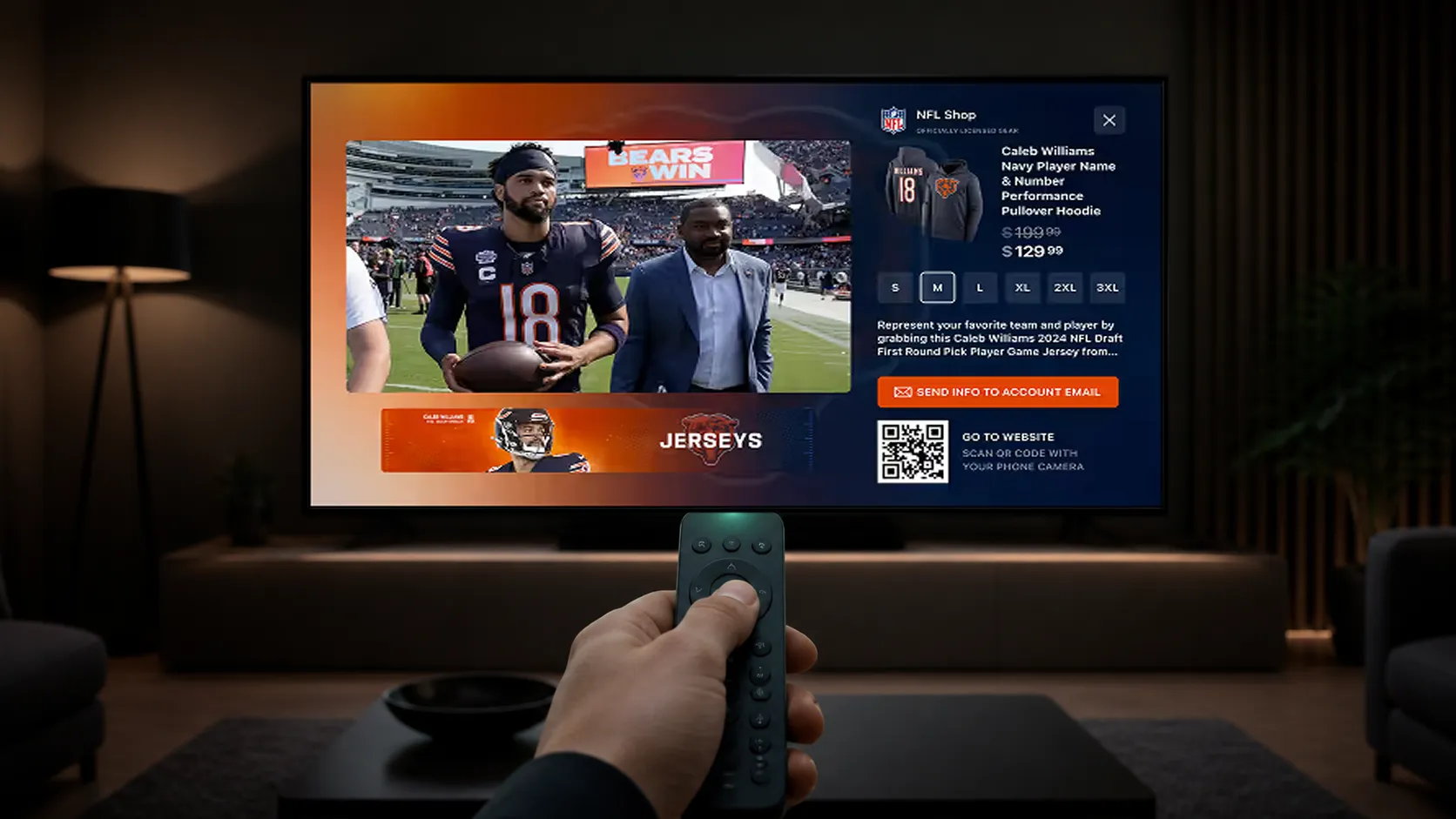
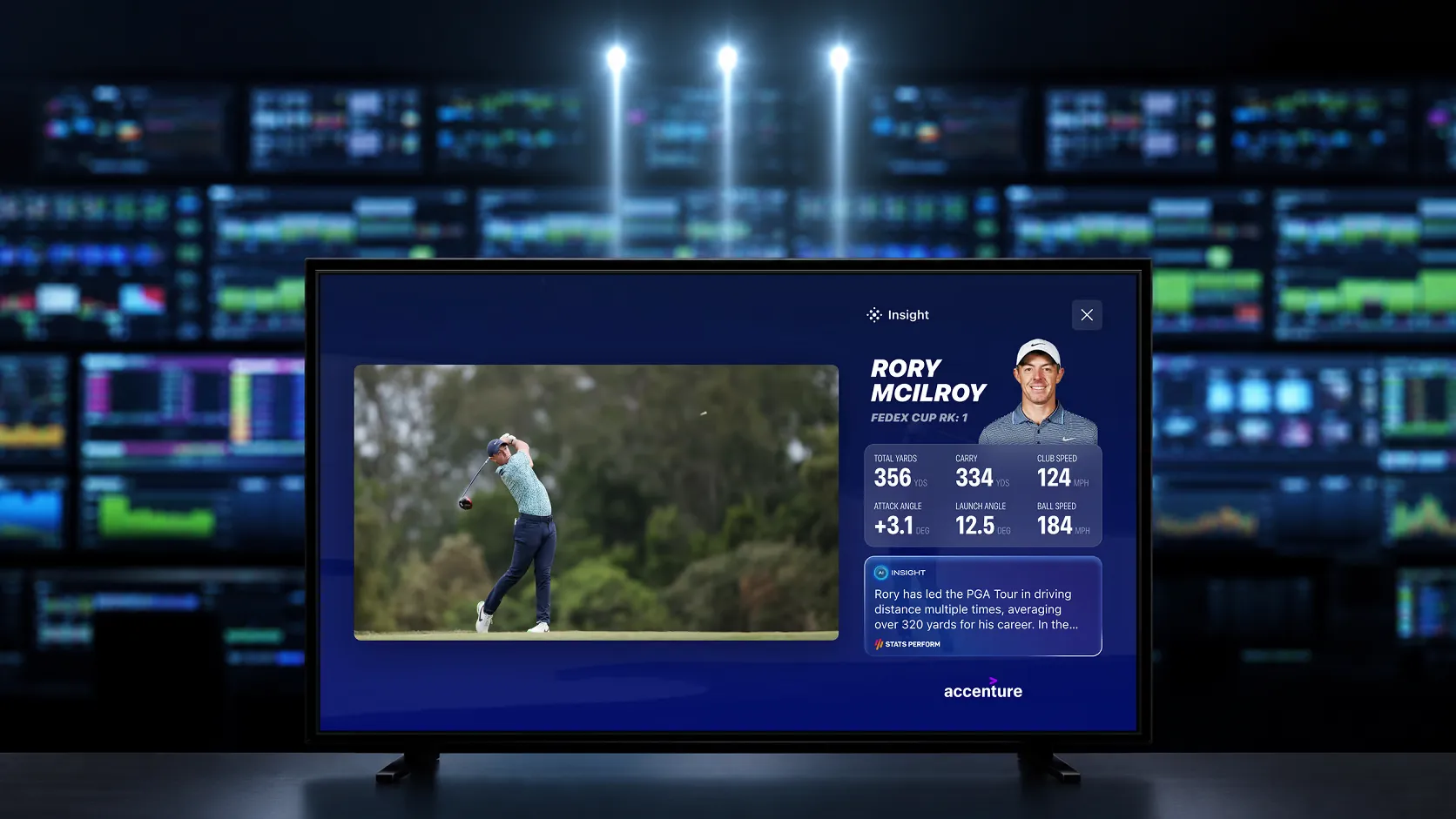
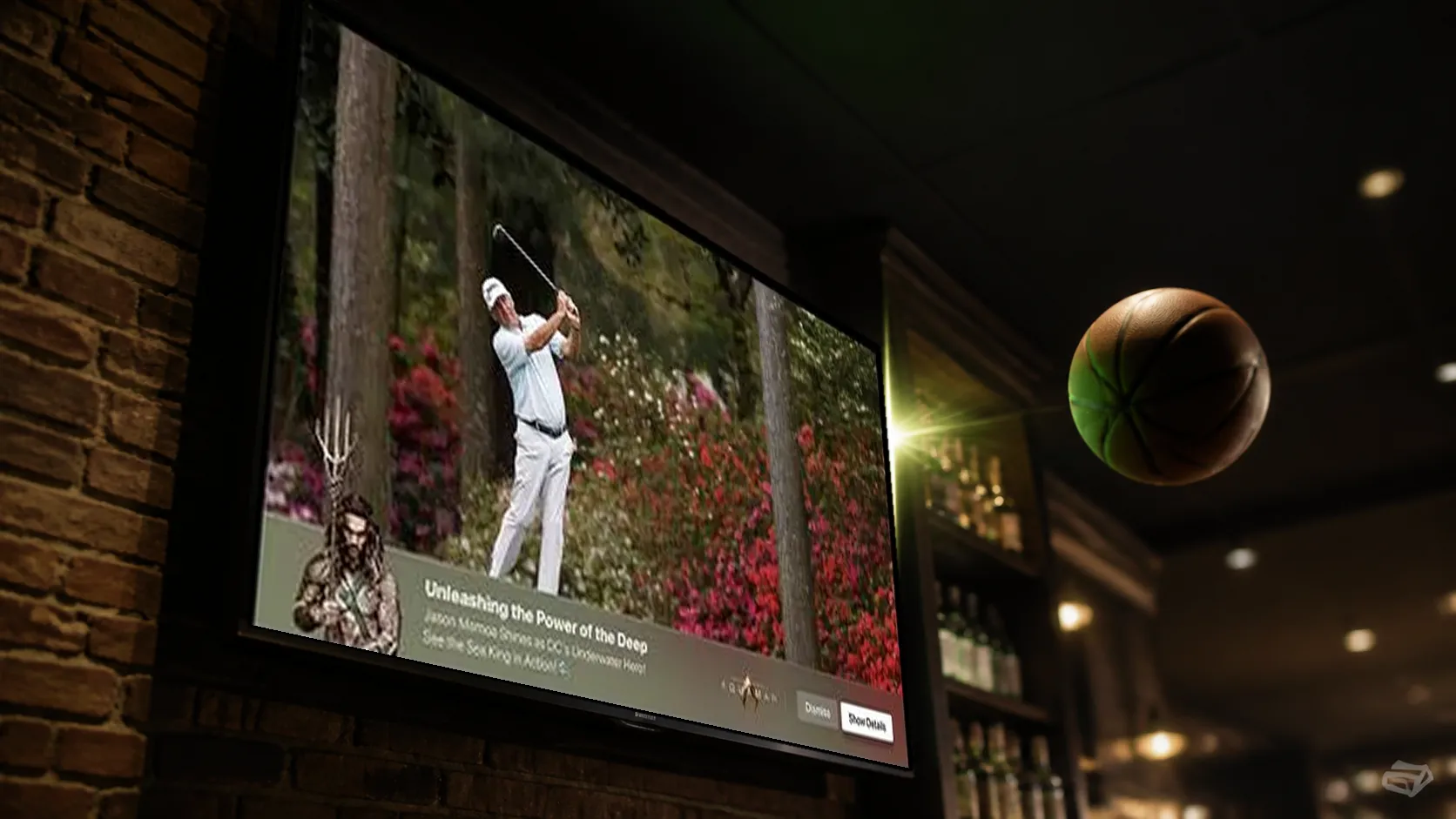
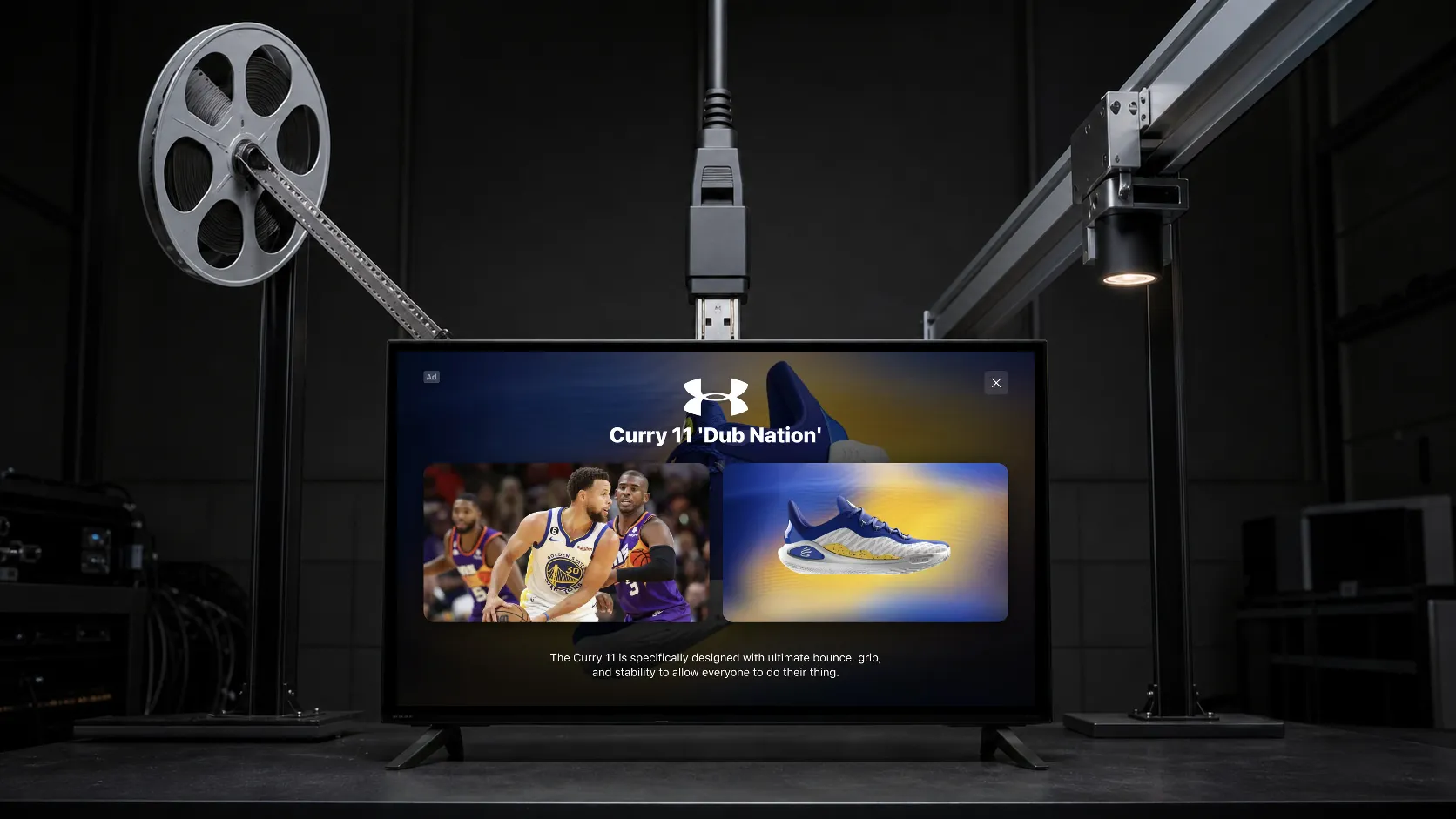
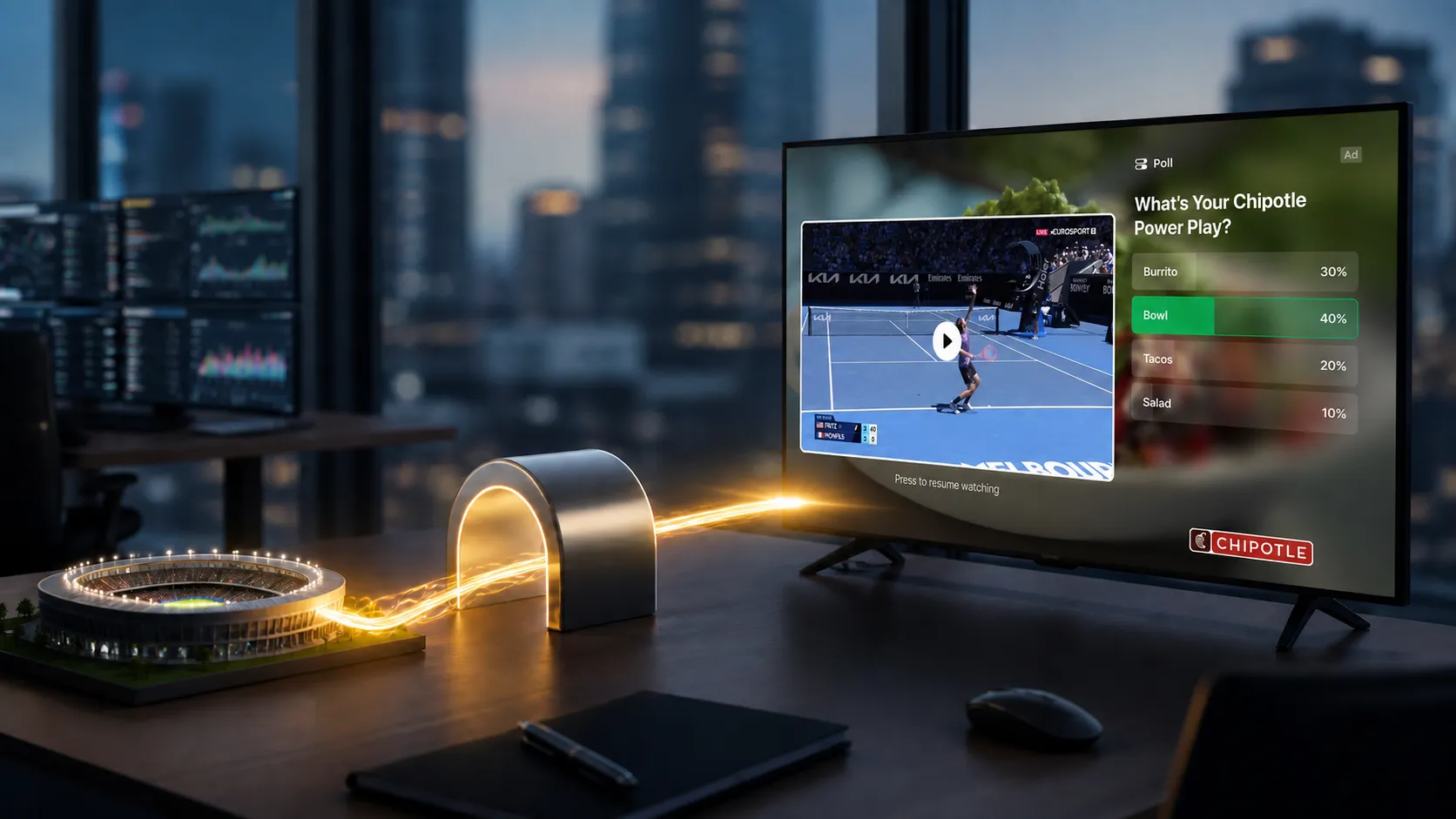
StreamLayer Pause Ads use still imagery or subtle, silent ambient motion that preserves the feeling of a paused scene after an eligible pause. They can include QR codes, calls to action, and supported shoppable or contextual elements. The application must clear the experience when playback resumes.
What does standardization change?
Common format descriptions and signaling reduce ambiguity between trading partners. The guidance addresses changes across advertising specifications, including AdCOM, VAST, and Native Ads. It gives implementation teams a shared reference.
Publishing a standard does not mean every SSP, DSP, player, or publisher has adopted it. Programmatic pause-ad offerings also existed before finalization. Buyers should verify the supported path rather than assume universal access or one creative asset that fits every execution.
What should publishers validate?
Agree with demand partners on format identification, creative delivery, dimensions, supported actions, impression counting, and reporting. Confirm the specifications and versions used by each participant.
Test the actual creative on the intended CTV devices. Verify pause eligibility, delay, remote focus, QR readability, resume handling, and failure behavior. Extend validation to mobile and web where those platforms are in scope.
Pause ad integration: launch checklist
Begin with a documented division of responsibilities. The host app supplies pause and resume signals, integrates the StreamLayer SDK, and provides its rendering view. For a Side Bar, the app owns video resizing and restoration. StreamLayer SGAI orchestrates the SDK-rendered experience alongside the existing video stack.
- Define eligibility. Specify content, devices, pause delay, frequency, and situations in which no ad should appear.
- Agree on the creative contract. Confirm layout dimensions, accepted assets, supported actions, destinations, expiry, and the actual delivery method.
- Connect playback state. Associate the opportunity with the current pause session so late responses cannot render after resume or a content change.
- Define event ownership. Agree which system counts requests, renders, interactions, closes, and billable impressions. Deduplicate retries.
- Validate the viewer experience. Check focus, readability, QR scanning, player controls, and any video-layout changes on representative devices.
- Reconcile the pilot. Compare client delivery events with ad-serving reports and record discrepancies before expanding traffic.
Failure cases to test before launch
- Resume before the pause delay expires: no ad should appear later.
- Resume while creative loads: discard a late result and preserve playback.
- No fill or an asset error: keep the normal pause experience usable.
- Seek, change content, or background the app: close or reset the opportunity according to the agreed behavior.
- Repeated signals or network retries: avoid duplicate activations and impression counts.
- Unsupported action or expired destination: use the agreed fallback instead of presenting a broken control.
These are acceptance checks, not SDK method names or universal configuration fields. Use documentation for the actual SDK, player, and demand-partner versions. Start with CTV, then validate mobile and web implementations separately.
For asset planning, use the creative specifications checklist. For supply-path responsibilities, read the programmatic pause ads guide.
How should performance be described?
A viewer’s pause creates an opportunity to display an ad; it does not prove that the viewer is still looking at the screen. Rendered impressions, exposure duration, measured viewability, and attention are separate measures.
Use results with their original study population and comparison. For commercial planning, distinguish actual transactions from buyer or publisher price expectations. Premium pricing is a potential outcome, not a property guaranteed by format compliance.
Where does StreamLayer fit?
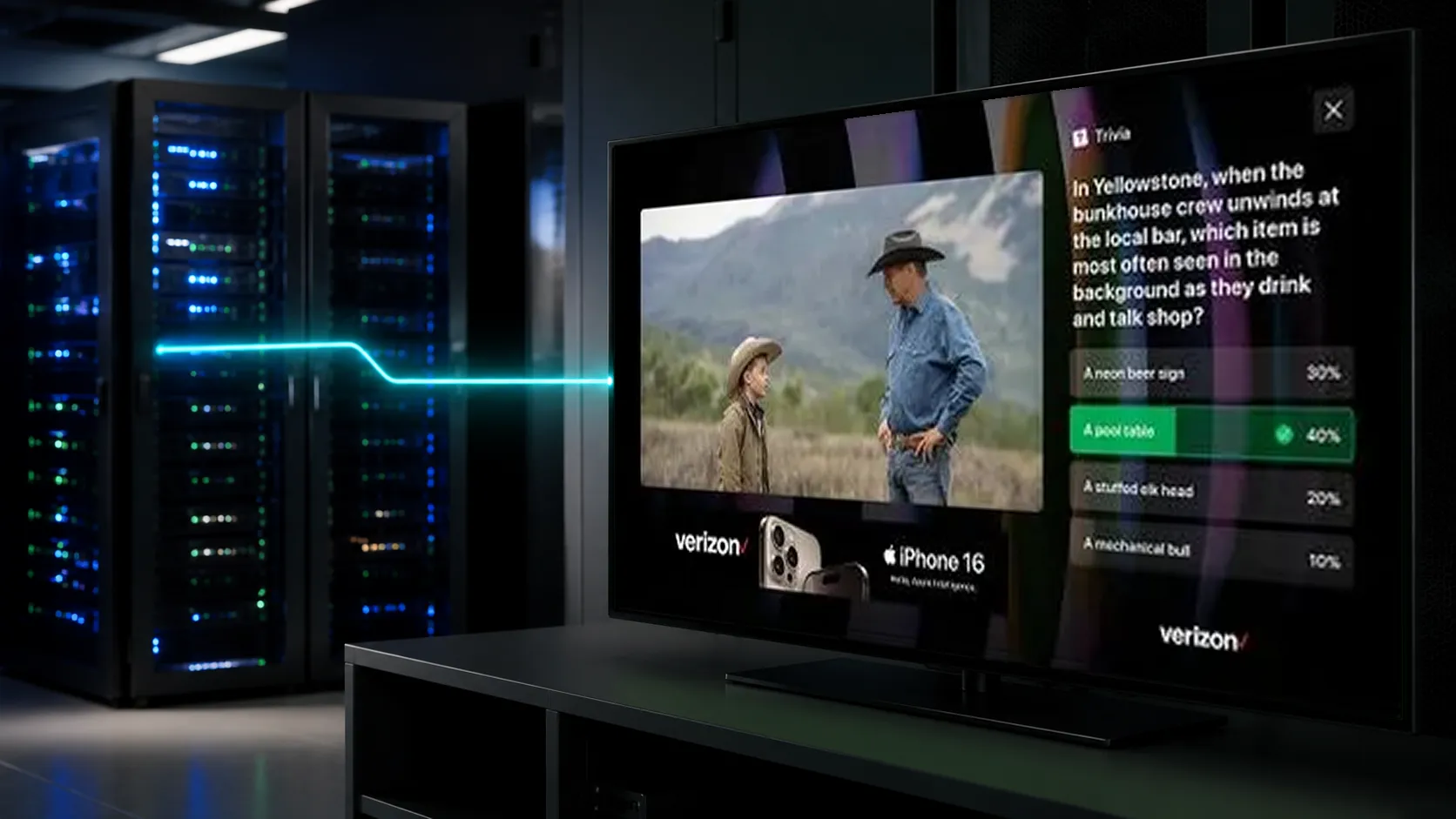
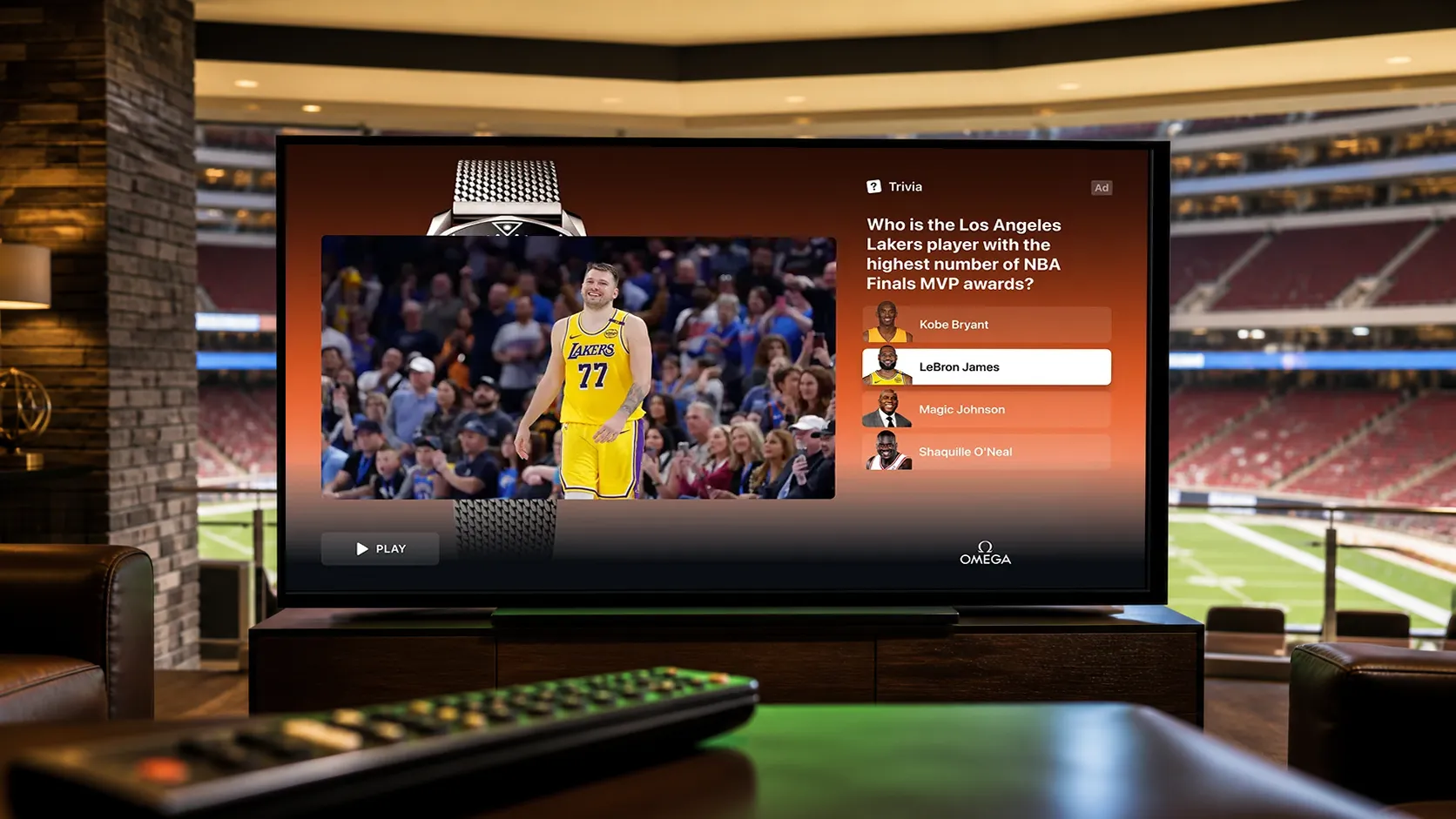
StreamLayer SGAI orchestrates interactive advertising rendered by the client SDK while existing video delivery continues. Pause Ads complement live nonlinear ads and Interactive SSAI companions, each with distinct triggers and measurement.
Explore StreamLayer Pause Ads and the pause-ad implementation guide to plan the product and delivery workflow.